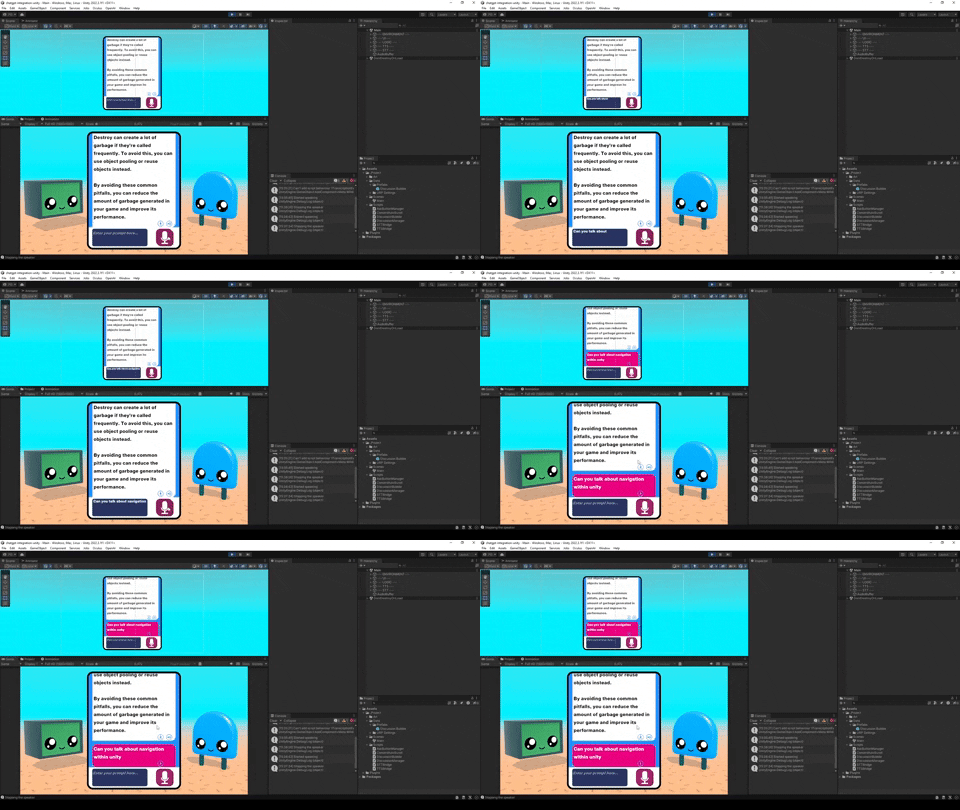
This repository contains a Unity project that integrates with OpenAI for natural language processing. The integration relies on the Oculus Voice SDK for voice recognition capabilities.
To use this project, you will need to download and install the Oculus Voice SDK. Please follow the link below to download the SDK:
- Clone or download this repository.
- Open the Unity project in Unity Editor.
- Import and set up the Oculus Voice SDK by following the documentation provided with the SDK.
- Open the
DiscussionManager.csscript located in the project's scripts folder. - Within the
DiscussionManagerclass, locate the API key placeholders and replace them with your own API keys for OpenAI. - Save the changes to the
DiscussionManager.csscript.
- Make sure you have the necessary dependencies and API keys set up as described in the Setup section.
- Run the Unity project in Unity Editor or build it for the desired platform.
- Follow the provided instructions within the project to interact with the OpenAI integration using voice commands.
Please note that this project relies on the Oculus Voice SDK and requires valid API keys for OpenAI. For any questions or support regarding the Oculus Voice SDK, please refer to the Oculus developer resources and community.
Check out the project demo on YouTube: