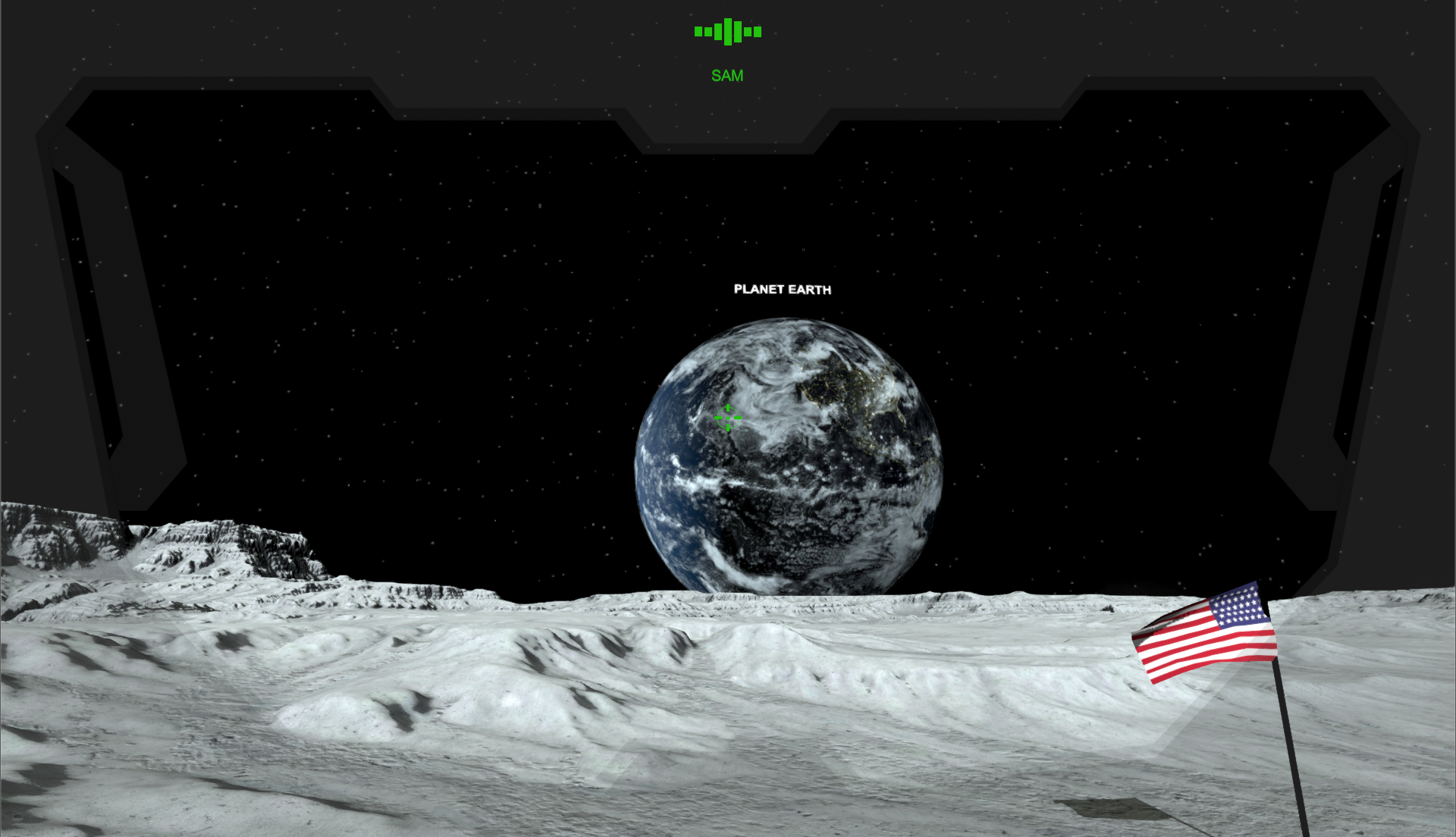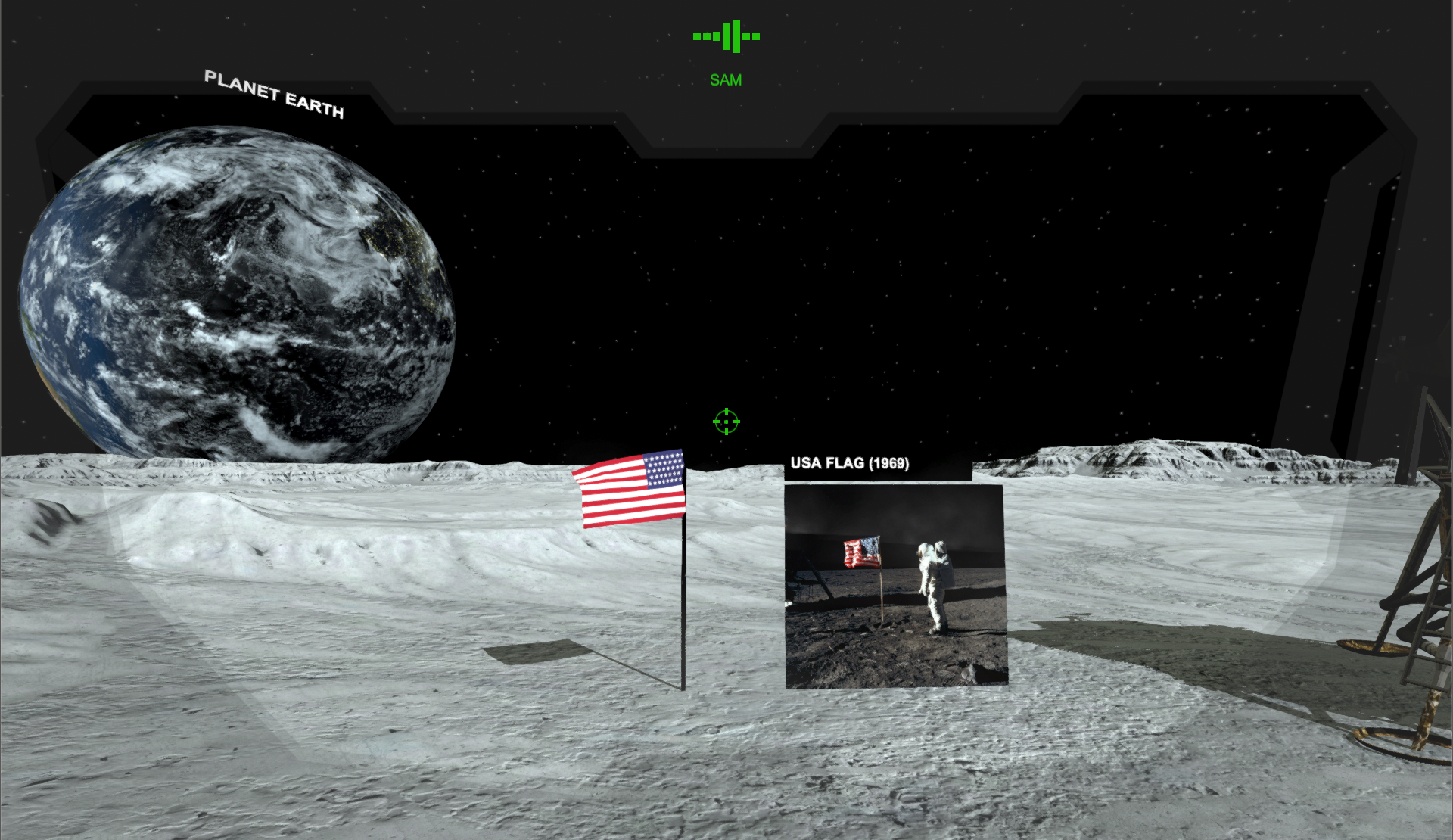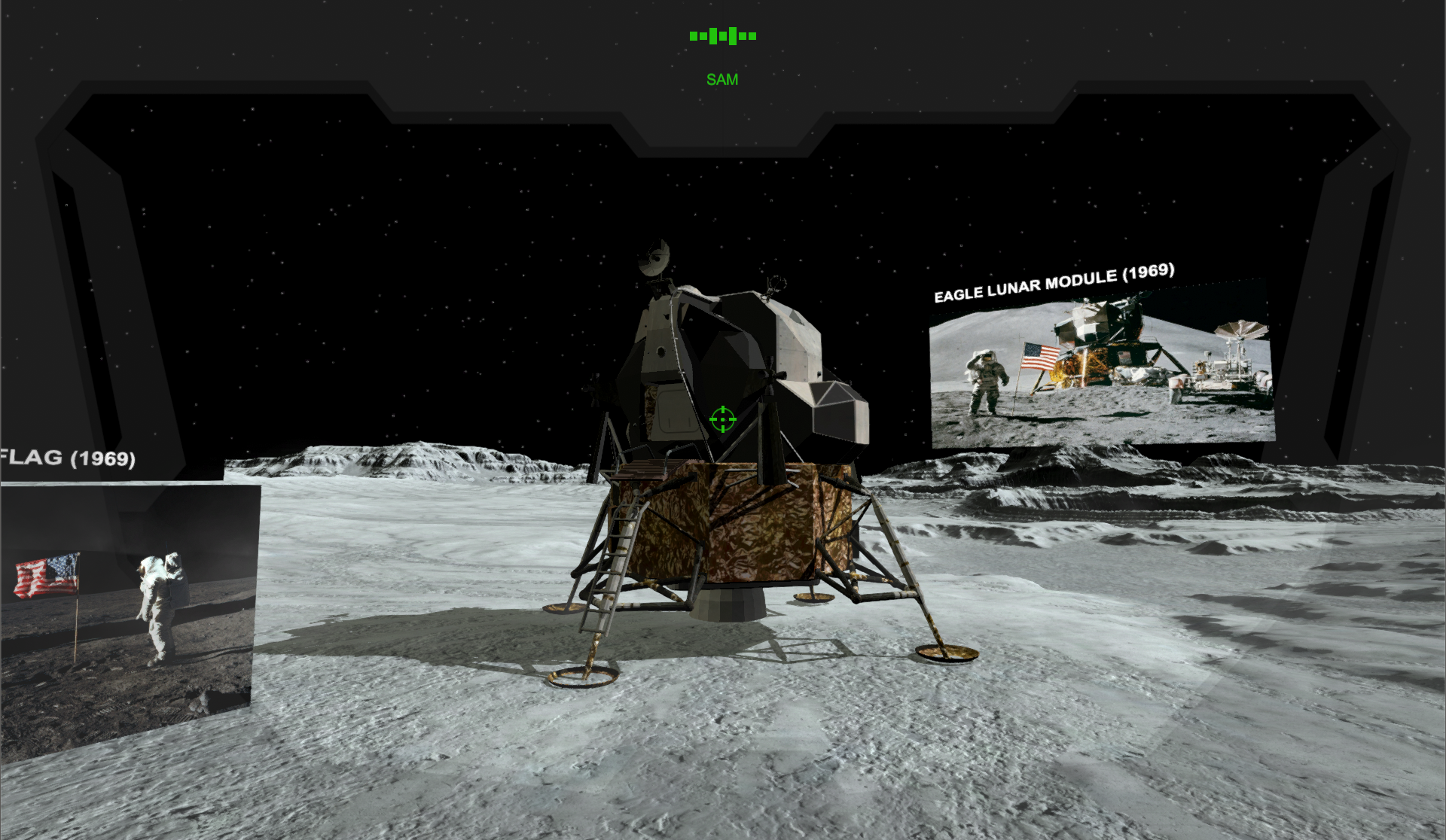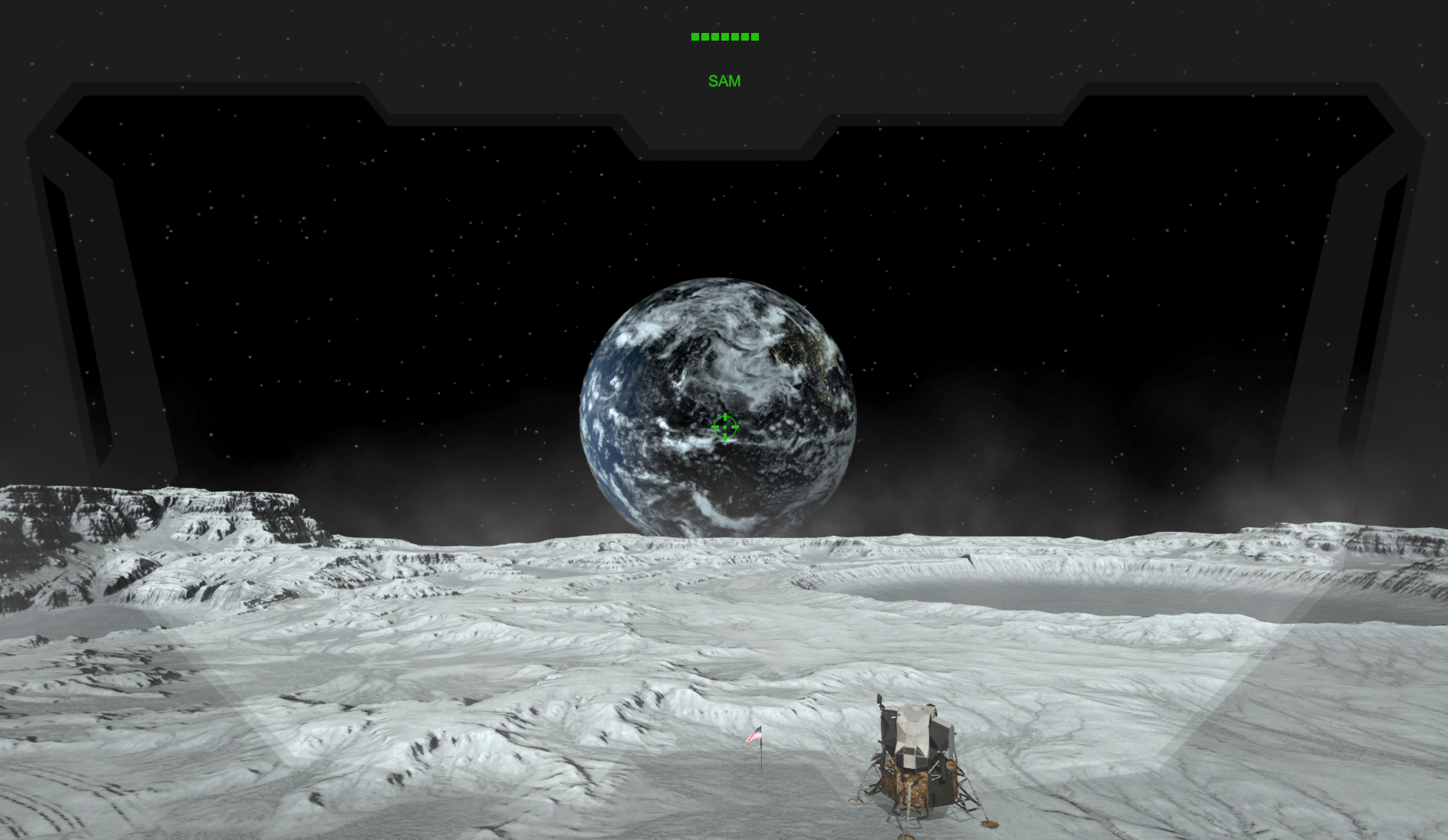
Despite a timid and difficult start, the virtual reality sector has managed to establish itself on the world market in recent years with the arrival of a multitude of headsets offering VR experiences to users.
At the same time, the market for intelligent voice assistants is also enjoying great success and is expanding rapidly, displaying artificial intelligences capable of understanding natural language and responding to the requests of different users.
In order to analyze the potential of combining these two successful technologies within a single VR application, we developed a solution that integrates the different features of a voice assistant into a virtual reality application using the IBM Watson service as part of our Bachelor's thesis.
The final application offers the user a virtual reality experience allowing him to communicate directly with artificial intelligence. In short, the user is able to have a natural discussion with a conversational agent and interact with the objects around him through the latter

- The audio stream from the microphone is recorded and stored by the application.
- A temporary audio file is then created and sent to the IBM Watson Speech to Text service. The latter performs voice recognition on the audio file and returns the text transcription to the application.
- The application sends the text message from the IBM Watson Speech to Text service to the IBM Watson Conversation service. The application adds the user's current context to the message to determine what the user is currently viewing. The conversational agent executes the natural language understanding of the input and returns a response to the application.
- The conversational agent's response is then returned to the IBM Watson Text to Speech service to synthesize a voice message. The application reads the voice message as soon as it is received
DEVELOPMENT ENVIRONMENT :
- Unity3D 5 Personal v2018.2.0f2
- VisualStudio Community v7.4.3 (RUNTIME .NET 4.x Equivalent)
- Java JDK v1.8.0_171
- Android NDK vR13b
- Android SDK v8.1 (Oreo)
INFO : The project currently only supports HTC Vive and Oculus GO.
  .
  ├── README.md
  ├── SAM
  │   └── Assets
  │       └── Animation
  │       └── Audio
  │       └── Materials
  │       └── Models
  │       └── Moon
  │       └── Oculus         #The folder contains the Oculus Utilities SDK to support Oculus GO.
  │       └── SteamVR        #The folder contains the SteamVR SDK to support HTC Vive.
  │       └── VRTK           #The folder contains the VRTK SDK to support multiplatform.
  │       └── Watson         #The folder contains the IBM Watson Unity SDK to support all IBM Watson services
  │       └── Scripts        #The folder contains all scripts created for the application
  │       └── Settings
  │       └── Scenes
  │       └── Skybox
  │       └── SolarSystem
  │       └── Textures
  └── .gitignore
SDK : Oculus Utilities v1.27.0
Oculus, SteamVR v1.2.3SteamVR, VRTK v3.3.0-alphaVRTK, WATSON v2.5.0WatsonASSETS : Moon Environment v2.0Moon,Neutron Solar System Pack v2.2SolarSystem,Cloth animation-based flag v1.0Models,Apollo Lunar Module VR / AR / low-poly 3D modelModels,
git clone https://github.com/Piscinelove/SAM
INFO : We do not provide our credentials and IBM Watson Conversation service workspace on this GitHub platform. The latter was hand-delivered to the Bachelor's follow-up teacher.
- Log in to IBM Cloud at https://console.bluemix.net.
- Select the services you want to use.
- Select Service credentials.
- Select View credentials to access your credentials.
- Save it.
- Enter credentials in the scripts inspector using the services.