
Before learning PostgreSQL it is needed to install it.
I faced some problems installing PostgreSQL in Ubuntu 20.04, and this made me search for alternative ways.
I decided to create a Docker container with PostgreSQL and another container with PGAdmin4 to interact with the PostgreSQL databases.
-
Docker and Docker Compose installed on the system where you want to create the containers;
-
A browser and internet connection to download the Docker images;
-
A text editor;
-
A Command Line Interface (CLI) tool;
The most practical way I found to do that is creating a .yml file with the parameters and configurations for the container creation. Another file is needed to avoid having sensitive data, like passwords, in the .yml file. This file is the .env file, and for obvious reasons, it was not uploaded to GitHub. I created the env_example file to show the format the data is kept inside the .env file.
If you want to use this project as a starting point, clone it and customize it for your needs. When the changes are ready, you will just need to navigate to the project folder and run the following command to create the containers to have your environment ready:
docker-compose up -d
The answer was:
Creating network "pg_on_docker_postgres-pgadmin-network" with driver "bridge"
Recreating pg_on_docker_postgres_1 ... done
Creating pg_on_docker_pgadmin4_1   ... done
After that, use a browser to access PGAdmin4: localhost:5050
Use the port you have configured in the .yml file
  pgadmin4:
    image: "dpage/pgadmin4:latest"
    # pgadmin4 Docker image
    ports:
      - "5050:80"
You should see a window like this:
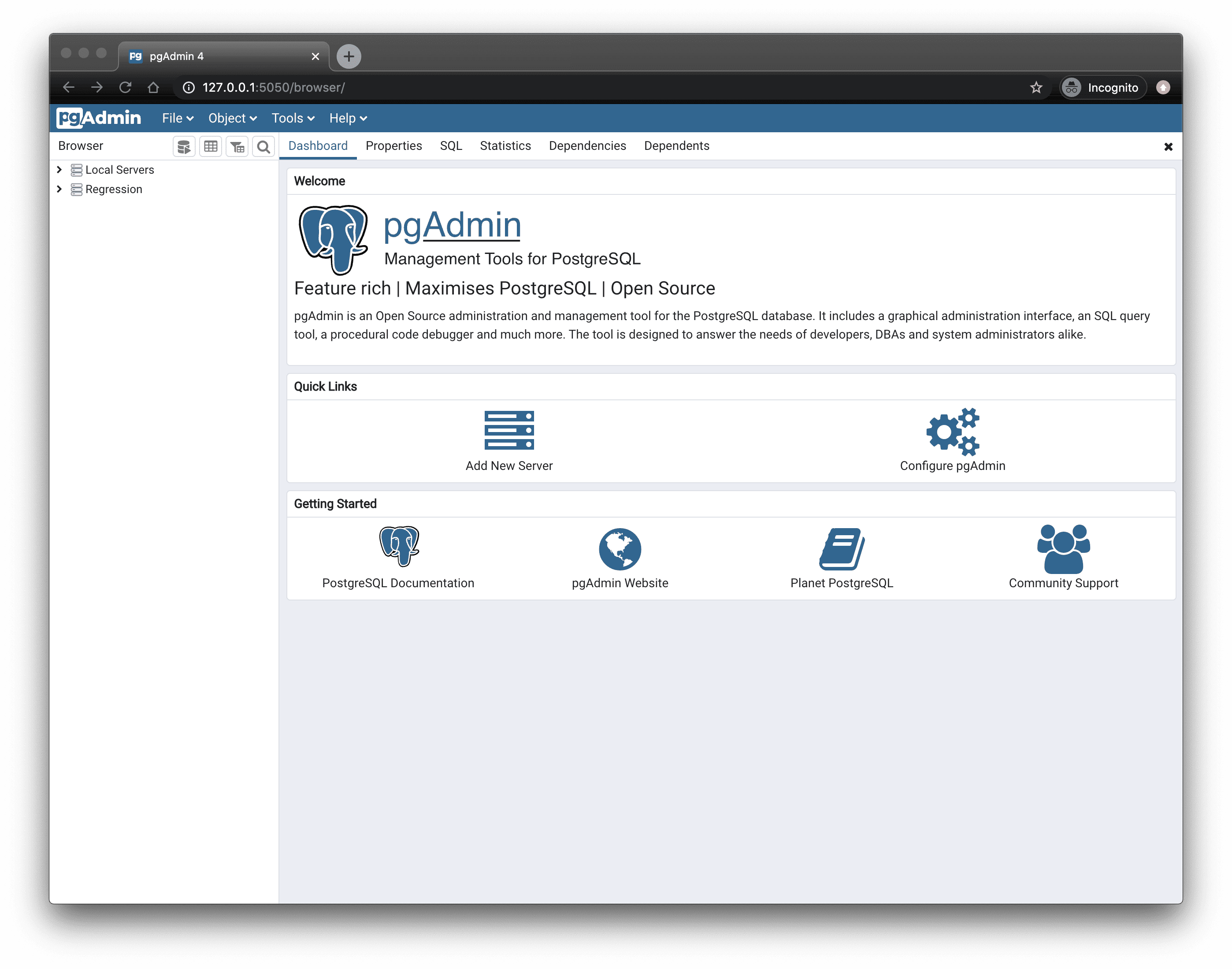
You can interact with the PostgreSQL database using the PGAdmin interface, and none of them were installed in you system.
That's it!