- Ensure Python 3 and Git are installed on your machine.
- Make sure Git is configured with your GitHub account.
- Create a new empty GitHub repository (either public or private, but I recommend private). Do not initialize it with a README.
- Download the script (
dev.py) and open it in your preferred text editor.
- Remove the
commit.txt file from the repository folder.
- Configure the script as per your needs. Update the following variables in the script:
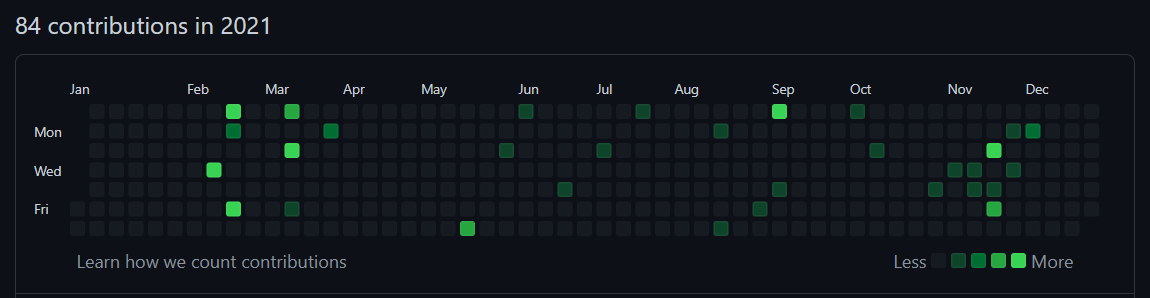
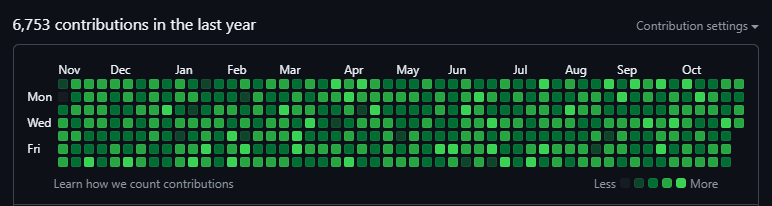
total_day = 366  # Number of days to go back in time
commit_frequency = 10  # Number of commits to make per day
repo_link = "https://github.com/yourusername/yourrepository.git"  # Link to your GitHub repository