TL;DR: An interactive CLI to scaffold VS Code extensions with React webviews. Get hot reload in development and a secure production build instantly.
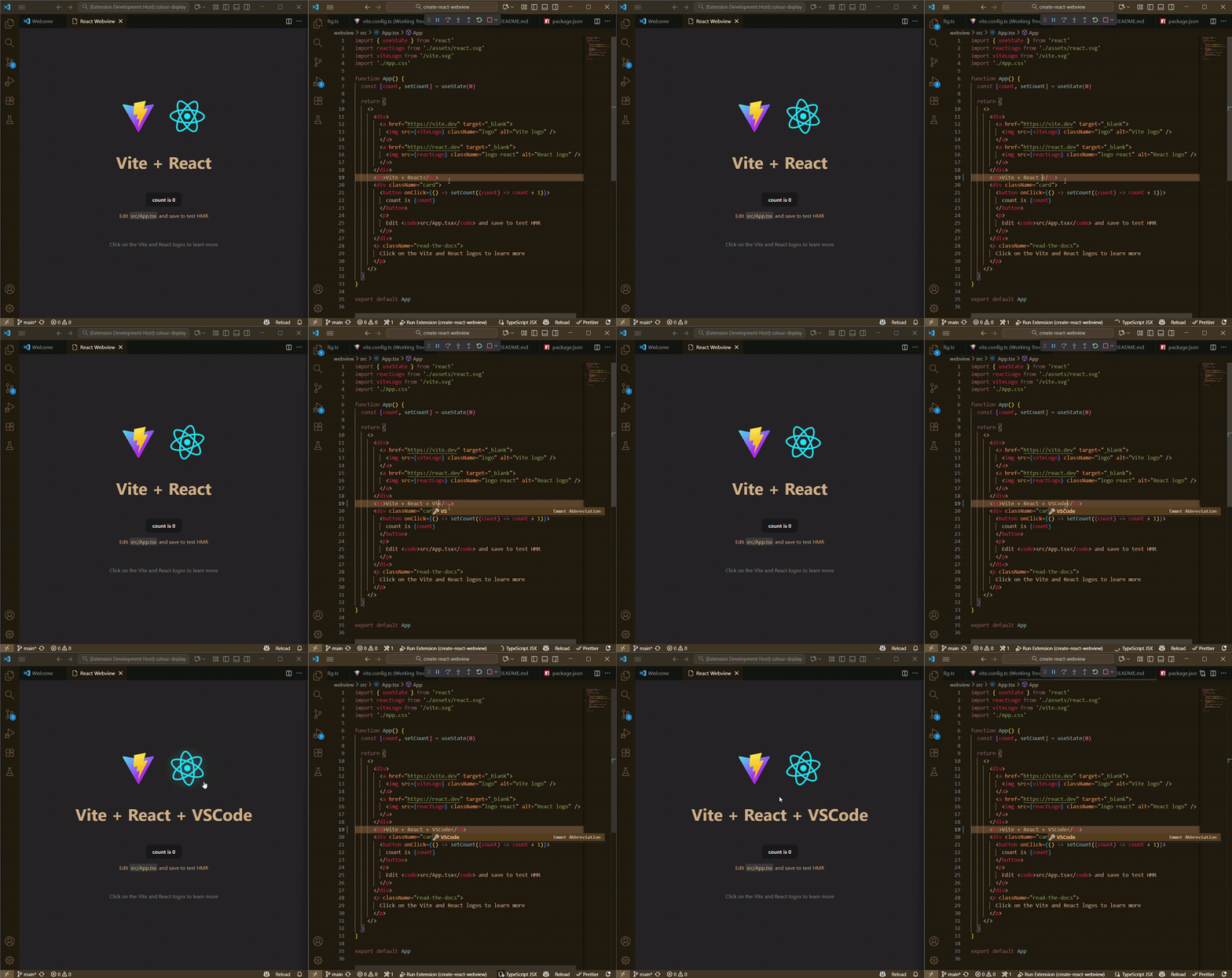
✨ Interactive CLI - Colorful prompts guide you through setup
🚀 Modern Stack - TypeScript, React 18+, and Vite out of the box
🔥 Hot Reload - HMR with React Fast Refresh in development
🔒 Production Ready - Secure CSP-compliant bundle
📦 Pre-configured - ESLint, TypeScript, and best practices included
npm create react-webviewnpm create react-webview my-extension# pnpm
pnpm create react-webview
# yarn
yarn create react-webview
# npx
npx create-react-webview- Extension code in TypeScript ready to customize
- React webview with Vite configured for hot reload
- Pre-built scripts for dev, build, and test
- Content Security Policy (CSP) safe in production
- Hot Module Replacement (HMR) via Vite for instant feedback
- Vite dev server runs on
localhost:5174 - React Fast Refresh enabled for seamless updates
- Wide-open CORS for local development
- Secure bundle with strict Content Security Policy
- No
unsafe-eval- production-ready security - Asset URLs rewritten with
webview.asWebviewUri() - Minified and optimized build
After scaffolding:
cd my-extension
code .cd webview
npm run devThis launches the Extension Development Host. Run the Hello World command from the Command Palette to see your React app in the Webview with Hot Reload enabled!
For a detailed deep-dive into how this template works, including architecture, security considerations, and implementation details, read:
📖 How to use React with a VSCode Webview
cd webview
npm run build
Then publish to the VS Code Marketplace following the official guide.
- ✏️ Customize the UI in
webview/src/App.tsx - 🔧 Add extension logic in
src/extension.ts - 💬 Implement webview/extension communication
- 🚀 Publish to the VS Code Marketplace
⭐️ If you found this helpful, consider starring the repo!
MIT