ROCm Warp is a port of the Warp library and adds support for AMD instinct GPUs. This project is in active development.
Warp is a Python framework for writing high-performance simulation and graphics code. Warp takes regular Python functions and JIT compiles them to efficient kernel code that can run on the CPU or GPU.
Warp is designed for spatial computing and comes with a rich set of primitives that make it easy to write programs for physics simulation, perception, robotics, and geometry processing. In addition, Warp kernels are differentiable and can be used as part of machine-learning pipelines with frameworks such as PyTorch, JAX and Paddle.
- Python 3.9+
- ROCm 7.0 or higher (for HIP builds)
- Git LFS installed
Supported GPU: gfx942 MI325x
Supported ROCm version: 7.1.1, 7.2.1
Supported Rock Build version: rocm-7.9.0rc20250930
Python version 3.9 or newer is required. ROCm Warp is currently supported on AMD Instinct GPUs with ROCm 7.x
HIP/ROCm is auto-detected just like CUDA. Ensure ROCm 7.x is installed
and hipcc, hipconfig are on your PATH or under ROCM_PATH.
If you're using TheRock (e.g., rocm/rocm-sdk wheels), locate the install root with
rocm-sdk path --bin and set ROCM_PATH to its parent directory so the toolchain and headers resolve
correctly.
Clone the repository
git clone https://github.com/ROCm/warp.git
We can then build and install warp using
cd warp/
python build_lib.py
pip install -e .
The build script will automatically detect and enable HIP if ROCm is found.
You can also specify a custom ROCm path with --rocm-path="...".
- To target a specific AMD GPU architecture, pass
--hip-arch="gfx942". - For a non-fat build, building for the default architecture (gfx942) pass
--quick. - To build in debug mode, pass
--mode=debug.
The warp/examples directory contains a number of scripts categorized under subdirectories
that show how to implement various simulation methods using the Warp API.
Most examples will generate USD files containing time-sampled animations in the current working directory.
Before running examples, users should ensure that the usd-core, matplotlib are installed using:
pip install usd-core matplotlib pyglet
Examples can be run from the command-line as follows:
python -m warp.examples.<example_subdir>.<example>
Since the current build is targetting AMD Instinct GPUs the examples with opengl may not work.
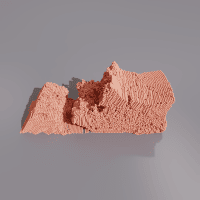 |
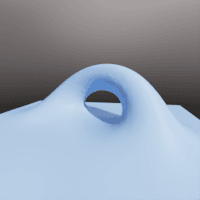 |
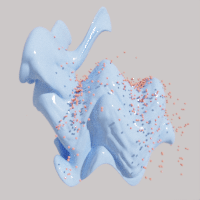 |
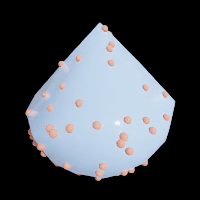
| dem | marching cubes | mesh |
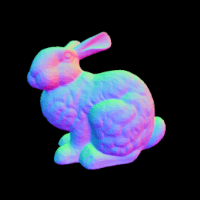 |
 |
 |
| raycast | raymarch | sample mesh |
 |
 |
 |
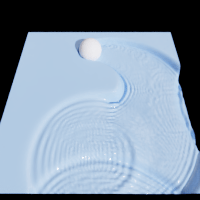
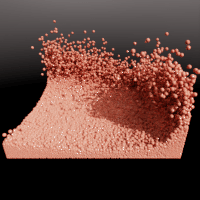
| wave | sph | torch |
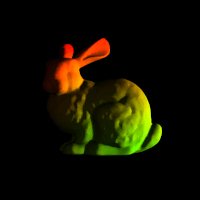 |
| diffray |
 |
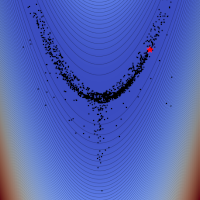
| mlp |
Problems, questions, and feature requests can be opened on GitHub Issues.
Warp is provided under the Apache License, Version 2.0. Please see LICENSE.md for full license text.
This project will download and install additional third-party open source software projects. Review the license terms of these open source projects before use.
Contributions and pull requests from the community are welcome.
Please setup pre-commit hooks using
pip install pre-commit
And then in the source directory of the project
pre-commit install
To cite Warp itself in your own publications, please use the following BibTeX entry:
@misc{warp2022,
  title        = {Warp: A High-performance Python Framework for GPU Simulation and Graphics},
  author       = {Miles Macklin},
  month        = {March},
  year         = {2022},
  note         = {NVIDIA GPU Technology Conference (GTC)},
  howpublished = {\url{https://github.com/nvidia/warp}}
}