Other contributors: https://github.com/Awle https://github.com/lorcanob
https://exoplanetarchive.ipac.caltech.edu/cgi-bin/TblView/nph-tblView?app=ExoTbls&config=koi https://www.kaggle.com/keplersmachines/kepler-labelled-time-series-data
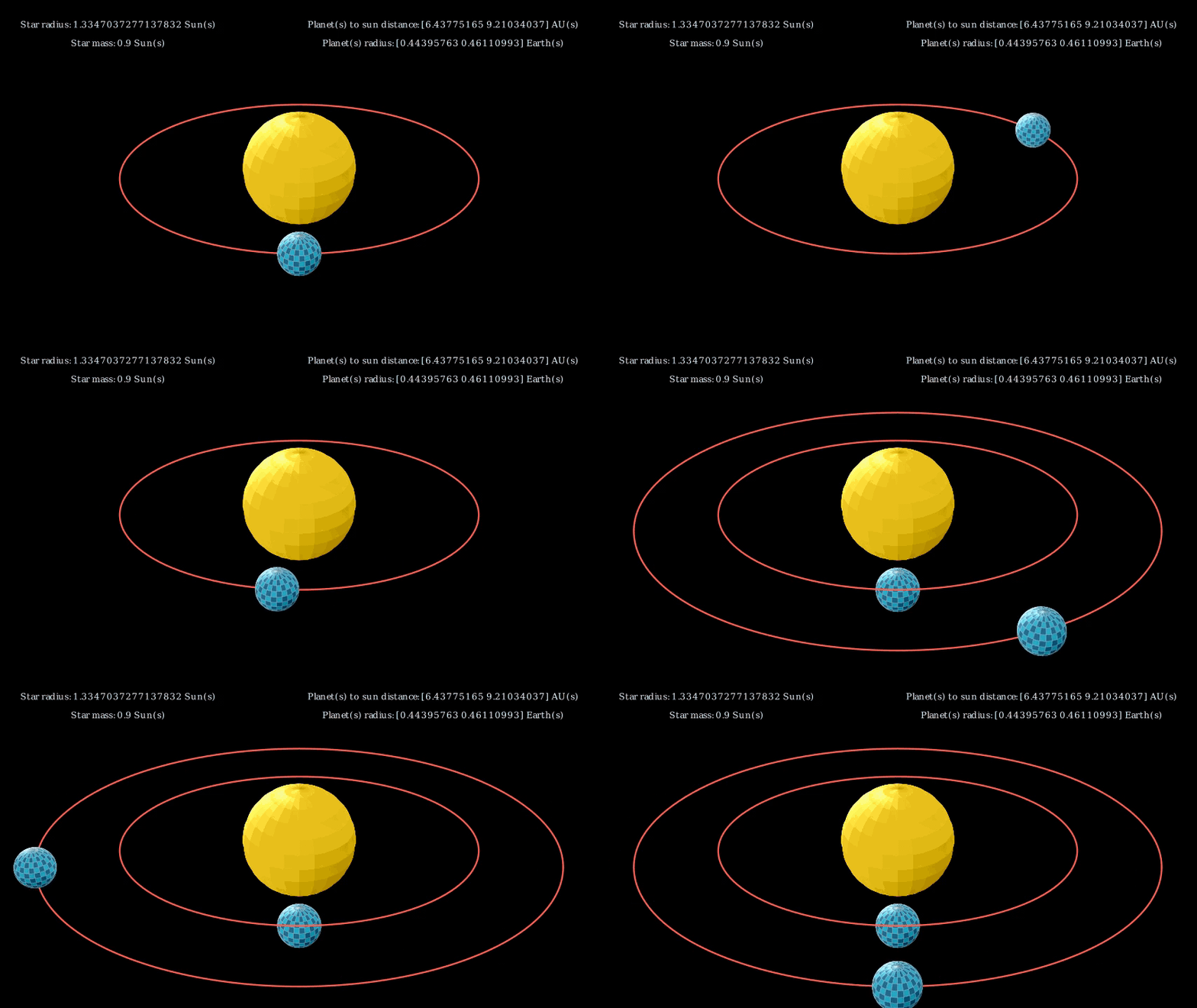
Our goal is to create a neural network that can either, take in raw data of light curves and help predict whether or not there are exo-planets present, or a Kepler object identifier number and return data on that system and a manim graphic. The end product will be in the form of a streamlit website.
- Document here the project: exo-hunter
- Description: Project Description
- Data Source:
- Type of analysis:
Please document the project the better you can.
The initial setup.
Create virtualenv and install the project:
sudo apt-get install virtualenv python-pip python-dev
deactivate; virtualenv ~/venv ; source ~/venv/bin/activate ;\
    pip install pip -U; pip install -r requirements.txt
Unittest test:
make clean install testCheck for exo-hunter in gitlab.com/{group}. If your project is not set please add it:
- Create a new project on
gitlab.com/{group}/exo-hunter - Then populate it:
##   e.g. if group is "{group}" and project_name is "exo-hunter"
git remote add origin git@github.com:{group}/exo-hunter.git
git push -u origin master
git push -u origin --tags
Functionnal test with a script:
cd
mkdir tmp
cd tmp
exo-hunter-runGo to https://github.com/{group}/exo-hunter to see the project, manage issues,
setup you ssh public key, ...
Create a python3 virtualenv and activate it:
sudo apt-get install virtualenv python-pip python-dev
deactivate; virtualenv -ppython3 ~/venv ; source ~/venv/bin/activate
Clone the project and install it:
git clone git@github.com:{group}/exo-hunter.git
cd exo-hunter
pip install -r requirements.txt
make clean install test                # install and test
Functionnal test with a script:
cd
mkdir tmp
cd tmp
exo-hunter-run