Faunapedia is a hybrid platform combining a collaborative animal encyclopedia with social network features. Users can browse animal species and share their own photos to contribute to the gallery.
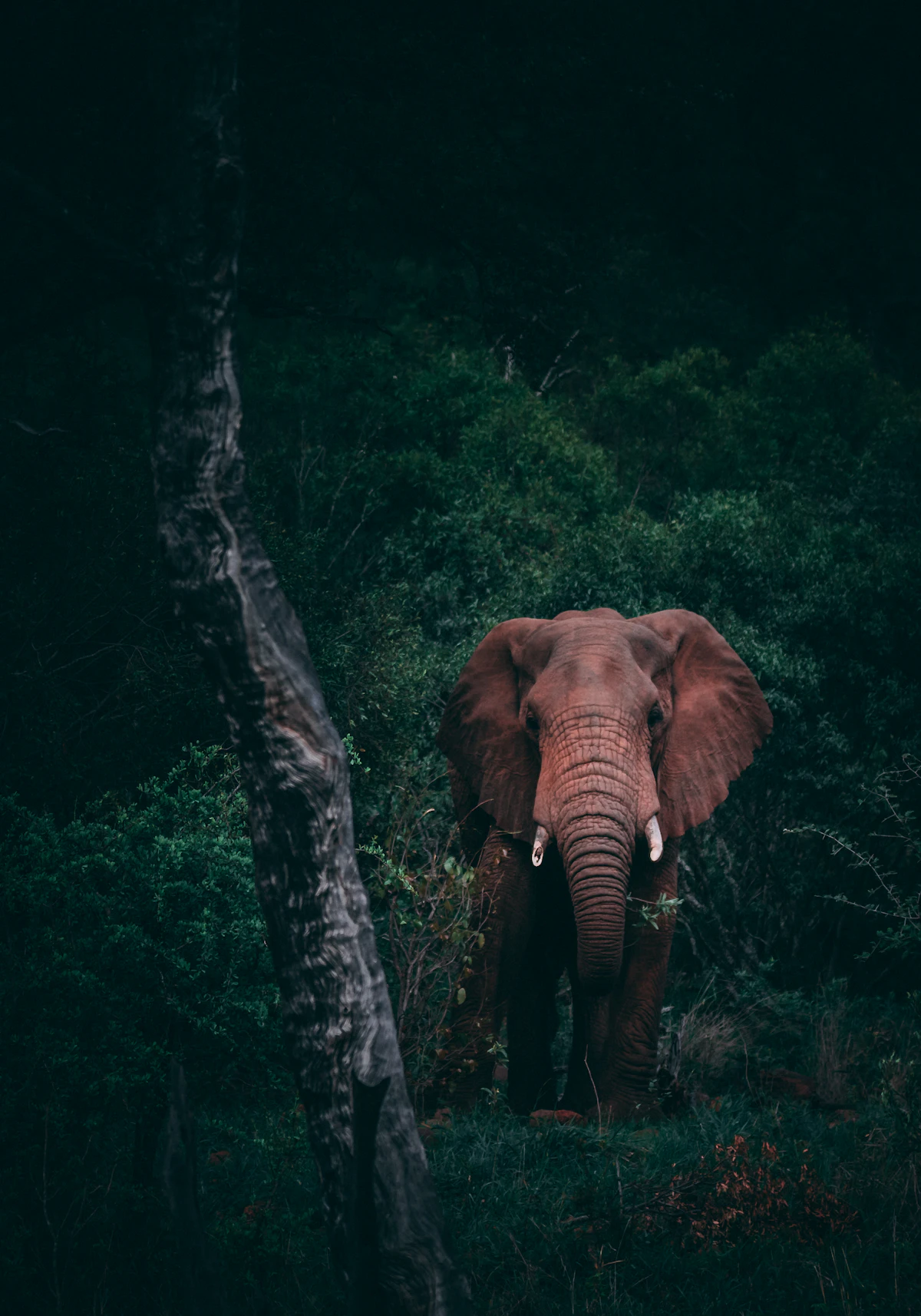
- 📖 Animal Encyclopedia: Explore detailed fact sheets (Lion, Elephant, Wolf, etc.) with scientific names and descriptions.
- 📸 Social Sharing: Post your own animal photos with captions.
- 🏷️ Categorization: Filter animals by Mammals, Birds, Reptiles, etc.
- 🔐 Authentication: Secure User Sign-up/Login powered by Clerk.
- ☁️ Cloud Storage: Secure image uploads via AWS S3 (Presigned URLs).
- 📱 Responsive UI: Modern, responsive interface built with Tailwind CSS.
- Framework: Next.js 15 (App Router)
- Language: TypeScript
- Database: MongoDB (via Mongoose)
- Authentication: Clerk
- Storage: AWS S3
- Styling: Tailwind CSS
git clone https://github.com/yourusername/faunapedia.git
cd faunapedia
npm installCreate a .env.local file in the root directory and add the following keys:
# MongoDB
MONGODB_URI=mongodb+srv://<user>:<password>@cluster.mongodb.net/faunapedia

# Clerk Auth
NEXT_PUBLIC_CLERK_PUBLISHABLE_KEY=pk_test_...
CLERK_SECRET_KEY=sk_test_...
CLERK_WEBHOOK_SECRET=whsec_...

# AWS S3 STORAGE
AWS_ACCESS_KEY_ID=AKIA...
AWS_SECRET_ACCESS_KEY=...
AWS_REGION=eu-west-3
AWS_BUCKET_NAME=your-bucket-namePopulate your local database with initial animal species:
npm run dev
# Then open a separate terminal and run:
curl http://localhost:3000/api/seednpm run devOpen http://localhost:3000 to view the app.
├── src
│   ├── app          # Next.js App Router Pages & API
│   ├── actions      # Server Actions (Backend Logic)
│   ├── components   # React Components (UI)
│   ├── lib          # Utilities (Mongoose, S3 Client)
│   ├── models       # Mongoose Schemas (User, Animal, Post)
│   └── types        # TypeScript Interfaces
└── public           # Static assets
Contributions are welcome! Please feel free to submit a Pull Request.
This project is licensed under the MIT License.