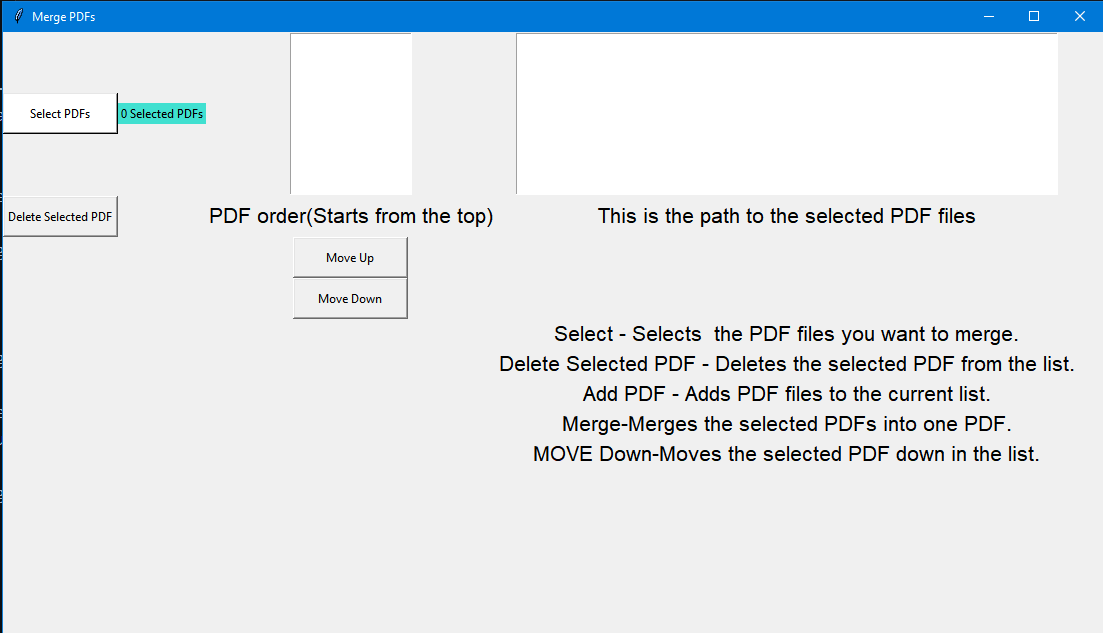
I created a PDF Merger ready to be used by anyone. Inside the build folder there is an .exe that runs the program without the need of an IDE. Quick tutorial: (If you're using the "build.rar" file just follow theese two steps: -Click the build folder
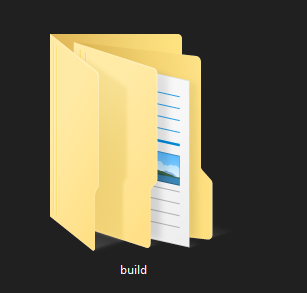
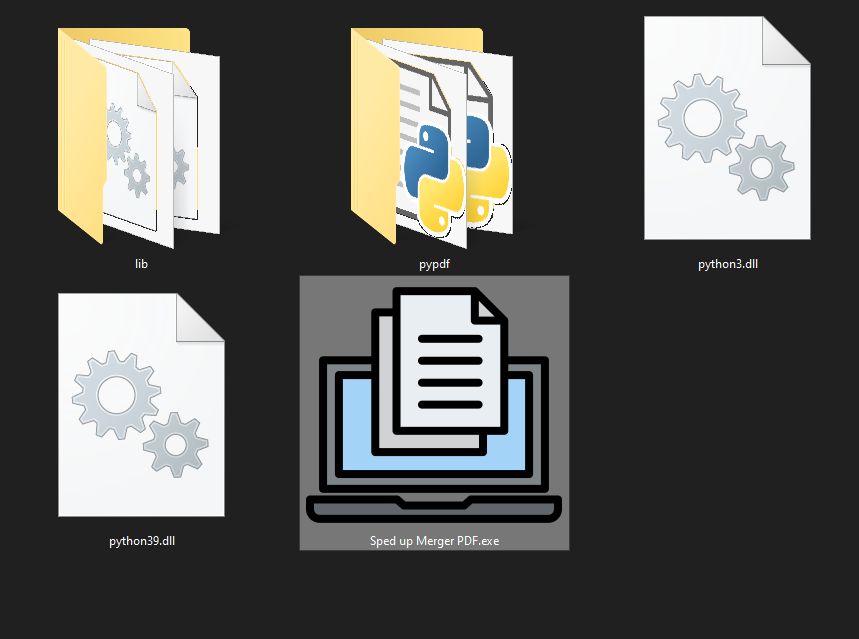
-Choose the "exe.win-amd64-3.9" folder

-Double click the "Sped up Merger PDF.exe"
---------------------------------------------------Running the program--------------------------------------------------------------------------------------------------- 1 Select any PDF files you want to merge into one
2 You have the choice to merge them or change the order in any way you want using the "Move up", "Move down" buttons.
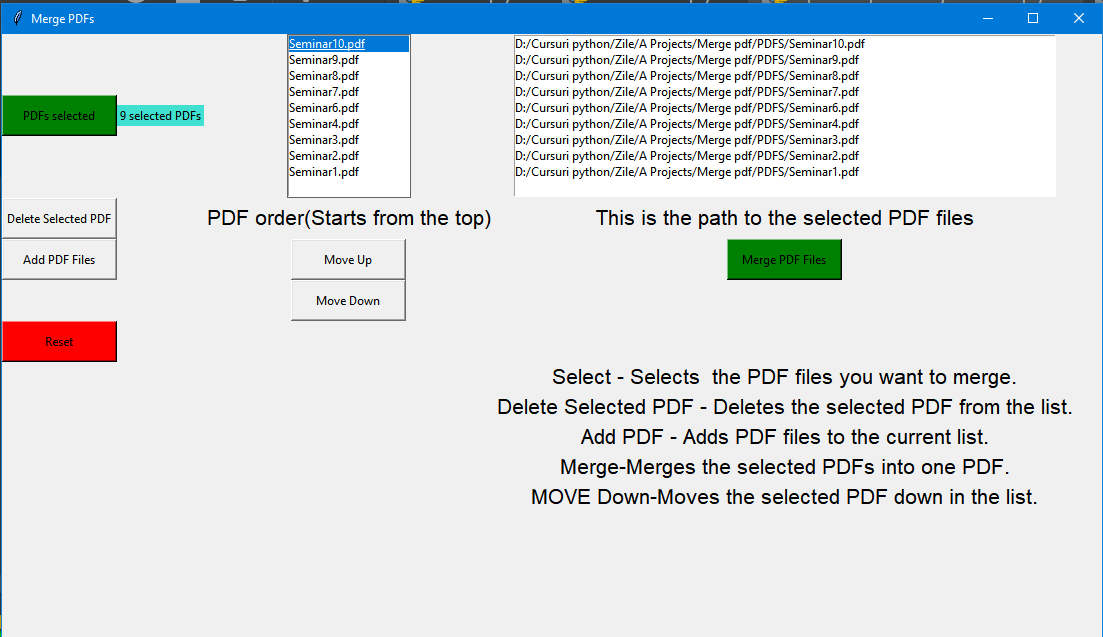
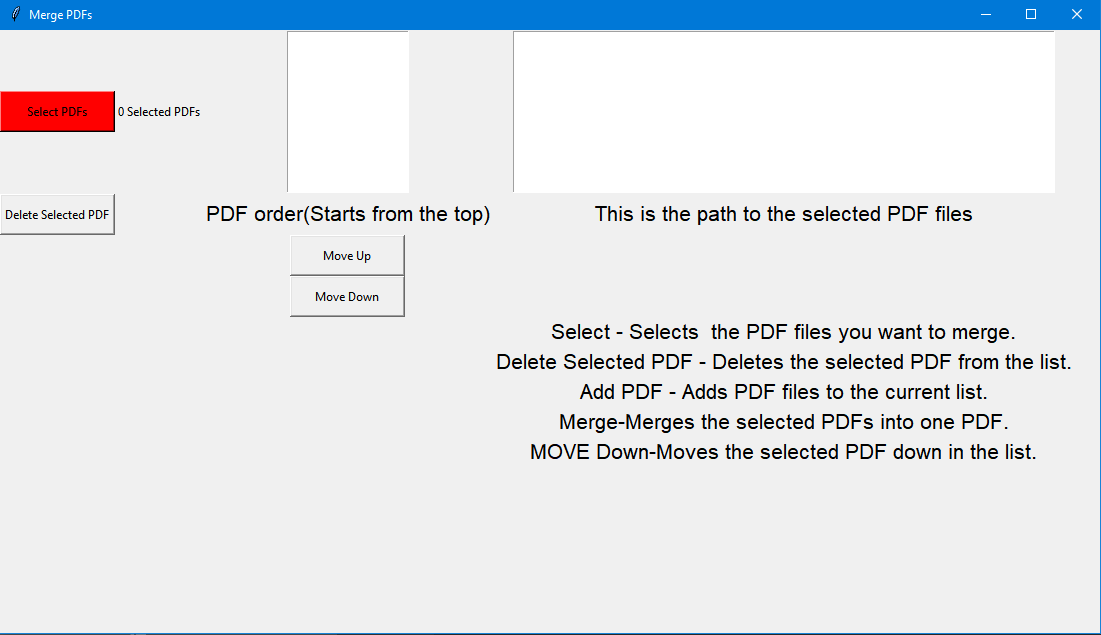
3 Selecting new pdfs will reset the entire selections as shown below so if you want to add files use the "Add PDF Files" or "Delete Selected PDF" if you want to remove a file
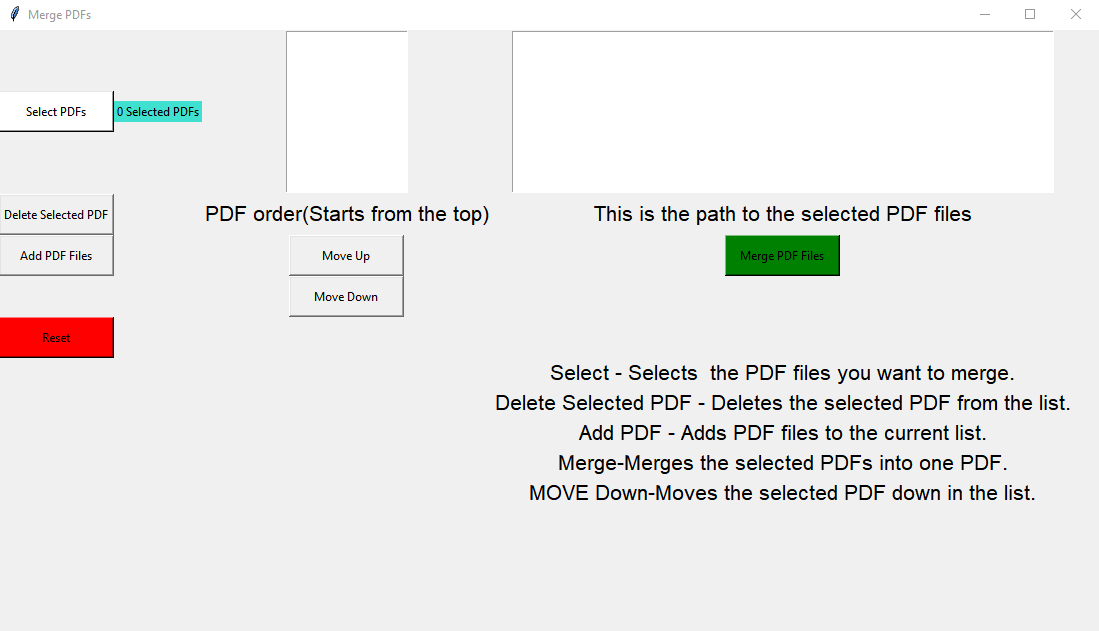
4 The "Reset" button will reset the program