📚 Book Worm
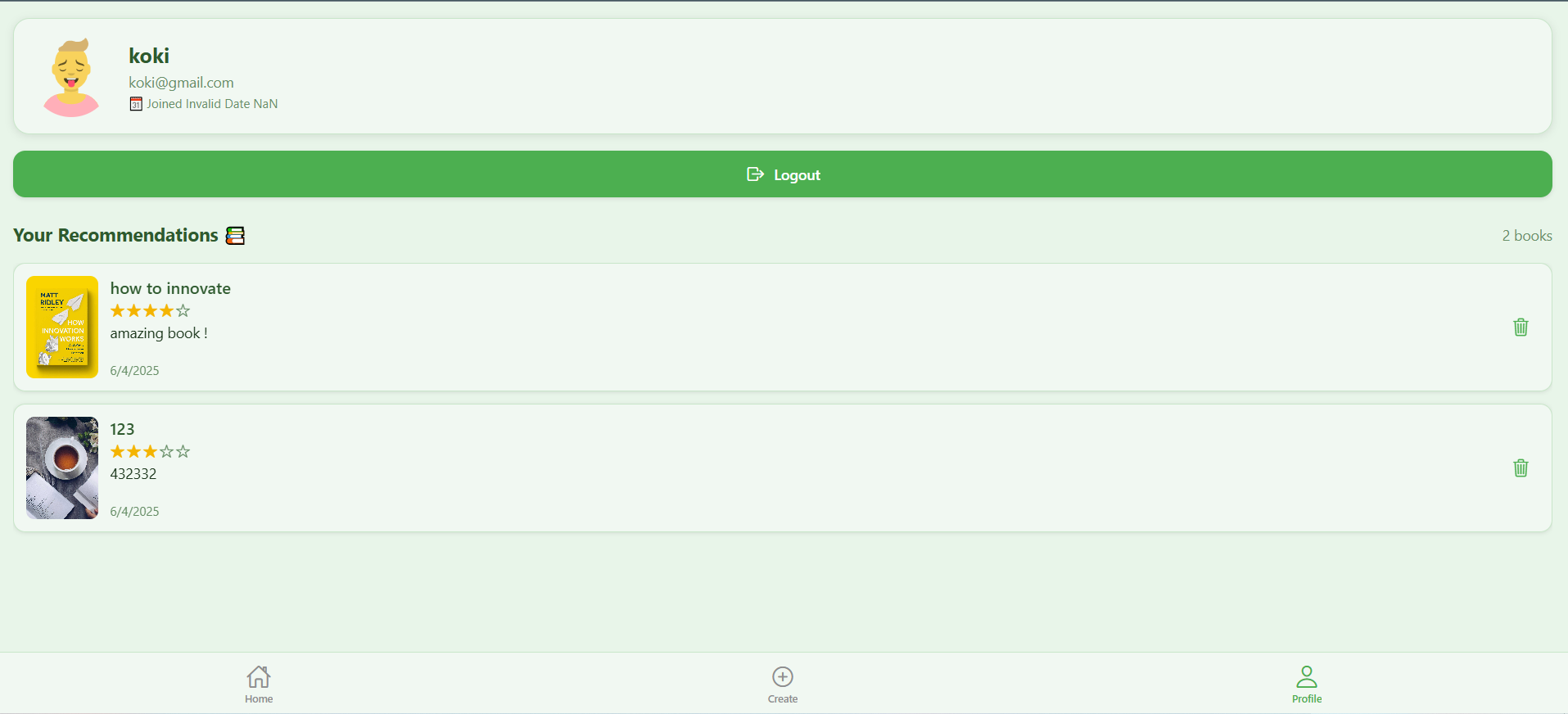
🌱 Features 📖 Mobile CRUD operations
📷 Upload and share book photos
📰 Centralized feed of community book picks
🔐 Backend API with JWT authentication
☁️ Cloudinary image upload support
📦 Tech Stack Frontend: React Native (Expo)
Backend: Express.js, MongoDB
State Management: Zustand
Image Hosting: Cloudinary
Auth: JWT
🚀 Getting Started 📁 Clone the Repositories bash Copy Edit
git clone https://github.com/ReactRay/book-worm-backend.git
git clone https://github.com/ReactRay/book-worm.git 📦 Backend Setup bash Copy Edit cd book-worm-backend npm install 🧪 Create a .env file in the root: env Copy Edit PORT=3000 MONGO_URI=<YOUR_MONGO_DB_URI> JWT_SECRET=<YOUR_VERY_HARD_TO_FIND_SECRET>
CLOUDINARY_CLOUD_NAME=<YOUR_CLOUDINARY_CLOUD_NAME> CLOUDINARY_API_KEY=<YOUR_CLOUDINARY_API_KEY> CLOUDINARY_API_SECRET=<YOUR_CLOUDINARY_API_SECRET> ▶ Start the Backend bash Copy Edit npm run dev 📱 Mobile App Setup bash Copy Edit cd book-worm npm install 🔧 Set the API URL In your constants.js or config file, set the backend URL:
js Copy Edit export const API_URL = '<YOUR_DEPLOYED_API_URL>'; ▶ Start the App bash Copy Edit npx expo start Choose how to open the app:
Android emulator
iOS simulator
Expo Go (scan the QR code)
You'll need the Expo Go app installed on your device.
🧼 Optional: Reset Project Template bash Copy Edit npm run reset-project ☁️ Cloudinary Setup Use Cloudinary’s Setup Guide to get your API keys and cloud name. You'll need these for image upload functionality in both frontend and backend.