Github Storage - Permission denied (publickey) #3231


-
|
See Edit below Host Info:
Issue
Error Message Screenshots Additional Info Edit
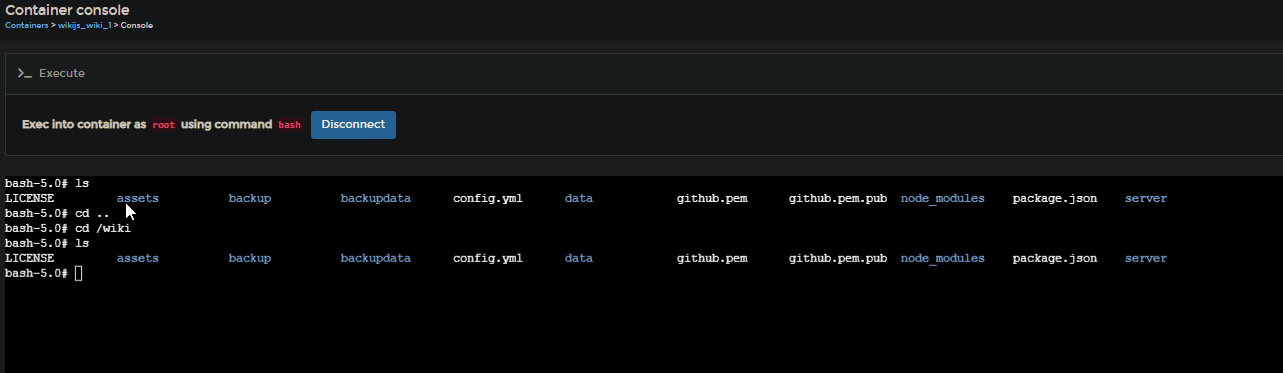
I logged into the container as Root user and performed those commands, now the files appear in my github repository, but I'm getting a new error when trying to force sync trough wikijs Which from what I found might be because I used the user Root inside the docker container with the git command. So I removed the master file and I'm back to the first error I got. I logged into the container as the wikijs user and that gives the same error as wikijs (see screenshot). I also tried to just enter the private key as content in wikijs and then try a git push with the wikijs user inside the Docker Container, but that still gives me a permission error. Screenshots with root user commands |




Beta Was this translation helpful? Give feedback.
Replies: 1 comment 2 replies

-
|
Please don't create the key directly into the container, this is very bad practice and your key will be lost if you upgrade the container to a newer image. Paste the key directly into the web administration area instead... As to why you're having this error: your file permissions to the key are incorrect. The wiki.js process user must have read access to the file. But again, creating the key directly into the container is a big no no. |
Beta Was this translation helpful? Give feedback.

-
|
Thank you for the info, I did not think about having the key in the container to be an issue. everything in data is owned by the node user, while mayne is my administrater user in wikijs. If I change permissions I get the following error I tried setting read access for only one user as well but gives me the same error |
Beta Was this translation helpful? Give feedback.
-
|
I got it working. I removed the git-ssh.pem file a couple times and retried because suddenly it was throwing a wrong format error. I added Now it only shows rw in the access rights for some reason, maybe that was the issue? Not sure why that changed because I never created the file myself, but I'm guessing it's because of the lines I added. |
Beta Was this translation helpful? Give feedback.


Please don't create the key directly into the container, this is very bad practice and your key will be lost if you upgrade the container to a newer image. Paste the key directly into the web administration area instead...
As to why you're having this error: your file permissions to the key are incorrect. The wiki.js process user must have read access to the file. But again, creating the key directly into the container is a big no no.