A real-time skill and XP monitoring overlay for Project: Gorgon.
Note
The software has been tested on Windows. Linux support is present but not yet fully tested. Please provide feedback and raise issues for any problems you encounter.
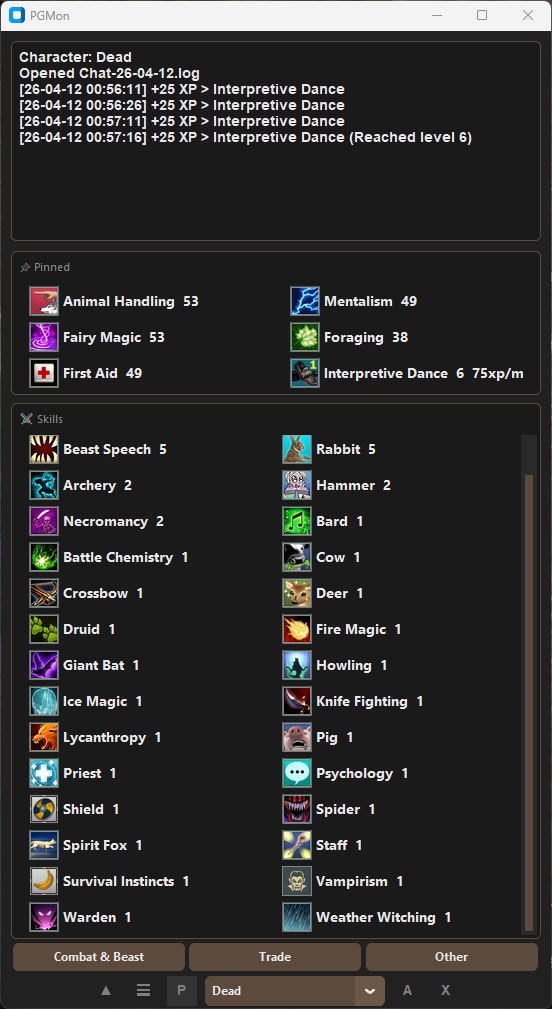
- Live XP tracking from chat logs
- Displays XP/minute or XP/hour per skill
- Skill level display with level-up flash notifications
- Pin any skill to a persistent area that stays visible across tabs
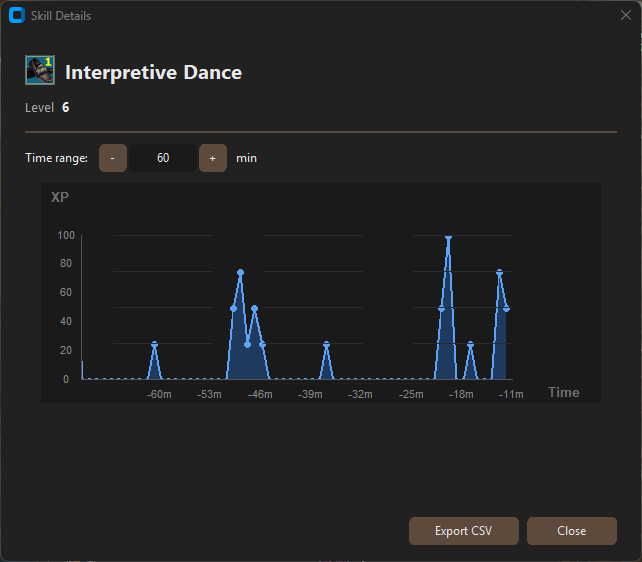
- Click any skill for a detailed XP-over-time chart
- Historical chatlog import
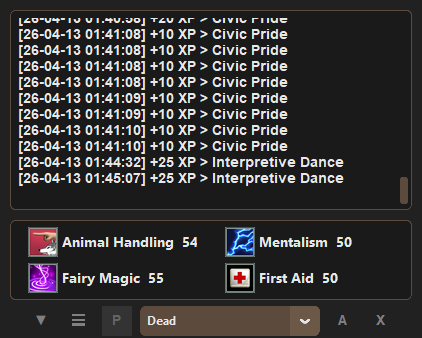
- Full overlay mode
- Configurable refresh interval, flash color, and more
- Python 3.11+
- Project: Gorgon (chat logs must be enabled, may require VIP)
- Download
pgmon.exefrom the latest release. - Place it anywhere and run it, no installation required.
- Download the latest release from the releases page.
- Extract the contents to a folder of your choice.
- Install dependencies:
pip install -e . - Run pgmon:
python -m pgmon Set "Enable debug mode" in the Options to enable debug logging to file.
Include both of the below files when logging a bug report:
- %appdata%\Local\pgmon\pgmon.log
- pgmon.log in the same directory as the executable
-
Some icons (under gui/icons) are from https://game-icons.net/ used under CC BY 3.0. Some changes were made.
-
Game icons (under pg_data/icons) and data (under pg_data) are from https://cdn.projectgorgon.com copyright 2026 Elder Game, LLC.
-
CustomTkinter library and ctkchart library used under the MIT License.
-
Pillow used under the MIT-CMU License (https://github.com/python-pillow/Pillow/blob/main/LICENSE)