
Join: 找夥伴(Finding Partners) is an app that enables you to share your ideas and find collaborators, showcase your skills and portfolios, and start a one-on-one chat or create a group chat with project team members.


- Features
- Create Personal Profile and Portfolio
- Find Ideas
- Find Partners
- Communicate and Collaborate
- Techniques
- Setup the Project
- Libraries
- Credit
- Version
- Release Notes
- Author
- License
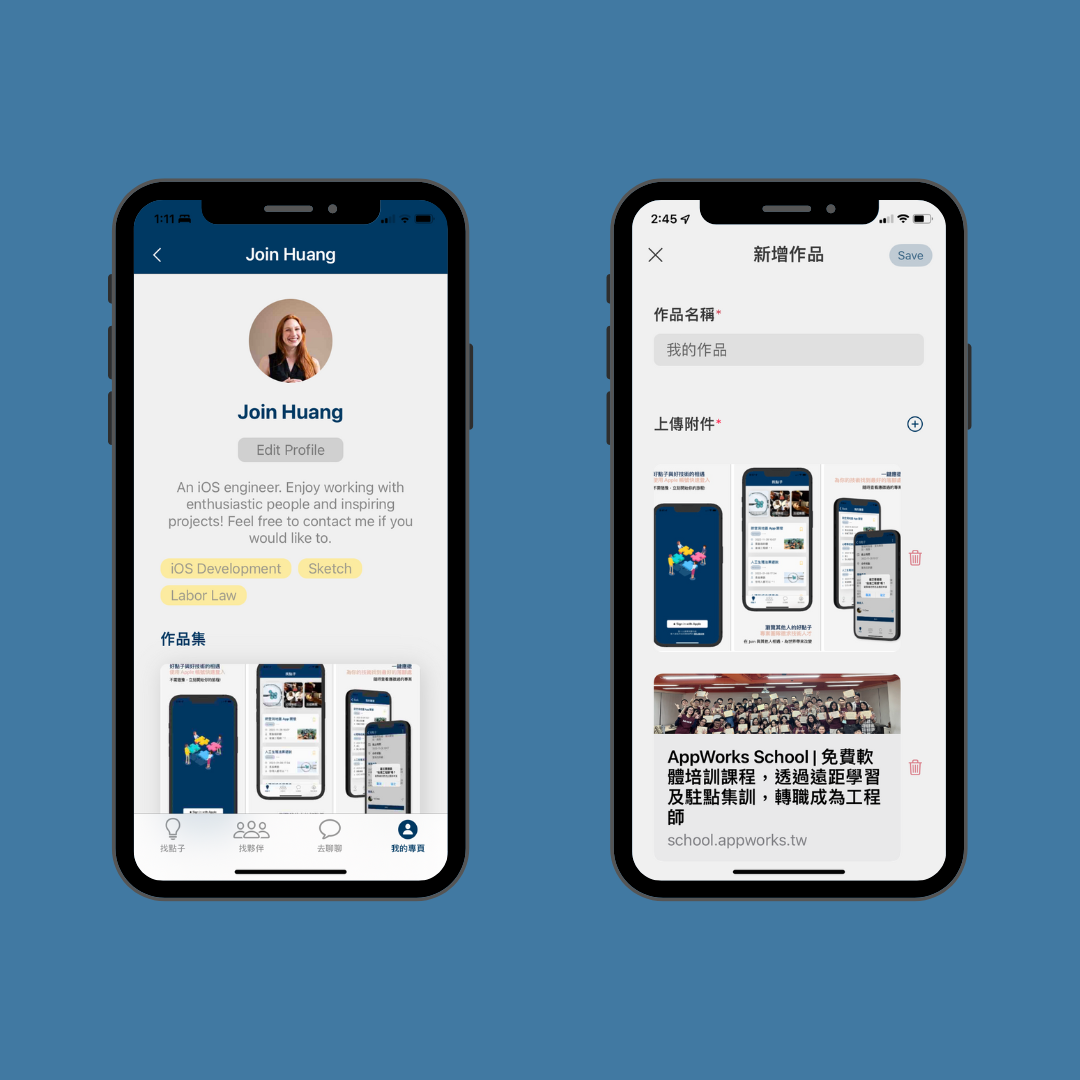
- Edit personal information, including a summary and all the techniques you equipped.
- Provide your interests. The app will recommend you the projects that fit your interests.
- Enrich your portfolio by uploading images, scan substantial works and convert them into images, or paste the url of your works to show what you've made.
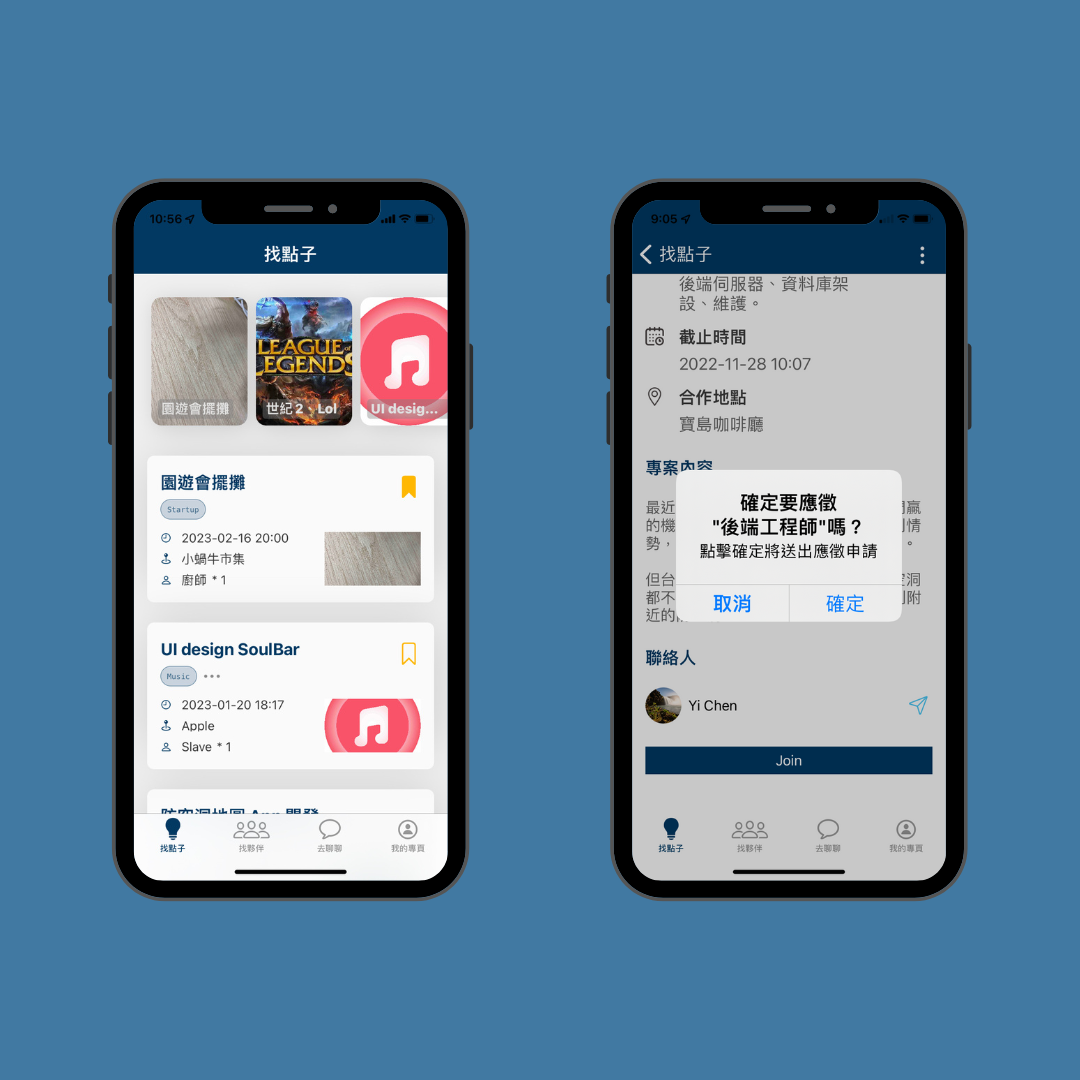
- Find great ideas that you're interested in or fit with your skills.
- Contact with the project contact to ask about the details.
- Apply for the position right away and track what projects you've applied for.
- Saved the projects you're interested in, and read them again afterward.
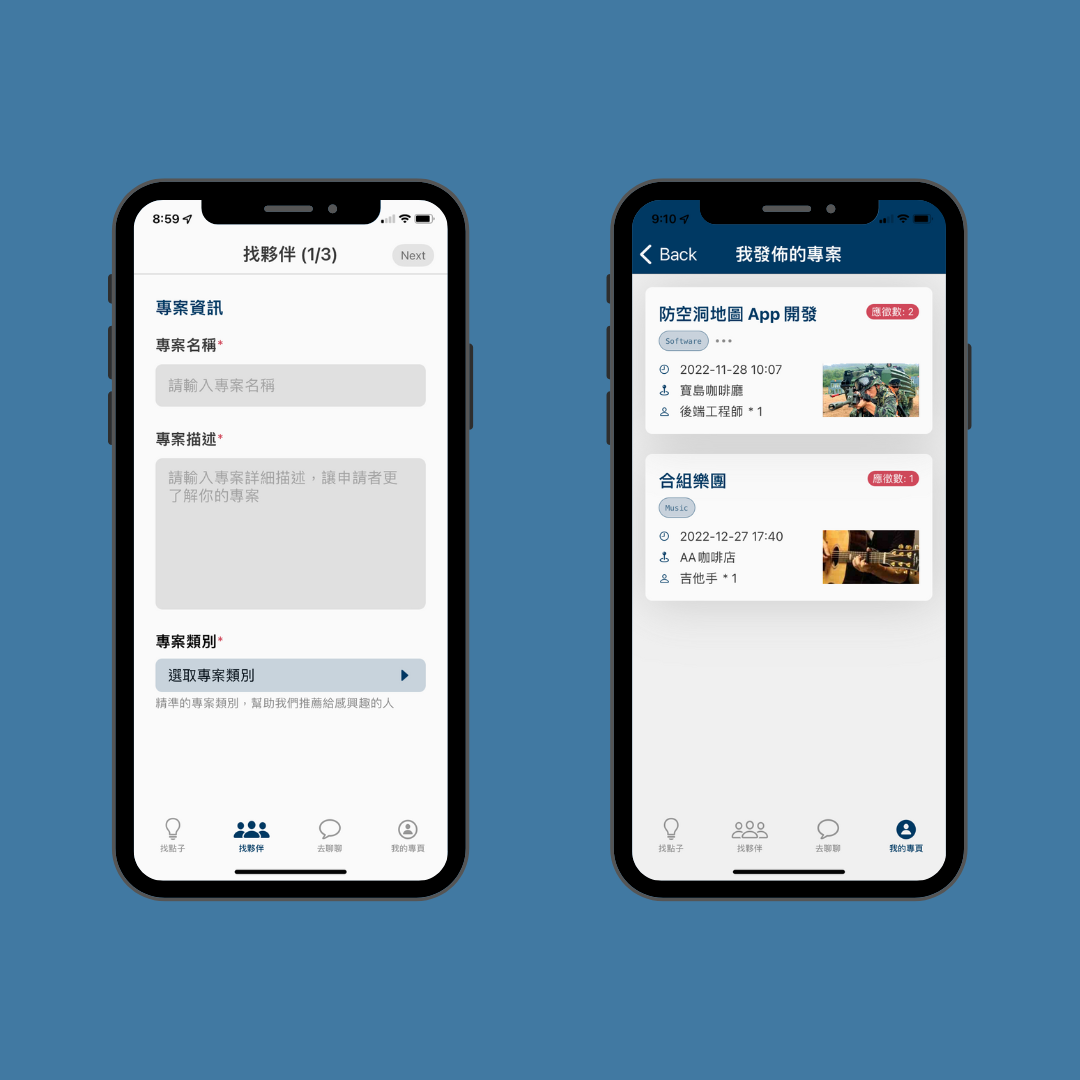
- Post your ideas and the skills you need to fulfill the idea to find the one that fit with the position.
- Bind your team with your projects.
- Track who had applied for your projects.
- Accept application to join a new member into your group.
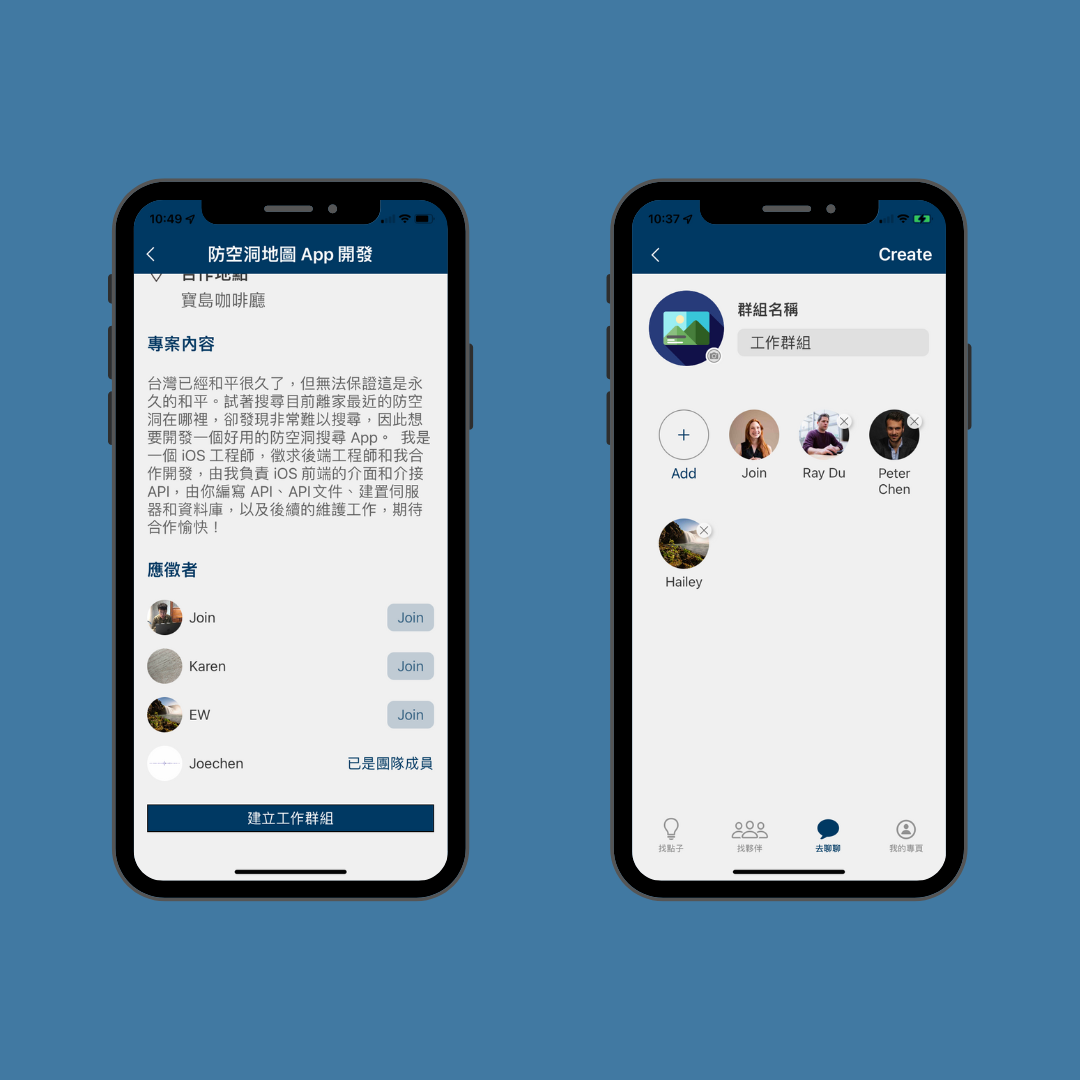
- Send, receive and accept friend requests from the community of Join: 找夥伴.
- Start a one-on-one chat with strangers or your friends.
- Create a group chatroom with your friends and communicate with a whole team.
- Establish a working group chatroom based on your team instantly.

- Fetched web preview images and created rich links through LinkPresentation.
- Scanned documents and converted them into images using VisionKit.
- Created photos uploading feature using PhotoKit.
- Ensured data assembled correctly with GCD and prevented race condition with NSLock.
- Achieved flexible UI and easily identifiable data combined with cells using UICollectionViewDiffableDatasource and UITableViewDiffableDatasource.
- Managed data with Firebase SDK including Cloud Firestore and Storage, obtained real-time messages by adding listeners to Firestore documents.
- Implemented Sign-in with Apple and Firebase Authentication to offer customized service and data management.
- Reused views and cells with Xib and Storyboard to avoid duplicated code.
- Manipulated button state automaically by UIButtonConfiguration.
- Constructed clean project through MVC design patterns.
The project didn't include the "GoogleService-Info.plist" file for Firebase service, as well as the p8 file and the keys needed for Sign-in with Apple. Thus, if you want to build the project on your own machine, you'll need to add those files into the project.
-
Clone the project to local
git clone https://github.com/Rileydk/Join.git -
Go to Firebase, create a new project, add the generated GoogleService-Info.plist under "Join/Resources" directory of the project, then create Firestore inside your Firebase project.
-
Go to your Apple Developer account, generate a p8 file through register a new key for sign-in with apple.
-
Add the p8 file under "Join/Resources/AppleAuth" directory of the project.
-
Add a "AppleAuthConfig" file, then add content below to the file:
import Foundation

enum AppleAuthConfig: String, Encodable {
    case p8KeyID = <p8 Key ID>
    case teamID = <Your Team ID>
    case bundleID = <Bundle ID>
    case privateKeyFileName = <p8 File Name>
}
Some of the icons used in this app was made by authors listed below and was downloaded from Flaticon :
1.1.3
| Version | Date | Note |
|---|---|---|
| 1.1.0 | 2022/12/03 | First released on App Store. |
| 1.1.3 | 2022/12/08 | Added new features and improve UI. |
- iOS 15.0+
- Swift 5
- Xcode 13.4.1+
Riley Lai | dakimi07@gmail.com
Join: 找夥伴 is released under the MIT license. See LICENSE for details.