Repository navigation
Files and secrets
Light theme
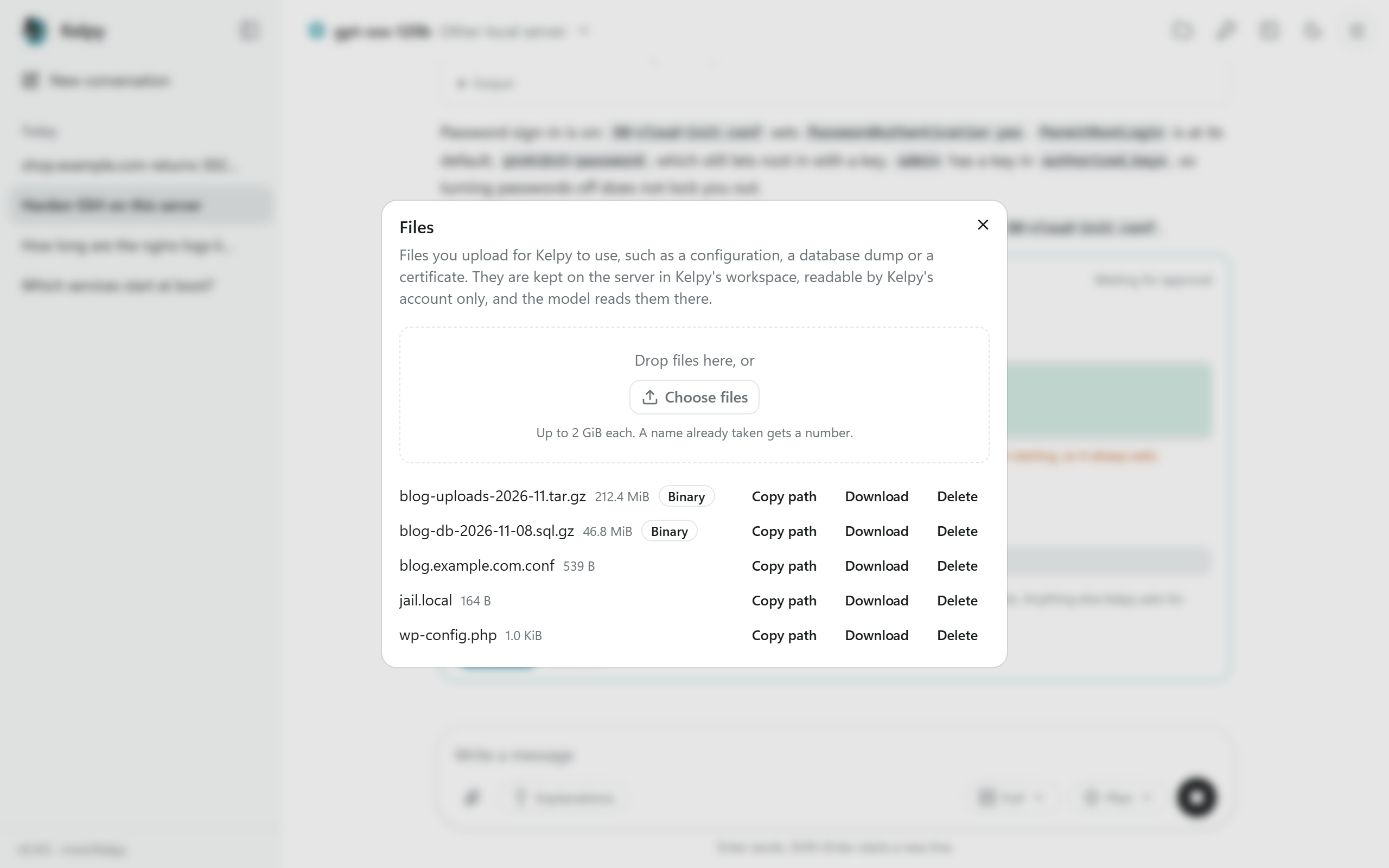
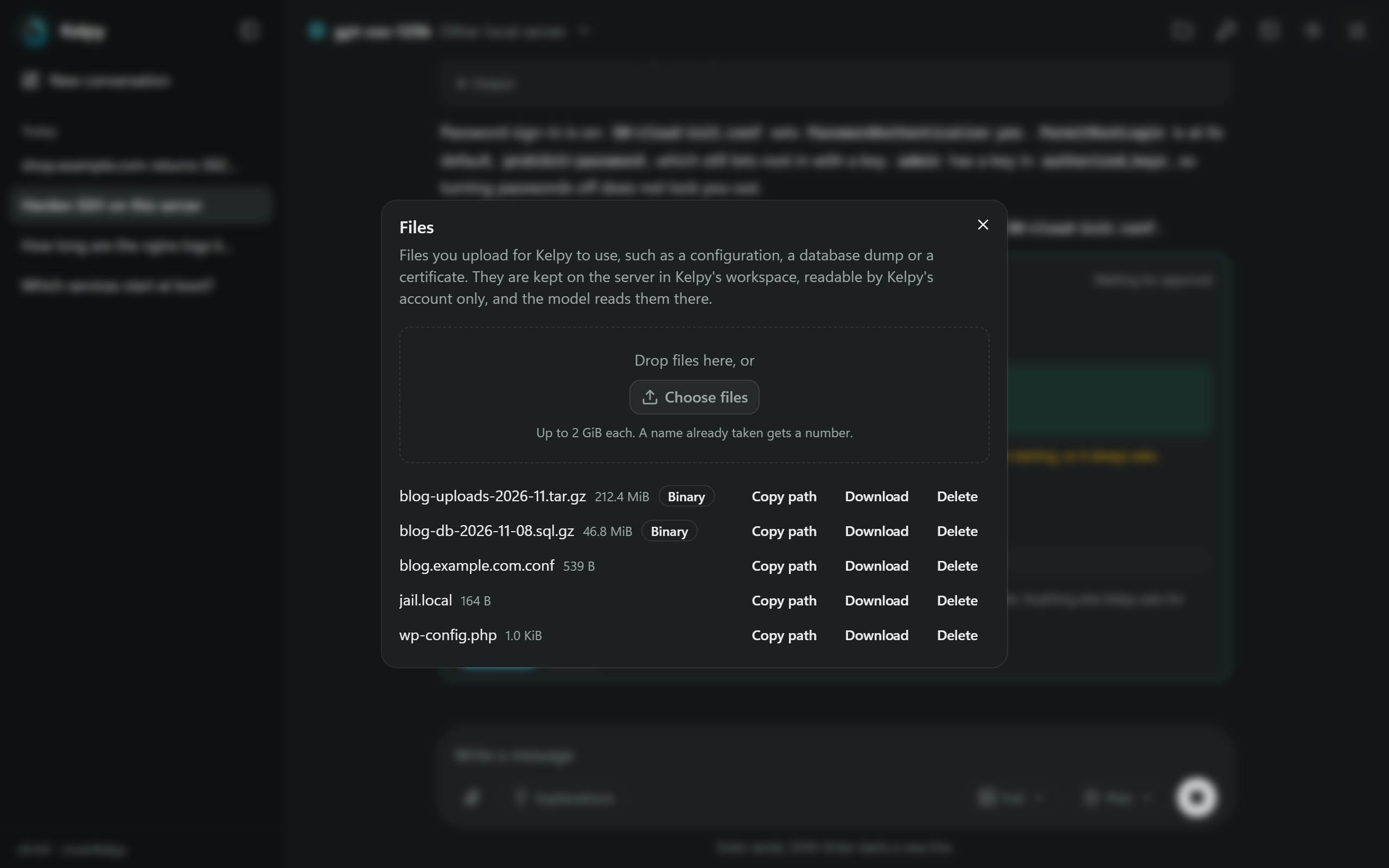
Files, in the top bar, uploads files to the server for Kelpy to use, such as a configuration, a database dump or a certificate, and lists them with Download and Delete. The paperclip in the message box does the same and writes each file's path in the message, in backticks; a file dropped on the message box is uploaded the same way. Images go with the message instead: see Images and screenshots.
Uploads go to workspace/files/ in the Kelpy home, a folder only Kelpy's account can open, at most 2 GiB each. A name
already taken gets a number: a second site.conf becomes site (2).conf. A file is listed only once it is complete;
an upload cut short leaves nothing. The model reads text files where they are, and copies a file where a service needs
it. A file marked Binary, such as an archive, cannot be read by the model; commands can still use it. Files that may
hold secrets, such as private keys, are never shown to the model either.
A screenshot pasted in the message box (Ctrl+V), or an image attached with the paperclip or dropped on the box, goes
with the message: PNG, JPEG, GIF or WebP, up to 8 a message. It is uploaded to Files like any file, a pasted one
named after the moment, as screenshot-2026-11-12-153012.png, and shows above the message, with an x to take it
off. The message is sent once its files are uploaded. An upload that ends after you open another conversation stays
in Files, out of that conversation's message.
- The model sees it when it can: ChatGPT's, OpenAI's and Anthropic's models, Ollama models with vision, and OpenAI-compatible services that take images. Kelpy scales down an image larger than 1568 pixels on its longest side. A service that refuses images gets the message's text alone.
-
Kelpy reads its text by OCR: on Windows with the text recognition built into Windows, offline, in the
languages of your account; on Linux and macOS with Tesseract, when
installed (
apt install tesseract-ocr,brew install tesseract). The text read shows under the image, and a model that cannot see images reads it in its place, as does a model that sees images for an image too large to show it. Stop works while the images are read: the message is not sent and goes back in the box.
The conversation keeps the message's text, with each image's name and the text read from it, not the image itself. Kelpy keeps the images for the model while it runs, the most recent first; after a restart, the model reads the text alone. The file stays in Files until you delete it.
Light theme
A secret is a password or a key that Kelpy writes where it goes, in a file or a database user, but never shows to the
model: the model writes {{secret:name}} and Kelpy puts the value in. Everything shown or sent to the model carries the
placeholder in place of the value: cards, command output, the Command log, reports. Secrets are never put into
commands, and never written to Kelpy's database, its logs or its memory.
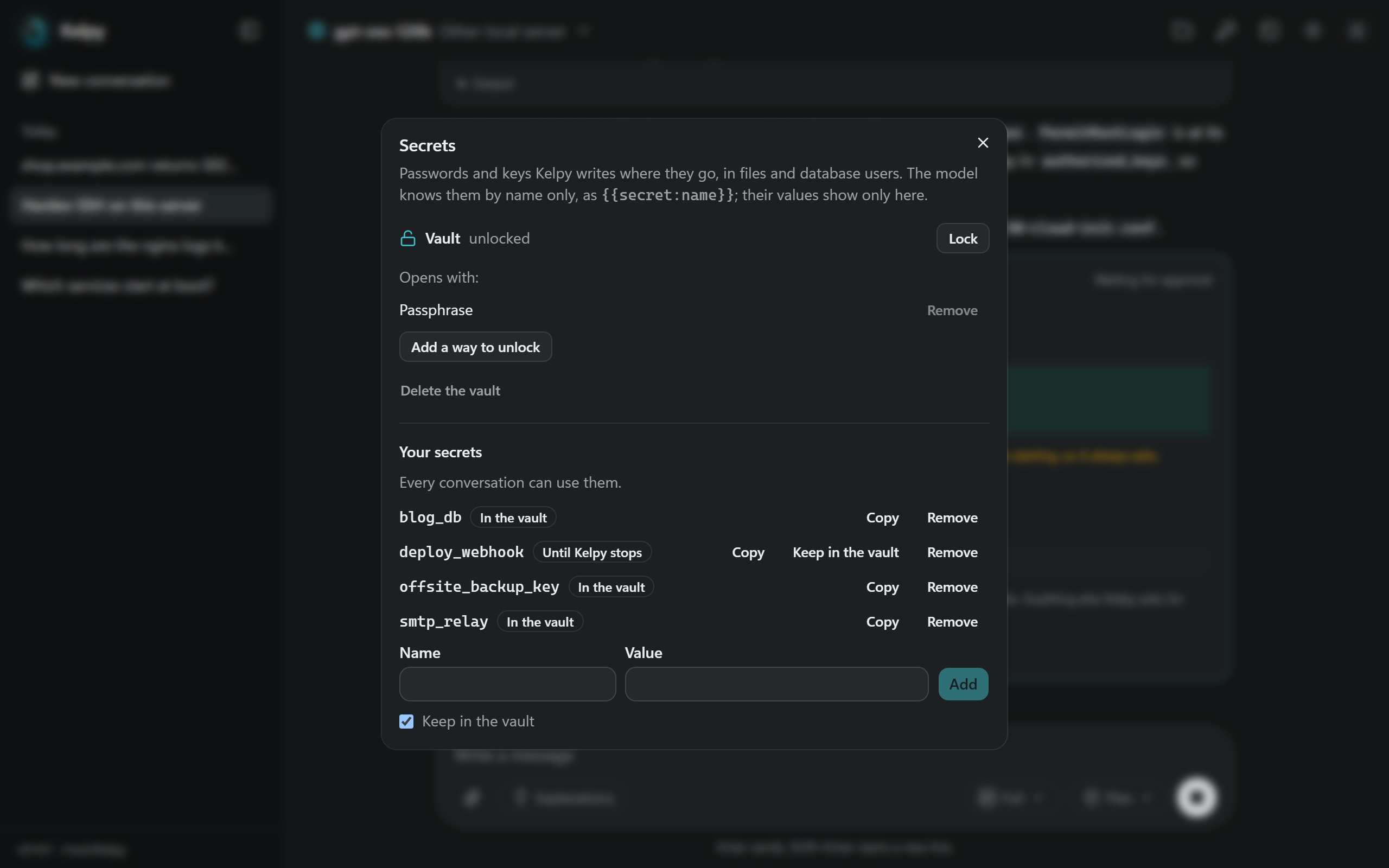
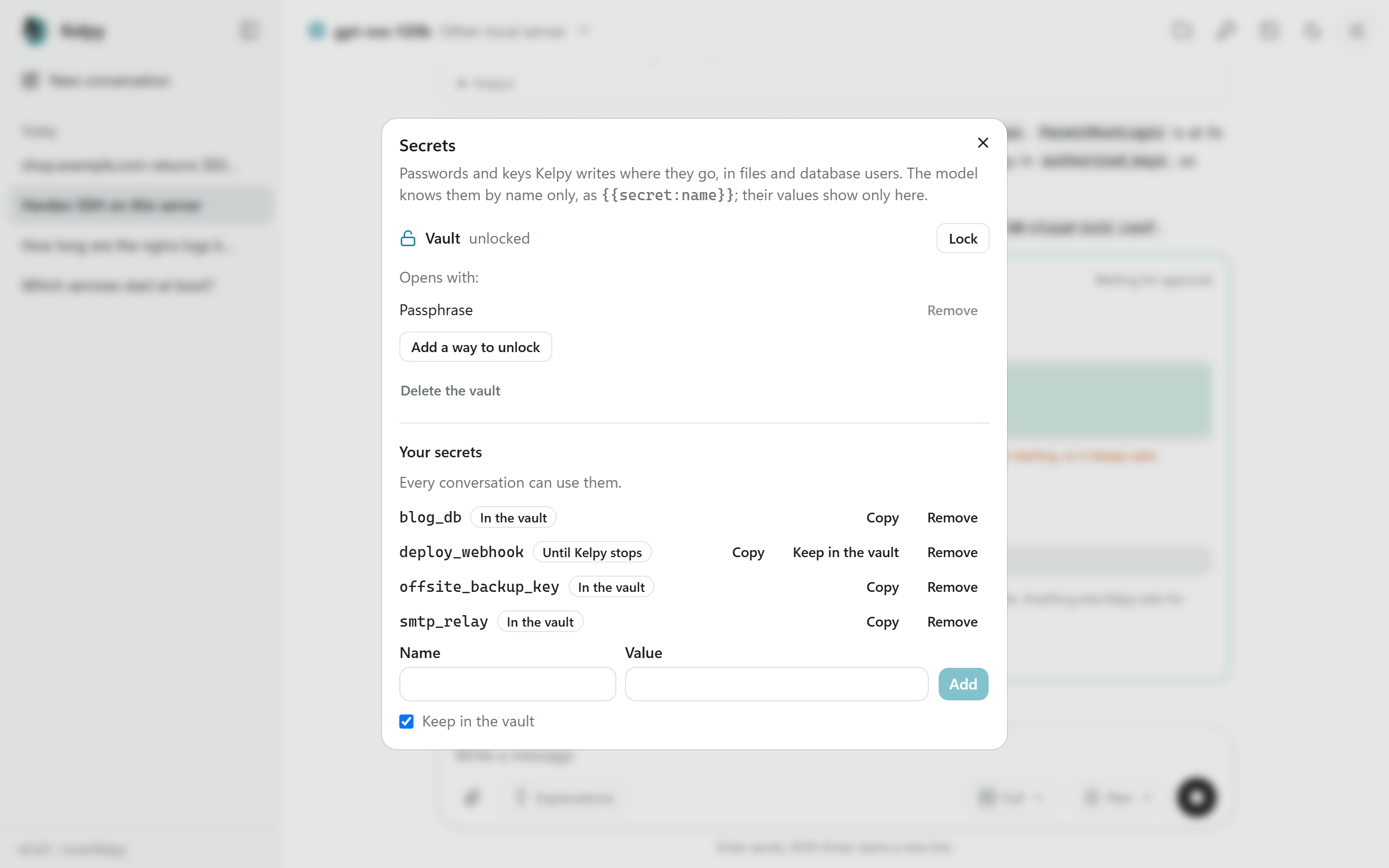
Secrets, in the top bar, lists every secret by name. Copy puts a value on the clipboard: values are shown only there, on request.
- Your secrets: those you add with a name (letters, digits and _) and a value of 6 to 4096 characters, such as the password of an existing database. Every conversation can use them; the model is told their names. A value shorter than 6 characters is refused, as it would be masked wherever it appears.
- Generated in conversations: those the model creates for a change, such as a new database's password: 32 letters and digits. Each serves the conversation that made it.
A secret lasts until Kelpy stops, unless it is kept in the vault. Removed, it can no longer be used, but its value stays masked until Kelpy stops: it may still be on the server.
The vault keeps secrets across restarts, encrypted in data/vault.json. It opens with a passphrase or with an SSH
key, and can have several of each: Add a way to unlock. Kelpy starts with the vault locked, and locks it when it
stops; Lock locks it at once. While it is locked, the secrets kept in it are missing, for you and for the model.
- Passphrase: at least 12 characters. Generate makes one of 25 letters and digits in five groups.
-
SSH key: a key held by the SSH agent of the session that started Kelpy, such as your computer's agent through
ssh -A. When Kelpy starts and that agent holds one of the vault's keys, the vault is unlocked at once and the terminal says so. Ed25519 and RSA keys can unlock a vault; ECDSA keys and security keys (sk-) cannot, as their signatures differ each time. The agent may ask you to confirm.
Create a vault in Secrets, then Keep in the vault beside each secret to keep, or check Keep in the vault when adding one. A secret generated in a conversation and kept serves every conversation from then on, under the same name.
A lost passphrase cannot be recovered: without it, or another way to unlock the vault, its secrets are lost. Delete the vault removes it, and the secrets kept in it, so that a new one can be created; where Kelpy wrote them on the server, they stay.
How it works: the secrets are encrypted with XChaCha20-Poly1305 under a random key of the vault. That key is stored
once for each way to unlock it, encrypted under a key derived from the passphrase with Argon2id (64 MiB, 3 passes), or
from the SSH agent's signature of a random challenge of the vault with HKDF-SHA256. The private key never leaves the
agent. data/vault.json is readable only by the account that started Kelpy, and holds no name or value in clear.