

SAC Custom Widget to get Ip address, country, city, zip etc
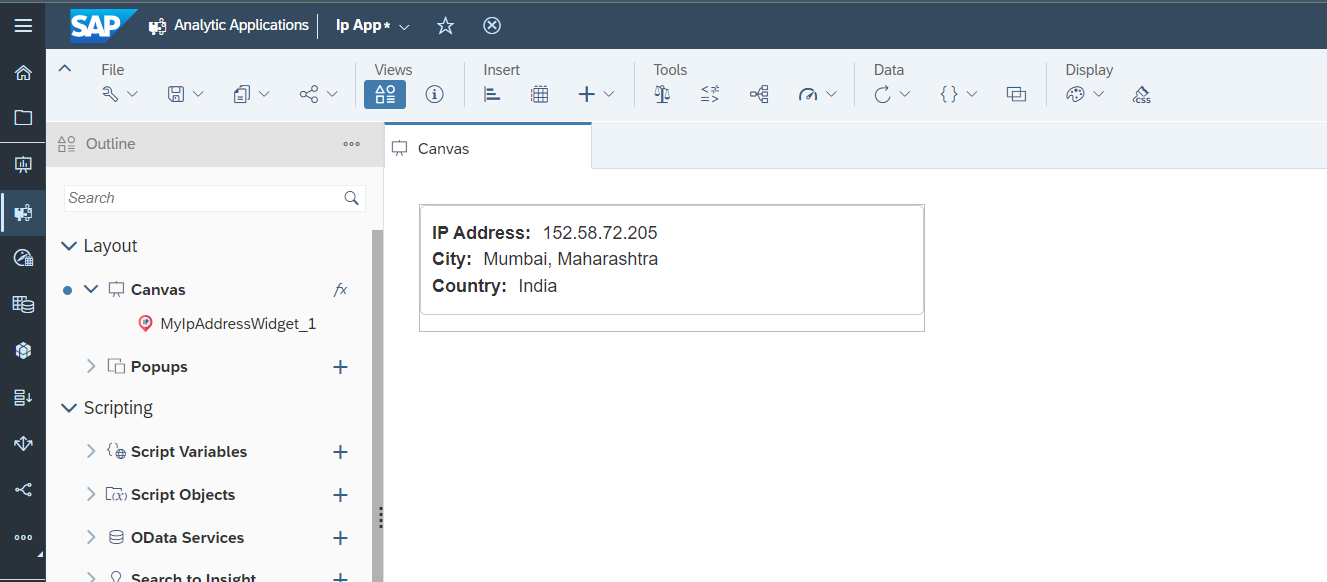
To use this widget in your SAP application, follow these steps:
- Download the
MyIpAddressWidget.jsonfile from the URLs specified in the webcomponents property of the JSON. - Go to your SAC Portal, select Analytic Application from the left side bar, and then go to the Custom Widget tab.
- Click on the + icon on the right side and select the
MyIpAddressWidget.jsonfile that you downloaded. - You're done! You can now use it in your app.
The widget has the following methods:
| Method | Return Type | Description |
|---|---|---|
| getIpAddress() | string | return Current IP Address |
| getCountryName() | string | return Current Country Name |
| getCountryCode() | string | return Current Country Code |
| getCityName() | string | return Current City Name |
| getZipCode() | string | return Current City Zip Code |
This widget is developed by Rohit Chouhan