Conversation


|
|


| } = require("./settings"); | ||
| const { registerCommands } = require("./commands"); | ||
| const { listenToLogSettingsChanges } = require("./settings-changes-handler"); | ||
| const { callLibraryAndPassLogger } = require("./passing-logger-to-library"); |
| }, | ||
| "scripts": {}, | ||
| "dependencies": { | ||
| "@vscode-logging/library-example": "^0.1.2", |
There was a problem hiding this comment.
don't remove parts of this example
| logOutputChannel: logOutputChannel, // OutputChannel for the logger | ||
| sourceLocationTracking: false | ||
| sourceLocationTracking: false, | ||
| standardOutput: false //define if messages should be logged to the standard output stream |
There was a problem hiding this comment.
- missing whitespace between
//anddefine - be consistent with previous property name:
- logOutputChannel --> logStandardOut | logStdout
| * Warn, Info, Debug and Trace are printed to the standard output console | ||
| * Default = false | ||
| */ | ||
| standardOutput?: boolean; |
There was a problem hiding this comment.
See comment above regarding the property name
There was a problem hiding this comment.
Reading this comment it makes me thing the property name should maybe be
logConsole or logToConsole
Because your description uses the word console multiple times.
and console.error does not go to stdoutput stream
| @@ -1,5 +1,5 @@ | |||
| const { has } = require("lodash"); | |||
| const { createLogger } = require("winston"); | |||
| const winston = require("winston"); | |||
| */ | ||
| const transports = []; | ||
|
|
||
| if (opts.standardOutput) { |
There was a problem hiding this comment.
See the check above for "Logger must have at least one logging target defined, either logOutputChannel or logPath." you should update that as well
| @@ -0,0 +1,95 @@ | |||
| const { VSCodeStub } = require("./stubs/vscode-stub"); | |||
There was a problem hiding this comment.
why does this test need a vscode stub? can we disable the outputChannel?
| let getExtensionLogger; | ||
| beforeEach(function() { | ||
| vsCodeStub = new VSCodeStub(); | ||
| const mainModuleStubbed = proxyquire("../lib/api.js", { |
There was a problem hiding this comment.
I think you won't need the proxyQuire either if you remove the vscodestub

| @@ -1,4 +1,4 @@ | |||
| # @vscode-logging Extension Example | |||
| # @vscode-logging Extension Example | |||
There was a problem hiding this comment.
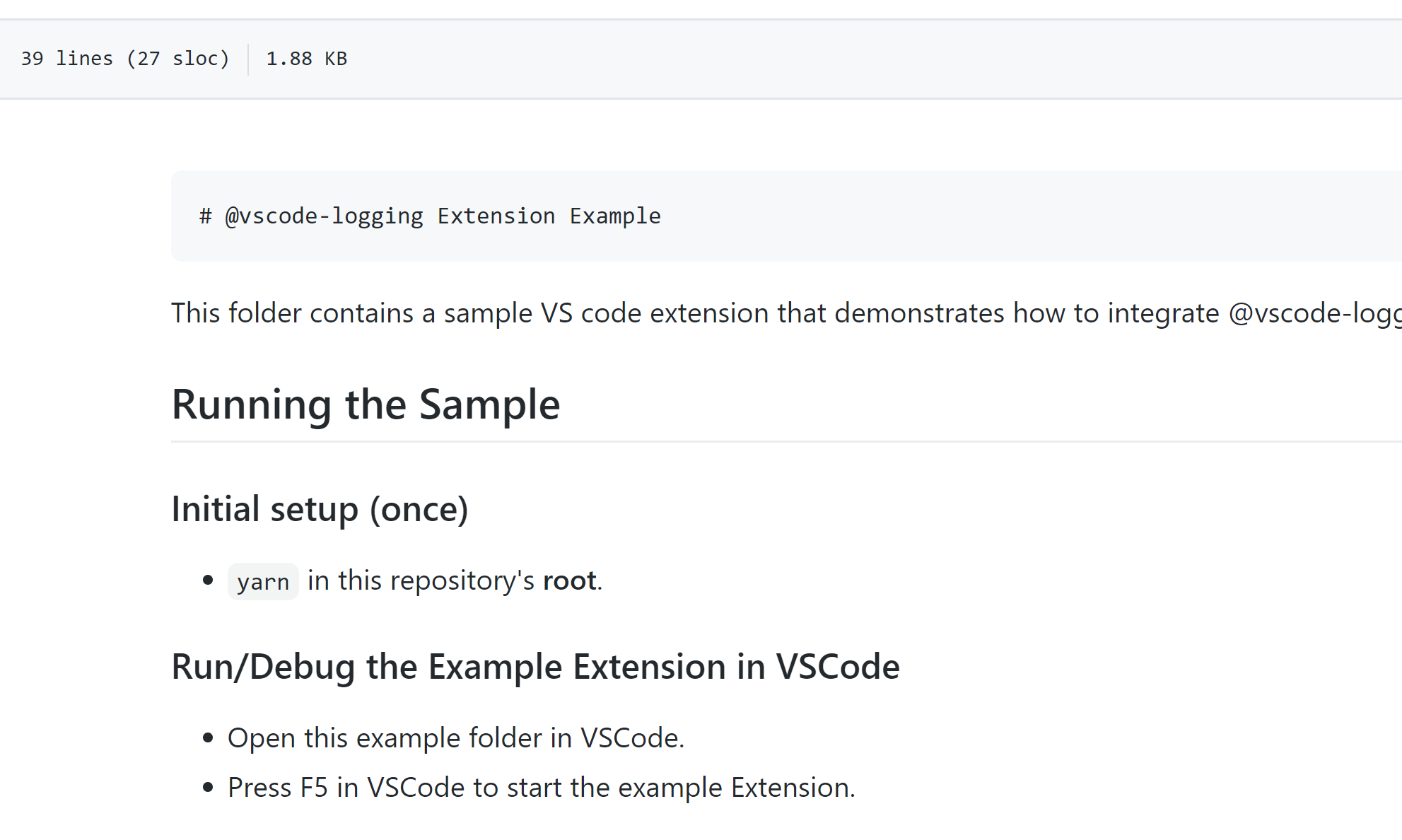
adding whitespace here messes up the file rendering
| * Warn, Info, Debug and Trace are printed to the standard output console | ||
| * Default = false | ||
| */ | ||
| logStandardOutput?: boolean; |
There was a problem hiding this comment.
Naming and description of the property in this public API could be improved.
- Property is called
logStandardOutputwhich is a single stream's name - But the description mentions it logs to either stdOut or stdErr.
- Also the description refers to the term
console, which may be an implementation detail.
Perhaps just expose the implementation details and call it logConsole or consoleLog?
| it("should not log to standard output when logStandardOutput is false", function() { | ||
| const extLogger = getExtensionLogger({ | ||
| extName: "MyExtName", | ||
| logOutputChannel: vsCodeStub.OutputChannel, |
There was a problem hiding this comment.
Using a VSCode stub may be more complicated then using a File logger in this case. (logPath)
 bd82
left a comment
bd82
left a comment
bd82
left a comment
There was a problem hiding this comment.
Some earlier comments were not addressed.
The main new comment is about the name of the new API.
I will not have time to review it again, proceed as you believe is best.

|
You did not follow the contribution guidelines. The commit message format is not by the convention, This means that the automatic changelog generation would |
|
How were you able to bypass the commit message linter? Did you do |
| logOutputChannel: logOutputChannel, | ||
| sourceLocationTracking: sourceLocationTrackingSettings | ||
| sourceLocationTracking: sourceLocationTrackingSettings, | ||
| logConsol: true |
There was a problem hiding this comment.
logConsol is a typo missing e (console)
| logOutputChannel: logOutputChannel, // OutputChannel for the logger | ||
| sourceLocationTracking: false | ||
| sourceLocationTracking: false, | ||
| logConsol: false // define if messages should be logged to the consol |
There was a problem hiding this comment.
logConsol is a typo missing e (console)
| * Warn, Info, Debug and Trace are printed to the standard output console | ||
| * Default = false | ||
| */ | ||
| logConsol?: boolean; |
There was a problem hiding this comment.
logConsol is a typo missing e (console)
| ) { | ||
| throw Error( | ||
| "Logger must have at least one logging target defined, either logOutputChannel or logPath." | ||
| "Logger must have at least one logging target defined, it should includes one (or more) of these options: logOutputChannel, logPath and logConsol" |
There was a problem hiding this comment.
logConsol is a typo missing e (console)
| */ | ||
| const transports = []; | ||
|
|
||
| if (opts.logConsol) { |
There was a problem hiding this comment.
logConsol is a typo missing e (console)
| outChannel: opts.logOutputChannel, | ||
| sourceLocationTracking: opts.sourceLocationTracking | ||
| sourceLocationTracking: opts.sourceLocationTracking, | ||
| consolOutput: opts.logConsol |
|
There is a general typo |


Resolves Dependabot alerts via pnpm overrides for transitive dependencies.

Packages updated:
axios → 1.15.0 (#170)
handlebars → 4.7.9 (#163, #162, #159, #158, #157, #156, #155, #153)
tar → 7.5.13 (#147, #146, #128, #124, #120, #118)
brace-expansion@2.x → 2.0.3 (#161, #154)
js-yaml → 4.1.1 (#111)
micromatch → 4.0.8 (#91)
nanoid → 5.1.7 (#96)
yaml → 2.8.3 (#150)
diff → 5.2.2 (#119)
tmp → 0.2.5 (#109)
3 participants


Adding support for console stream messages.
When enabling the Console options, messages that are printed using this library will be logged to the console stream (e.g. stdout/stderr in Linux or Debug Console in VSCode)
The Console stream is optional, default=false
You can enable it by setting: "logConsole: true" in the constructor options
This feature can be useful when debugging your extension.