Spring Batch is a open source framework for enterprise batch processing. This basically means execution of various steps in pipeline. It is a flexible framework where a job is executed which consists of several steps and each step consists of READ-PROCESS-WRITE process(or a tasklet).
Each step in Spring Batch consists of Read-Process-Write process for which we need to implement ItemReader, ItemProcessor and ItemWriter respectively. JobLauncher is responsible for starting the job and executing all the Steps chained together.
In this repository, a basic implementation of Spring Batch is created where a simple job of updating host system status is implemented.
| Class | Description |
|---|---|
| App.java | Application Driving Class with Job Launcher |
| BatchConfiguration.java | Spring Batch Configuration class with ItemReader, ItemProcessor, ItemWriter and DataSource Beans |
| HostSystemStatusItemReader.java | Custom Reader Class with list of POJOs to be processed |
| HostSystemStatusItemProcessor.java | Custom Processor where any massaging can be done over input data |
| HostSystemStatusItemWriter.java | Custom Writer Class which can be used to perform any user defined operations for write phase |
| HostSystemStatusPojo.java | Typical Pojo class |
Import the project as an existing maven project in Eclipse.
- Download project source code and unzip it into a folder location.
- From Eclipse, Project Explorer -> Right click -> Select Import Menu and Import.
- Expand Maven menu.
- And click Existing Maven Projects. Enter the project source code path from #1.
If maven build gives missing artifact exception for OJDBC Library :
Download ojdbc7.jar and execute following command by providing path to the download jar in command prompt.
mvn install:install-file -Dfile="Path/To/ojdbc7.jar" -DgroupId=com.oracle -DartifactId=ojdbc7 -Dversion=12.1.0.2 -Dpackaging=jar
Enter Oracle Database Details for LMS Schema in class BatchConfiguration.java(lines 108-110) inside DataSource Bean.
Run App.java.

FLG_GLSTATUS and FLG_GLSUBSTATUS is updated from "ONLINE" to "BATCH" and "EOD STARTED" respectively.

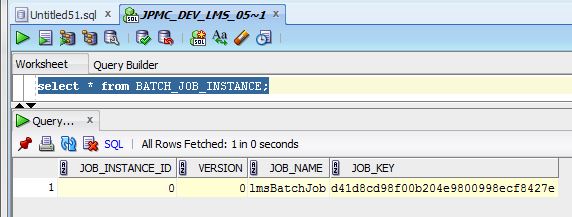
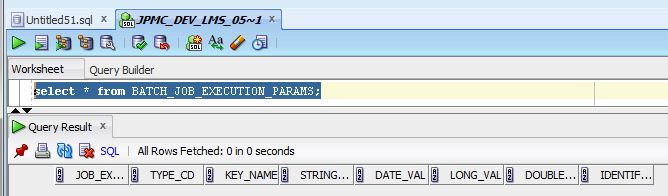
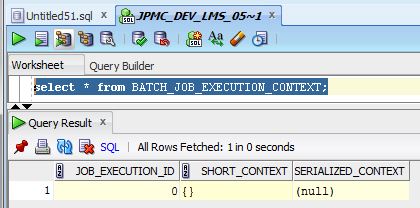
Spring Batch automatically creates several meta-data tables in DB Schema during Batch execution for tracking purposes. To Learn more about these Meta-Data Tables, Please refer to this concise official doc here.



Please find official Spring Batch documentation here.