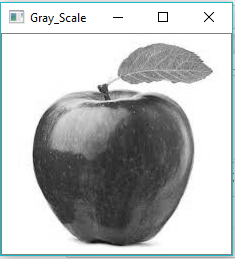
import cv2 img= cv2.imread("app.jpg") gray_image=cv2.cvtColor(img,cv2.COLOR_BGR2GRAY) cv2.imwrite("opencv-greyscale.png",gray_image) cv2.imshow("Gray_Scale",gray_image) cv2.waitKey(0) cv2.destroyAllWindows()
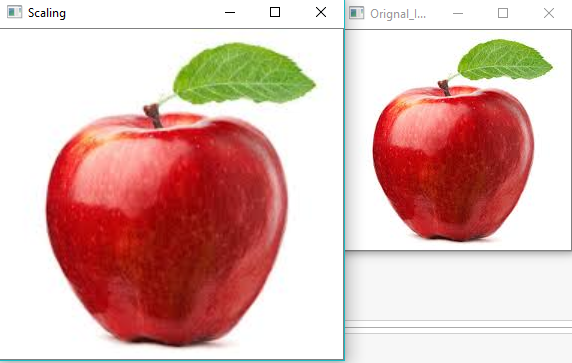
import cv2 as c import numpy as np img= cv2.imread("app.jpg") h,w=img.shape[0:2] width=int(w1) hight=int(h1) dim =(width,hight) res=c.resize(img,dim) c.imshow("Scaling",res) c.waitKey(0) c.destroyAllWindows()
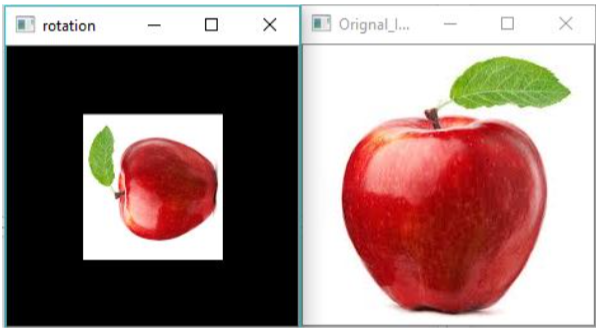
import cv2 as c import numpy as np img= cv2.imread("app.jpg") h,w=img.shape[0:2] rotationMatrix=cv2.getRotationMatrix2D((w/2,h/2),90,.5) rotated_img=cv2.warpAffine(img,rotationMatrix,(w,h)) c.imshow("Orignal_Image",img) c.imshow("rotation",rotated_img) c.waitKey(0) c.destroyAllWindows()
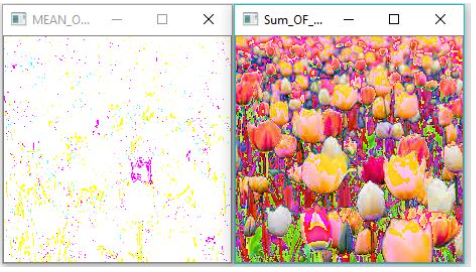
import cv2 import os path='D:\images' imgs = [] files = os.listdir(path) for file in files: filepath=path+"\"+file imgs.append(cv2.imread(filepath)) i=0 im = [] for im in imgs: #cv2.imshow(files[i], imgs[i]) im+=imgs[i] i = i +1 cv2.imshow("Sum_OF_FOUR_IMAGES",im) meanImg = im/len(files) cv2.imshow("MEAN_OF_FOUR_IMAGES",meanImg) cv2.waitKey(0)
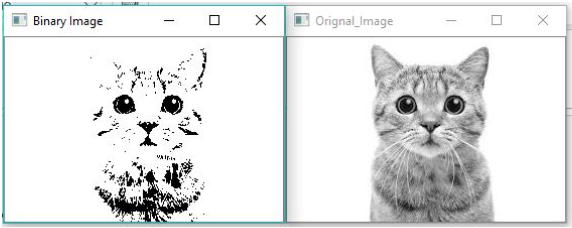
white) colour. import cv2 img = cv2.imread('cat.jpg',2) ret, bw_img = cv2.threshold(img,127,255,cv2.THRESH_BINARY) cv2.imshow("Orignal_Image",img) cv2.imshow("Binary Image",bw_img) cv2.waitKey(0) cv2.destroyAllWindows()
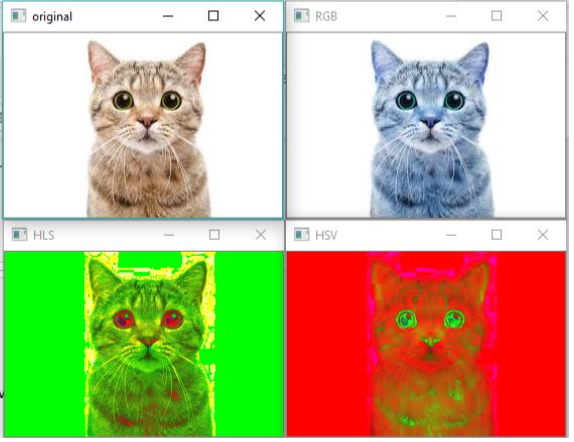
colour spaces. import cv2 image = cv2.imread('cat.jpg') img_HLS = cv2.cvtColor(image,cv2.COLOR_BGR2HLS) img_HSV = cv2.cvtColor(image,cv2.cv2.COLOR_BGR2HSV) img_RGB = cv2.cvtColor(image,cv2.COLOR_BGR2RGB) cv2.imshow("original", image) cv2.imshow("HLS", img_HLS) cv2.imshow("HSV", img_HSV) cv2.imshow("RGB", img_RGB) cv2.waitKey(0) cv2.destroyAllWindows()
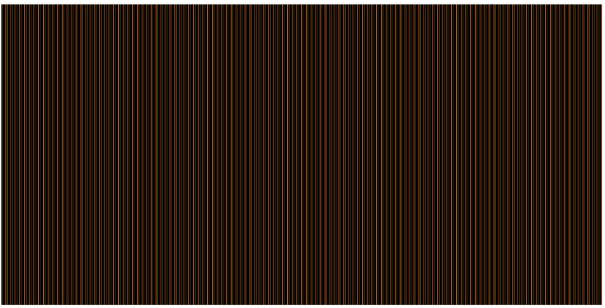
array of random size and density values). import numpy from PIL import Image imarray = numpy.random.rand(512,1024,3) * 255 imarray[0:512,0:1024] = [100,0,255] im = Image.fromarray(imarray,'RGB') im.save('result_image.png') im.show()