
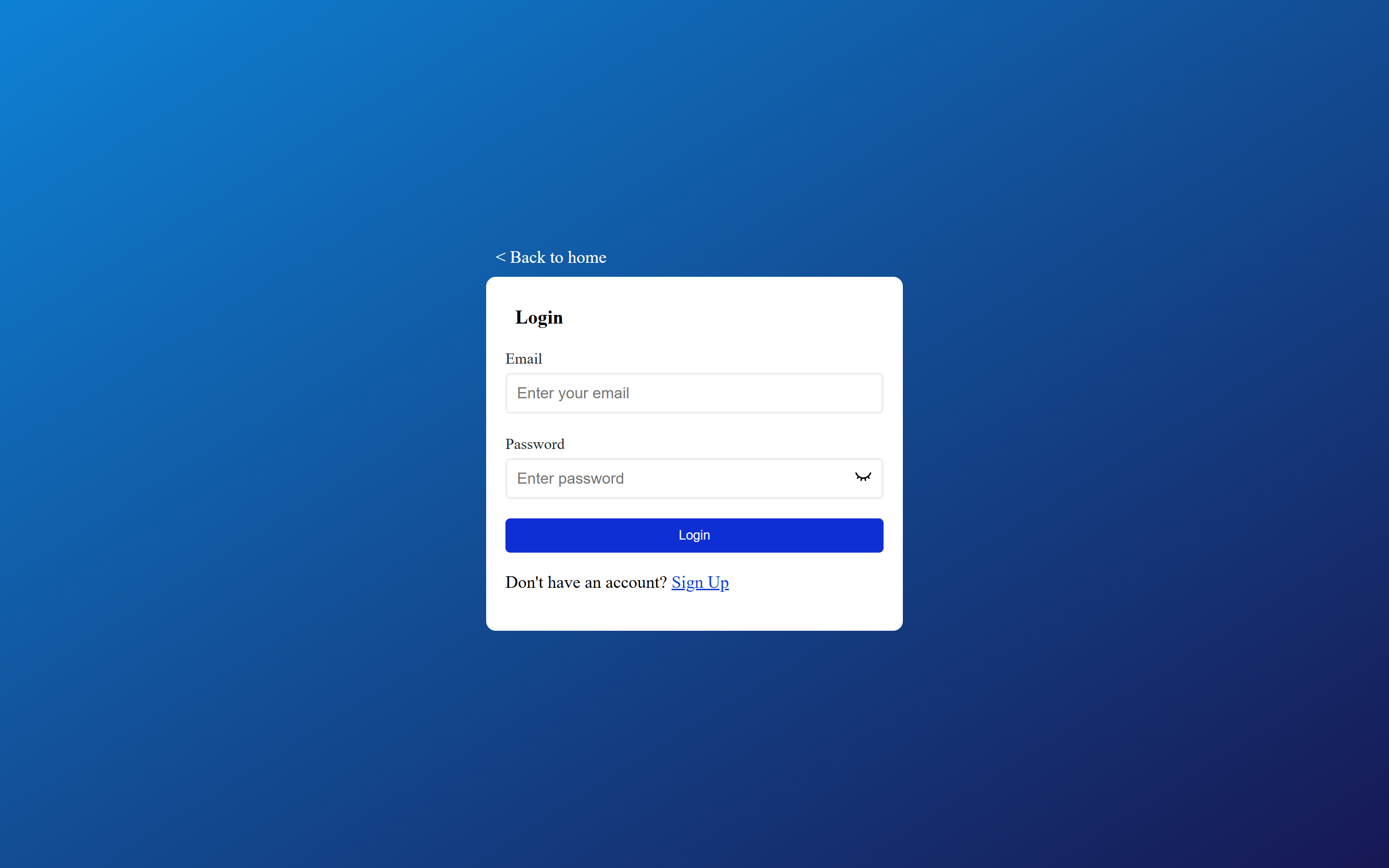
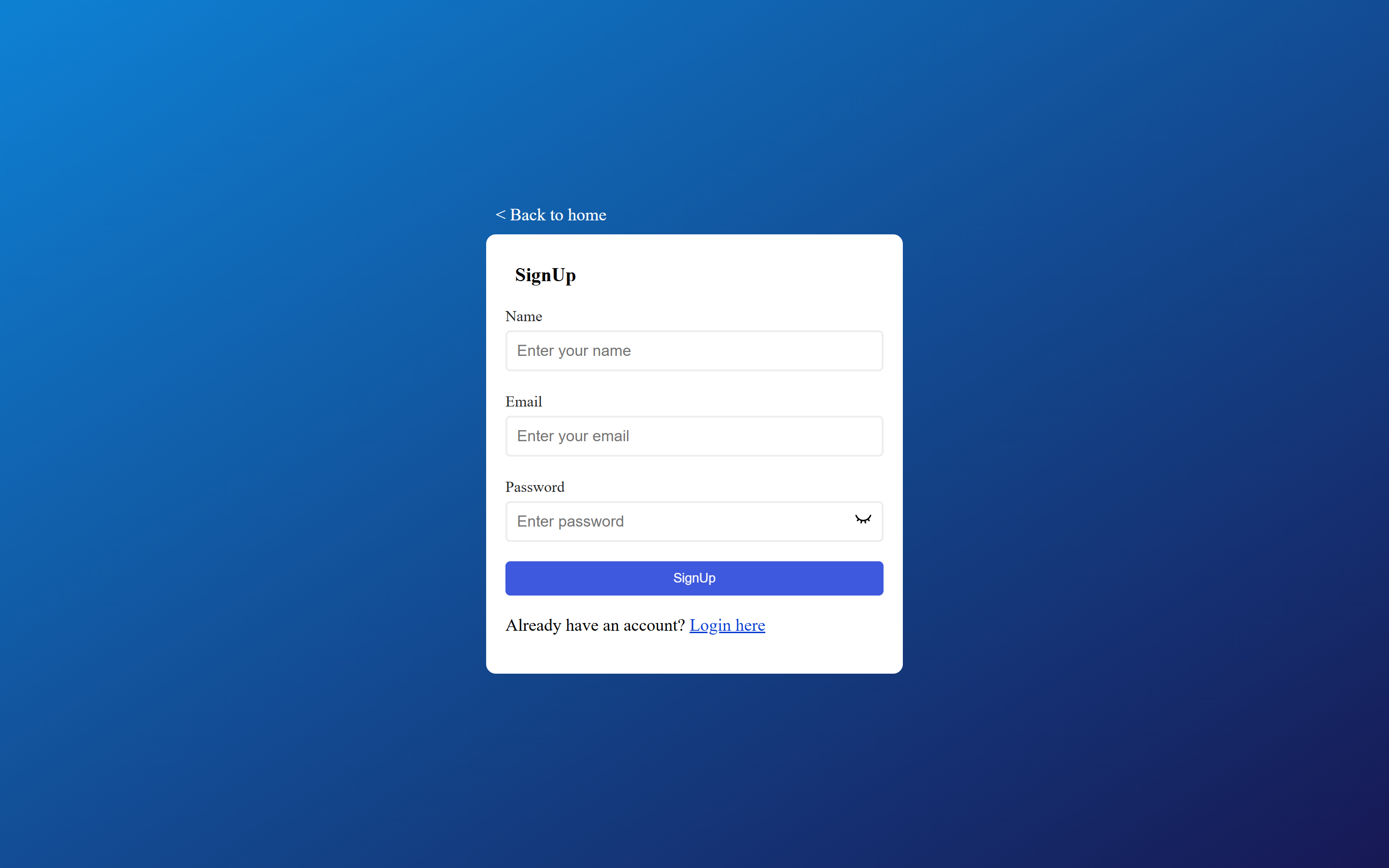
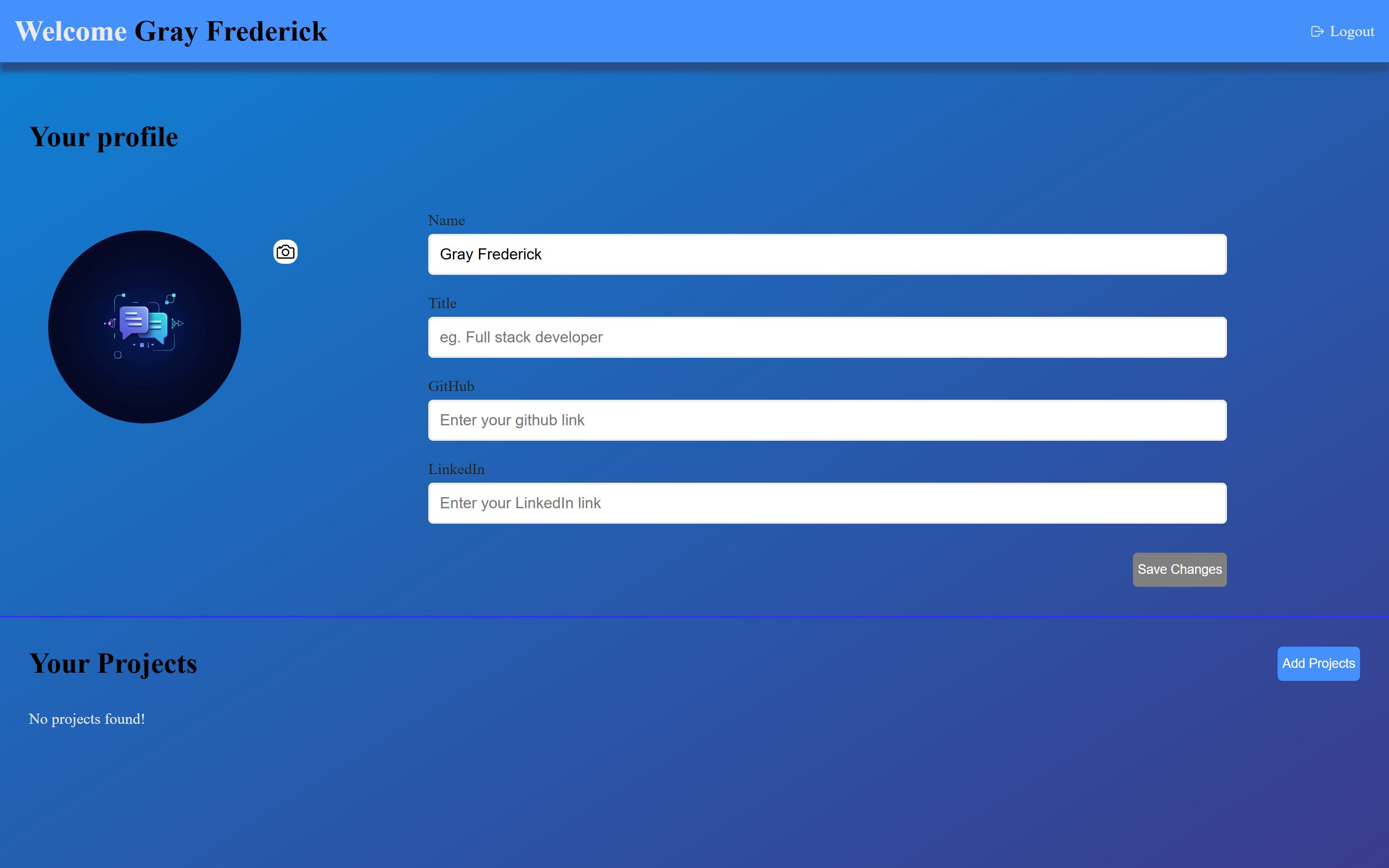
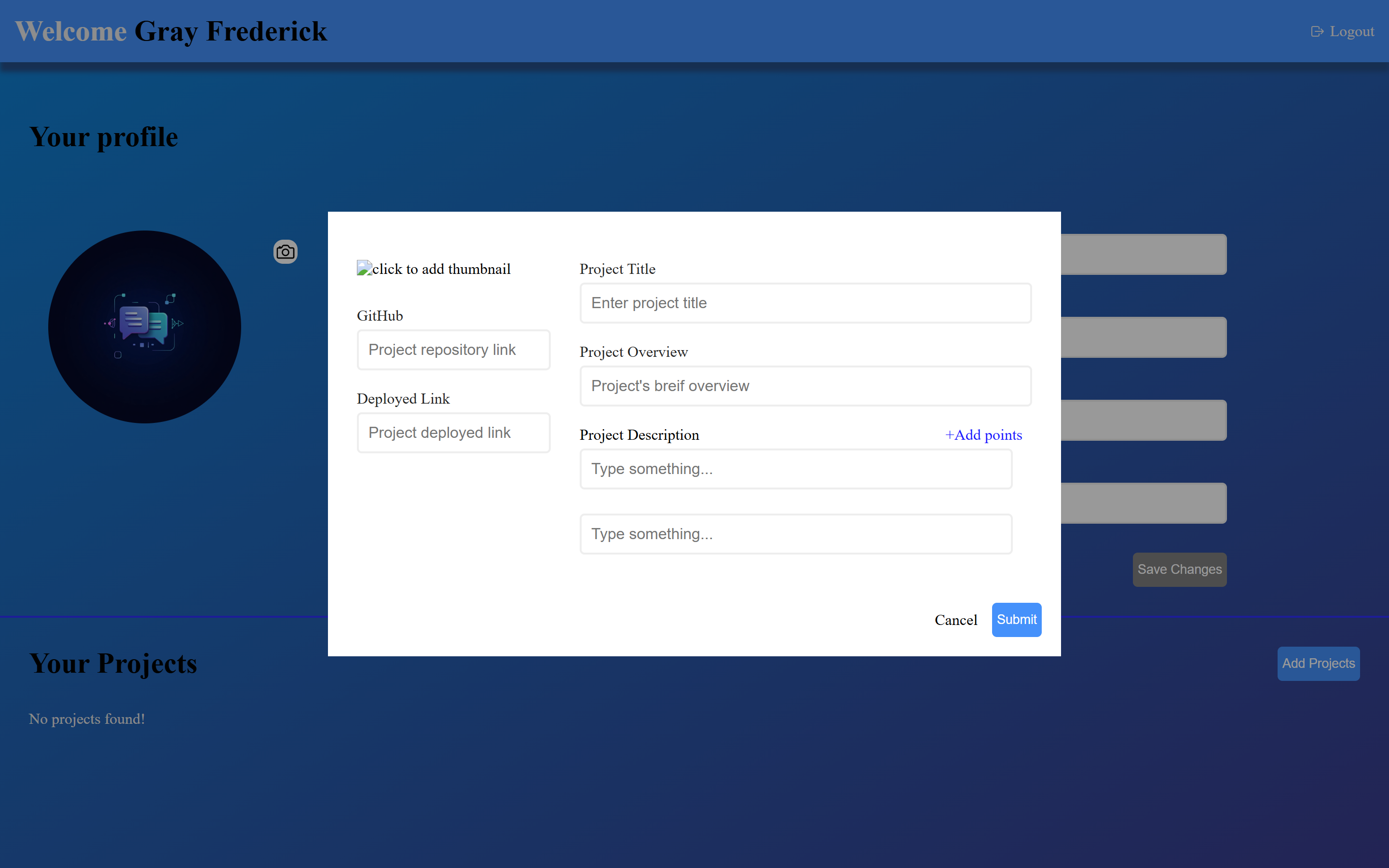
Project Manager is a web application built with React, Firebase, and Cloudinary, enabling users to create and manage personalized profiles. Users can store, edit, and delete projects, including descriptions, GitHub repository links, and deployed URLs, all in one centralized platform.
- 🧑💼 User Profiles – Create and manage personalized user profiles.
- 📚 Project Management – Add, edit, and delete projects with descriptions, GitHub links, and deployed URLs.
- ☁️ Cloudinary Integration – Upload and manage project images or assets.
- 🔥 Firebase Backend – Real-time database and authentication for secure data storage.
- ✅ Form Validation – Robust input validation using React Hook Form and Zod.
- 📱 Responsive Design – Intuitive and mobile-friendly UI with React Router for seamless navigation.
| Layer | Tech |
|---|---|
| Frontend | React, React Router, React Hook Form, Zod |
| Backend | Firebase (Authentication, Firestore) |
| Storage | Cloudinary (Image and asset management) |
| Icons | React Icons |
| Tooling | Dotenv for environment variables |
- @hookform/resolvers
- firebase
- react-hook-form
- react-router-dom
- zod
git clone https://github.com/your-username/project-manager.git
cd project-managernpm installCreate a .env file in the root directory and add the following environment variables:
VITE_FIREBASE_API_KEY=your_firebase_api_key
VITE_FIREBASE_AUTH_DOMAIN=your_firebase_auth_domain
VITE_FIREBASE_PROJECT_ID=your_firebase_project_id
VITE_FIREBASE_STORAGE_BUCKET=your_firebase_storage_bucket
VITE_FIREBASE_MESSAGING_SENDER_ID=your_firebase_messaging_sender_id
VITE_FIREBASE_APP_ID=your_firebase_app_id
VITE_CLOUDINARY_CLOUD_NAME=your_cloudinary_cloud_name
VITE_CLOUDINARY_API_KEY=your_cloudinary_api_key
VITE_CLOUDINARY_API_SECRET=your_cloudinary_api_secret
npm run devThis will start the development server, typically accessible at http://localhost:5173.
- Firebase Authentication: Secure user login and profile management.
- Zod Validation: Ensures safe and validated form inputs.
- Environment Variables: Securely stored using
dotenv.
You can deploy the app using:
- Connect the repository to Vercel or Netlify.
- Add the environment variables in the deployment platform’s dashboard.
- Deploy the app for a live, hosted version.
- Use Firebase CLI to deploy:
firebase deploy
- Configure Firebase Hosting in the
firebase.jsonfile.
We welcome contributions! Follow these steps:
- Fork the repository.
- Create a new branch:
git checkout -b feature/your-feature-name
- Make changes and commit:
git commit -m 'Added a new feature' - Push to your fork:
git push origin feature/your-feature-name
- Submit a Pull Request.
Ensure your code adheres to the project’s coding standards.
- 🔔 Real-time notifications for project updates.
- 📊 Dashboard for project analytics.
- 🔍 Search functionality for projects.
- 🌐 Support for multiple languages.
- 📱 PWA support for offline access.