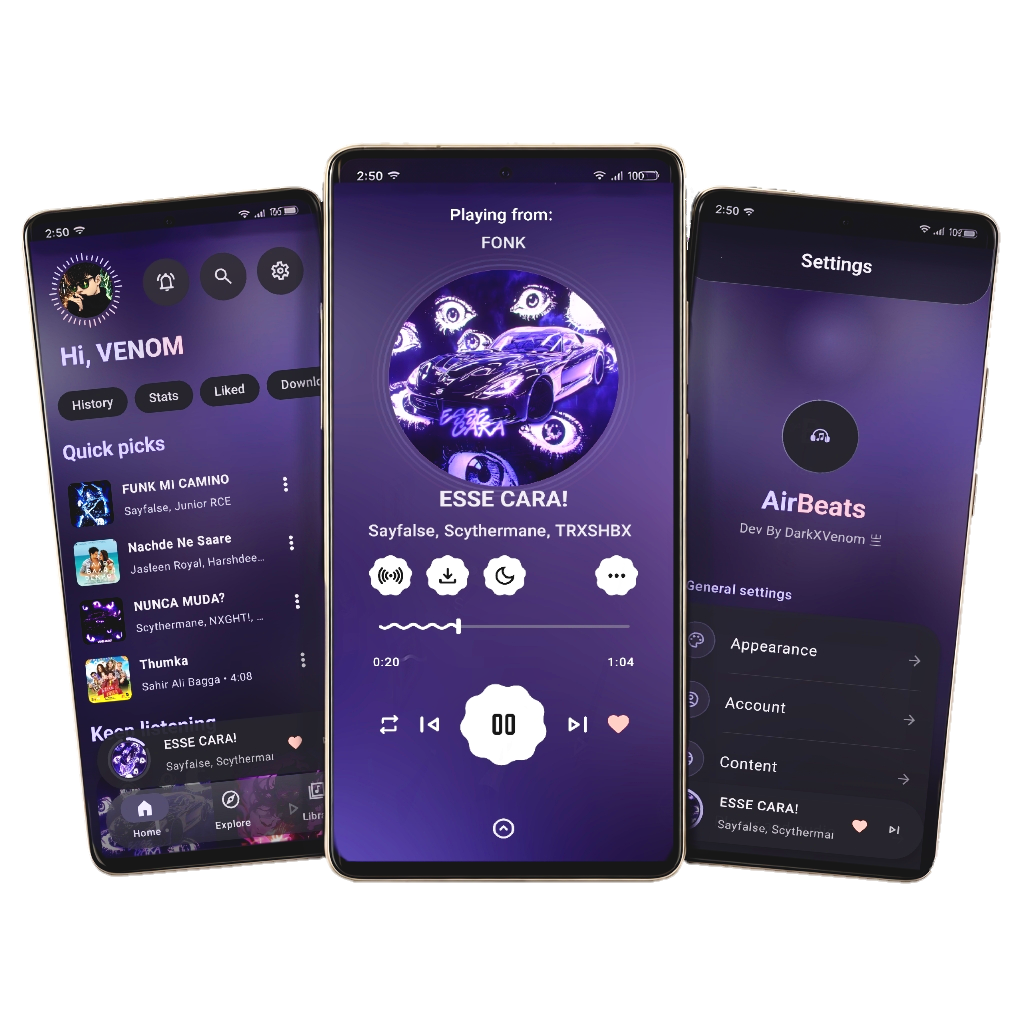



- Official Website: dxv.ispro.in
- APK Download: airbeats.stormx.pw
- Official Store: store.stormx.pw
We are a group of developers dedicated to bringing you the best music experience on Android:
- Darkboy
- GitHub Profile: @d0x-dev
- Website: darkboy.pro
- Telegram: t.me/songpy
- Instagram: @dark__336
- Avatar:

- Venom
- GitHub Profile: @drkvenom786
- Website: venomx.pro
- Web Portfolio: venomx portfolio
- Avatar:

To compile and build AirBeats on your own, please follow this step-by-step build guide.
- Java Development Kit (JDK): JDK 21 is required.
- Android Studio: Android Studio (Ladybug or newer recommended).
- Git: Installed on your development environment.
Important
The Firebase configuration file (google-services.json) is not included in the repository for security reasons. You must add your own Firebase configuration to build the project.
Step-by-step instructions to get your Firebase configuration:
- Go to the Firebase Console.
- Click Create a project (or select an existing project).
- Once the project is created, click the Android icon on the dashboard to register an app.
- Input the following details:
- Android package name:
com.darkxvenom.airbeats - App nickname:
AirBeats
- Android package name:
- Click Register app.
- Download the generated
google-services.jsonfile. - Move the
google-services.jsonfile directly into theapp/directory of the project (i.e.AirBeats/app/google-services.json).
# Clone the repository
git clone https://github.com/d0x-dev/AirBeats.git

# Navigate to the directory
cd AirBeats

# Clean compile files
./gradlew clean

# Build the Debug APK
./gradlew assembleDebug
After compilation, the built debug APK will be located at app/build/outputs/apk/debug/app-debug.apk.
Copyright © 2025 Darkboy & Venom
This program is free software: you can redistribute it and/or modify it under the terms of the GNU General Public License as published by the Free Software Foundation, either version 3 of the License. See the GNU General Public License for more details.