Improper model view for SceneView (3d-only) and inconsistent loaded model sizes for different models #142

Description

First of thanks for your efforts in building this library. While the setup was easy, I am facing two issues:
- The SceneView is not loading "glb" models properly (haven't tried other formats). I have tried with 2 freely available models (unable to attach here) but one of them is the famous Avocado [https://raw.githubusercontent.com/KhronosGroup/glTF-Sample-Models/master/2.0/Avocado/glTF-Binary/Avocado.glb], and both models are successfully loaded on https://modelviewer.dev/editor/ so nothing wrong with the glb files. Here is how the SceneView renders both:
Avocado
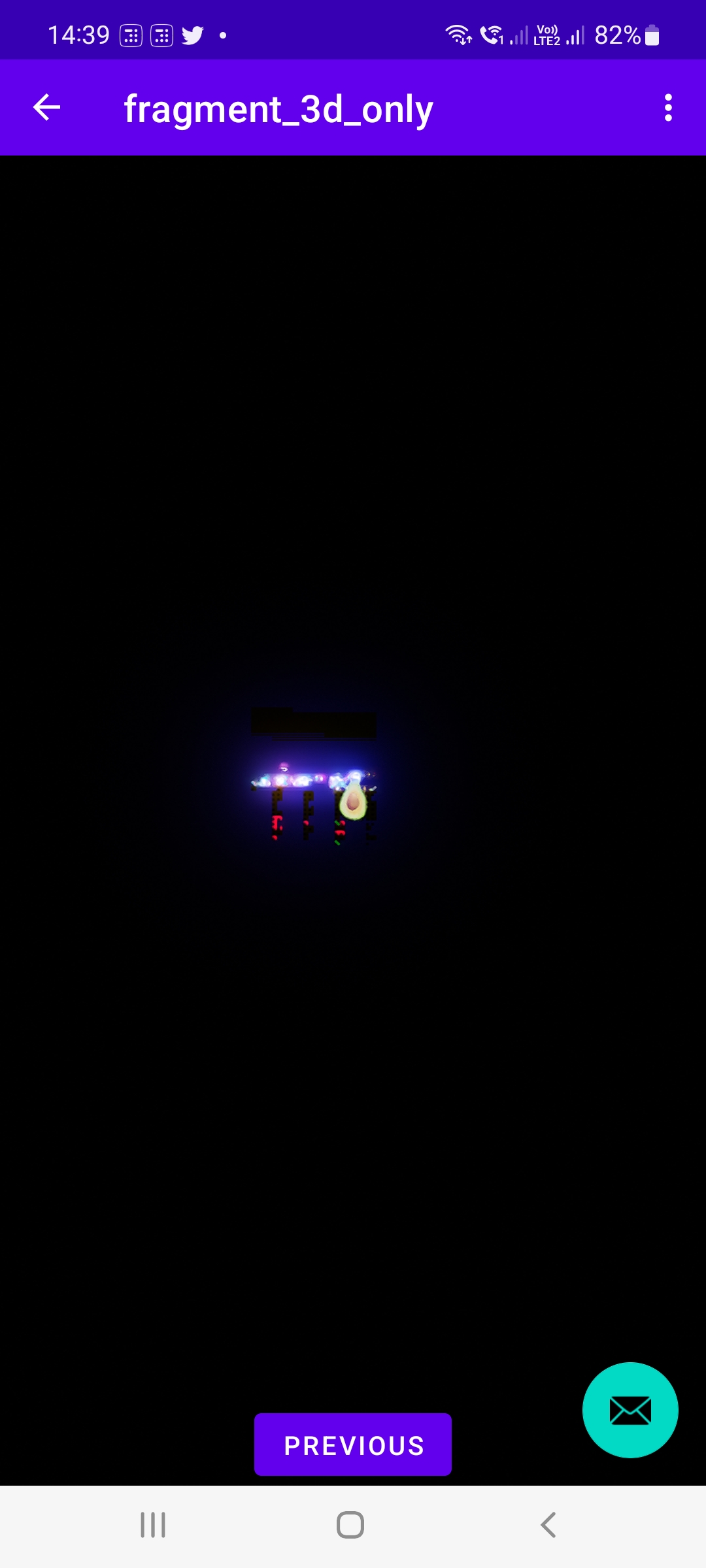

Above happens when I interact with it to zoom in/out
Code usage:
XML:
<io.github.sceneview.SceneView
        android:id="@+id/sceneView"
        android:layout_width="match_parent"
        android:layout_height="match_parent" />
        val modelNode = ModelNode(
            position = Position(x = 0.0f, y = 0.0f, z = -4.0f),
            rotation = Rotation(y = 90.0f),
            scale = Scale(0.2f) // no change with 0.5f too
        )
        activity?.let {
            modelNode.loadModelAsync(it,
                glbFileLocation = "file:///android_asset/tv.glb", //"https://raw.githubusercontent.com/KhronosGroup/glTF-Sample-Models/master/2.0/Avocado/glTF-Binary/Avocado.glb",
                onError = { ex -> Log.e("loadError", "$ex") },
                onLoaded = { model -> Log.v("modelLoaded", "$model") })
        }
        binding.sceneView.addChild(
            modelNode
        )
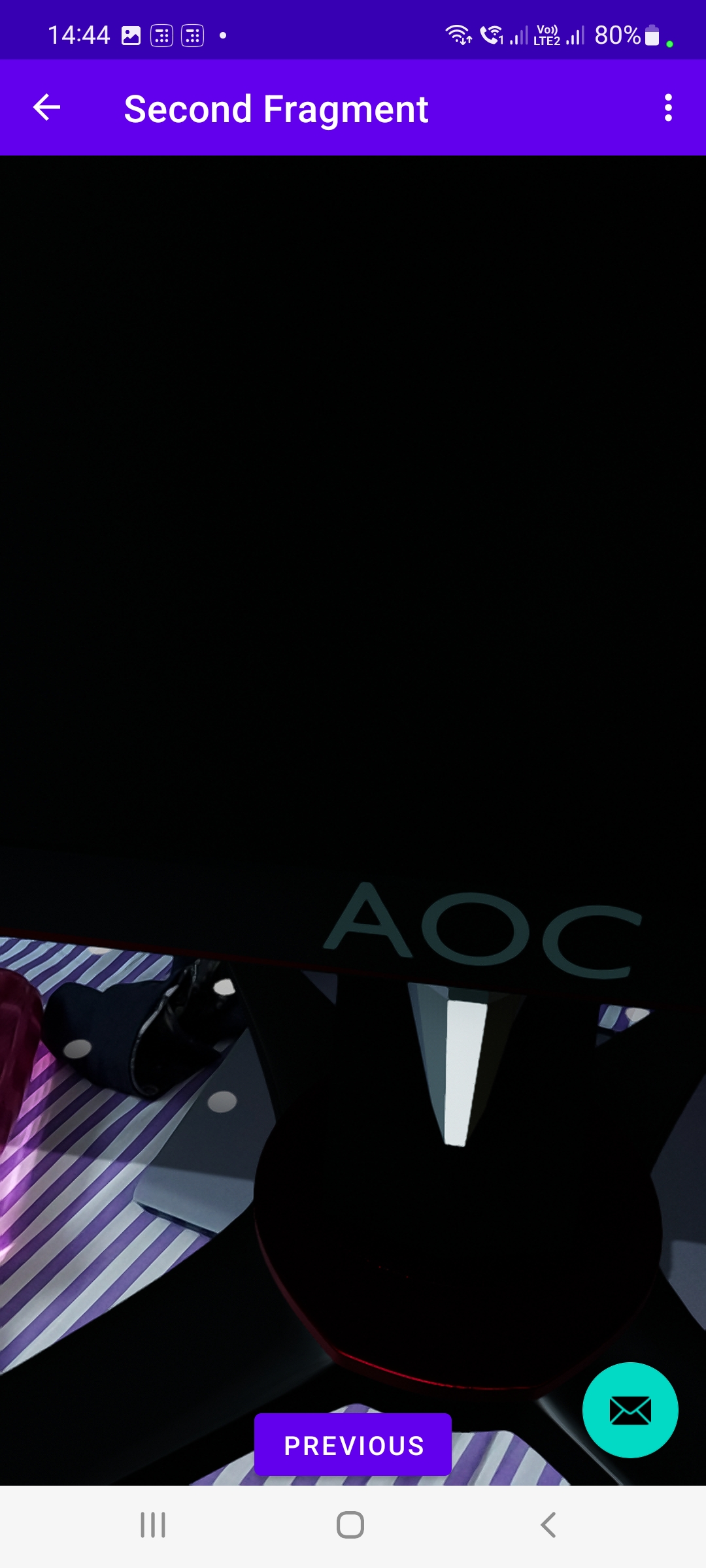
TV

- In the AR View Avocado appears too small (unable to zoom in/out on the object). On the other hand "tv.glb" appears too big to start with (tried both on same surface). How to control this behaviour? any code examples would help.

Device Details:
Samsung M51
One UI : 4.1
Android: 12
Please let me know if any other details are needed.