Repository navigation
Kiosk and enrollment
Kiosk lock keeps the tablet on Remote Screens (strongest as Android device owner; otherwise screen pinning). Set a Kiosk PIN to unlock locally.
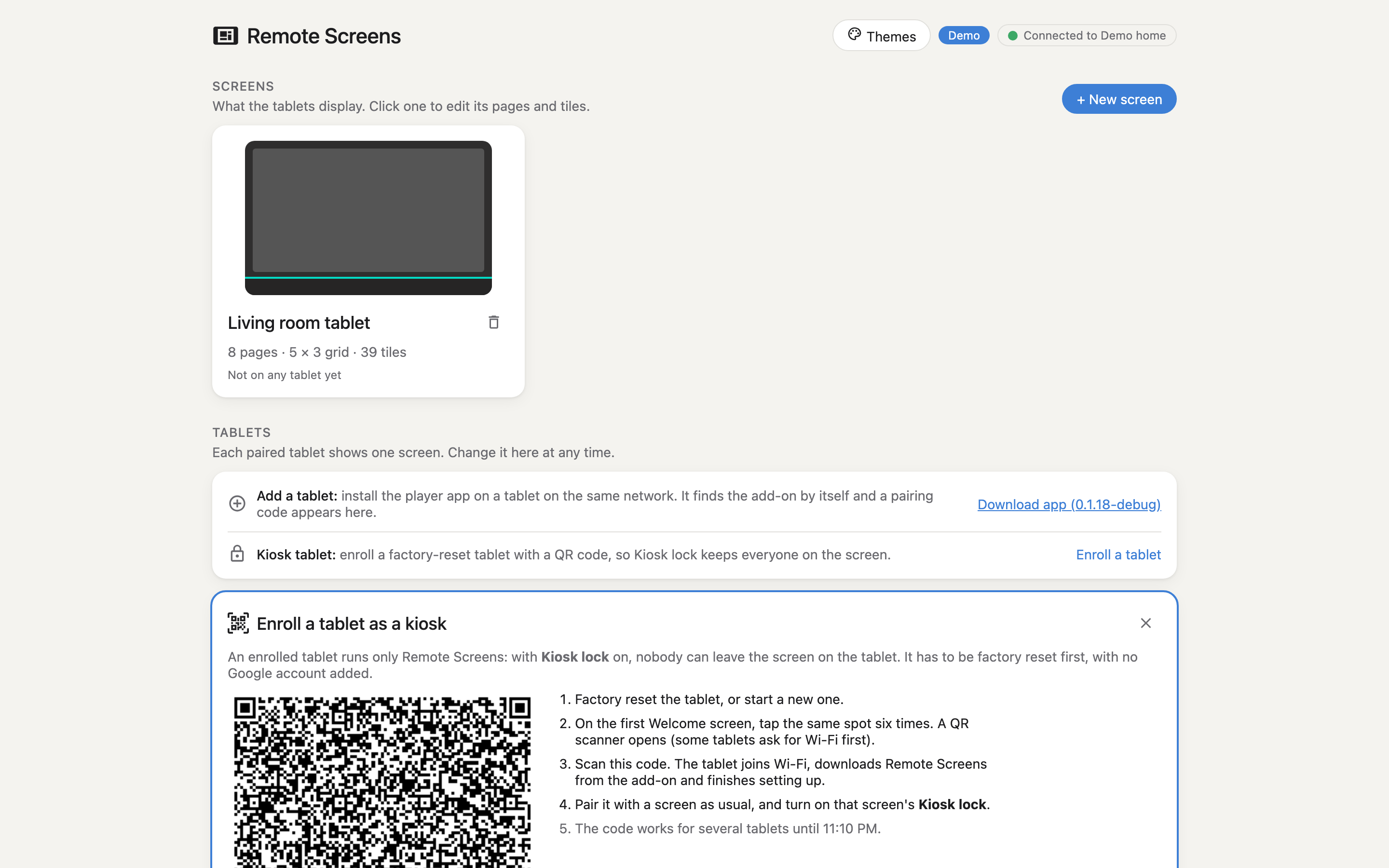
Factory-reset tablet, no Google account. In the editor: Tablets → Enroll a tablet → optional Wi‑Fi → Show QR code. On the Welcome screen, tap six times and scan.
./scripts/enroll-device-owner.sh --fresh remote-screens.apkDetails: addon/DOCS.md.