Repository navigation
Pairing tablets
- Start the add-on and open Remote Screens in the sidebar.
- New screen (or use one sized like your tablet).
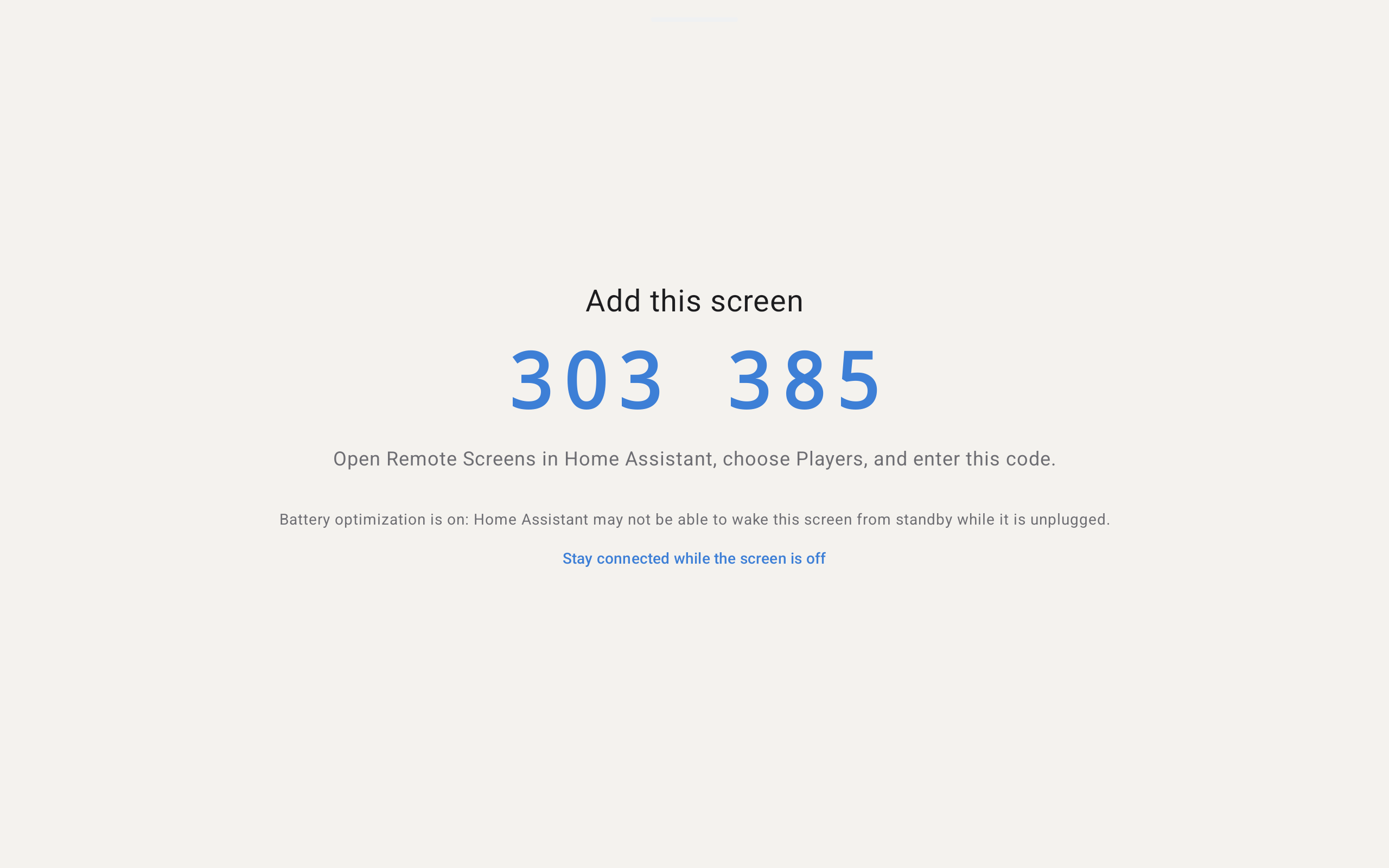
- Install the player app; open it. It shows a six-digit code (mDNS discovery, or Enter address with
host:8100). - In the editor under Tablets, match the code, choose the screen, Pair.
Across VLANs, mDNS often fails — use the manual address. See Network-and-data and Troubleshooting.