SPE scripts are blocked by antivirus software #1135

Description

This issue was raised by a community member Paul de Ruiter.
The issue started with the following error message:

This code is executed when runspaces are created to load the aliases from old command name to new command name.
Exception: System.Management.Automation.ParseException
Message: At line:1 char:1
+ New-Alias Serialize-Item Export-Item -Description 'Serialize-Item->Ex ...
+ ~~~~~~~~~~~~~~~~~~~~~~~~~~~~~~~~~~~~~~~~~~~~~~~~~~~~~~~~~~~~~~~~~~~~~
This script contains malicious content and has been blocked by your antivirus software.
Source: System.Management.Automation
   at System.Management.Automation.Runspaces.PipelineBase.Invoke(IEnumerable input)
   at System.Management.Automation.PowerShell.Worker.ConstructPipelineAndDoWork(Runspace rs, Boolean performSyncInvoke)
   at System.Management.Automation.PowerShell.Worker.CreateRunspaceIfNeededAndDoWork(Runspace rsToUse, Boolean isSync)
   at System.Management.Automation.PowerShell.CoreInvokeHelper[TInput,TOutput](PSDataCollection`1 input, PSDataCollection`1 output, PSInvocationSettings settings)
   at System.Management.Automation.PowerShell.CoreInvoke[TInput,TOutput](PSDataCollection`1 input, PSDataCollection`1 output, PSInvocationSettings settings)
   at System.Management.Automation.PowerShell.Invoke(IEnumerable input, PSInvocationSettings settings)
   at Cognifide.PowerShell.Core.Host.ScriptSession.ExecuteCommand(Boolean stringOutput, Boolean marshallResults)
   at Cognifide.PowerShell.Core.Host.ScriptSession.<>c__DisplayClass150_0.<ExecuteScriptPart>b__0()
   at Cognifide.PowerShell.Core.Utility.SpeTimer.Measure[T](String message, Boolean log, Func`1 action)
   at Cognifide.PowerShell.Core.Host.ScriptSession.ExecuteScriptPart(String script, Boolean stringOutput, Boolean internalScript, Boolean marshalResults)
   at Cognifide.PowerShell.Core.Host.ScriptSession.Initialize(Boolean reinitialize)
   at Cognifide.PowerShell.Core.Host.ScriptSession.Initialize()
   at Cognifide.PowerShell.Core.Host.ScriptSession..ctor(String applianceType, Boolean personalizedSettings)
   at Cognifide.PowerShell.Core.Host.ScriptSessionManager.GetSession(String persistentId, String applianceType, Boolean personalizedSettings)
   at Cognifide.PowerShell.Client.Applications.PowerShellRunner.Execute()
   at Cognifide.PowerShell.Client.Applications.PowerShellRunner.Execute(ClientPipelineArgs args)
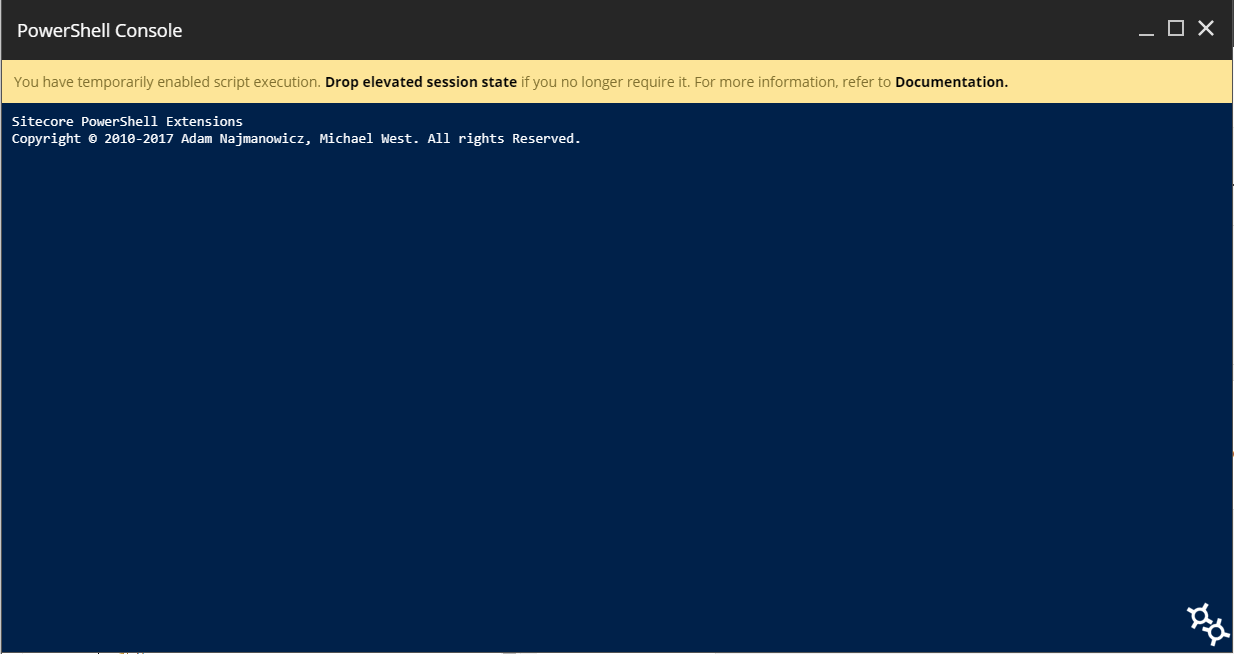
This issue also resulted in the console to just hange: