A modern Windows App to easily bulk-rename your files and folders.
- Drag and drop to add files or folders
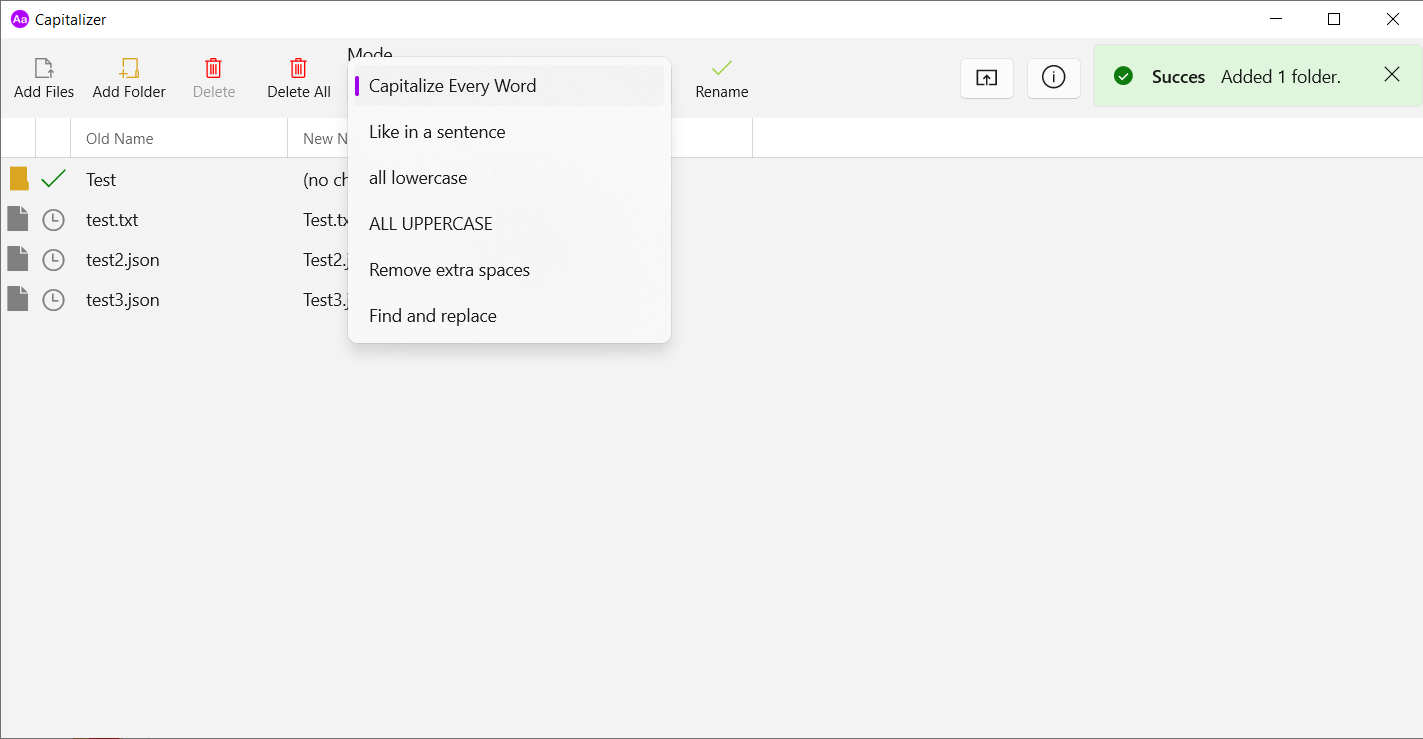
- Multiple renaming modes:
- Capitalize Every Word
- Like a sentence
- all lowercase
- ALL UPPERCASE
- Remove extra spaces
- Find & replace
- Abillity to set the window to be always on top (useful when dragging into Capitalizer)
- Download and install the latest version of Capitalizer.
- If you get an error message about .NET Runtime missing, download the .NET Desktop Runtime 6. This can also be done automatically for you by opening any command line and using winget:
winget install Microsoft.DotNet.DesktopRuntime.8
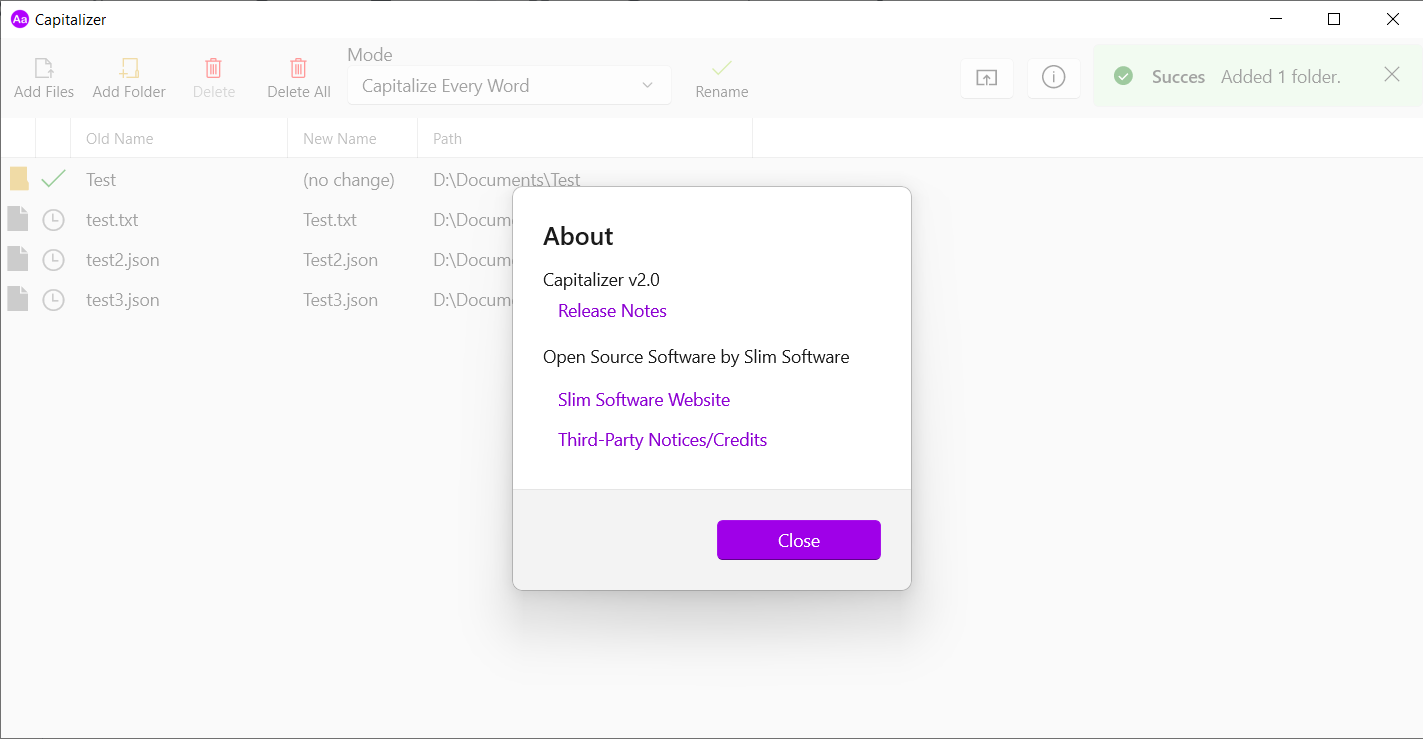
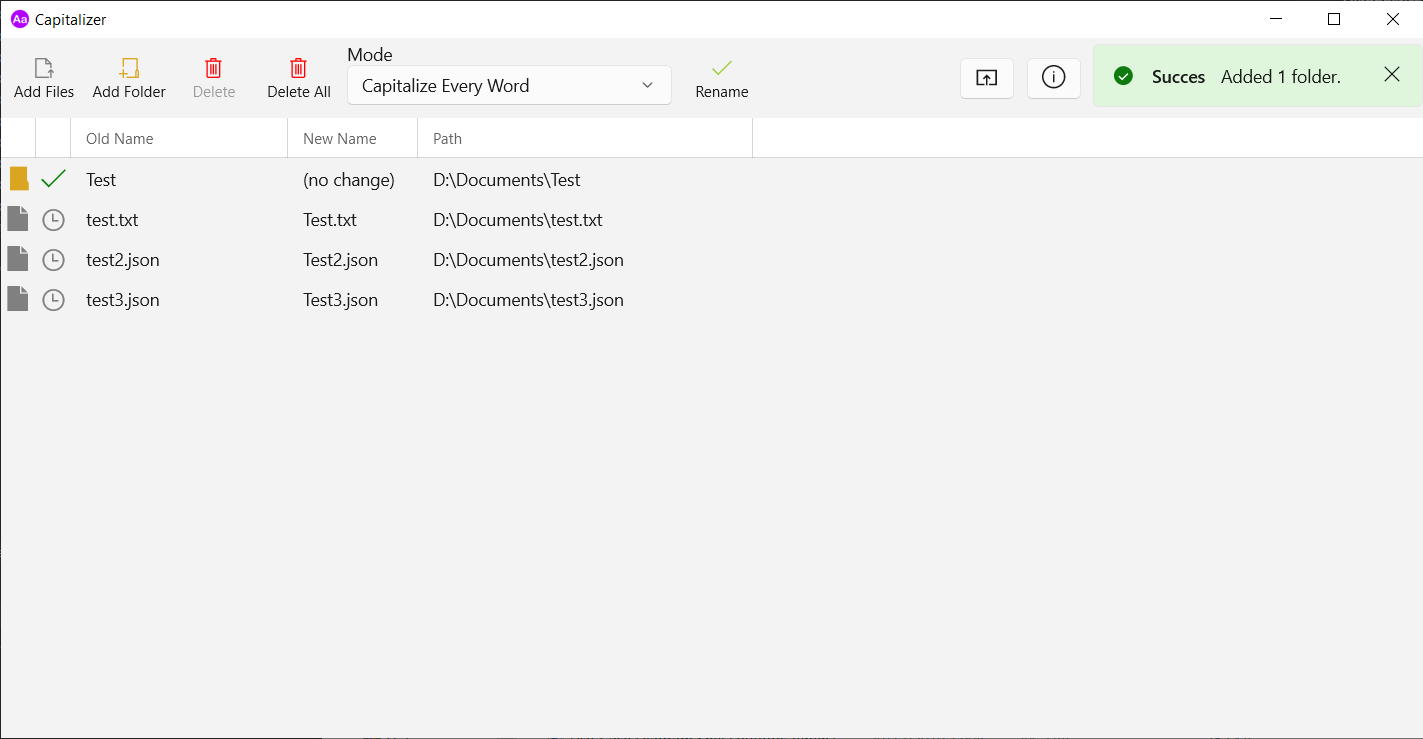
Added files and folder to rename
Available renaming methods
About dialog