Repository navigation
InlineEvaluator
THIS PAGE IS DEPRICATED AND HAS BEEN SUPERCEEDED BY Accessing functions and variables in DIISIS. I'M KEEPING IT HERE SO FUTURE ME CAN POINT AT THIS AND THINK ABOUT ITS SINS
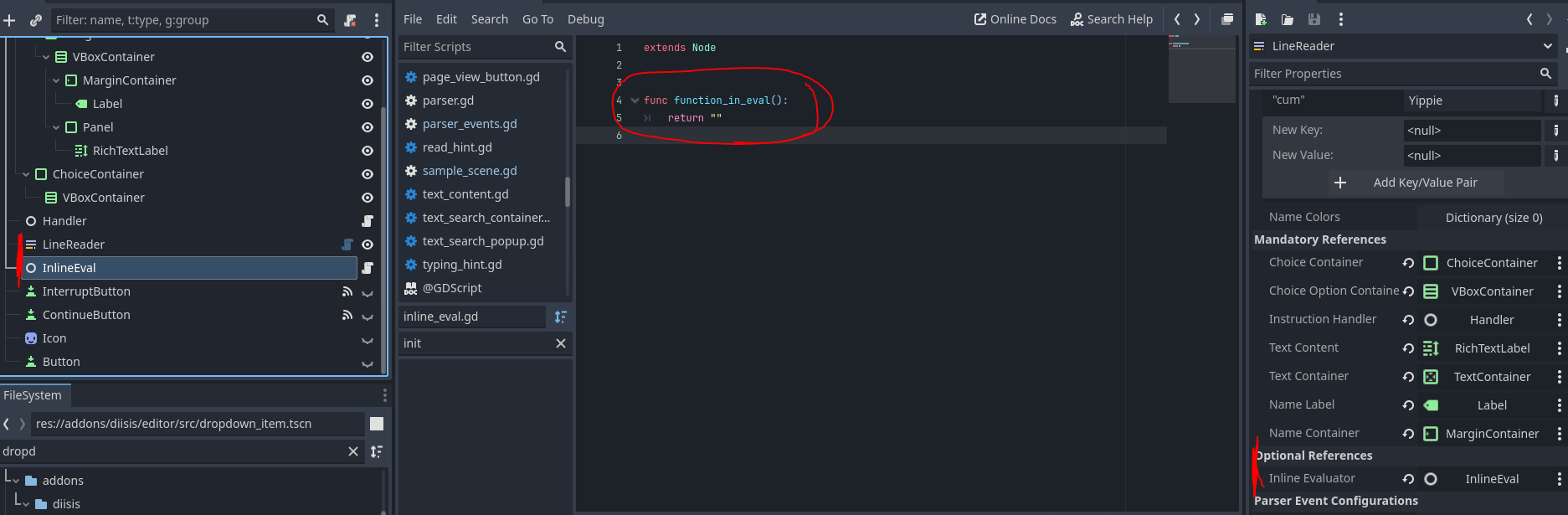
InlineEvaluator is a dedicated but optional class that can be used by a LineReader to gain access to more complex behaviors. It is a node you can reference in a LineReader to make it more reactive to the gamestate.
In any text line, you can type in tags with <. Two of these are <func: and <arg:. When a line gets read, and an evaluator has been set, the LineReader will attempt to replace those tags with the return values of those functions or the string representations of those variables.
If you have tracked quests or stats, this can be used to e.g. dynamically tell the player how many mushrooms they already have collected.
A third tag is <call:. It gets replaced with a blank string. When that part of the text is reached, the function is called. The return type does not matter for functions called with this tag.
<call: and <func: use the same syntax. Use a comma-separated sequence, where the first item is the function name, and all following are the arguments, in order. Note that currently, only strings are supported as arguments. Read more about them in the InlineTag section of the Text Line Type
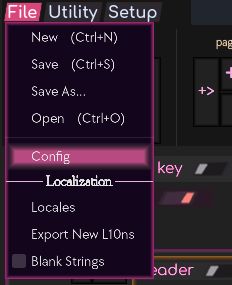
To assist with entering these tags, you can open the Config window in the File menu.
Enter the paths to the script(s) - or scene(s) holding them - which you want to use for inline evaluation, and the text field will prompt you with appropriate members of those scripts.
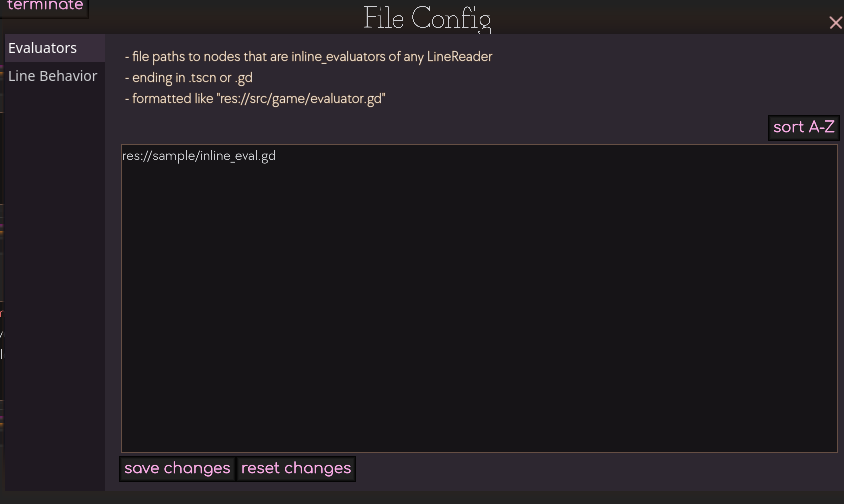
Currently only text completion for function names, not their arguments, is implemented.
The node itself only needs to have a script with variables and functions. Add it to the same scene as the LineReader, drag it to the exported variable, and you're good to go.