A simple password generator and password manager using Python
- Python 3.10 (included in the folder)
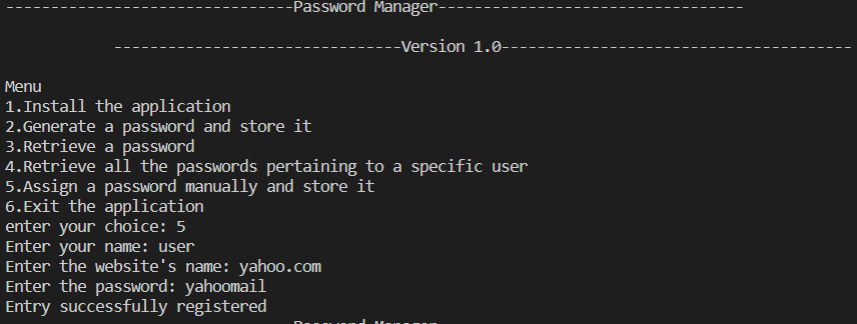
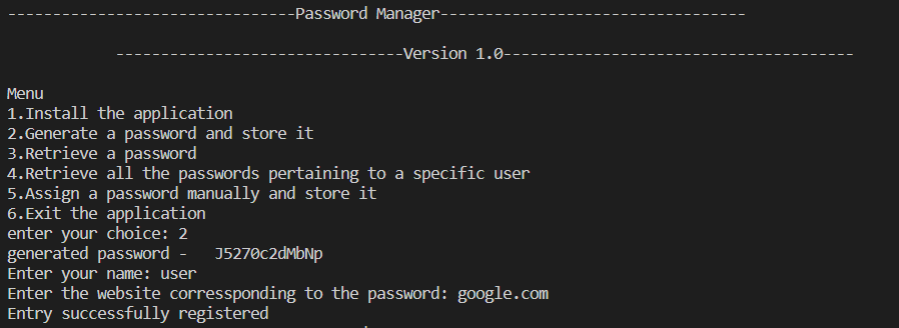
Menu contains all the avaliable options in the app, just mention the option number to use the feature.

In order to use the app, you need to run the initial setup. This setuo can be accessed by using number 1 in the menu.

You can generate a password and then store it in the password manager by selecting option 2.
You can retrieve a password using option 3 in the menu. It will ask for username and website name and then gives the password.

You can show all the saved passwords using option 4 in the menu.

You can save a password manually by selecting option 5 in the menu.