Repository navigation
How trading works
-
/trade <player>, or sneak and right-click the player. - The other player clicks [Accept] in chat or types
/trade accept. - A request expires after 60 seconds. One player can send a new request every 5 seconds.
- Players who don't want requests turn them off with
/trade toggle.

Both players see the same window: your offer on the left, the partner's offer on the right.
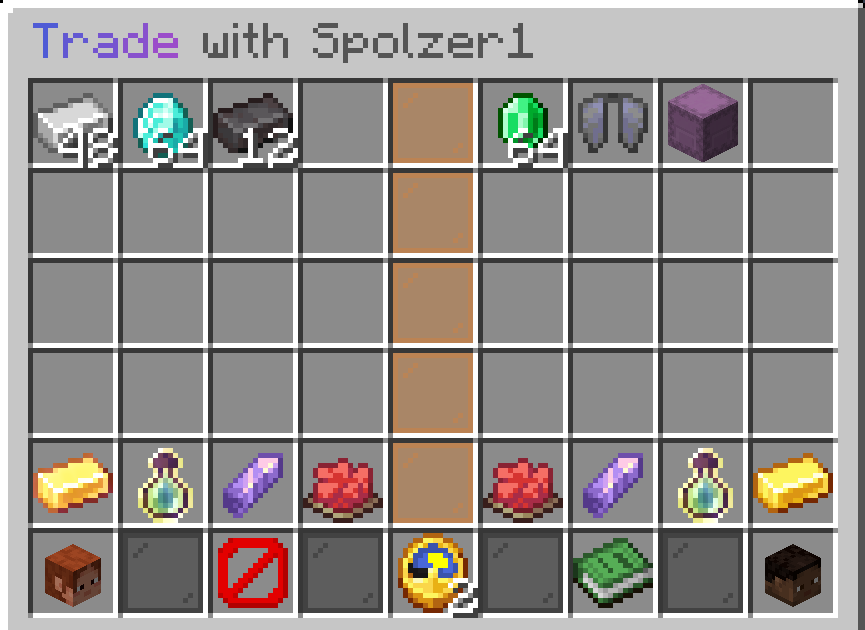
- Items - click an item in your inventory to add it. Left click adds the whole stack, right click adds one. Click your offered item to take it back. Each side has 16 slots.
-
Currencies - the buttons under your offer. Left click opens a field to type the amount (
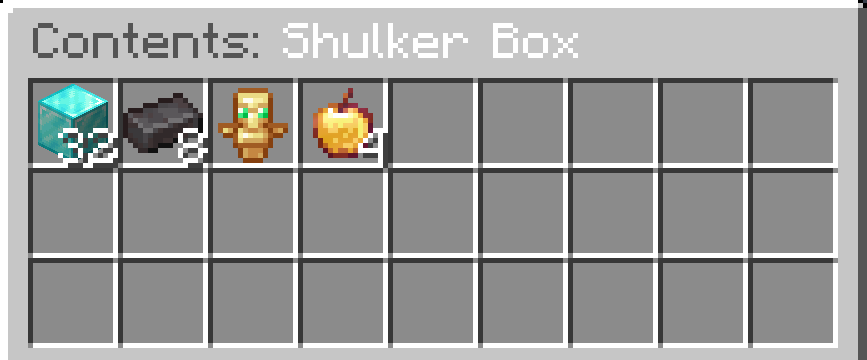
1500,2.5k,1m), right click clears it. - Preview - right-click a shulker box or bundle in the partner's offer to see what's inside.
- Ready - press it when you have checked everything.
- Any change resets the Ready state of both players.
- After a change the Ready button is locked for 3 seconds.
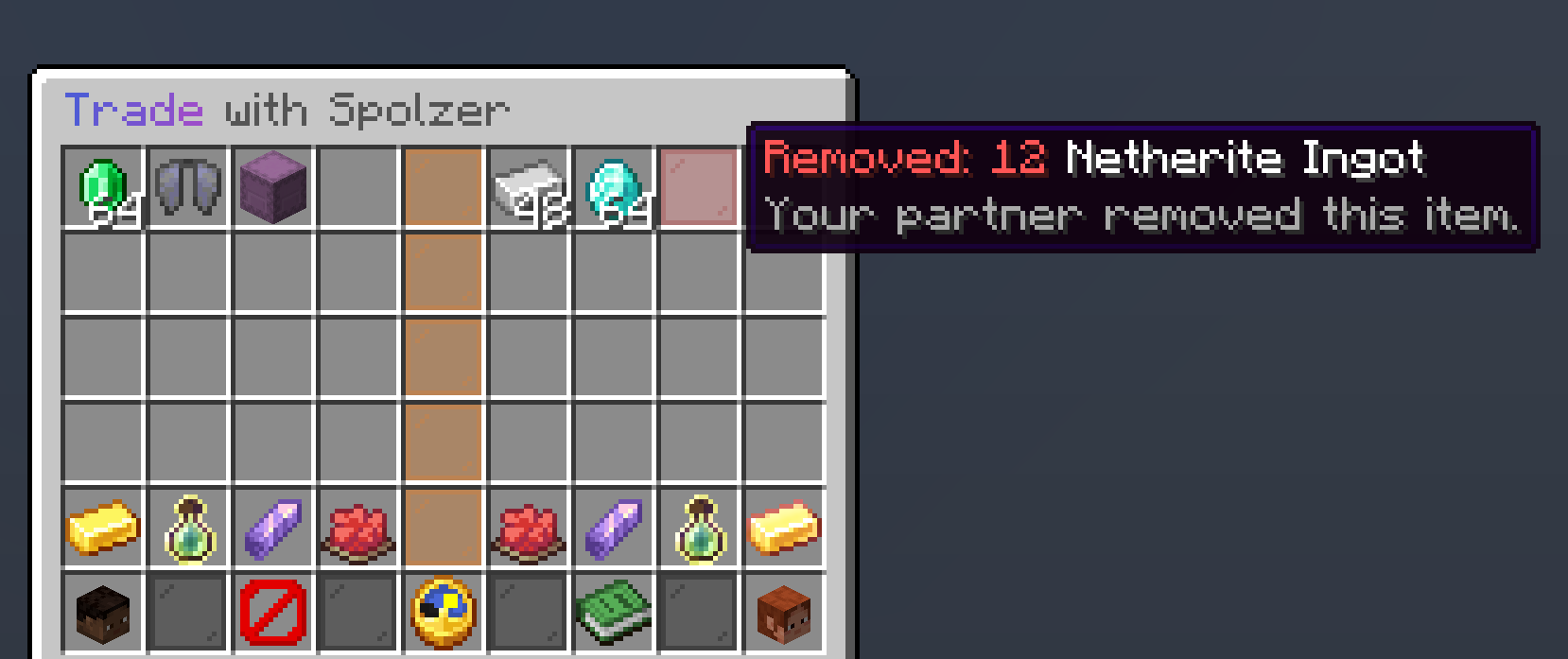
- Changed items glow for 6 seconds, removed items leave a red pane with their name.
- When both are ready, a 3 second countdown starts. Any change stops it.
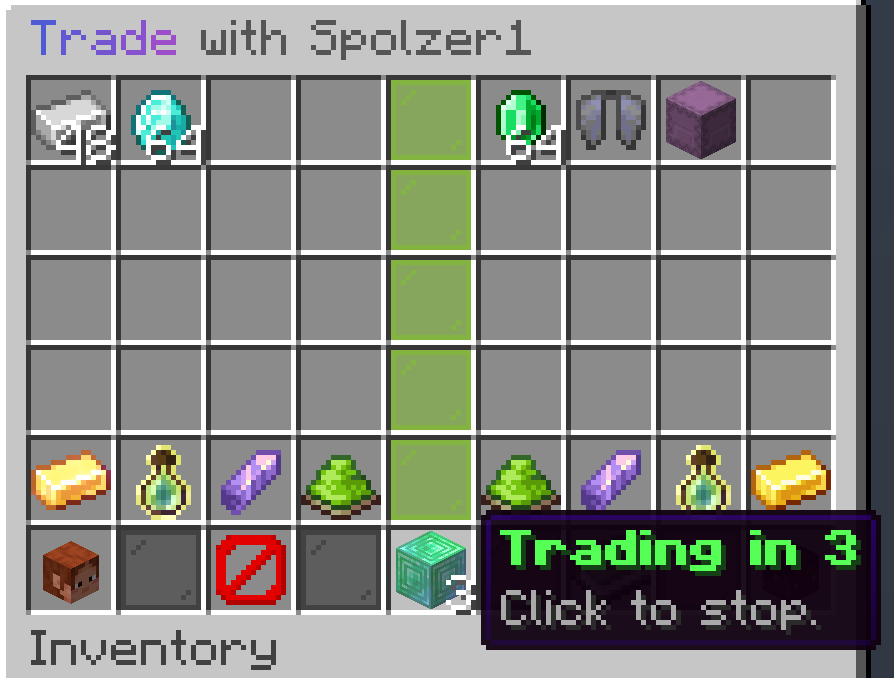
All these times can be changed in Configuration.
Before the exchange InTrade checks that both players still have the money and enough free space. If not, the trade stays open and both players see why.
A trade ends without an exchange when a player presses Cancel trade, closes the window, leaves or dies. Items go back to their owners. If they don't fit or the player is offline, they are kept for /trade claim, see History and storage.
| Command | What it does |
|---|---|
/trade <player> |
Send a request, or accept the request from this player |
/trade accept [player] |
Accept the latest request, or the one from this player |
/trade deny [player] |
Decline a request |
/trade toggle |
Turn incoming requests on or off |
/trade claim |
Collect items kept for you |
/trade history [player] |
Your trade history, or another player's for staff |
/trade reload |
Reload config.yml and language files |
/intrade works too.