Home
🌟 What Is OpenBlocks Scratch? Imagine building your own video game or toy by snapping together colorful puzzle pieces. That’s what OpenBlocks Scratch lets you do! It’s a special kind of computer language made just for kids and beginners. Instead of typing tricky code, you drag and drop blocks that tell your toy what to do—like “move forward,” “make a sound,” or “change color.”
It’s like giving your toy a set of instructions using building blocks!
🧸 How Can You Use It With a Small Board and Screen? You have a tiny computer board with a little screen. You can use OpenBlocks Scratch to make that board do fun things!
For example:
- Make a dancing robot: Use blocks to tell it when to wiggle or spin.
- Create a talking pet: Program it to say “Hello!” when you press a button.
- Build a mini game: Show a maze on the screen and move a character with arrow keys.
- Design a mood lamp: Change colors based on how you feel—just tap a sensor!
You connect your board to your computer, build your project with blocks, and then send the instructions to the board. Ta-da! Your toy comes to life!
You can watch the video on how to put your Spotpear C3 MiniTV keychain together. Its not difficult and can be quite fun.
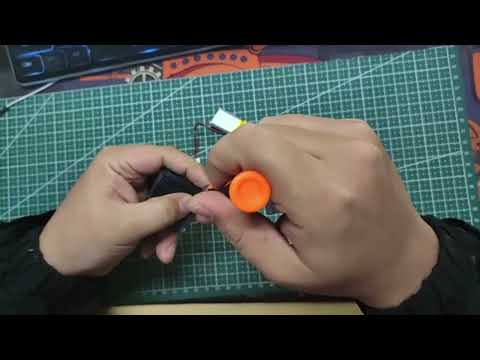
We need to write this section to tell you how to use OpenBlocks and the Keychain.
Click the spotpear-scratch.github.io link to open the Scratch Editor in your browswer.
File and issue with us