A modern online learning platform where users can explore courses, watch lessons, and enroll in skill-based programs like Web Development, Design, Marketing, and more.
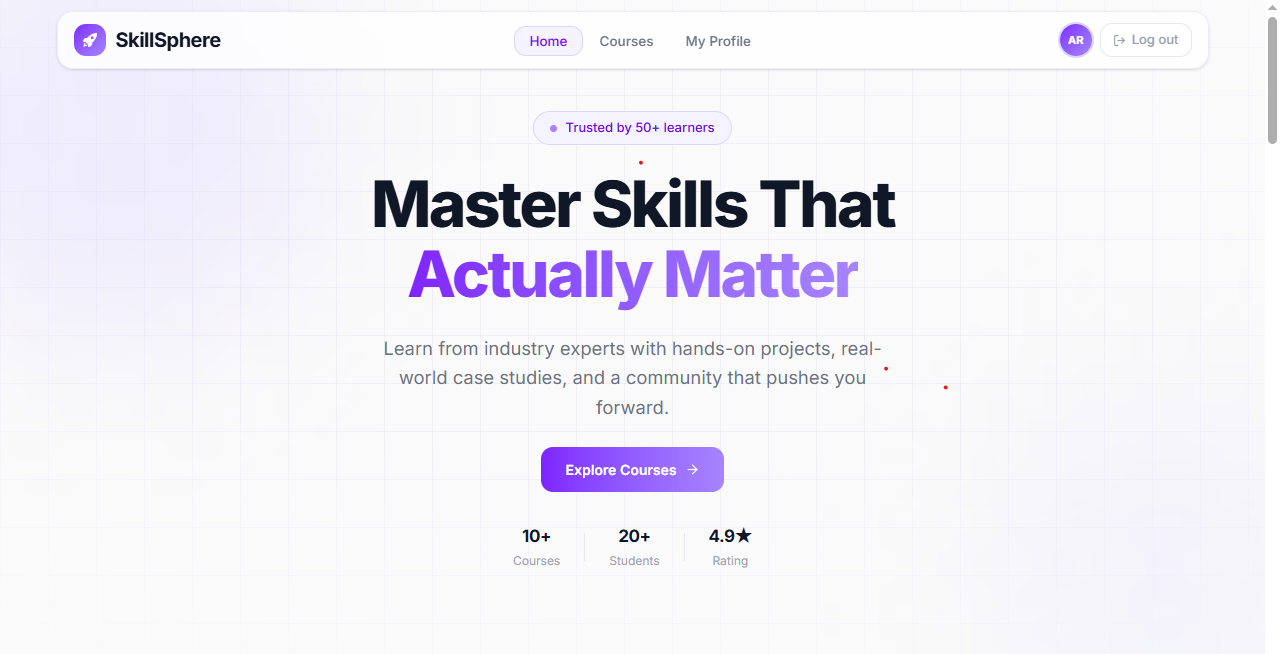
🔗 [https://skill-sphere-bd.vercel.app/]https://skill-sphere-bd.vercel.app/)
SkillSphere is built to help learners discover and enroll in high-quality online courses. Users can browse a curated catalog, view detailed course information including curriculum, and manage their enrolled courses — all within a clean, responsive interface.
- 🔐 Authentication — Email/password & Google OAuth via Better Auth
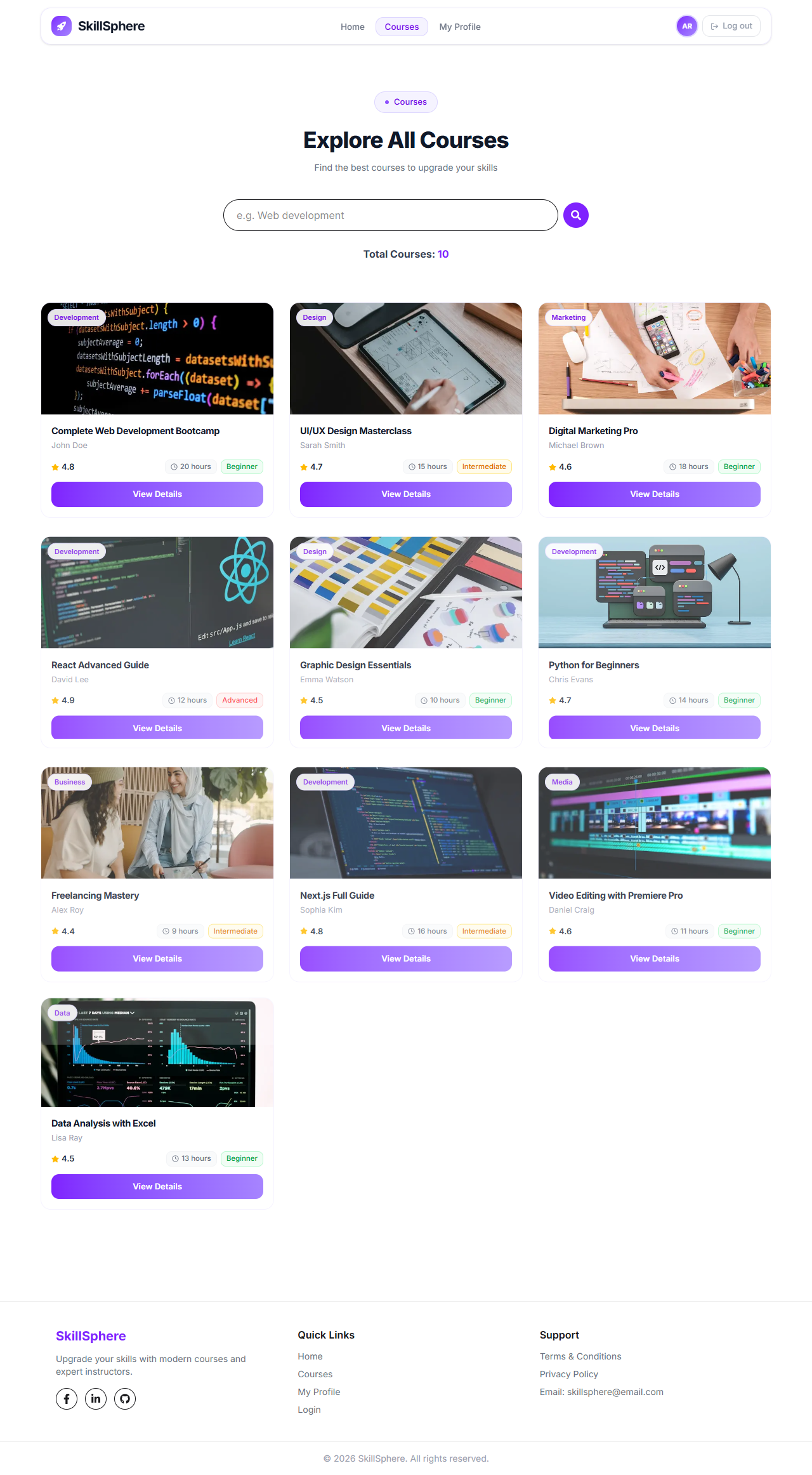
- 🎓 Course Catalog — Browse all courses with search by title
- 📄 Course Details — Full details + static curriculum (protected route)
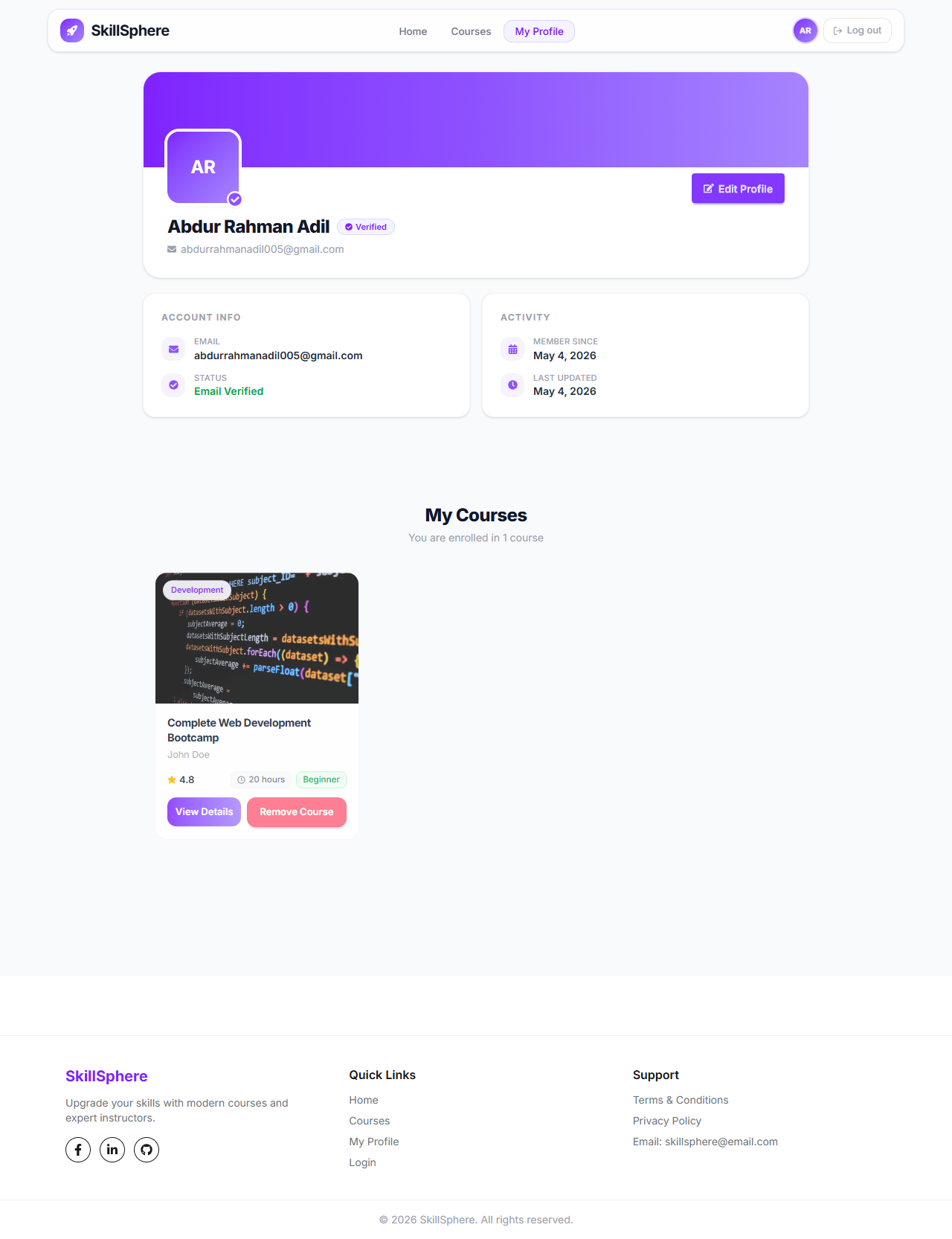
- 📚 My Courses — View and manage enrolled courses
- 👤 My Profile — View profile info with name & avatar update
- 🔒 Protected Routes — Redirect unauthenticated users to login
- 🔔 Toast Notifications — Success & error feedback throughout
- 💀 Loading Skeletons — Smooth loading states on data fetch
- 🚫 404 Page — Custom not-found page
- 📱 Fully Responsive — Mobile, tablet, and desktop support
- 🎞️ Animations — Page transitions and micro-interactions via Motion
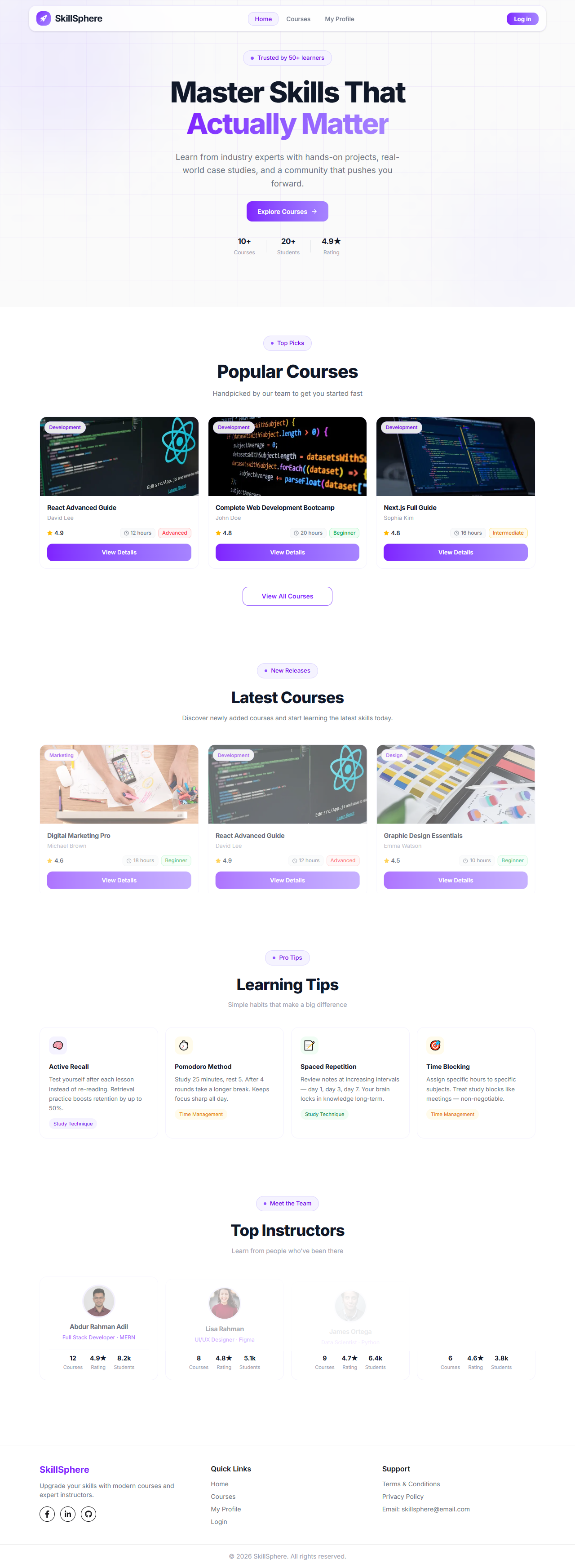
| Home | Courses | Profile |
|---|---|---|
 |
 |
 |
| Technology | Purpose |
|---|---|
| Next.js 16 (App Router) | Framework |
| Tailwind CSS | Styling |
| DaisyUI | UI Components |
| Better Auth | Authentication |
| Motion (Framer Motion) | Animations |
| React Hook Form | Form management |
| React Hot Toast | Notifications |
| React Icons | Icon library |
| @better-fetch/fetch | API fetching in proxy |
better-auth           # Authentication (email + Google OAuth)
motion                # Animations and transitions
react-hook-form       # Form state management
react-hot-toast       # Toast notifications
react-icons           # Icon sets (Fa, Fi, Io5, Md)
@better-fetch/fetch # Fetch utility for Better Auth proxyskill-sphere/
├── app/
│ ├── (root)/
│ │ ├── page.jsx # Home page
│ │ ├── courses/
│ │ │ ├── page.jsx # All courses
│ │ │ └── [id]/
│ │ │ ├── page.jsx # Course details (protected)
│ │ │ └── loading.jsx # Skeleton loader
│ │ ├── profile/
│ │ │ └── page.jsx # My profile (protected)
│ │ └── my-courses/
│ │ └── page.jsx # Enrolled courses
│ ├── login/page.jsx
│ ├── register/page.jsx
│ └── layout.jsx
├── components/
│ ├── shared/
│ │ ├── Navbar.jsx
│ │ └── Footer.jsx
│ ├── profile/
│ │ └── EditProfile.jsx
│ └── course/
│ ├── CourseCard.jsx
│ └── EnrollNow.jsx
├── context/
│ └── MyCourseContext.jsx
├── lib/
│ └── auth/
│ ├── auth.js
│ └── auth-client.js
├── utils/
│ └── NavLink.jsx
├── proxy.js # Next.js 16+ proxy (auth protection)
└── public/
└── readme/
├── banner.png
├── home.png
├── course.png
└── profile.png
Create a .env.local file in the root directory:
# Better Auth
BETTER_AUTH_SECRET=your_secret_key_here
BETTER_AUTH_URL=http://localhost:3000

# Google OAuth
GOOGLE_CLIENT_ID=your_google_client_id
GOOGLE_CLIENT_SECRET=your_google_client_secret

# Database
DATABASE_URL=your_database_url
⚠️ Never commit.env.localto GitHub. It is listed in.gitignore.
# 1. Clone the repository
git clone https://github.com/SyntaxAdil/skill-sphere.git

# 2. Navigate into the project
cd skill-sphere

# 3. Install dependencies
npm install

# 4. Set up environment variables
cp .env.example .env.local
# Fill in your values in .env.local

# 5. Run the development server
npm run dev
Open http://localhost:3000 in your browser.
| Route | Access | Description |
|---|---|---|
/ |
Public | Home with hero, popular courses, tips & instructors |
/courses |
Public | All courses with search |
/courses/[id] |
🔒 Protected | Full course details + curriculum |
/profile |
🔒 Protected | User profile with edit option |
/login |
Guest only | Login with email or Google |
/register |
Guest only | Register with name, email, photo, password |
This project is deployed on Vercel.
Make sure to add all environment variables in the Vercel project settings before deploying.
- Category: category-A8-Orange
- Project: SkillSphere – Online Learning Platform
Adil — @SyntaxAdil