Latest supported server version: 26.1
Function: player navigation, waypoint management, and particle-based route guidance
Build: Java 21 + Gradle + Shadow fat jar packaging
PathFinder is a Paper/Spigot plugin focused on navigation and waypoint workflows for Minecraft servers. It uses Java-based path guidance, asynchronous runtime tasks, and player-visible particle routes to guide users toward targets without blocking the main server thread.
Key points:
- Asynchronous path processing designed to avoid main-thread lag.
- Real-time particle path guidance visible to the navigating player.
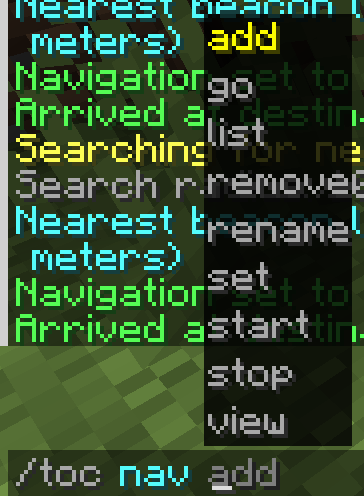
- Waypoint creation, editing, listing, and navigation through
/toc nav. - GUI entry points for player navigation and admin controls.
- Multi-language support with bundled language files.
- Configurable pathfinding cost, particle, and search-radius settings.
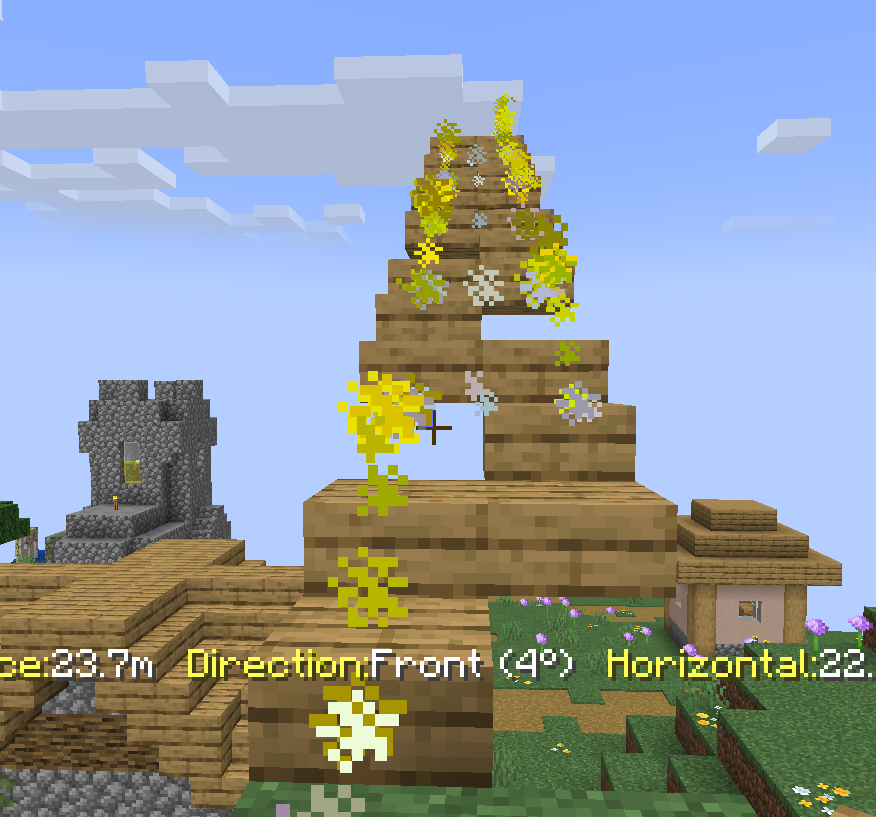
Navigation effect:

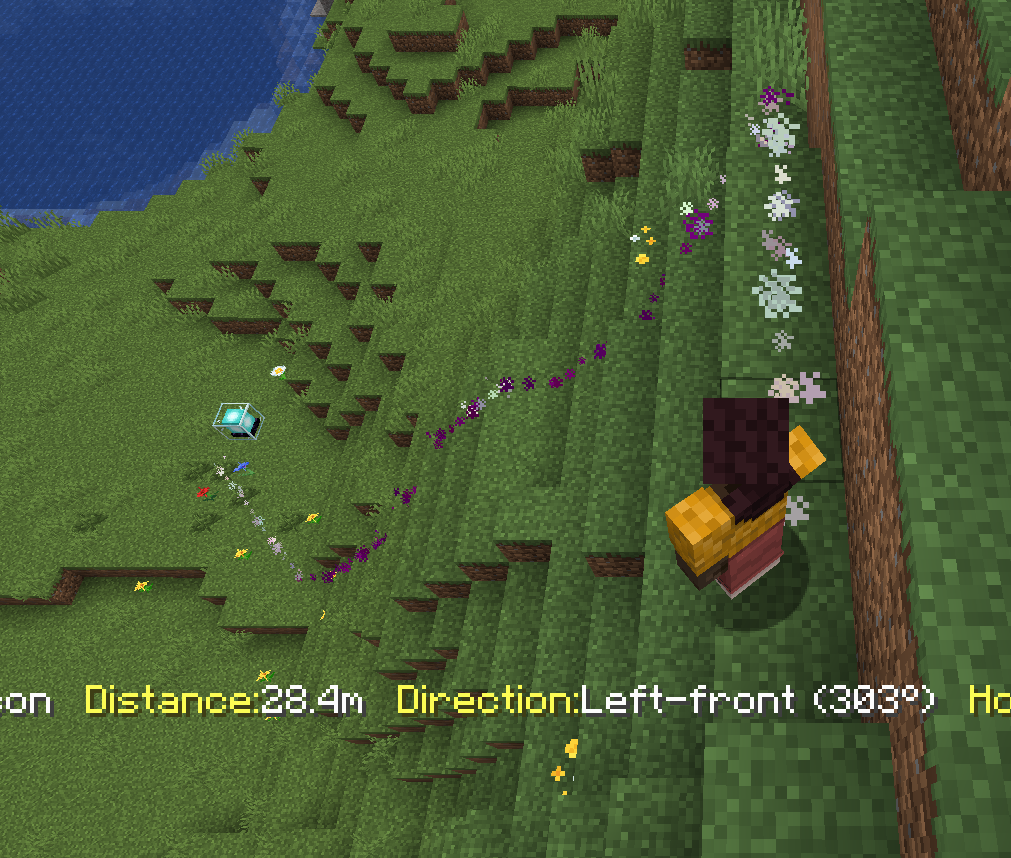
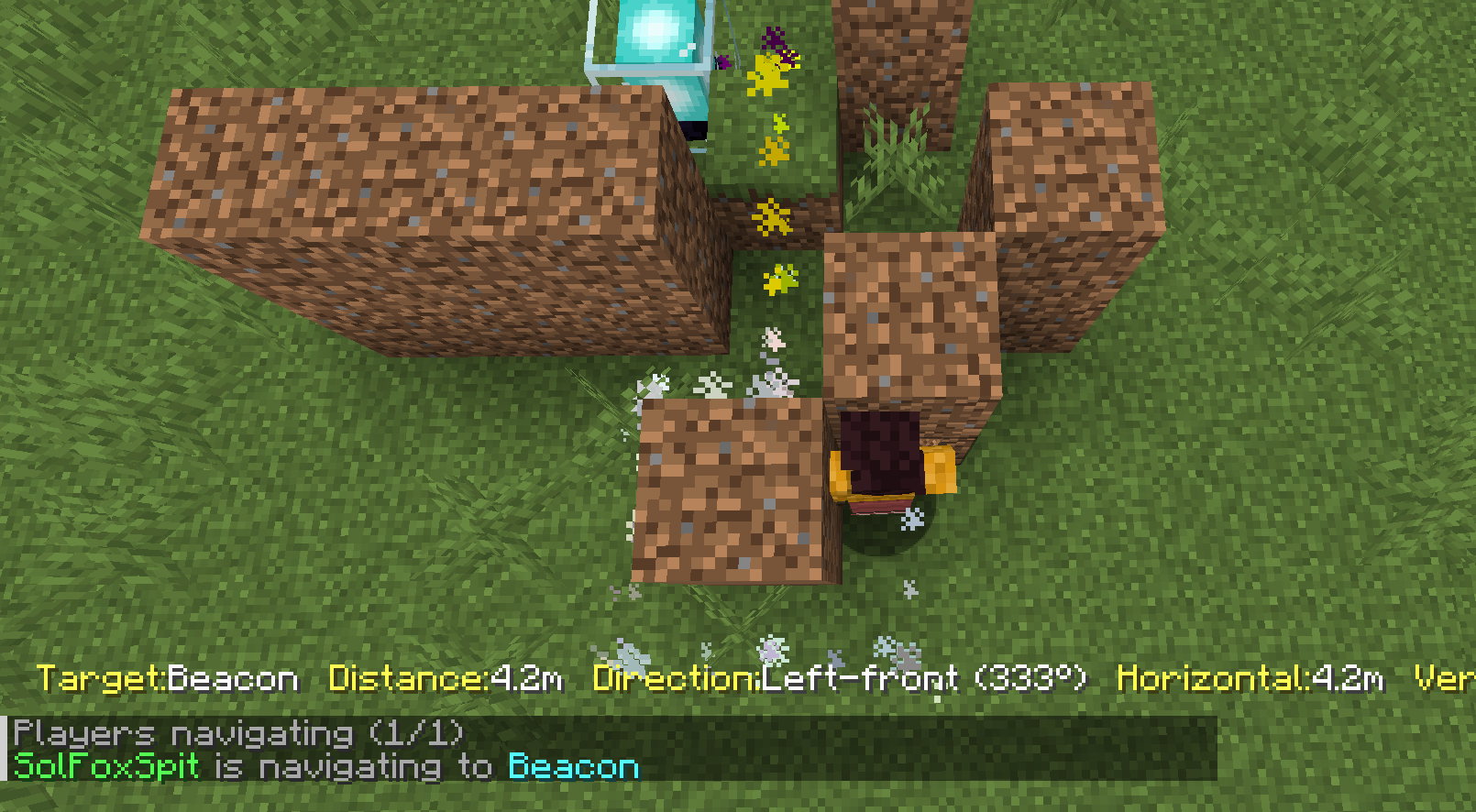
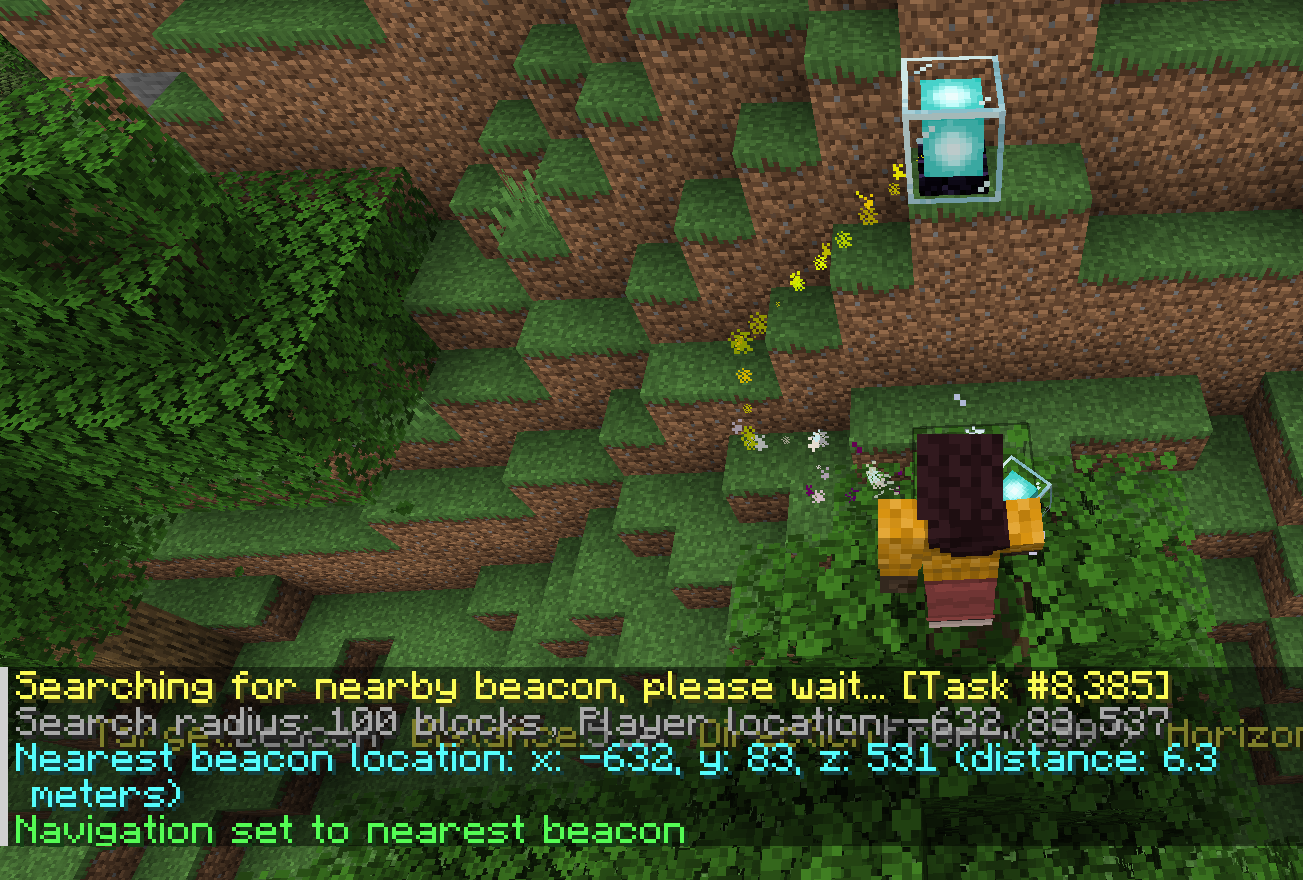
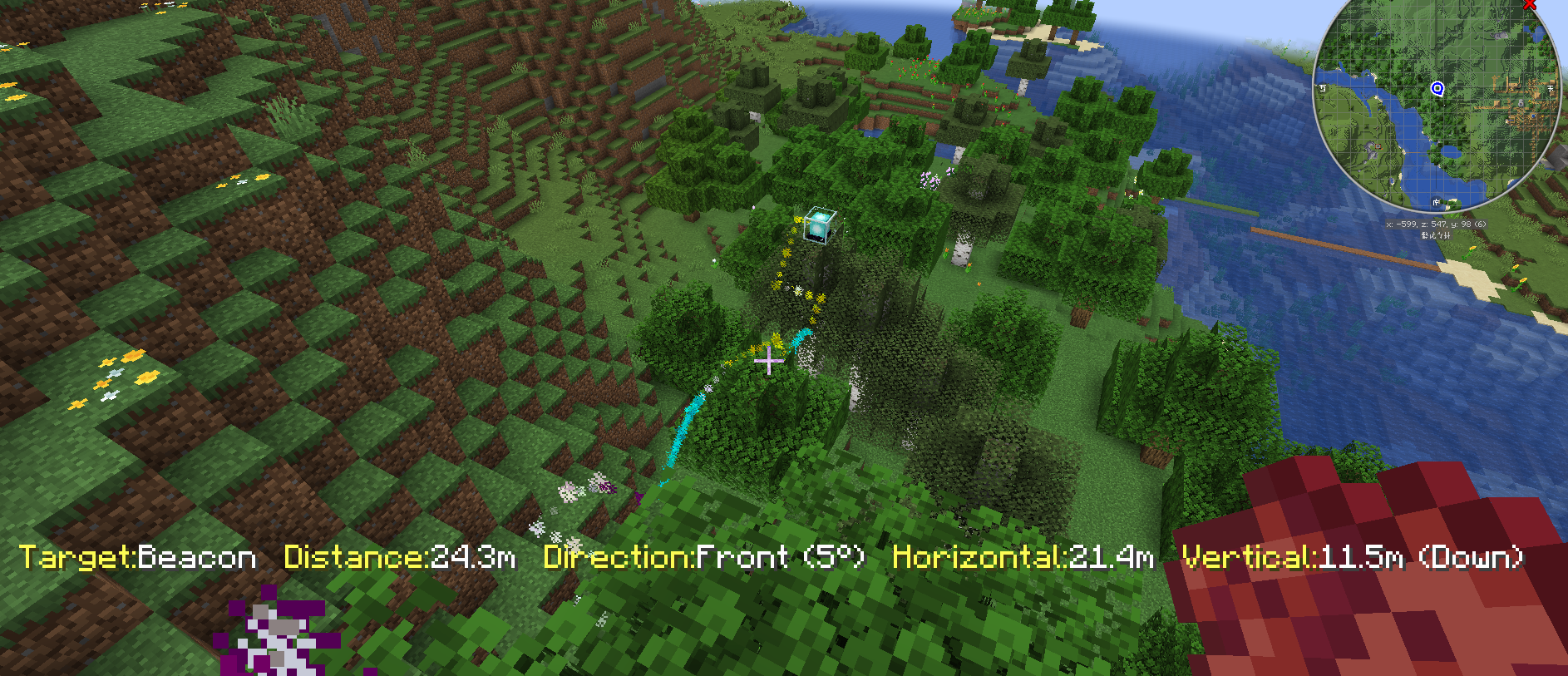
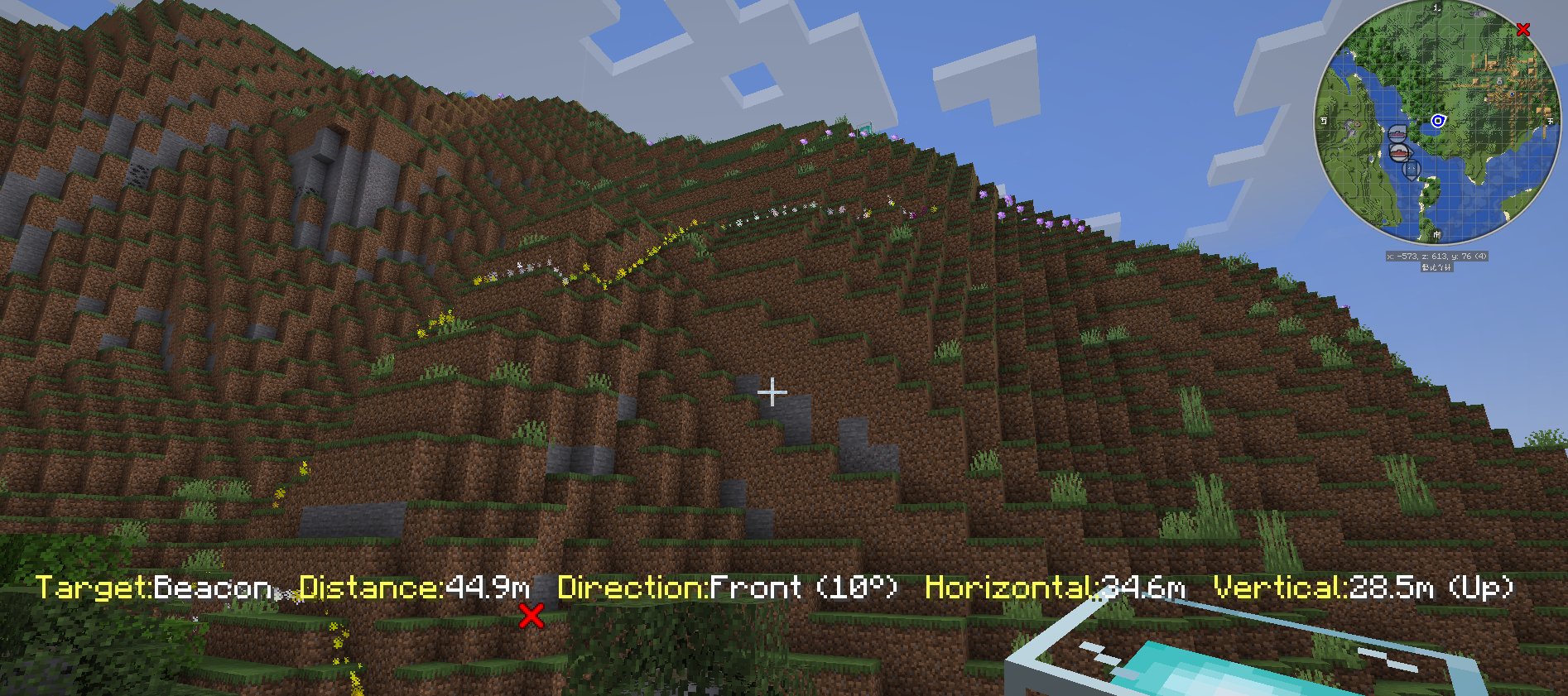
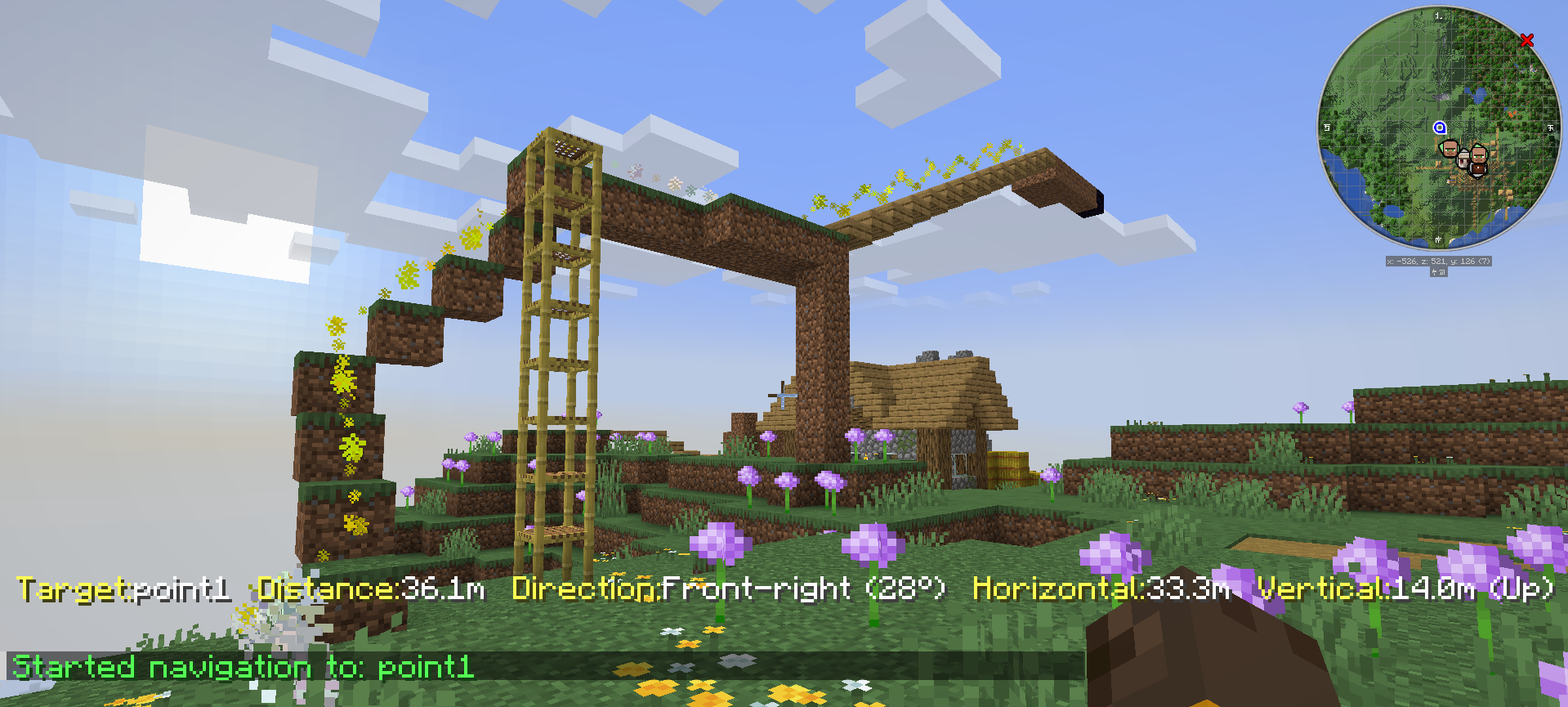
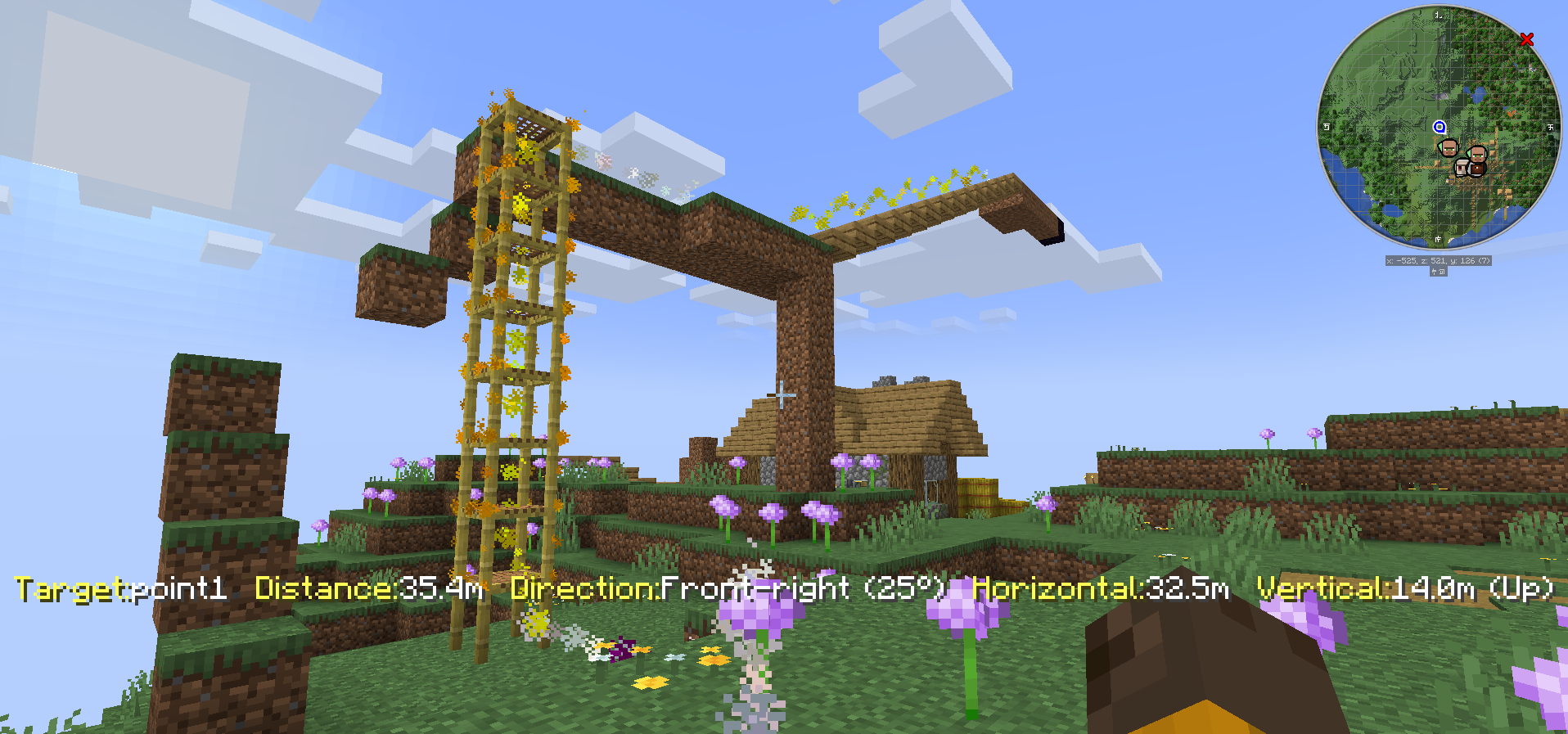
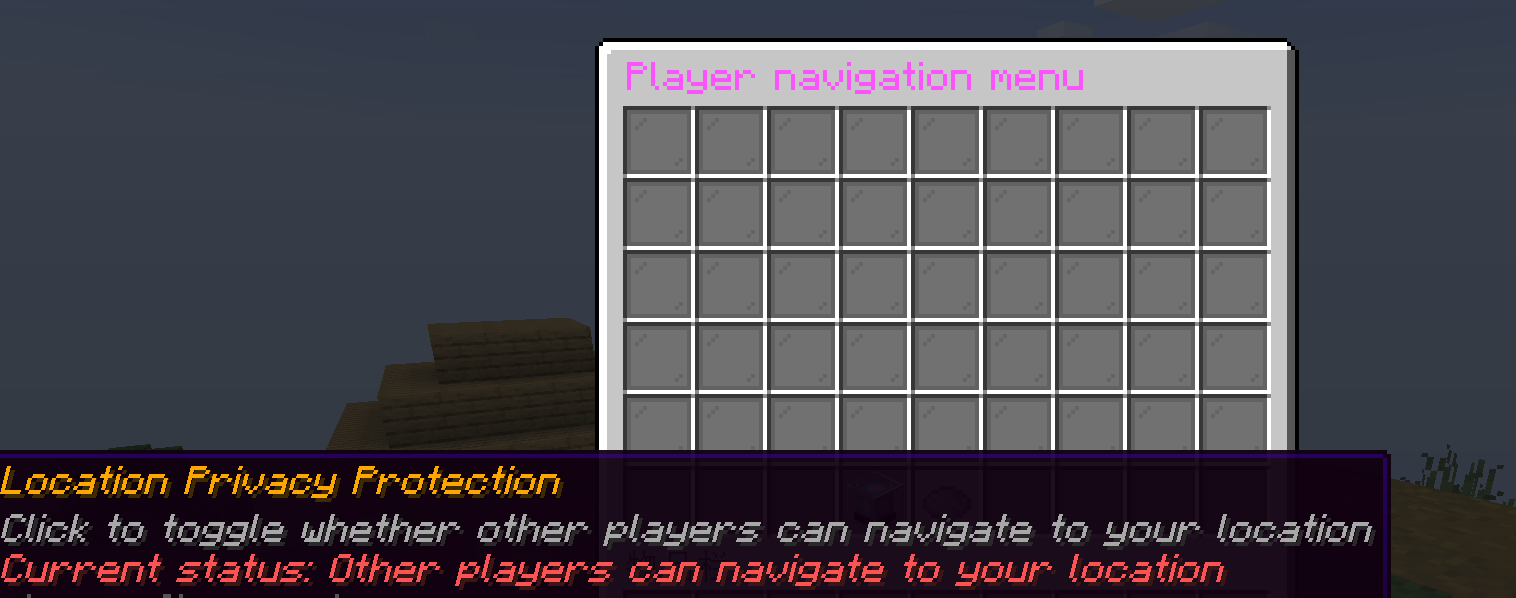
/toc cd opens the player navigation page:
/toc admin opens the admin menu:

| Command | Permission Node | Description |
|---|---|---|
/toc admin |
toc.admin |
Open the admin menu |
/toc reload |
toc.admin |
Reload plugin configuration |
/toc status |
toc.admin |
View plugin status information |
/toc cd |
toc.cd |
Open the player navigation menu |
/toc lang <language|reset> |
toc.lang |
Change or reset the player's language |
/toc nav add <name> <x> <y> <z> [world] |
toc.nav.add |
Create a waypoint |
/toc nav remove <name> |
toc.nav.remove |
Delete a waypoint |
/toc nav rename <old_name> <new_name> |
toc.nav.rename |
Rename a waypoint |
/toc nav set <name> <x|y|z|world> <value> |
toc.nav.set |
Modify a waypoint field |
/toc nav start <player> <name> |
toc.nav.start |
Force a player to start navigation |
/toc nav go <name> |
toc.nav.go |
Navigate to a saved waypoint |
/toc nav stop |
toc.nav.stop |
Stop your own navigation |
/toc nav stop <player> |
toc.nav.stop.other |
Stop another player's navigation |
/toc nav list [--page=] [--world=] |
toc.nav.list |
List saved waypoints |
/toc nav view [--page=] |
toc.view |
View active navigation sessions |
Main plugin configuration:
language: "en-US"
allow_navigation_to_invisible: false
Configuration notes:
languagesets the default plugin language.allow_navigation_to_invisiblecontrols whether invisible target players can still be navigated to.
Pathfinding configuration:
max_search_radius: 3000
max_iterations: 4000
particle_spacing: 0.5
max_particle_distance: 30
particle_size: 1.0
path_refresh_ticks: 15
diagonal_cost: 1.5
straight_cost: 1.0
right_angle_turn_cost: 0.5
diagonal_turn_cost: 1.0
break_block_cost: 100.0
door_cost: 0.0
trapdoor_cost: 6.0
jump_cost: 0.0
vertical_cost: 1.0
scaffolding_cost: 0.0
fall_cost: 2.0
block_jump_cost: 1.0
max_block_jump_distance: 4
max_safe_fall_height: 4
enable_path_caching: false
Tuning notes:
- Larger
max_search_radiusincreases range but also increases processing cost. - Larger
max_iterationsimproves accuracy at a higher CPU and memory cost. - Smaller
particle_spacingcreates denser particle lines. - Larger
max_particle_distanceincreases client-facing visibility and bandwidth usage. - Setting
enable_path_cachingtotruereduces recomputation but can make routes less reactive.
max_search_radius: 200
max_iterations: 1000
path_refresh_ticks: 30
Configuration changes are intended to be lightweight to maintain, and lower values are more suitable for smaller servers.
- This plugin is better suited to general navigation than high-precision parkour routing.
- Vertical path support is primarily designed around ladders and scaffolding.
- Underwater pathfinding can require additional testing depending on your map design.
./scripts/build-fatjar.shThis script:
- attempts to auto-detect
JAVA_HOME - cleans stray
.classfiles outside Gradle output directories - runs
./gradlew clean shadowJar - verifies the generated fat jar and reports its size and class count
The main artifact produced by ./scripts/build-fatjar.sh is written to:
.gradle-build/libs/PathFinder-1.6.0-all.jar
The script resolves the final file from .gradle-build/libs/*-all.jar, so the exact filename follows the version declared in build.gradle.
If RELEASE_COPY=1 is provided, the script also copies a timestamped build artifact into:
release/
Example:
RELEASE_COPY=1 ./scripts/build-fatjar.sh./scripts/quick-build.shThis is a faster build path that skips the full clean step and runs shadowJar directly.
./build.sh.
├── build.gradle
├── gradle/
├── scripts/
│ ├── build-fatjar.sh
│ └── quick-build.sh
├── src/main/java/
└── src/main/resources/
Bundled language files currently include:
zh-CNzh-TWen-USde-DEru-RUes-ESpt-PTfr-FR
Language files live under plugins/PathFinder/lang/ at runtime and can be extended as needed. Language filenames should follow RFC 1766 style identifiers such as en-US or zh-CN.
Discord community: https://discord.gg/daSchNY7Sr
Enjoy using PathFinder.