
Taskbar X is a powerful customization tool designed to transform the Windows taskbar into a clean, centered, and visually dynamic interface. It enhances desktop organization and delivers a modern user experience with smooth transitions and flexible layout control.
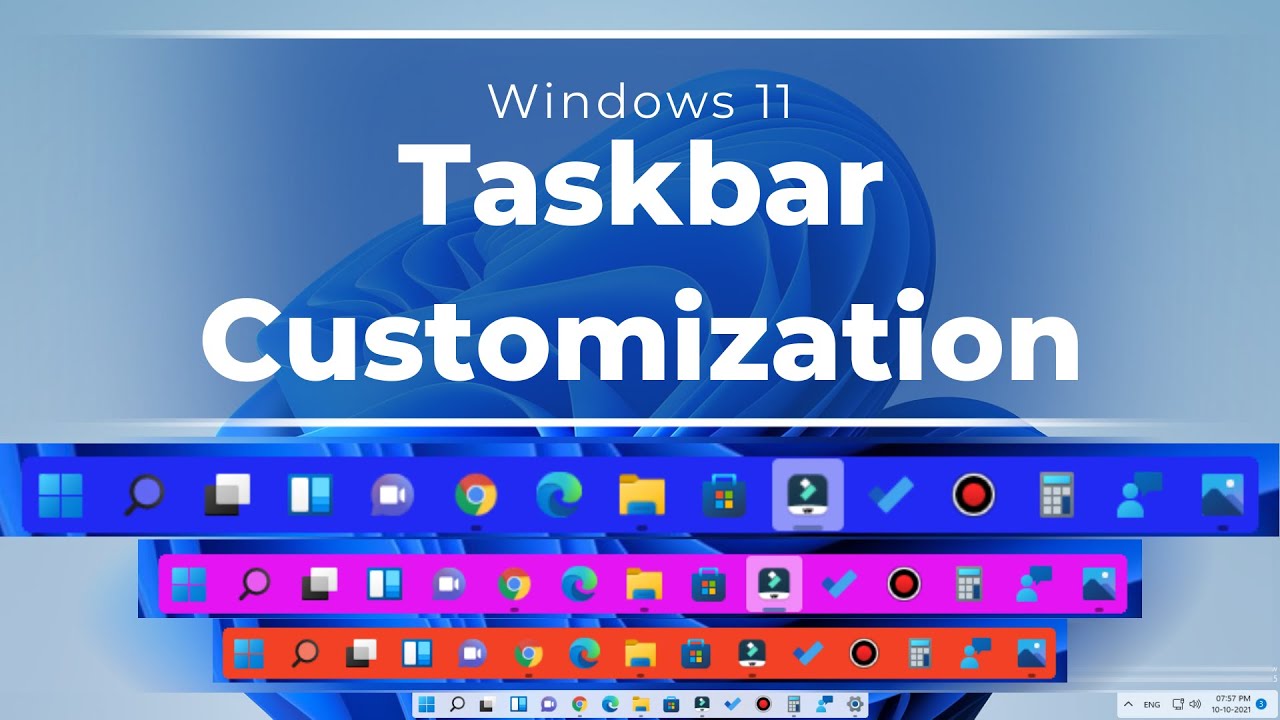

Taskbar X is a desktop customization utility focused on improving the appearance and behavior of the Windows taskbar.
It is designed for users who want a cleaner, more modern interface without losing functionality. Taskbar X centers taskbar icons, adds smooth animations, and allows flexible adjustments for different workflows.
This tool solves the limitation of the default Windows taskbar by introducing dynamic positioning and visual enhancements. Taskbar X stands out due to its lightweight performance and precise customization capabilities.
It is especially useful for users who care about desktop aesthetics, productivity, and personalization.
Taskbar X provides a range of practical and visual enhancements:
- Icon centering — automatically positions taskbar icons to the center for a balanced layout
- Smooth animations — adds fluid motion when opening or switching applications
- Custom positioning — allows manual adjustment of taskbar elements
- Multi-monitor support — works across different screen setups
- Transparency control — enables subtle visual blending with the desktop
- Performance optimization — runs efficiently without noticeable system impact
- Flexible customization — users can fine-tune behavior and appearance
Taskbar X focuses on improving usability while maintaining a visually appealing environment.
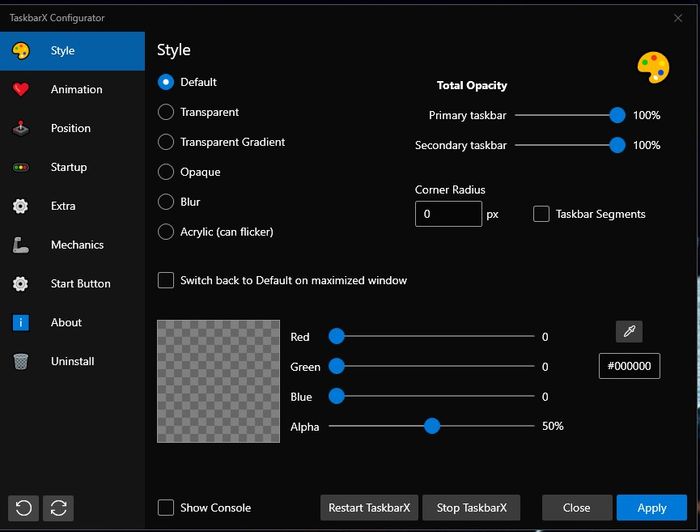
Taskbar X offers flexible configuration options:
- Configuration files allow detailed control over behavior and visuals
- Users can define animation speed, positioning offsets, and appearance settings
- Supports environment-based customization for different setups
- Advanced parameters enable deeper control for experienced users
- Works consistently across various Windows versions
Recommended configuration includes balanced animation speed and centered alignment for optimal visual experience.
Using Taskbar X is straightforward:
- Launch Taskbar X and apply preferred settings
- Adjust taskbar alignment and animation preferences
- Observe real-time changes on the desktop
- Fine-tune configuration for your workflow
Typical workflow includes setting centered icons, enabling smooth transitions, and customizing transparency for a modern look.
Taskbar X is built using:
- C# for core development
- .NET framework for system integration
- Windows API for taskbar interaction
- Lightweight architecture focused on performance
These technologies ensure stability, responsiveness, and compatibility with Windows environments.
Taskbar X • taskbar customization • Taskbar X tool • windows taskbar • Taskbar X interface • desktop customization • Taskbar X design • ui enhancement • Taskbar X utility • system personalization • Taskbar X layout • windows UI • Taskbar X animation • desktop tools • Taskbar X software • customization tool • Taskbar X experience