Basic usage (GUI)
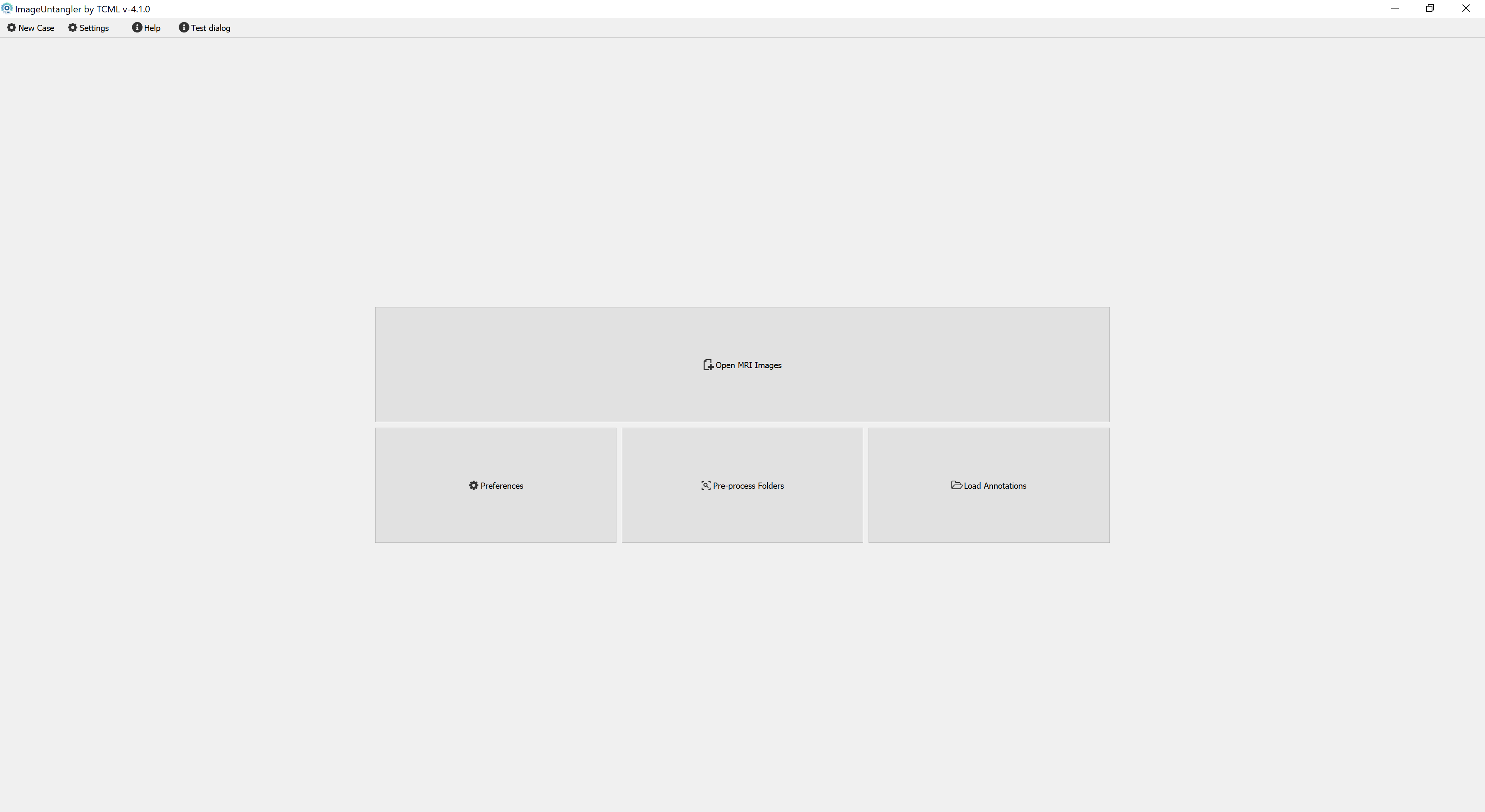
By default, the program looks for a file called metadata.db where the path of the case files are defined. Open first loading, this file does not exist.
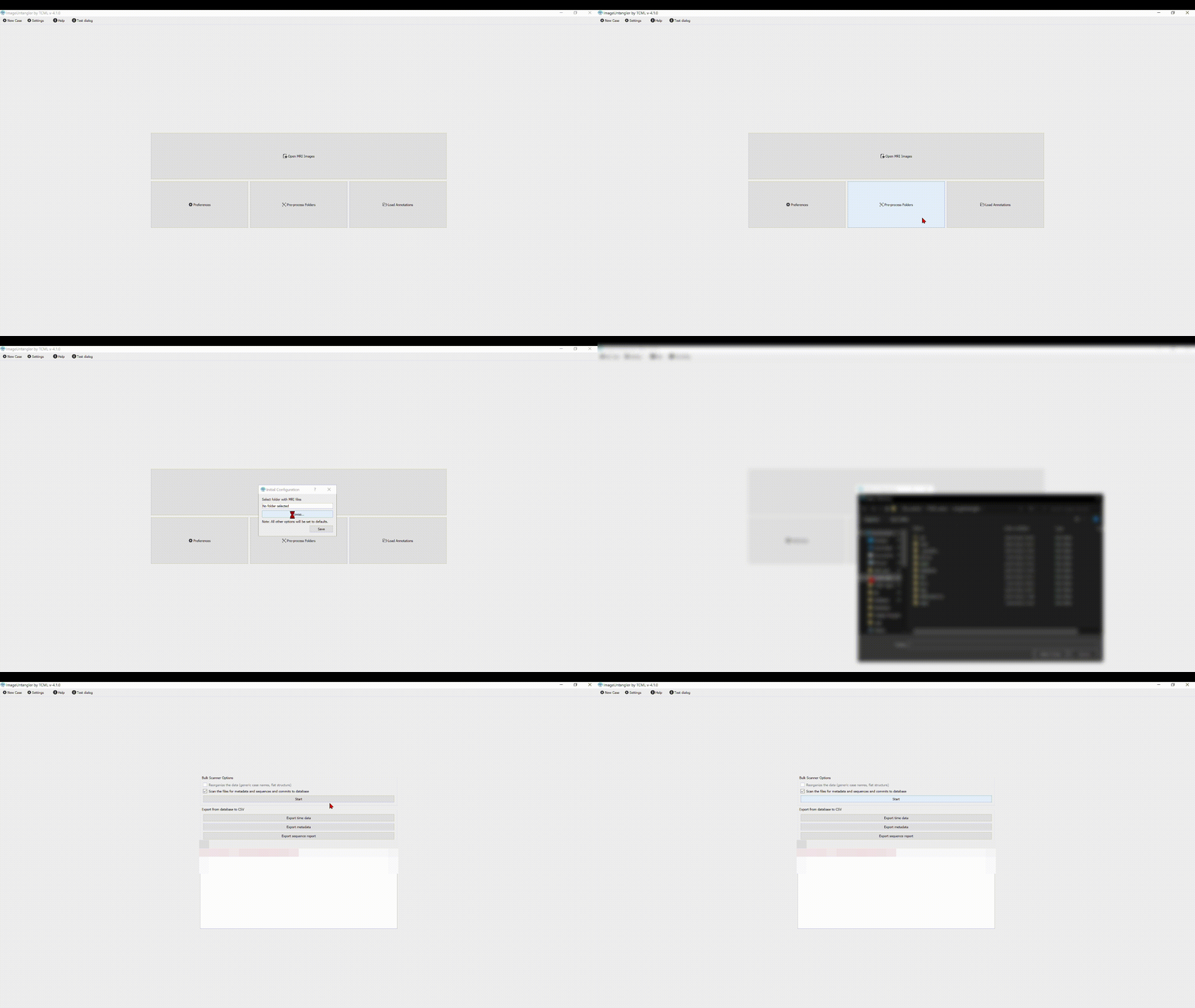
The program might appear to freeze for a while, depending on the size of the folder being scanned and the amount of files present.
On the main window toolbar, click "New Case from File"
Alternatively, using the keyboard shortcut ctrl+q
Either of these options will add the opened case to the internal database. The case can then be re-opened using the "Open MRI Image" button on the main window.
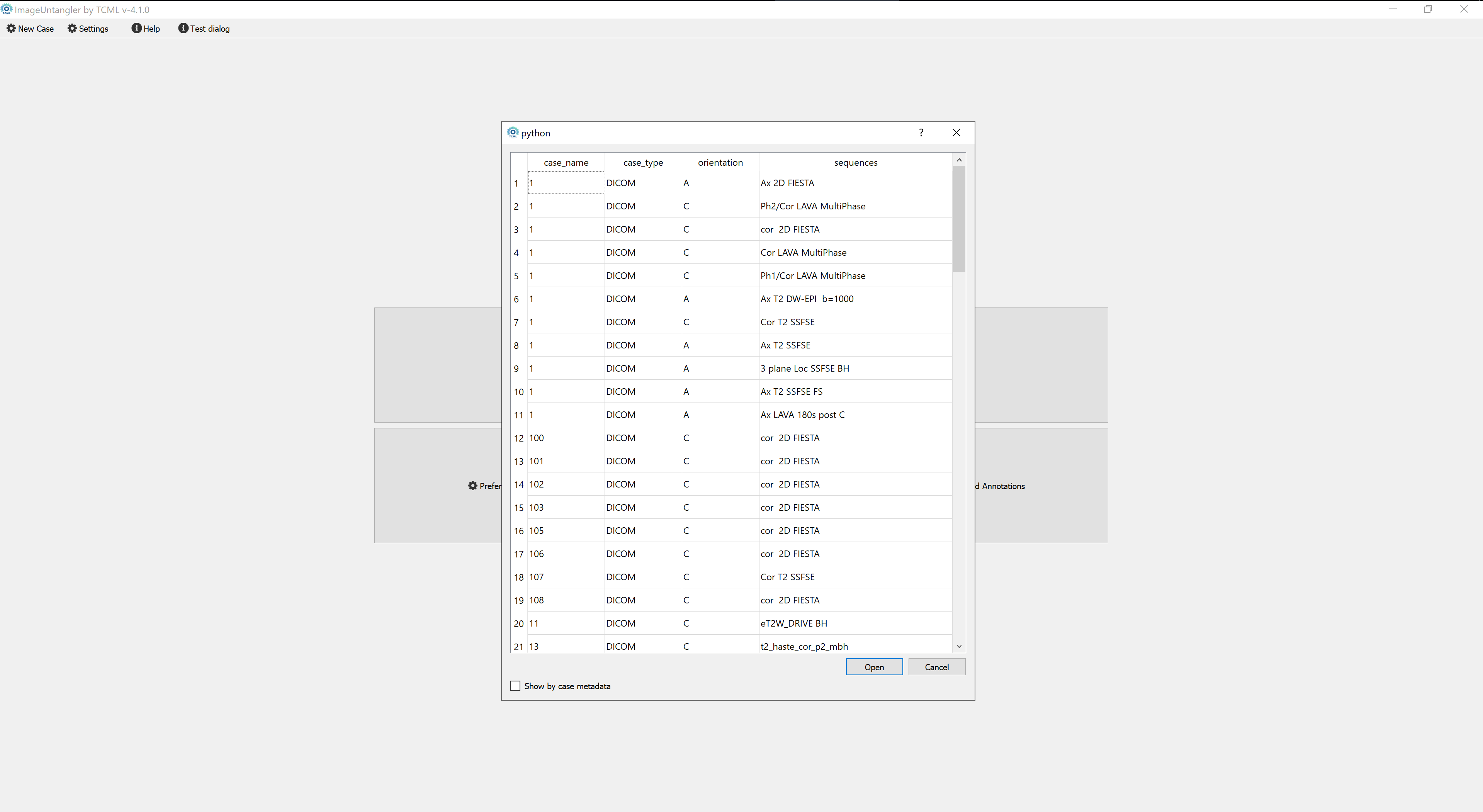
By default, the left mouse button + drag function is set to changing the image contrast.
// demo on changing window/angle
Click the Length button to add points for length measurement
// demo on measuring lengths
Click the MPR to add points for calculating the centerline
// demo on MPR
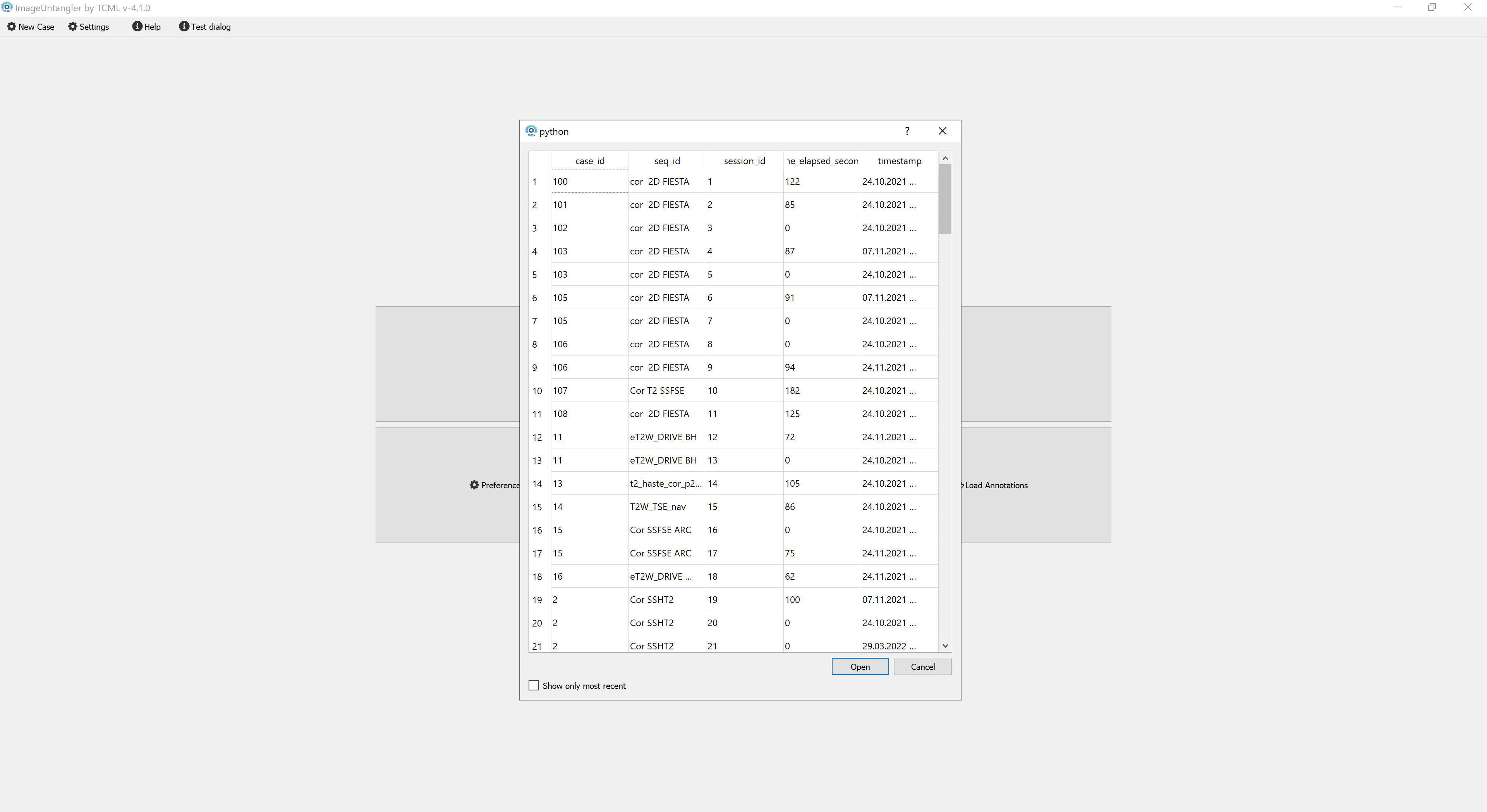
// show that the annotations are loaded
// highlight points
// highlight in MPR
// and the other way around
Keyboard:
- Up/Down: change slice index
Mouse:
- Right-click + drag: zoom image
- Middle-click + drag: pan image
Mouse:
- Middle scroll wheel: change angle
- Shift + Middle scroll wheel: change height
- Alt + Right-click + drag: zoom image
- Shift + Left-click + drag: pan image