Releases: The412Banner/bannerhub-nano-offline
BannerHub Nano Offline v0.2

Warning
THIS IS NOT AN UPDATE TO ANY OF THE BANNERHUB PROJECTS!
Simply made and released for internet/Wi-Fi restricted users who have been asking for a truly 100% offline build.
The main BannerHub line (BannerHub, BannerHub-Lite, BannerHub-ReVanced) is unaffected — those continue on their own release schedule.


🎬 Demo
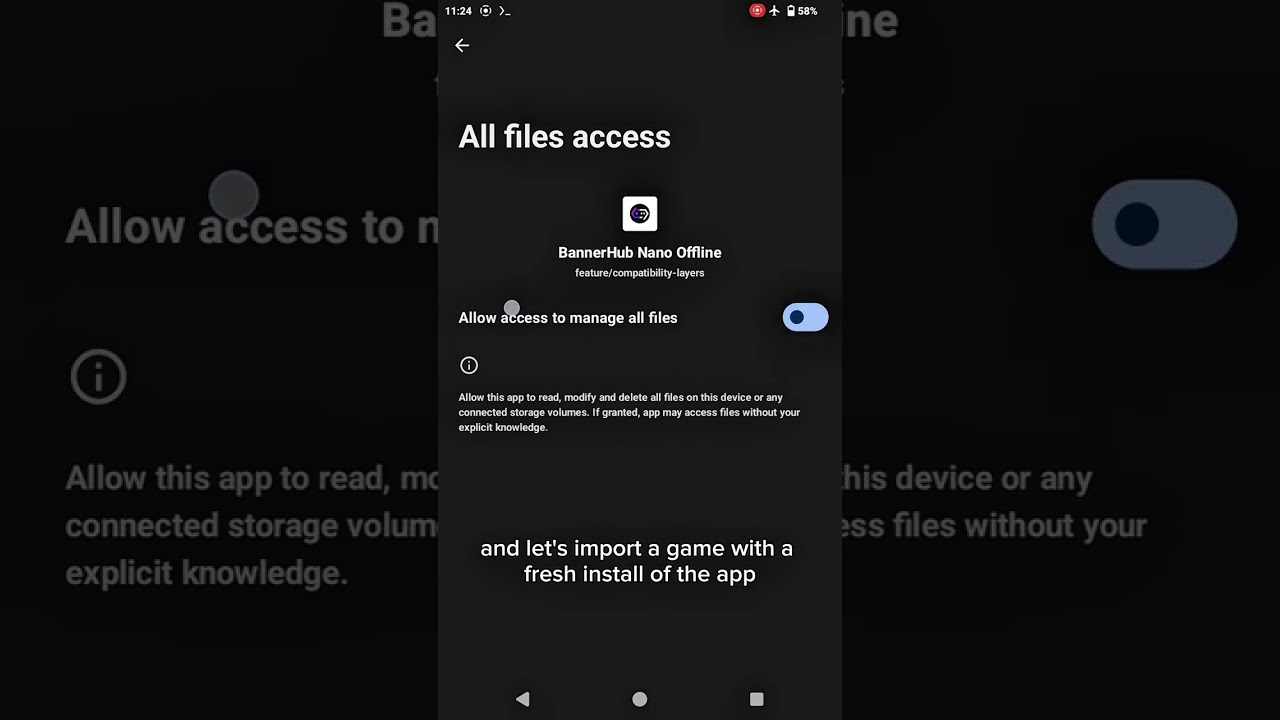
BannerHub Nano Offline v0.2
Second stable. v0.1 shipped with a single bundled Proton 10.0 x64 wineprefix and no in-app way to add more. v0.2 fixes that with a new Compatibility Layers screen in the side drawer — the app now ships with a catalog of 10 compatibility layers, 1 bundled and 9 downloadable. Downloaded layers persist locally and are served from the embedded 127.0.0.1 server forever after.
New: Compatibility Layers (side drawer)
Open the side drawer and tap Compatibility Layers. You'll see a list of:
| State | Meaning |
|---|---|
| BUNDLED (grey) | Already inside the APK — proton10.0-x64-1. Nothing to download. |
| INSTALLED | Previously downloaded and ready. Served by the embedded HTTP server locally. |
| Download | Not yet downloaded. Tap to fetch. |
The downloadable set (canonical IDs preserved so game launch configs resolve correctly):
| ID | Display name | Framework | Type |
|---|---|---|---|
| 2 | proton10.0-arm64x-2 | arm64X | proton |
| 3 | wine9.5-x64-2 | X64 | stable |
| 4 | proton9.0-x64-3 | X64 | proton |
| 5 | wine10.0-x64-2 | X64 | stable |
| 6 | wine10.6-arm64x-2 | arm64X | stable |
| 7 | wine9.16-x64-2 | X64 | stable |
| 8 | wine9.13-x64-2 | X64 | stable |
| 9 | proton9.0-arm64x-3 | arm64X | proton |
| 11 | proton11.0-arm64x | arm64X | proton |
After one online download per layer, the bytes live in files/local-mirror/components-cdn/ and the writable catalog getContainerList is updated with 127.0.0.1 URLs — every subsequent install/mount reads from the embedded server, not github.
Other fixes
- Dashboard tile logos render on fresh offline installs —
card/getTopPlatformwas the one catalog left with external image URLs (i.ibb.co,store.steampowered.com/favicon.ico,i.postimg.cc). All three are now mirrored into the APK; the Steam favicon's 256x256 PNG frame was extracted from the multi-frame.icobecause Android image loaders don't decode.iconatively.
Carried over from v0.1
- Embedded NanoHttpd server on
127.0.0.1:51823 - Curated component catalog (5 translators, 8 DXVK, 5 VKD3D, 6 GPU drivers)
- Firmware 1.4.1 + full Wine + redist deps
- v3.7.5 base — vibration, frame generation, GOG/Epic UI, per-game settings, etc.
Install
- Uninstall any prior nano-offline build (writable mirror gets re-bootstrapped fresh — important).
- Download
BannerHub-Nano-Offline-v0.2-Normal.apkfrom the assets below. - Install. Works in airplane mode from a fresh install.
- To add a compatibility layer beyond the bundled Proton 10.0: turn internet on briefly, open Compatibility Layers, tap Download on the layer you want. After the download completes, you can go back to airplane mode permanently — that layer is fully local now.
See the README for the full offline feature matrix.
BannerHub Nano Offline v0.1
BannerHub Nano Offline v0.1
First stable. A fully offline build of BannerHub v3.7.5 — install, import a PC game, tap Launch, no internet required at any point. The Cloudflare Worker that BannerHub normally talks to is baked into the APK as an embedded HTTP server on 127.0.0.1:51823.
Ships with Proton 10.0 x64 only
This release bundles a single compatibility layer: proton10.0-x64 wineprefix. Additional containers (Proton 11, Wine native, etc.) cannot be added by the user in v0.1 — the in-app Component Manager handles components (translators, DXVK, VKD3D, drivers, libraries), not containers. More compatibility layers will ship baked-in via future releases.
Bundled curated set (everything else BannerHub 5.x needs to launch a PC game):
- 5 translators (Box64 / FEX)
- 8 DXVK variants
- 5 VKD3D variants
- 6 GPU drivers (Turnip / Adreno)
- Firmware 1.4.1 + full Wine + redist deps
Install
- Uninstall any prior nano-offline build.
- Download
BannerHub-Nano-Offline-v0.1-Normal.apkfrom the assets below. - Install. Works in airplane mode from a fresh install — no prior online launch needed.
See the README for the offline feature matrix and known limitations.
Base APK — GameHub 5.3.5 ReVanced

Internal build input. This is the base APK that CI decompiles and patches into BannerHub Nano Offline. Mirrored from the same release on The412Banner/BannerHub. Do not install this APK directly — use the actual releases instead.