An AI assistant that sees, hears, and draws across your Apple devices.
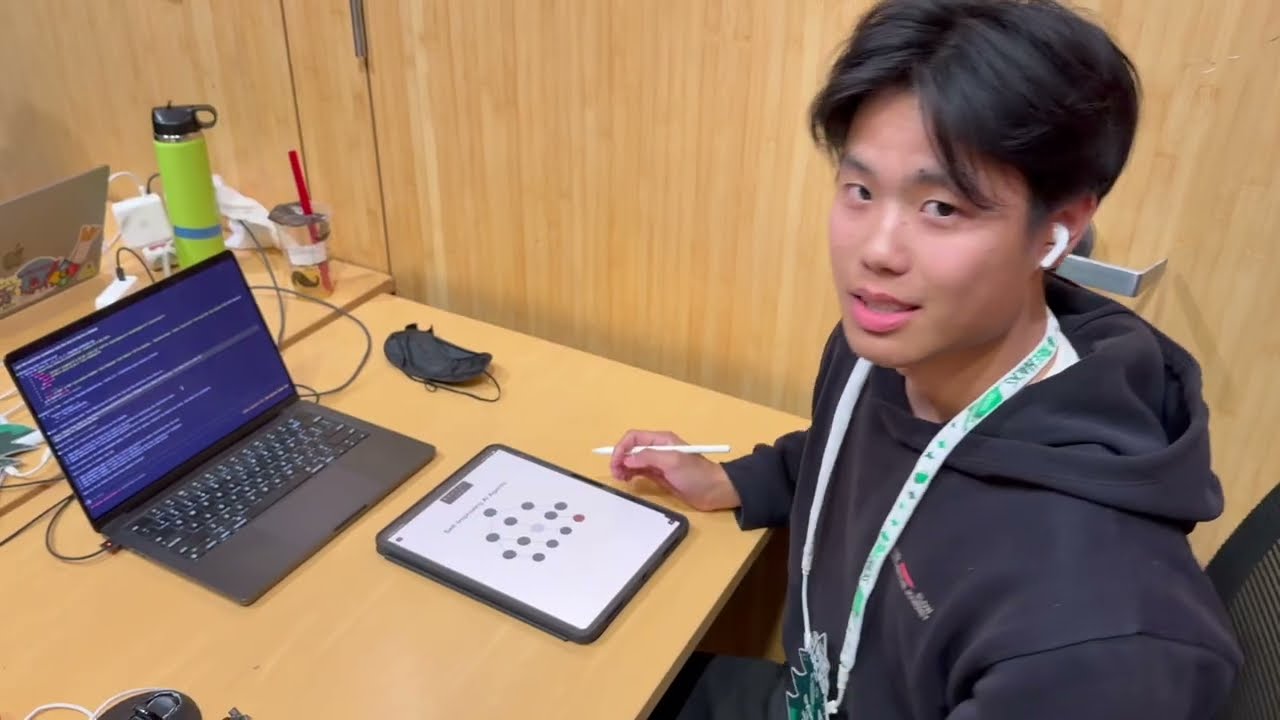
Click the image to watch the full demo on YouTube.
Siri can't look at your screen. It can't draw you a diagram. It can't watch what you're doing on your Mac and help you on your iPad at the same time. Current AI assistants are stuck in one device, one modality, one conversation.
Iris is an always-on AI that spans your Apple devices. It watches your screens, listens to your voice, and acts — drawing diagrams on your iPad, overlaying information on your Mac, and coordinating across both simultaneously.
- Sees — watches your Mac and iPad screens, understands what you're working on
- Hears — streams audio from any device for natural voice interaction
- Draws — renders diagrams, widgets, and visual plans directly onto your iPad canvas with Apple Pencil interaction
- Thinks across devices — your Mac and iPad are one unified workspace, not two isolated screens

Planning — ask Iris to turn a plan into a diagram you can interact with on your iPad using Apple Pencil.
Coding — Iris watches your screen, understands your code, and can execute changes while you sketch architecture on the iPad.
Math — write a problem by hand, get hints and solutions overlaid right on your work.
Visual — sketch a rough diagram, get back a polished image or video.
Iris is all-to-all — every device in your Apple ecosystem can see, talk to, and control every other device. The AI doesn't live on one screen. It lives across all of them.
-
uv (Python package/runtime manager)
-
Node.js + npm (for the Mac Electron app)
-
Claude Code CLI (
claude) for live Claude integration -
D2 — diagram renderer for flowcharts, architecture, and sequence diagrams:
brew install d2 -
TinyTeX — lightweight LaTeX distribution needed by Manim for math rendering:
curl -sL "https://tinytex.yihui.org/install-bin-unix.sh" | sh tlmgr install standalone preview doublestroke relsize fundus-calligra wasysym physics dvisvgm rsfs wasy setspace babel-english -
Backend Python dependencies (Flask, Manim, etc.) — managed with uv:
cd backend && uv sync
-
Create your local env file:
cp .env.example .env
-
Install backend dependencies:
cd backend
uv sync
cd ..
-
Install Mac app dependencies:
cd mac
npm install
cd ..
-
Install Iris helper CLIs globally:
tools/claudei install
This installs:
claudei→ live Claude Code bridgeiris→ iPad tools CLI (draw,push-widget,read-screenshot,read-widget)
-
Start backend + Mac app together:
./run.sh
-
Or run individually:
- backend:
bash backend/run.sh - mac app:
bash mac/run.sh
- backend:
-
Link this Mac to the iPad:
claudei link
-
Start a live Claude session from any project folder:
claudei
Optional:
claudei --cwd /path/to/projectclaudei --resume <session_id>
-
Send prompts from Iris on iPad. On the first message of a linked Claude session, Iris now auto-injects a CLI bootstrap so Claude knows to use:
iris tools listiris tools describe <tool>iris drawiris push-widgetiris read-screenshotiris read-widget
After install, iris works from any directory:
iris tools list
iris tools describe draw
iris draw --svg-file /tmp/diagram.svg --scale 1.5
iris push-widget --html-file /tmp/widget.html --width 360 --height 260
iris read-screenshot --image-out /tmp/ipad.jpg
iris read-widget --name calculator
Default iPad base URL is http://dylans-ipad.local:8935 and can be overridden with IRIS_IPAD_URL.
browser/ contains a standalone browser-use integration that can execute browser actions from text + image context using Claude.
Quick start:
cd browser
./run.sh
See browser/README.md for API payload format and Playwright setup.
backend/README.md— backend API details and endpointsiPad/README.md— iPad canvas API (/api/v1/*)mac/README.md— Electron app setup and packagingCLAUDE.md— Claude-focused workflow and tooling notes