


"See your data clearly."
DiffLens is a futuristic, browser-based visual comparison engine for tabular data. It ingests complex datasets from Excel, CSV, and Word files and highlights discrepancies with surgical precision using a Cyberpunk/HUD interface.
Initialize System: thevikramsinha.github.io/DiffLens
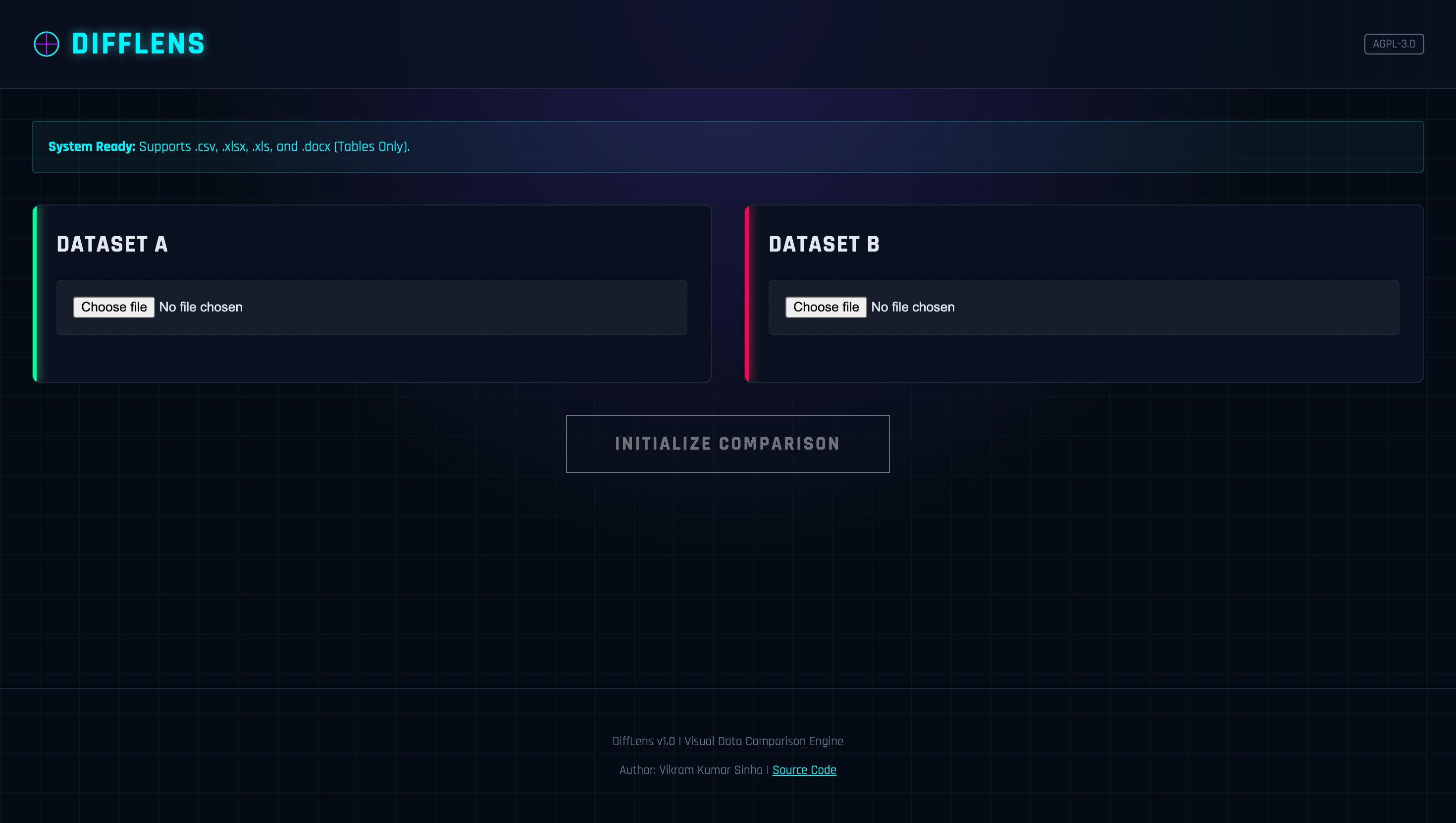

- Multi-Format Ingestion: Seamlessly parses
.csv,.xlsx,.xls, and even tables embedded in.docxfiles. - Privacy-First Architecture: Zero server uploads. All processing happens locally in your browser's memory using JavaScript.
- Intelligent Key Matching: Select specific columns (Primary Keys) to align datasets, ensuring accurate row-by-row comparison even if data is unsorted.
- Visual Diffing:
- 🟢 Only in A: Rows unique to the source file.
- 🔴 Only in B: Rows unique to the target file.
- 🟡 Changed: Rows where values differ between files.
- Exportable Intelligence: Download a comprehensive
.csvreport of all discrepancies.
- Core: Vanilla JavaScript (ES6+), HTML5, CSS3 (CSS Variables for theming).
- Parsers:
SheetJS(Excel/CSV parsing)Mammoth.js(Word Document parsing)
- Deployment: GitHub Pages (Static hosting).
- Design System: Custom "Neon-Glass" UI with responsive layouts.
DiffLens is designed to compare Structured Data.
- It specifically scans
.docxfiles for embedded tables. - Paragraphs, headers, and free-form text outside of tables are ignored.
- The first row of any table is treated as the Header Row.
DiffLens is designed to be hosted instantly for free.
- Fork this repository.
- Navigate to Settings > Pages.
- Select Source:
Deploy from a branch. - Select Branch:
main/root. - Click Save. Your system will be live in 60 seconds.
- Upload Datasets: Load your Source (A) and Target (B) files.
- Configure Parameters:
- Select the specific Sheet (Excel) or Table (Word) to analyze.
- Select the Unique Key Column (ID, Email, SKU, etc.) to anchor the comparison.
- Execute: Click
INITIALIZE COMPARISON. - Analyze & Export: Review the visual dashboard or export the raw difference report.
Distributed under the GNU Affero General Public License v3 (AGPL-3.0). You are free to modify and distribute this system, provided that all changes remain open-source under the same license.
Author: Vikram Kumar Sinha