Home
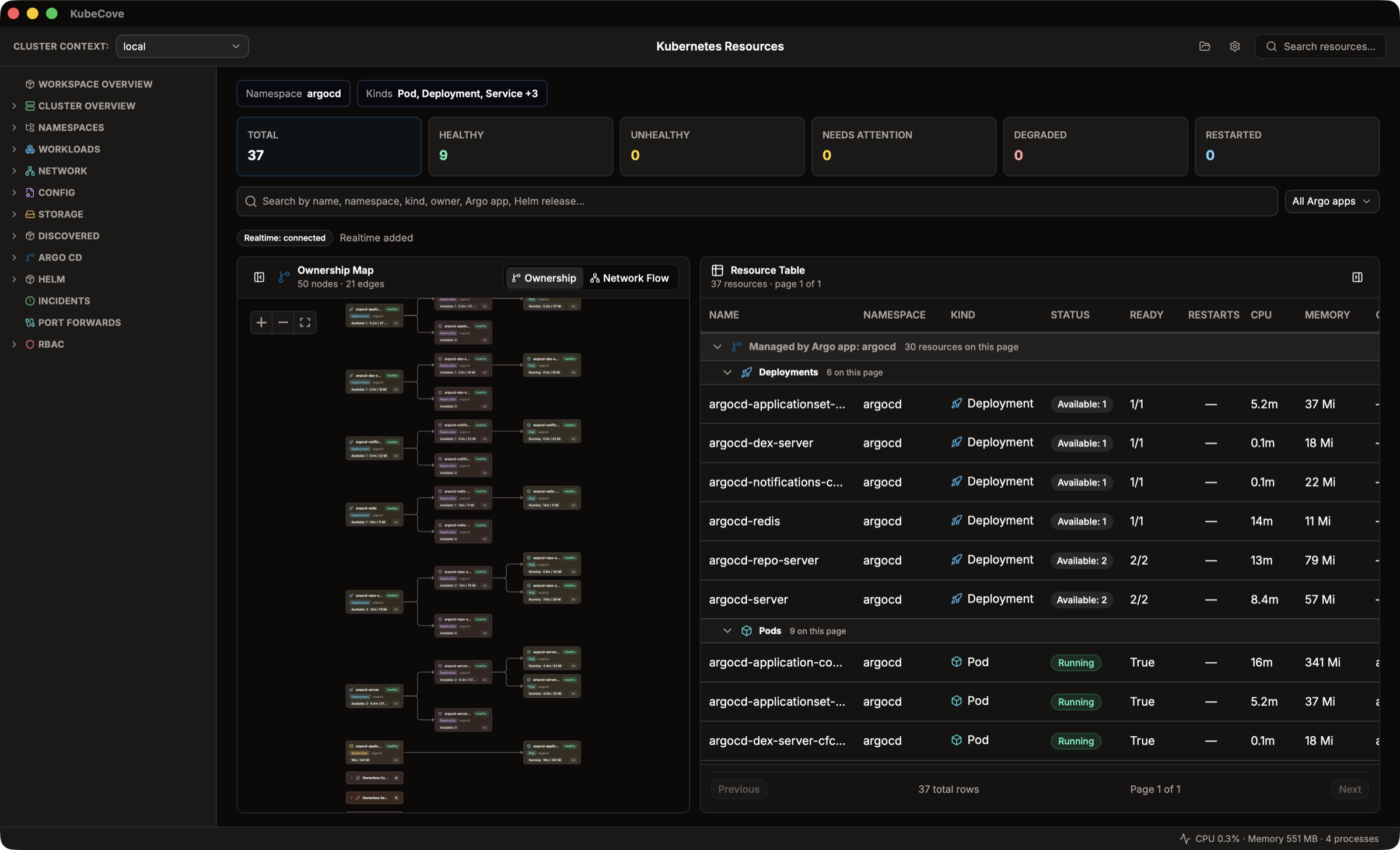
KubeCove is a local desktop workspace for Kubernetes-aware operators and application developers. Start with inspection: keep context, namespace, application ownership, resource state, events, logs, metrics, YAML, topology, GitOps, Helm, and RBAC in view before taking action.
Kubernetes credentials remain on the Rust side of the desktop boundary. KubeCove does not deploy cluster agents, expose raw kubeconfig contents to the frontend, or provide arbitrary shell execution. Operations are narrow, typed, target-scoped, and explicitly confirmed.
- Download latest installer. Installers are beta builds; OS trust prompts may require approval.
- Make a readable kubeconfig context available through
$KUBECONFIGor your default kubeconfig location. - Create a workspace. Choose a context, then narrow namespaces and resource kinds when useful.
- Open a resource. Inspect details, events, logs, metrics, YAML, ownership, and related GitOps or Helm metadata before using a guarded action.
Inspection is default. Guarded workflows include Pod and selector-backed Service port forwarding, exact-Pod exec, selected-resource YAML apply, narrow scale/restart/delete actions, and reviewed Argo CD refresh and sync operations.
YAML apply is limited to selected resources, validates identity, dry-runs before final confirmation, and blocks v1 Secret apply. Argo CD transport is an explicit choice: Kubernetes CRD browsing and a connected Argo CD API session never silently fall back between each other. Flux remains inspection-only.
- Install and update KubeCove
- Create a workspace and choose scope
- Use the workspace overview
- Browse Kubernetes resources
- Inspect resource details
- Investigate incidents
- Inspect Argo CD and Flux
- Review Helm reconciliation
- Review RBAC and permissions
- Scale, restart, or delete a supported resource
- Edit and apply selected-resource YAML
- Start a guarded Pod exec session
- Start and manage a port forward
- Use Settings, updates, and diagnostics
- Understand safety, data handling, and architecture
- Troubleshoot common symptoms
- Look up KubeCove terms
Get support or report a product issue. Read security policy and privately report vulnerabilities. Open a documentation issue.
Maintainers own documentation source edits. Readers should report documentation gaps or errors through a documentation issue.