Repository navigation
Home

Make waves with watts, not payments
Open-source · Free · Offline-first · Indoor cycling
Welcome to ORQWA, a free, open-source indoor cycling app. Bring your bike and smart trainer, pick a GPX route or ride video, and ride at your own pace. Your rides stay on your computer, and prepared courses work offline.
This wiki helps you get set up, find your first course and make the most of your training.
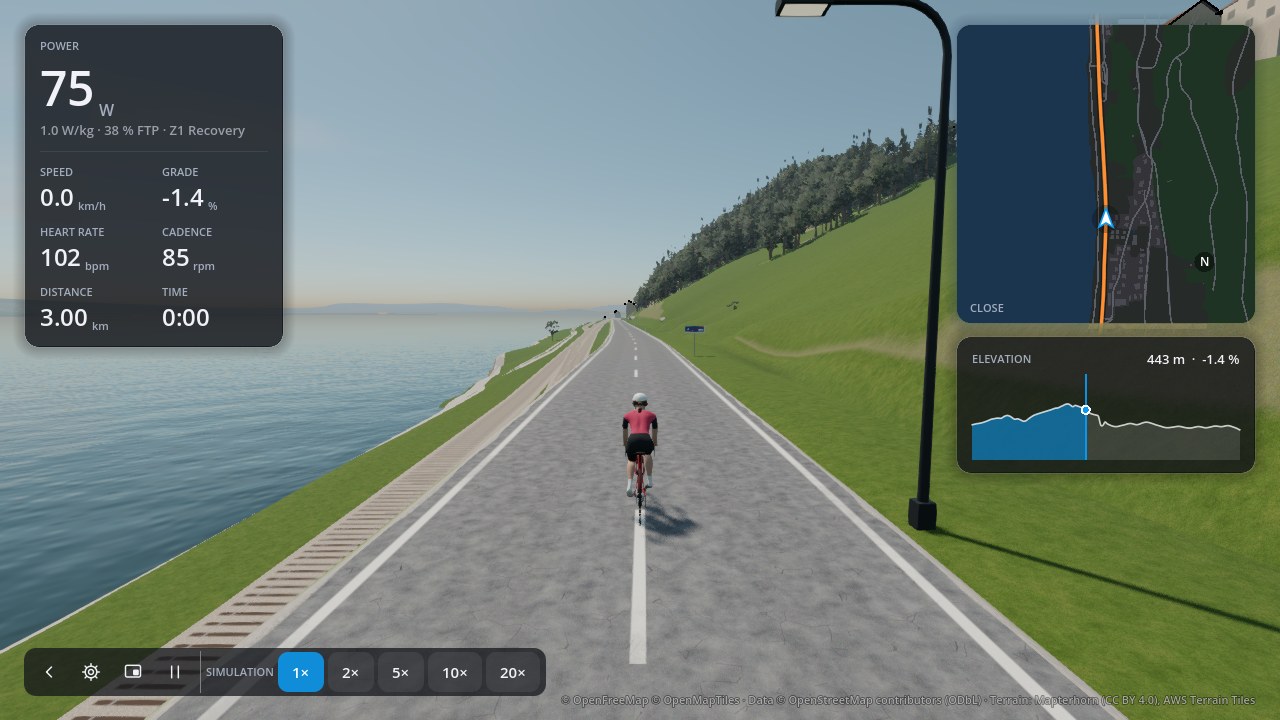
- Download ORQWA for macOS, Windows, Linux or Android, then follow the installation guide.
- Connect your trainer under Devices.
- Set up your rider: weight, FTP, maximum heart rate.
- Ride the sample course, or import a GPX route or a ride video, then press Ride.
- Press P to pause. Choose Finish & save, then Done to keep the ride.
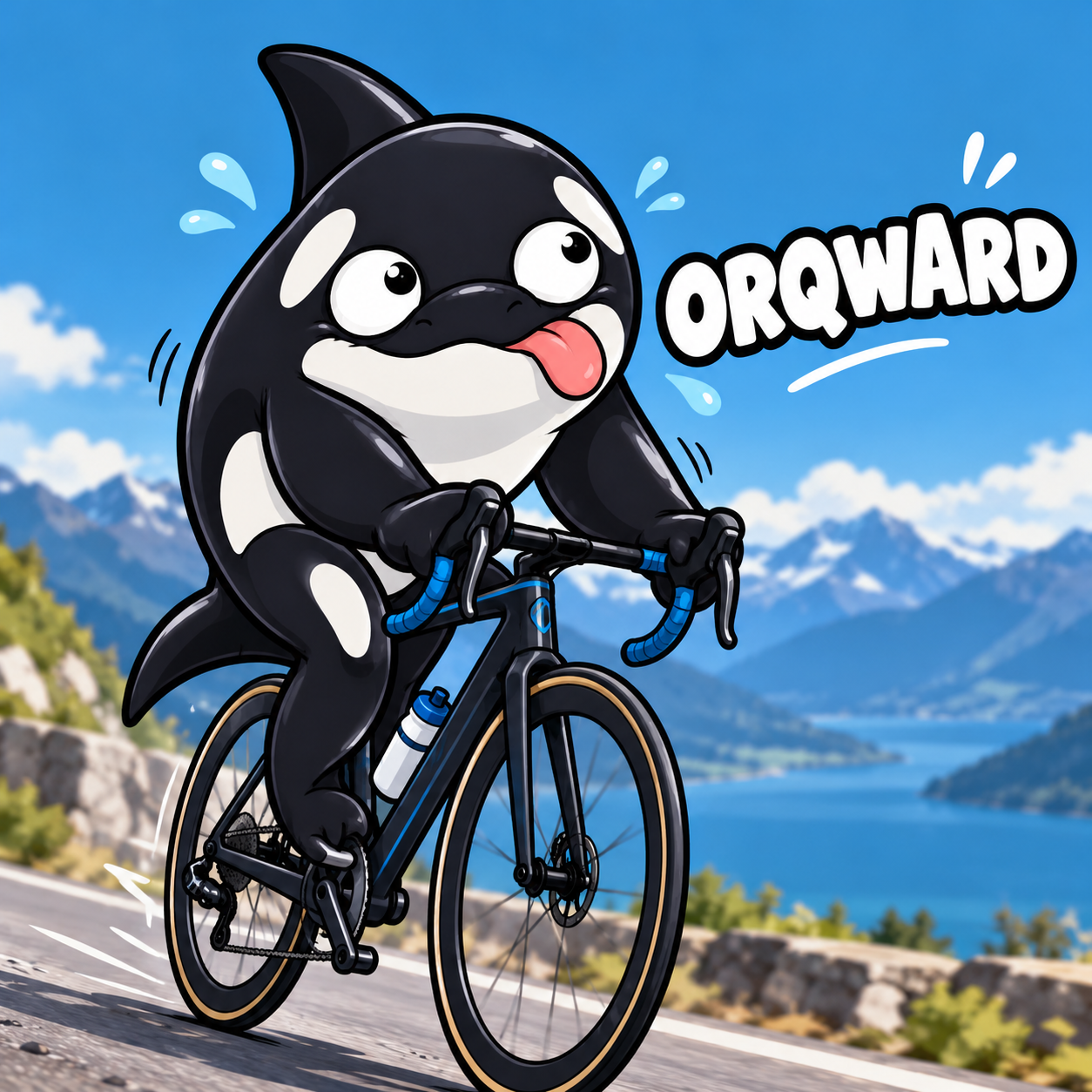
We know it sounds a little orqward. We originally called it Torqa, but we later found that that name was already taken by another cycling app. So we made it our own: orca + torque + watt = ORQWA.
Open Settings with the cog at the top right to change graphics, keep courses ready to ride or check for updates. Browse the screenshot gallery to see ORQWA in use.
For testers: the command-line tool rides a trainer without the app.