Repository navigation
Uploading rides
ORQWA uploads rides to intervals.icu and Strava: from the summary, from the history, or automatically.
Connect accounts per rider under Accounts on the rider's unfolded card in the Profile tab (Riders).
- On intervals.icu, open Settings → Developer Settings and copy your API key (create one if needed).
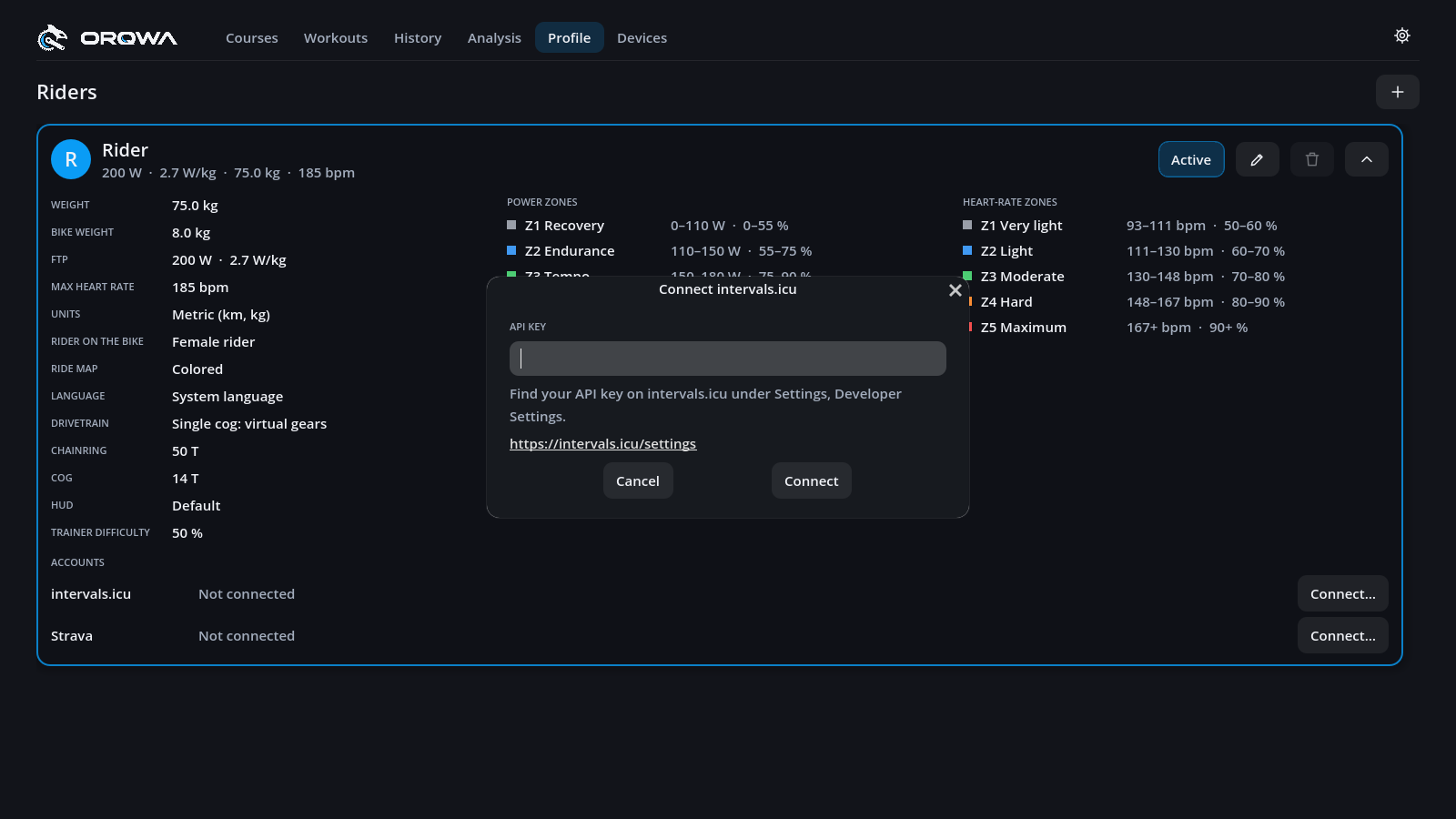
- In ORQWA, press Connect… beside intervals.icu and paste the key.
Strava needs an API application of your own (an open-source app cannot keep a shared secret). It takes a few minutes, once, and Strava requires a subscription for it.
- On Strava's API settings page, create an application.
Set Authorization Callback Domain to
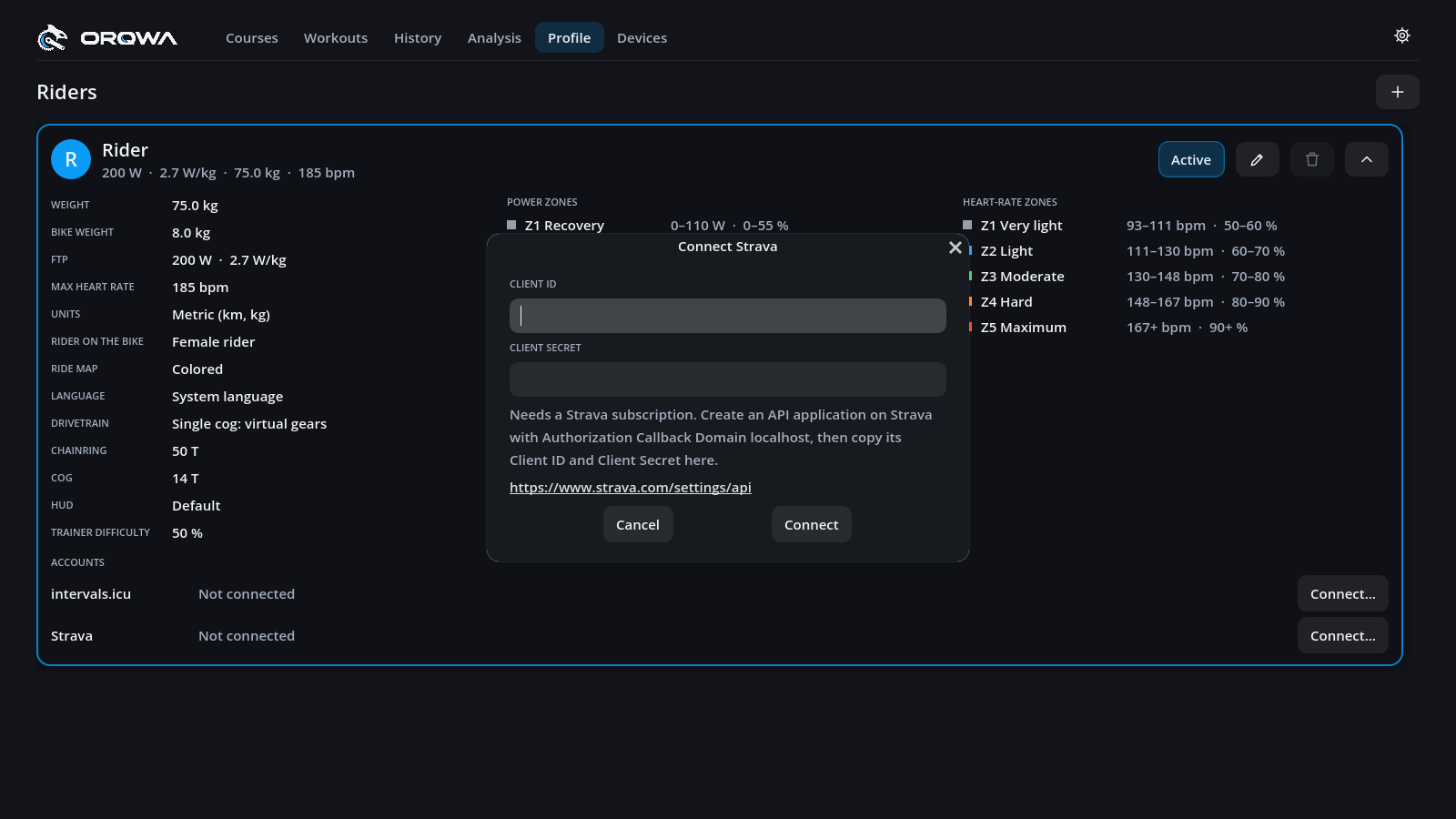
localhost; the rest is up to you. - In ORQWA, press Connect… beside Strava and paste the Client ID and Client Secret.
- Log in to Strava in the browser that opens and allow uploads.
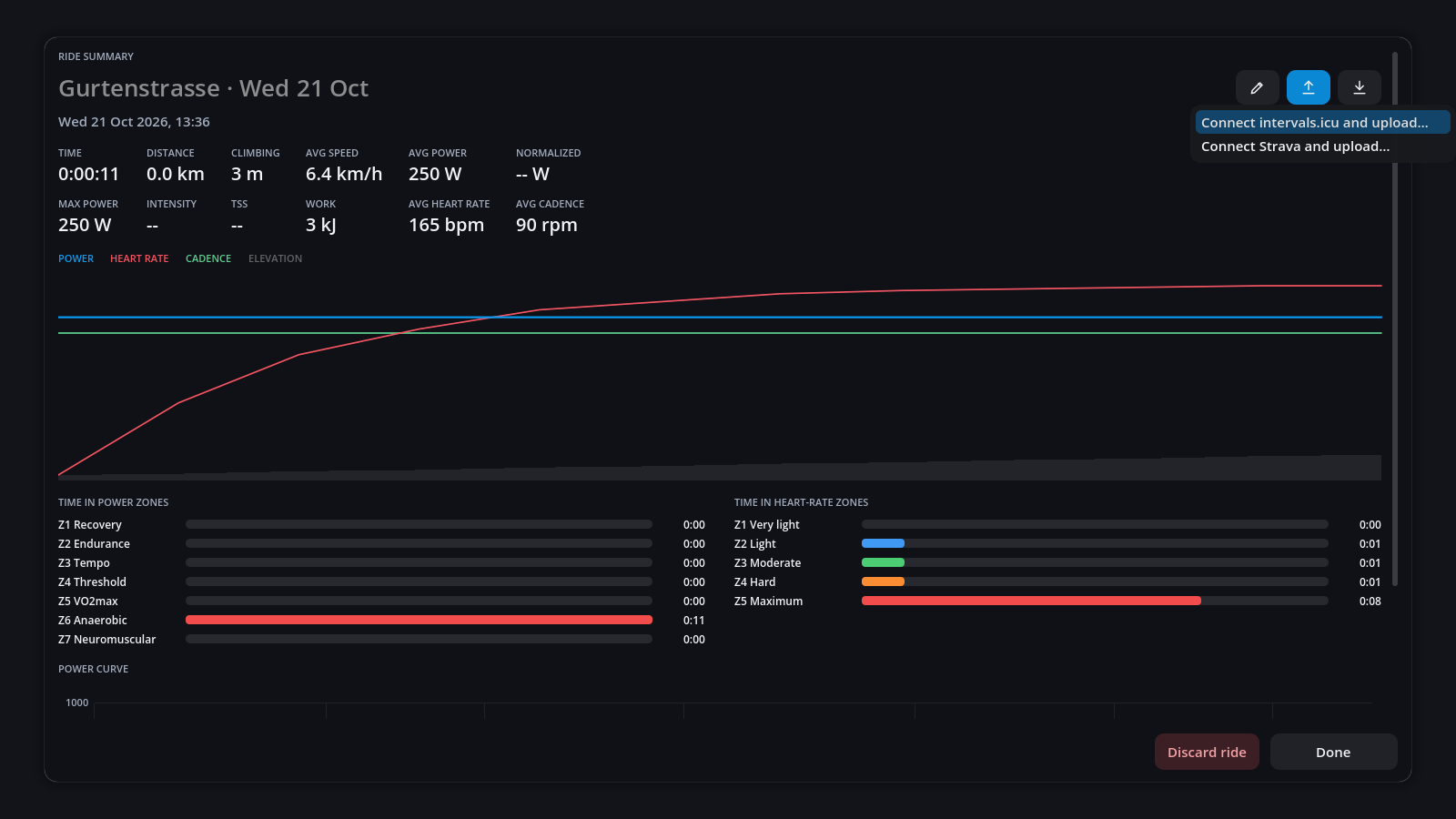
Press the up arrow (Upload) beside a ride's title and choose the platform. Afterwards, the same menu opens the ride there.
Tick Upload automatically beside an account to upload every ride you keep when you press Done on its summary. If an upload fails (e.g. offline), upload it later from the history.
Garmin Connect, TrainingPeaks, Komoot only allow approved partners. Use Export FIT file in the history and import the file there.
Keys and tokens stay in profiles/<rider>/accounts.toml on your computer, readable only by you
on macOS and Linux. ORQWA talks to the platforms directly, with no server in between.