





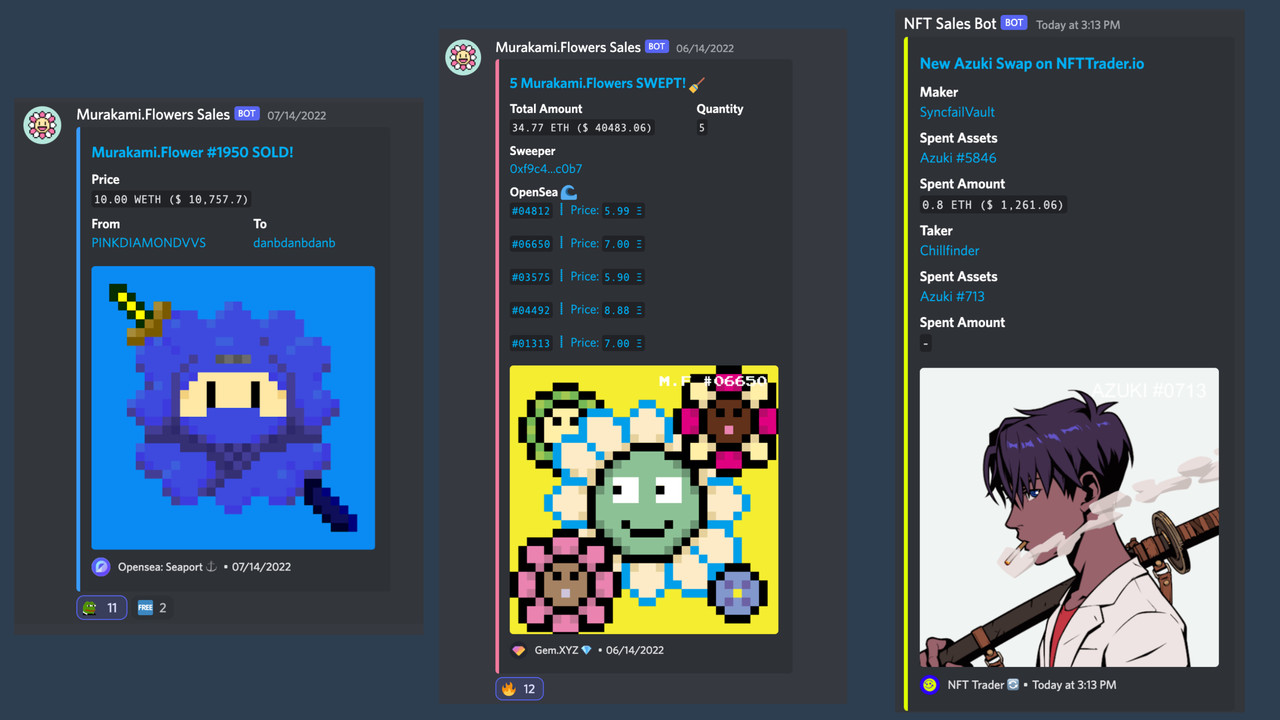
Click to expand

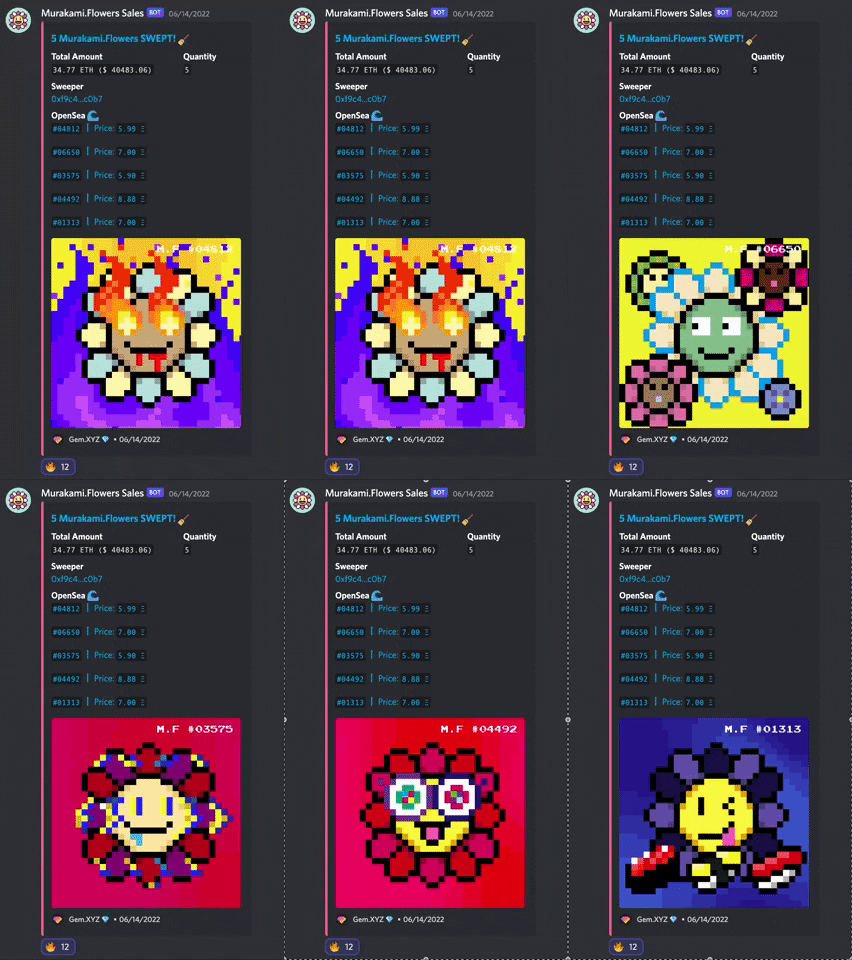
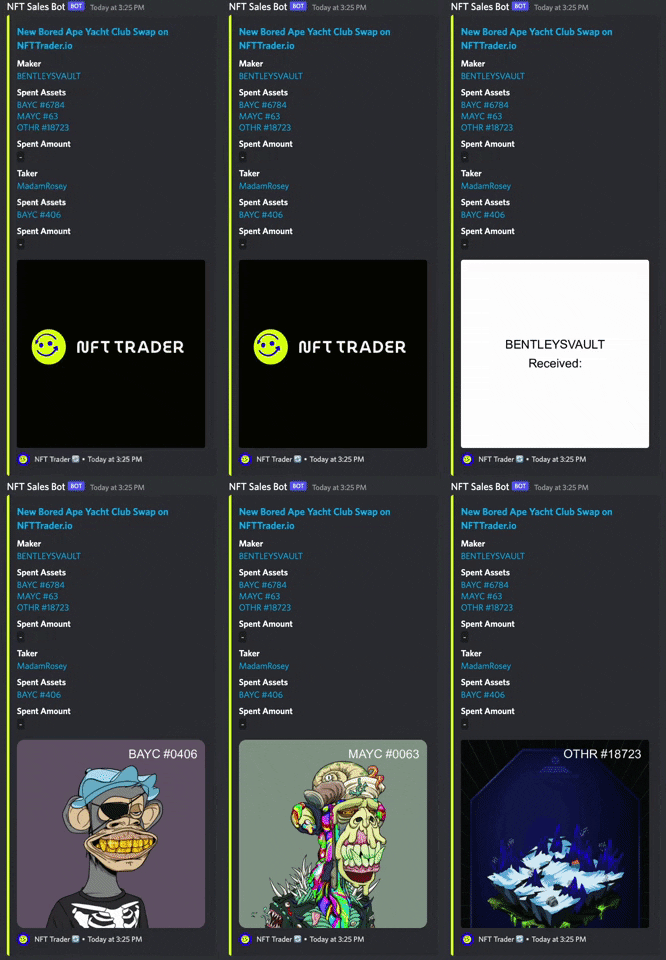
- Install Node.js version 16.16.0 LTS
- If you are using nvm (recommended) running
nvm usewill automatically choose the right node version for you.
- If you are using nvm (recommended) running
- Alchemy API Key - apply here
- Etherscan API Key - apply here
-
The bot now use Alchemy as the default NFT API. 🔗 Learn more
-
If you set
OPENSEA_API_KEYin the.envfile, it will take priority over the Alchemy for NFT API.
npm installCreate an
.envfile in the root directory of the project with the following contents:
CONTRACT_ADDRESS=
ALCHEMY_API_KEY=
ETHERSCAN_API_KEY=
OPENSEA_API_KEY=
TWITTER_ENABLED=
TWITTER_API_KEY=
TWITTER_API_SECRET=
TWITTER_ACCESS_TOKEN=
TWITTER_ACCESS_SECRET=
DISCORD_ENABLED=
WEBHOOK_URL=
For monitoring multiple NFTs at the same time, use CONTRACT_ADDRESSES in the .env file.
Example:
CONTRACT_ADDRESSES=["0xBC4CA0EdA7647A8aB7C2061c2E118A18a936f13D","0x60E4d786628Fea6478F785A6d7e704777c86a7c6"]
If CONTRACT_ADDRESS and CONTRACT_ADDRESSES are both set, CONTRACT_ADDRESSES will take the priority.
🚨🚨🚨🚨🚨🚨🚨🚨🚨🚨🚨🚨🚨🚨🚨🚨🚨🚨🚨🚨🚨
Do not commit/include your .env file in your repository.
🚨🚨🚨🚨🚨🚨🚨🚨🚨🚨🚨🚨🚨🚨🚨🚨🚨🚨🚨🚨🚨
Run the following command to update the source code:
npm run updateRun the following command to start the bot:
npm startTo test a certain transaction for debugging purposes, run the following command:
npm run debug -- <transaction-hash>To ensure your configuration(.env) is correct, run the following command:
npm testThe test should take less than 3 minutes to run. If it fails, either APIs are down or your configuration is incorrect.
To format code and fix linting errors, run the following command:
npm run fixNotification is optional. You can turn it on in the ./.env file by setting the TWITTER_ENABLED or DISCORD_ENABLED value to 1.
For example:
TWITTER_ENABLED=1
DISCORD_ENABLED=1
-
Register Twitter developer account with Elevated access. 🔗 Link
-
Create a development app with OAuth 1.0a read-write permissions. 🔗 Link
-
Install Twurl and run following command:
twurl authorize --consumer-key <your-app-key> --consumer-secret <your-app-secret>This will return an URL that you should open up in your browser. Authenticate to Twitter, and then enter the returned PIN back into the terminal.
This should create a file called
.twurlrcin your home directory with all the necessary information.
- Open the Discord channel you want to receive sales event notifications.
- From the channel menu, select Edit channel.
- Select Integrations.
- Select Create Webhook.
- Enter the name of the bot that will post the message.
- Copy the URL from the WEBHOOK URL field.
- Click Save.
- Add NFT Trader
- Add Sudo Swap
- Add Sudo Swap OTC
Contributions are what make the open source community such an amazing place to learn, inspire, and create. Any contributions you make are greatly appreciated.
For more information on how to contribute, check out the contributing guide.
kenryu.eth - @kenryu42 - ken0ryu@gmail.com
Collections that using this bot.
Open a Pull Request to add your collection below!
| Collection | Discord | |
|---|---|---|
| Murakami.Flowers | @MFTMKKUS | Murakami.Flowers |
This project is MIT licensed.