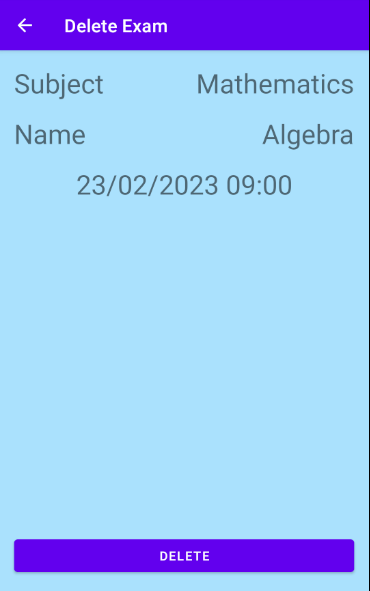
Exam Countdown app keeps track of your exam dates and shows you missing time to them.
How to: display | create | delete
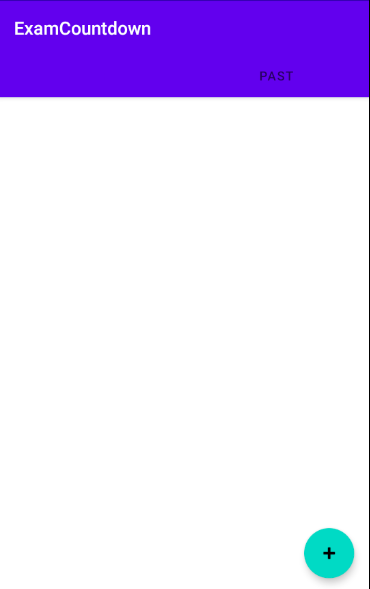
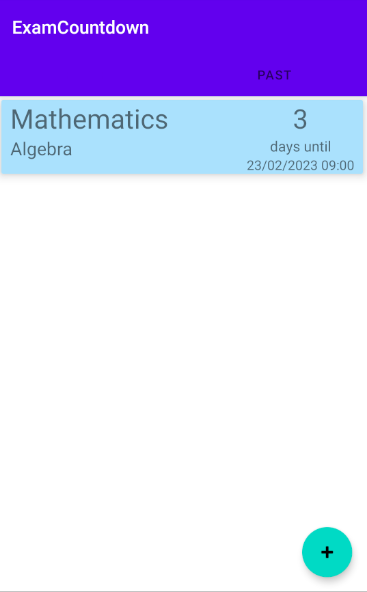
Exams are displayed through 2 tabs named: Future and Past. Tap on a tab or side scroll to see your desired tab.

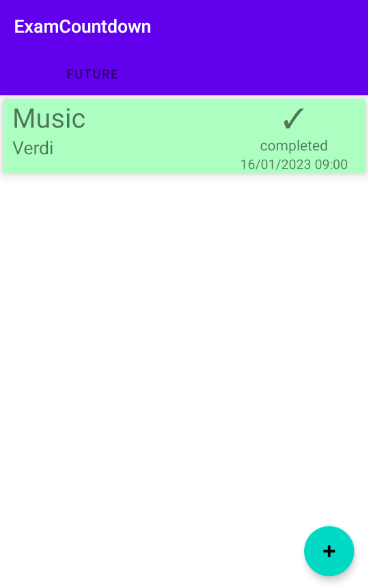
To add a new exam tap on the "+" button on bottom right.
Then add a subject, an optional exam name, select date and time and choose appearance color.
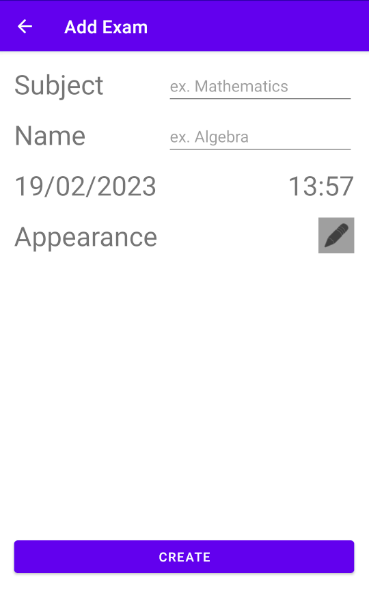
Tap on Create button and done! Now you are in home and you can see your newly added exam.
To delete an exam tap on the exam you want to delete. Then tap on delete button.