Repository navigation
Start with a Folder
Start with a Folder is a beginner-friendly, narrated paper-and-ink animation about keeping a project understandable across AI sessions. Follow a small community-garden website teaching example from its first request through a failed check, a correction, review, and a saved next step.
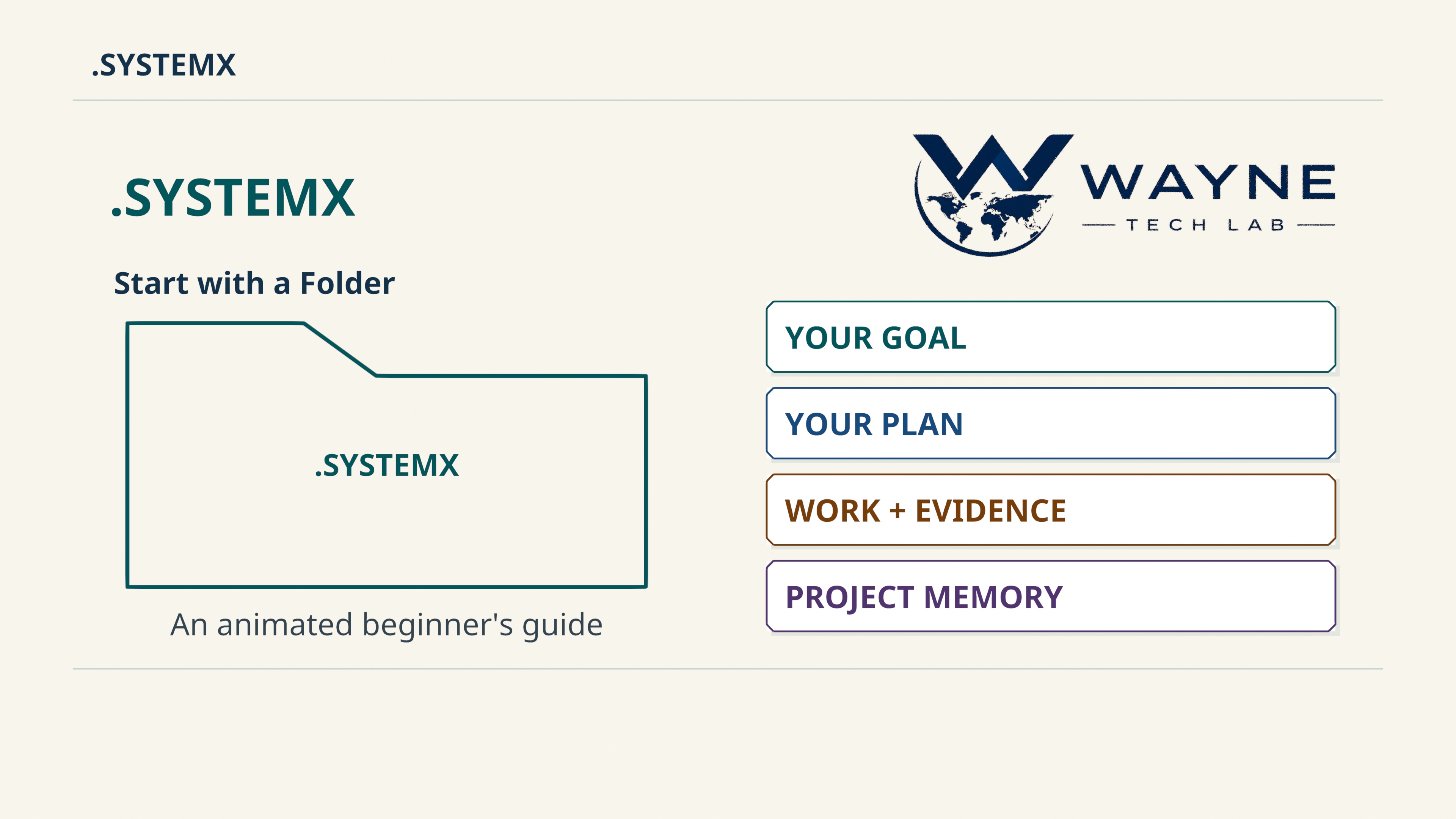
Watch on YouTube · Download the original 4K film · Download the native 4K poster · Media release

English SDH captions · Transcript · Third-party notices · Release asset metadata · Checksums
The finished film is 9:55 — exactly 595 seconds, rendered natively at
3840 × 2160 / 30 fps: 17,850 frames, 30 animated scenes, and 12 chapters.
It uses Blender geometry, Grease Pencil strokes, moving cards, page transitions,
and stable reading holds. The separate poster is also native 4K. Narration is
synthetic English using Kokoro af_heart, with no imitation of the creator's
voice and no time stretching.
The English SDH captions include narration and meaningful sound descriptions. The selected final captions contain 120 cues. The transcript and downloadable SRT provide text alternatives; their availability is separate from any formal accessibility certification.
A new session needs enough information to understand the project and continue
its next useful action. .SYSTEMX gives that information a consistent home:
Global context, a Master Plan, one canonical task ledger, reviewed memory,
original evidence, and a checkpoint. Project records start blank and become
useful when the owner and assistant maintain them.
The documents can be read directly. Optional included command tools use Python
3.9+ and its standard library. Your chosen app, IDE, CLI, or assistant supplies
the model, authorized execution tools, credentials, and actual worker processes.
The exact folder name is .SYSTEMX, with the leading dot and uppercase letters.
| Record or role | What the film follows | Continue in the manual |
|---|---|---|
| Global context and Master Plan | Agreed facts, audience, limits, an accepted outcome, and useful checkpoints | Planning and memory |
| Canonical tasks and Agent 0 | Stable task identity, ownership, dependencies, evidence, review, and acceptance | Task workflow, Agent 0 |
| Agent X and Agent Z | Original event/time evidence and advisory scoring of supplied answers | Agent X, Agent Z |
| Native workers and Agent Y | Bounded parallel ownership and an optional installed external CLI lane | Subagents, Agent Y |
| ROOT | Explicit links between saved task-list observations and canonical task IDs | Rules, milestones, and task delta |
| Agent Alpha and AUTOBOT | Selected detail from ten reference functions, with unchanged-request reuse | AUTOBOT and Agent Alpha |
DATA and .SYSTEMXP
|
Owner-managed payloads and independent named project records | DATA, SYSTEMX PROJECTS |
| Reviewed versions and recovery | Manual selection, optional notices, retained records, backups, and receipts | Installation, uninstall and cleanup |
The four-part 4K field guide supplies the static reference maps behind this film's unfolding explanation. Its original artwork and alpha.3 media identity remain intact.
The example is fictional and local. Its retained production demonstration uses 31 local command invocations and two HTML files. It represents no real client, garden, location, provider conversation, or deployed application.
A narrow Python checker deliberately rejects a page that omits opening hours: exit 1. After correction, the same checker returns exit 0 for four named conditions: the garden heading, agreed hours content, a local joining-page link and destination, and the main HTML landmark. This demonstrates a check able to fail on known-bad input and then pass on corrected input. It does not test all application behavior, security, accessibility, deployment, or live operation.
The fixture records Agent X evidence, review state, Agent 0 acceptance for that
synthetic task, and a saved next step. Agent Z's retained sample contains
100 unknown answers; it demonstrates request/scoring mechanics, not a quality
rating. ROOT uses deliberately authored synthetic harness snapshots and retains
liveSyncVerified: false. The film's illustrations of subagents, CLI routing,
PRs, clouds, and bots are not receipts of dispatched provider work.
Agent 0 or the user still accepts against the actual criteria. A worker reporting completion, a format validator passing, and a website being live are distinct observations.
After first-time setup, adapt this prompt to an existing project and its actual permissions:
Use this project's existing .SYSTEMX.
Read the current context, Master Plan, canonical task ledger, and next step.
Help me finish [ONE CLEAR OUTCOME].
Identify finished work and plan the next bounded tasks.
Use available authorized tools and retain original evidence.
Ask when a required decision or access is missing.
Before stopping, save verified results, open questions, and the exact next action.
A prompt does not install a provider or grant access. For a new installation, use the complete setup prompt. For a larger delivery, the one-shot guide explains research, phases, milestones, workers, acceptance, and checkpoints.
- Roles and workers: native workers are started by the host. A role entry is a coordination record. Agent Y uses a selected installed CLI; acceptance, merge authority, and cleanup remain separate, and Agent Y does not merge code itself.
- Time and review: Agent X records observations and due items, without running scheduled jobs. Agent Z scores supplied answers and does not perform the checks or grant acceptance.
- Three task surfaces: ROOT compares retained observations. Authorized real tools perform corrections and fresh readback; a URL or saved matching state does not create continuous synchronization.
- Selected detail: Alpha is separate from the ten AUTOBOT reference functions. Design tokens are styling data, not billing tokens; tool cards do not execute automatically or override instructions.
-
Data and projects: DATA ignore rules are not encryption, cloud policy, or upload permission. Named
.SYSTEMXPrecords keep their own context, plans, tasks, and memory while sharing reviewed outer tools. - Resources and continuity: selected context can reduce repetition, while maintaining records also consumes time and tokens. Measure the complete workflow; the film supplies no measured savings percentage, billing result, or automatic memory inside a model.
- Updates and recovery: defaults are pinned with manual updates; startup notices are optional. Keep recoverable backups and operation receipts. Local checks, publication, and live verification remain separate.
These links follow the 12 chapter starts. Streaming links use whole seconds; the native MP4 retains its exact chapter boundaries, including half-second starts.
| Start | Chapter |
|---|---|
| 00:00 | A place to begin |
| 00:35 | Folder, records, tools |
| 01:33 | Find your way around |
| 02:32 | Follow one task |
| 03:49 | What to say to your assistant |
| 04:29 | Useful parallel work |
| 05:26 | Three task surfaces |
| 06:23 | Open only the right drawer |
| 07:26 | Data and independent projects |
| 08:27 | Resume without starting over |
| 09:08 | Control and recover |
| 09:34 | Begin with one project |
Media edition: 3.0, labeled media-field-guide-v3.0.
Software: 1.11.0-alpha.6. The film's recorded source context is
34bcaf85190d583f7e8eef0a0800d0f132ef7a05; the exact software release and its
review evidence remain in Versions and changelog.
A media edition is not an installer/defaults version or a new runtime capability.
The release groups the film, poster, SDH captions, transcript, delivery metadata, checksums, and notices. Authoring dependencies, editable Blender files, render frames, and project recordings remain in the separate production package. GitHub Actions is not used for film production or this publication.
| Reference | Use it for |
|---|---|
| Start with a Folder | This 9:55 beginner-paced 4K story and one garden task |
| Original introduction | The existing 1:50 overview, media edition 1.0 |
| Advanced walkthrough | The existing 5:54 technical treatment and separately scoped input-context fixture, media edition 2.0 |
| White paper | The technical argument, source-grounded protocol explanation, and evaluation limits |
Created by Lucas (SatoshiUNO). A product of Wayne Tech Lab LLC.