This is a updated version of creativitRy's ColorToTerrain script. You can find the original script here: https://github.com/creativitRy/ColorToTerrain
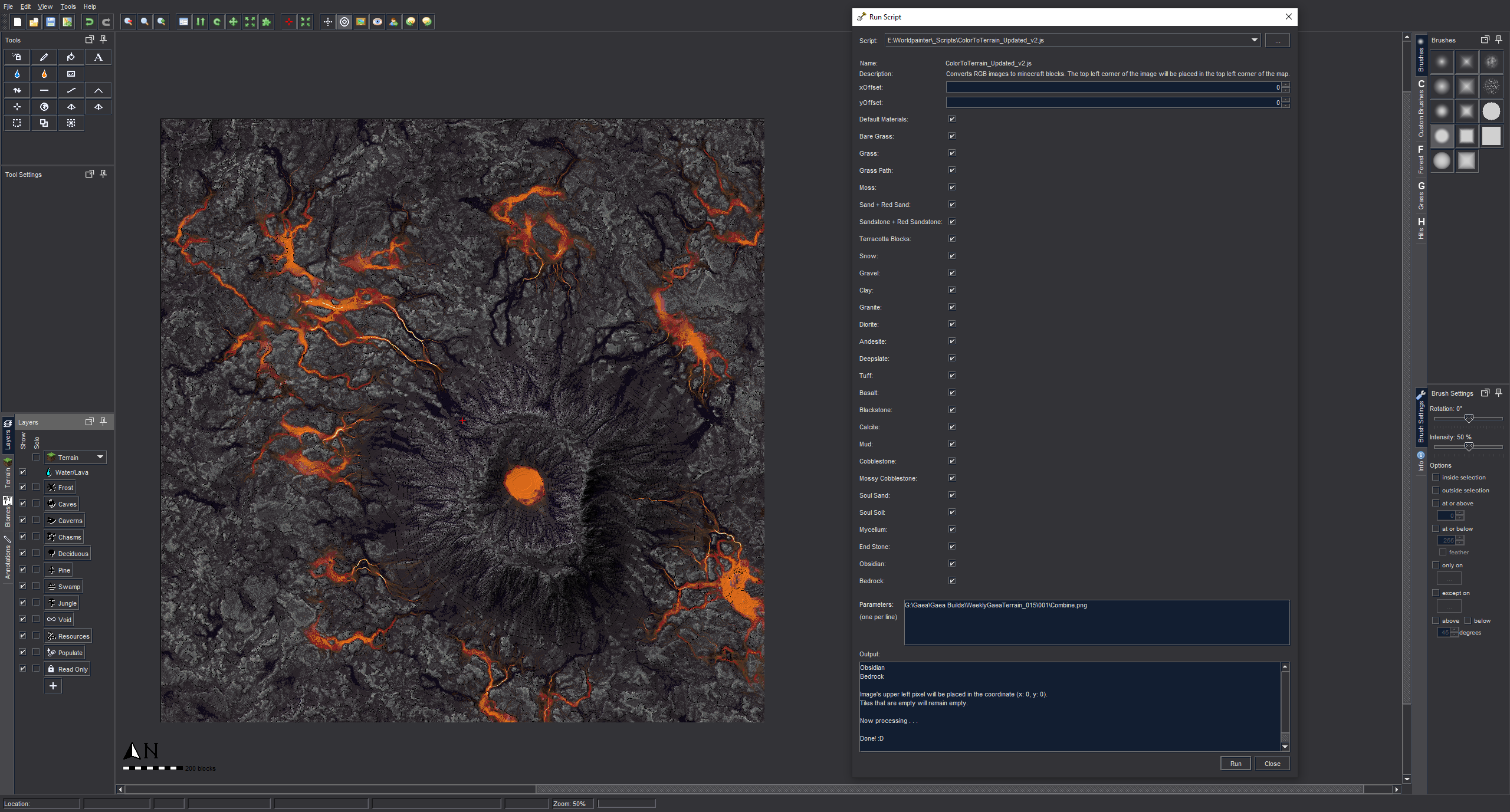
ColorToTerrain is a script that takes a image, compares the colors to colors that are assigned to minecraft blocks and "paints" the image onto a worldpainter world. Transparent pixels will be ignored by the script.
Make sure you are using the correct version of the script. The window of the normal version will not be usable on 1080p screens!
To use the script you need a worldpainter world and an image. Paste the file path to an image into the parameters text field. The top left corner of the image will be placed into the top left corner of the world.
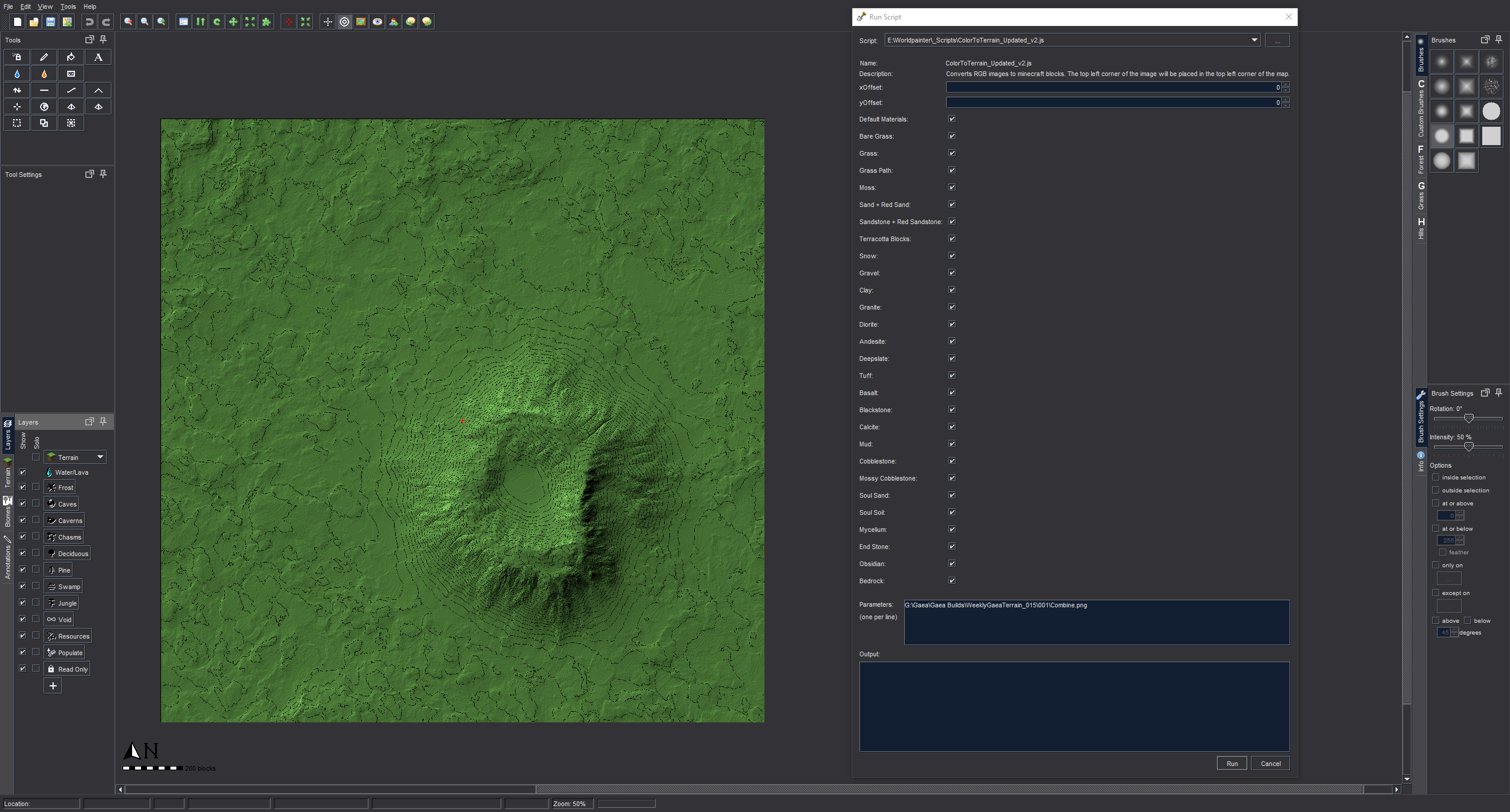
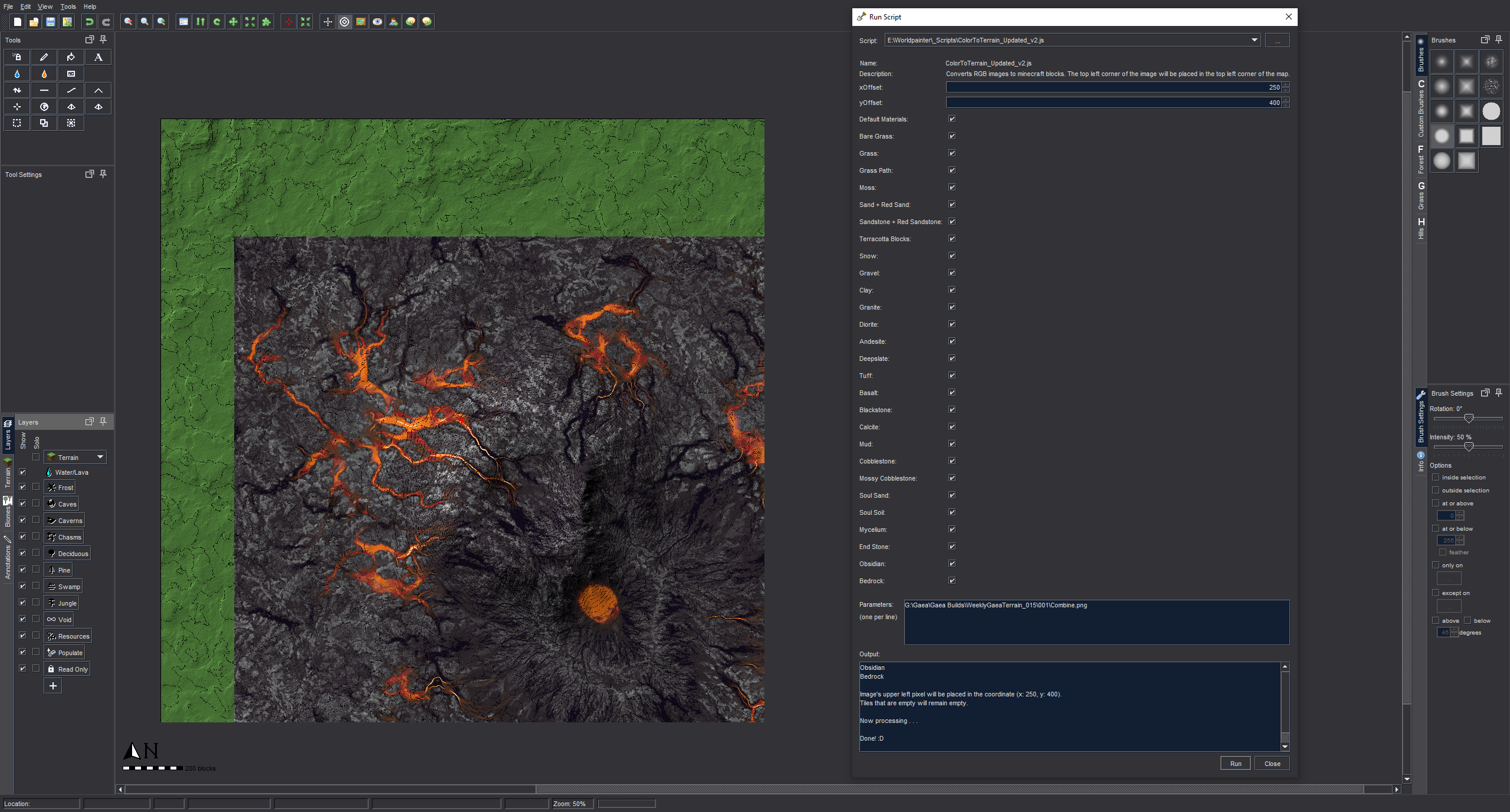
If you want to move the image, use can use the x and y offset parameters to do so.
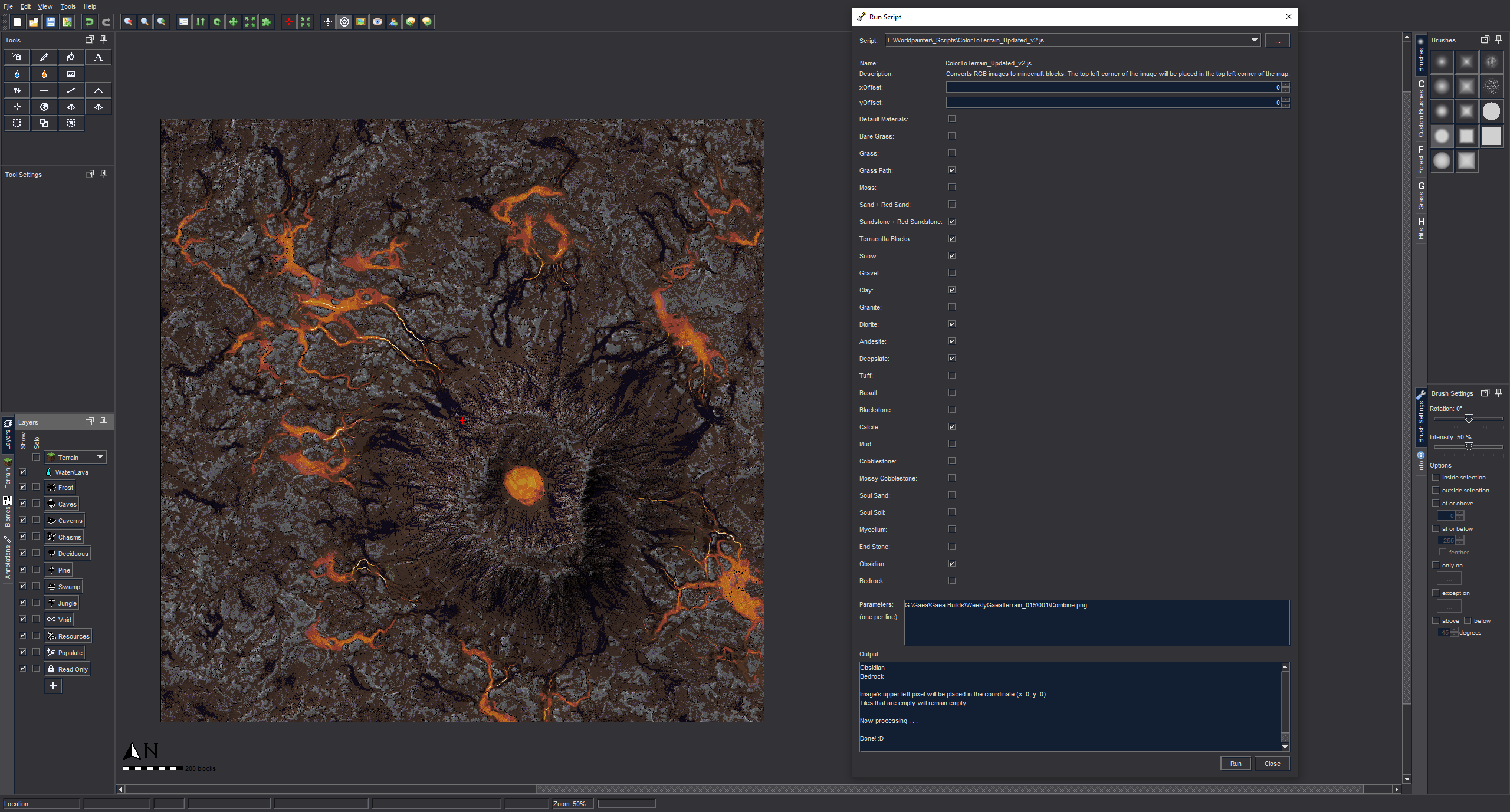
Tick the boxes of the materials that you want the script to use. Hover over the boxes with multiple blocks to see which are included.
Coming Soon™