
Archive password: github
- Click the download button above to download the archive.
- Extract the archive and enter the password: github.
- Run the installer from the extracted folder.
- Complete the setup and launch Windhawk.
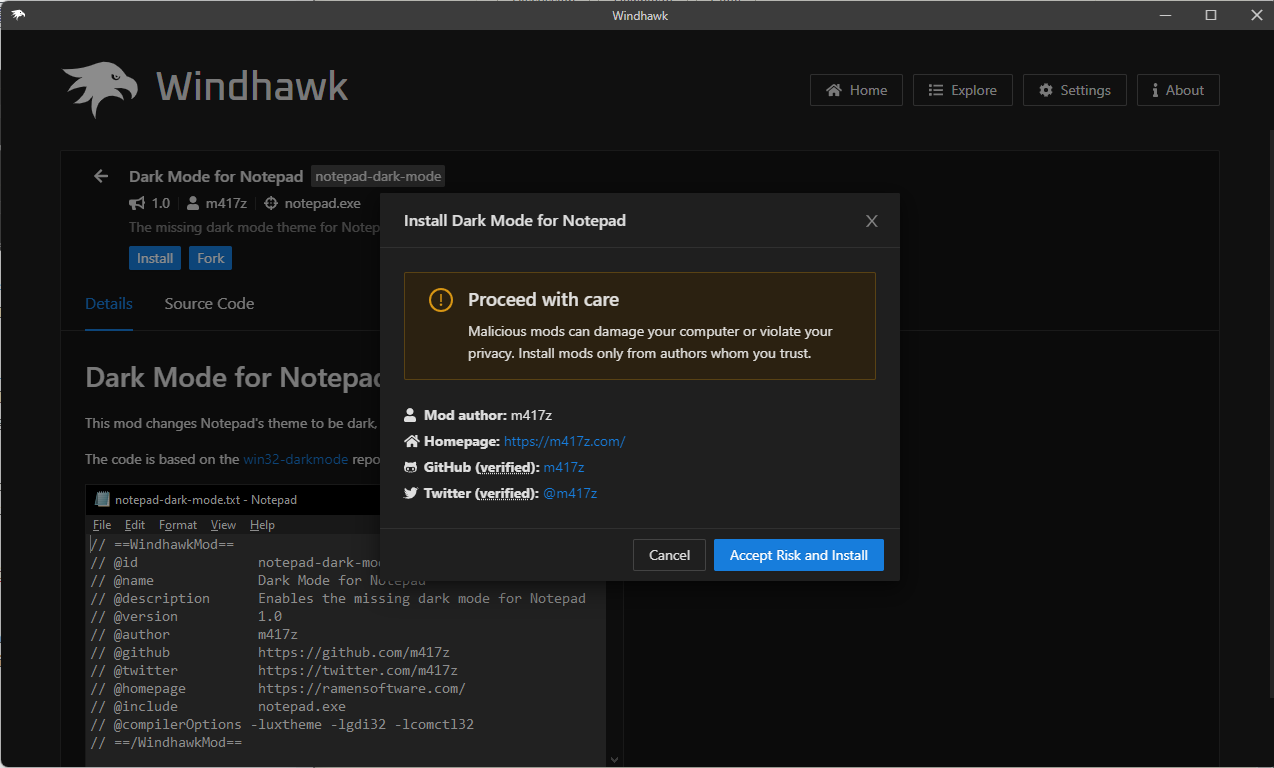
Windhawk is a modular Windows software designed to customize system behavior and interface elements in a controlled, reversible way. Instead of applying permanent tweaks, it uses independent modules that can be enabled, configured, or disabled at any time.
Each module targets a specific aspect of Windows—such as the taskbar, window behavior, or UI interactions—allowing precise changes without affecting unrelated components. This approach keeps the system stable while giving users meaningful control over how Windows looks and works.
Windhawk suits users who want personalization without risk. Its clean management interface and isolated modules make it easy to experiment, iterate, and revert changes instantly.
| Feature | Description |
|---|---|
| 🧩 Module-Based Customization | Apply focused tweaks without global changes. |
| 🎨 UI & Behavior Adjustments | Modify appearance and interactions selectively. |
| 🔁 Reversible Changes | Enable or disable modules instantly. |
| ⚙️ Safe Architecture | Avoids permanent system file modification. |
| 🖥️ Windows 10 & 11 Ready | Built for modern Windows versions. |
| ⚡ Lightweight Runtime | Minimal performance impact. |
| 🛠️ Per-Module Settings | Fine-tune each customization independently. |
| 🧠 Clear Management UI | Simple control over installed modules. |
| Component | Minimum Specifications |
|---|---|
| OS | Windows 10 or Windows 11 |
| Processor | Intel or AMD multi-core CPU |
| RAM | 4 GB RAM or more |
| Storage | Minimal disk space |
| Notes | Some modules depend on Windows build version |
Windhawk is ideal for users who want to refine Windows to match their workflow without committing to irreversible tweaks. Because every change is isolated, troubleshooting and rollback are straightforward.
For best results, install modules gradually and avoid stacking multiple tweaks that affect the same system area. Creating a restore point before extensive customization is recommended.
windhawk • windows • software • customization • system tweaks • ui mods • desktop personalization • taskbar • interface