Step 1 - Run the Following Command
sudo apt update && sudo apt upgrade -y
sudo apt install -y linux-headers-$(uname -r) build-essential dkms
Note: If you get any error, re run the the above command
Result:-
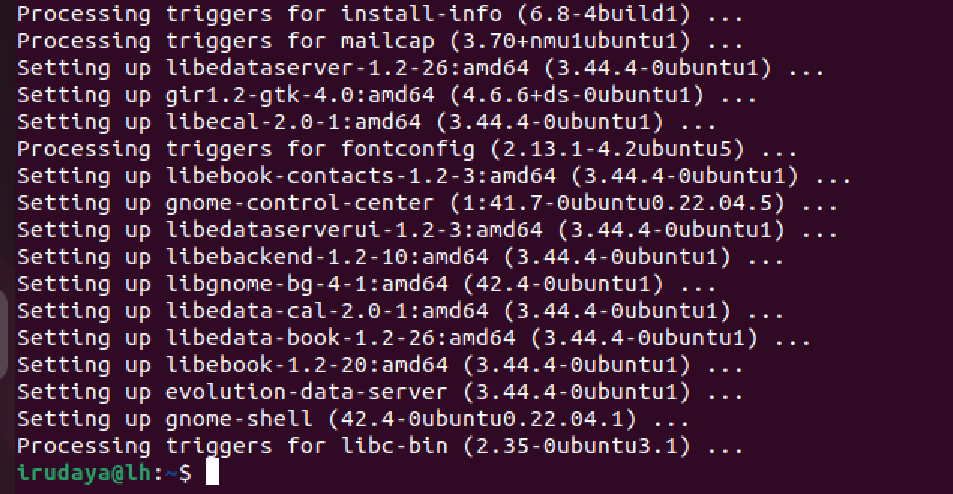
Step 2 -Setting Up Additional cd Image
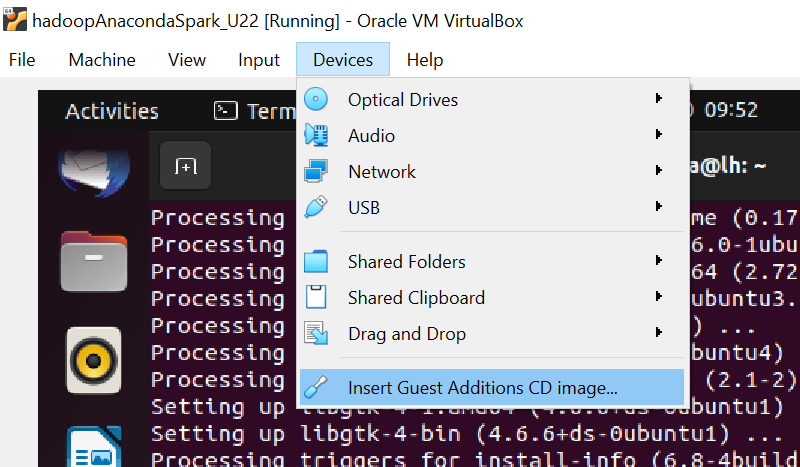
If you are not able to see the Menu Option (Refer the above image) in the VB, Please press the right side button <ctrl+f> (^f) and follow on screen instruction
Step 2.1 - Go to Menu => Select the Menu (Refer the below Image)
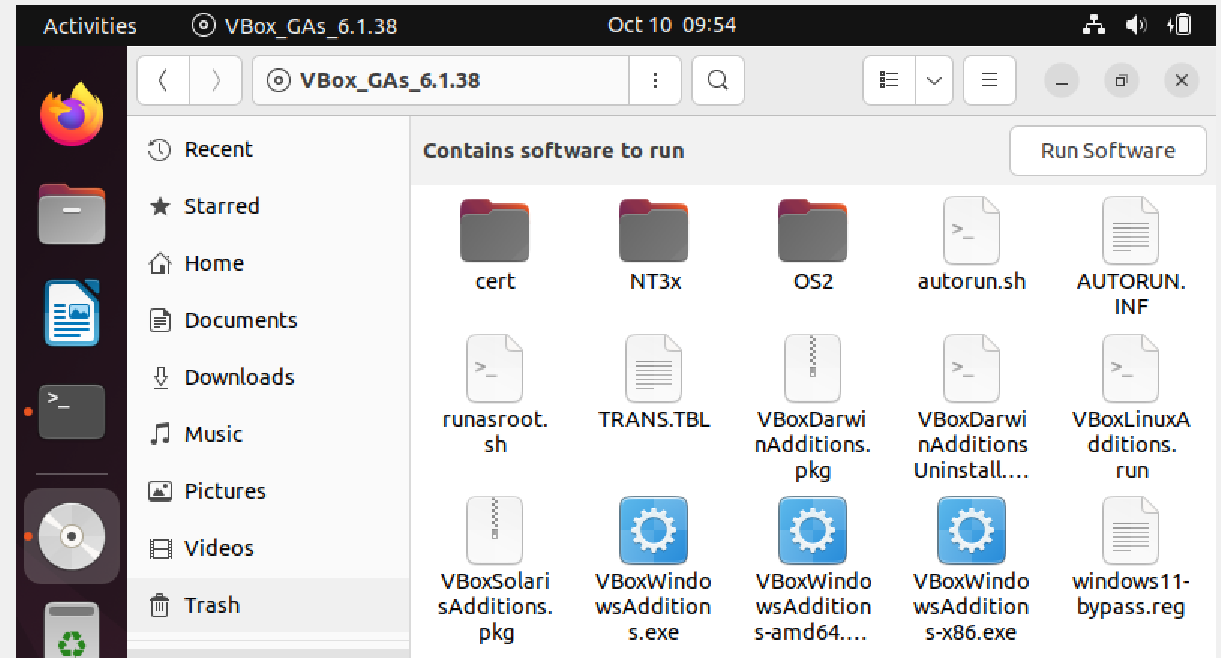
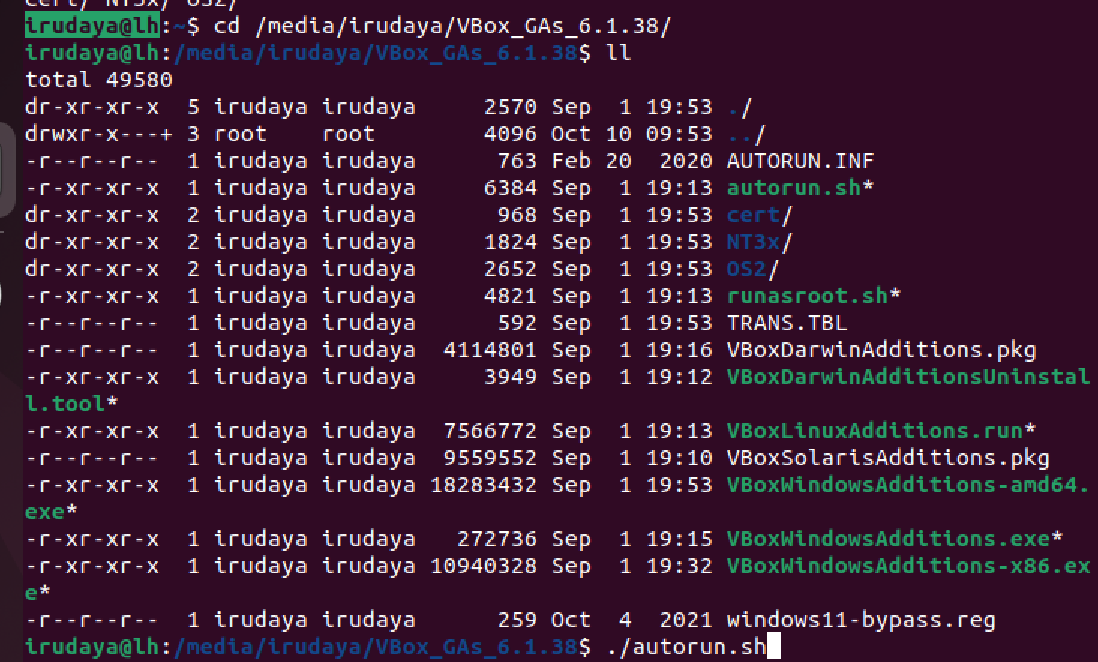
Step 2.2 - Go to the Terminal and find the media drive
df
Verify the Folder Structure
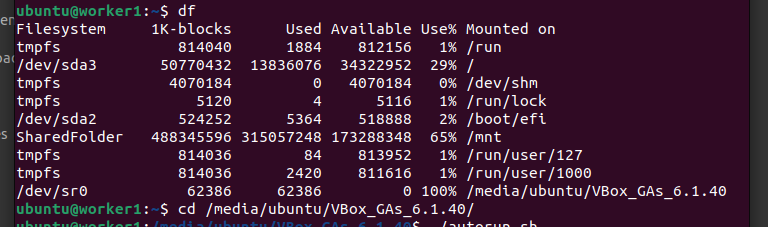
cd /media/ubuntu/VBox_GAs_6.1.40/
./autorun.sh
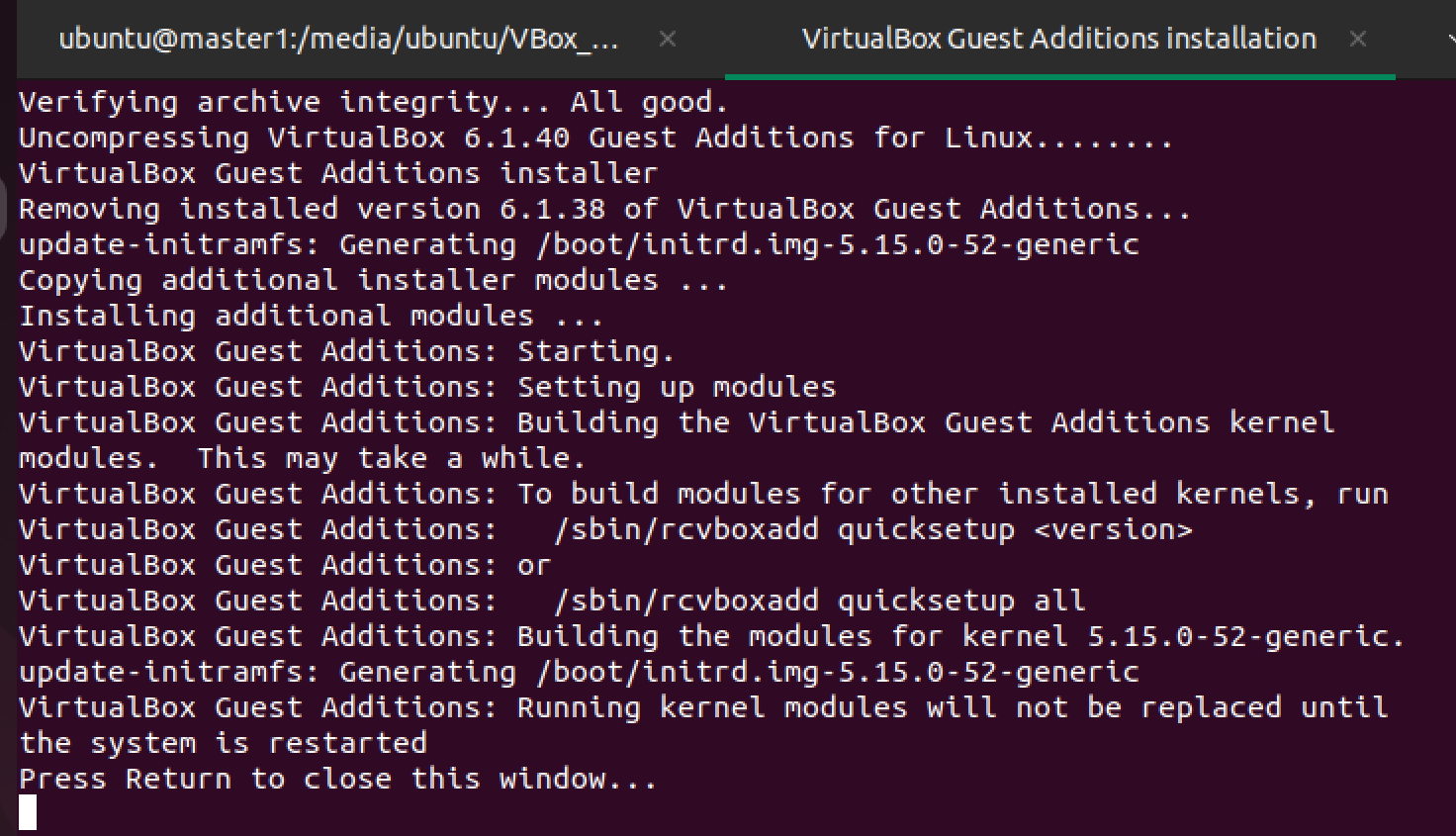
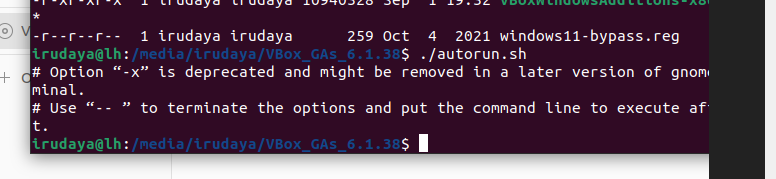
Note: Please follow on screen instruction to complete the activity and restart the machine and enter the password when prompted
Once Completed you will get the screen as shown below image
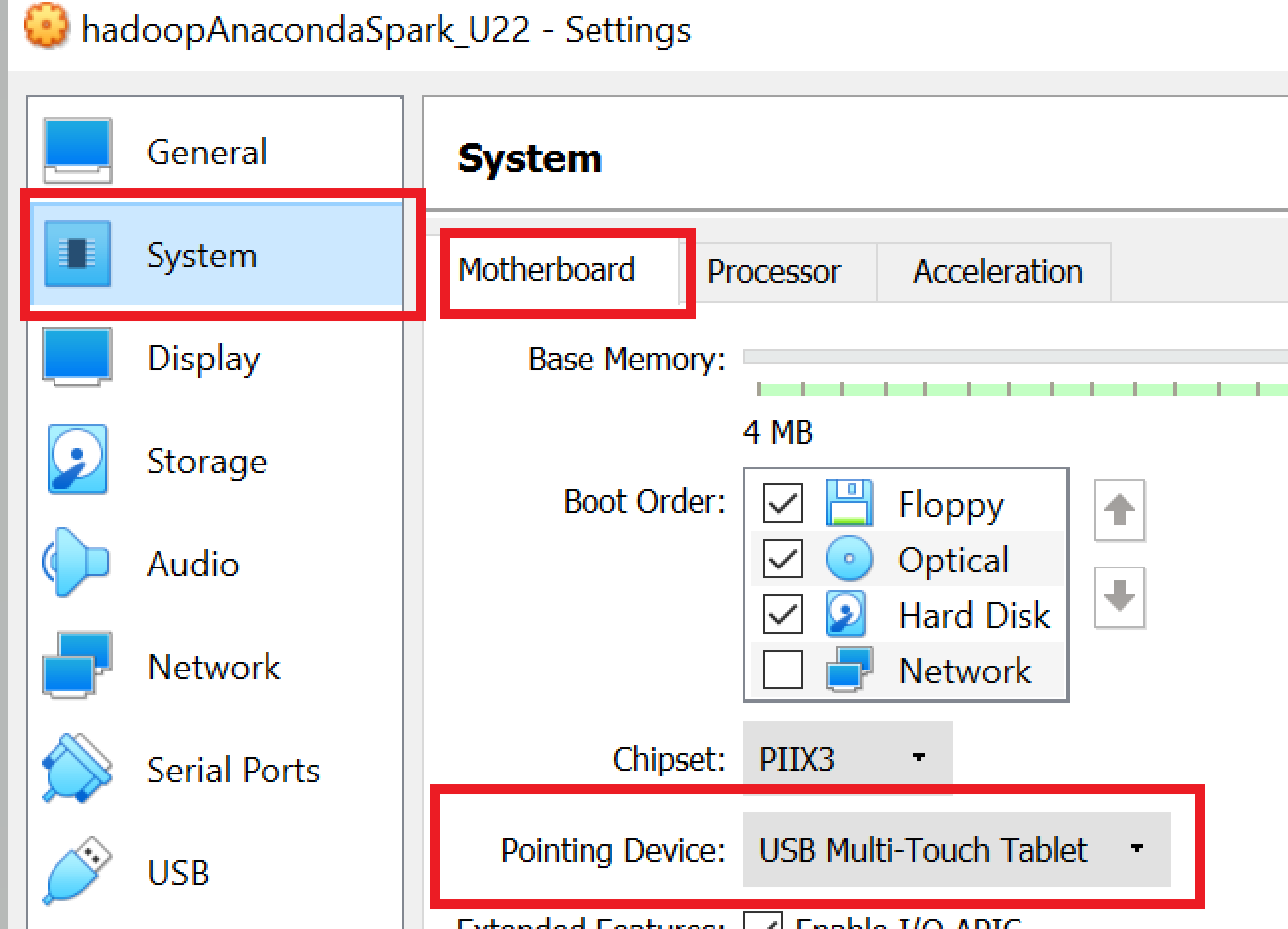
sudo nano /etc/default/grub
add the below to the line in the file and save (Refer Below Image)
i8042.nomux i8024.noloop
Change this line
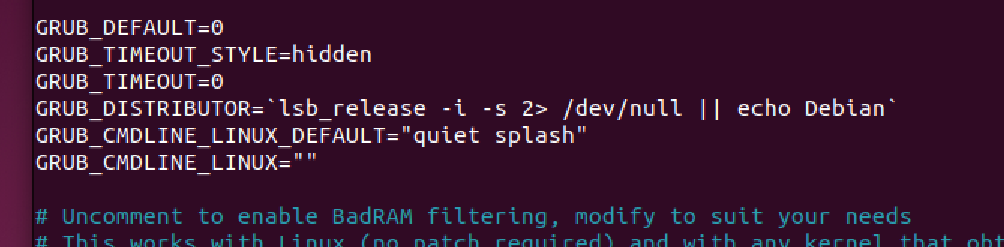
Make the change in the specified Line (Changes in Line No. 10)
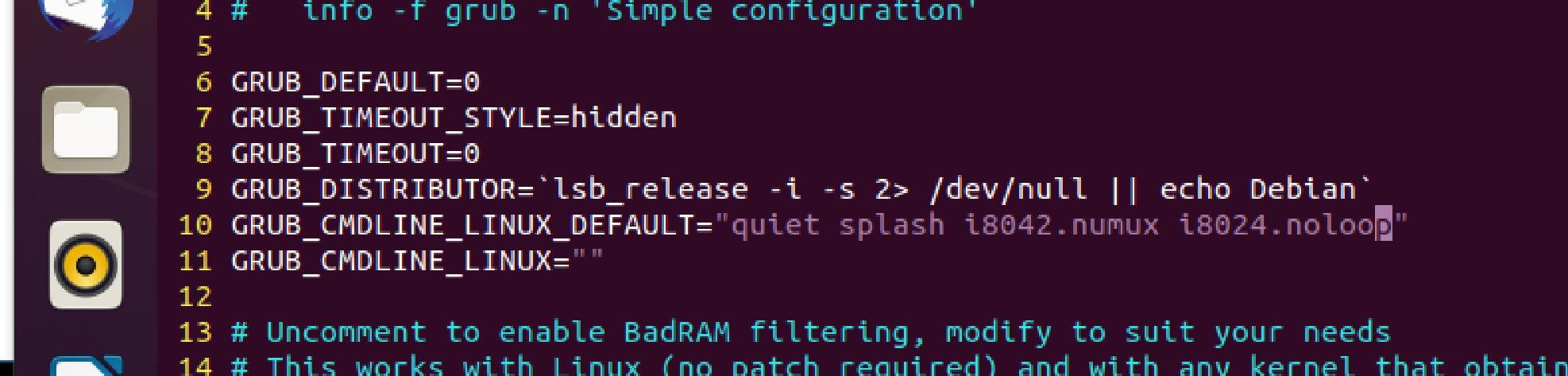
Or Inline Command
sudo sed -i '/GRUB_CMDLINE_LINUX_DEFAULT="quiet splash"/ s/"$/ i8042.nomux i8024.noloop"/' /etc/default/grub
sudo sed -i '/GRUB_CMDLINE_LINUX=""/d' /etc/default/grub
sudo update-grub
Result

sudo shutdown now
- The dafult (May be)

- Change the setting

hostnamectl
sudo sysctl kernel.hostname=localhost # Change the transient hostname
hostnamectl
OR
  hostnamectl
  sudo hostnamectl set-hostname localhost
  hostname
  exec bash
OR
# Get the local IP address
local_ip=$(hostname -I | awk '{print $2}')

# Replace dot with dash in local IP
local_ip=${local_ip//./-}

# Set the hostname with the local IP address
sudo hostnamectl set-hostname "$local_ip"

# Update the /etc/hosts file with the new hostname
sudo cp /etc/hosts /etc/hosts_bak_$(date +"%Y%m%d-%H%M%S")
sudo sed -i "s/127.0.1.1.*/127.0.1.1\t$local_ip/g" /etc/hosts
hostname
exec bash