University Name: http://www.sjsu.edu/
Course: Cloud Technologies
Student:
Abhinaya Yellipeddi
SCSP Portal is for enthusiast developers who are keen on knowing the latest releases on software/technologies and the technology news. Users can subscribe to their interests and get updates periodically on the new release/ news.
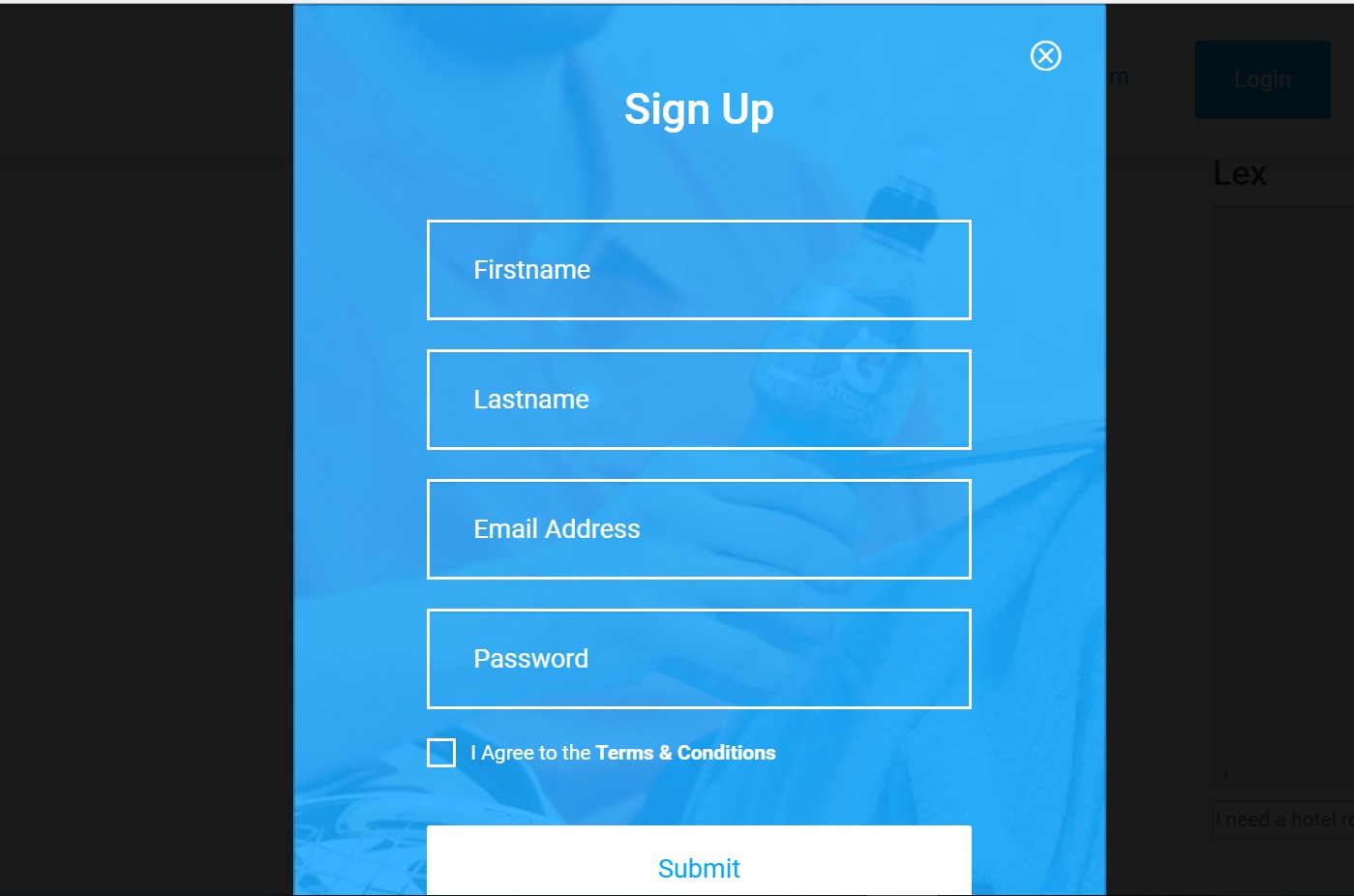
SignUp Page
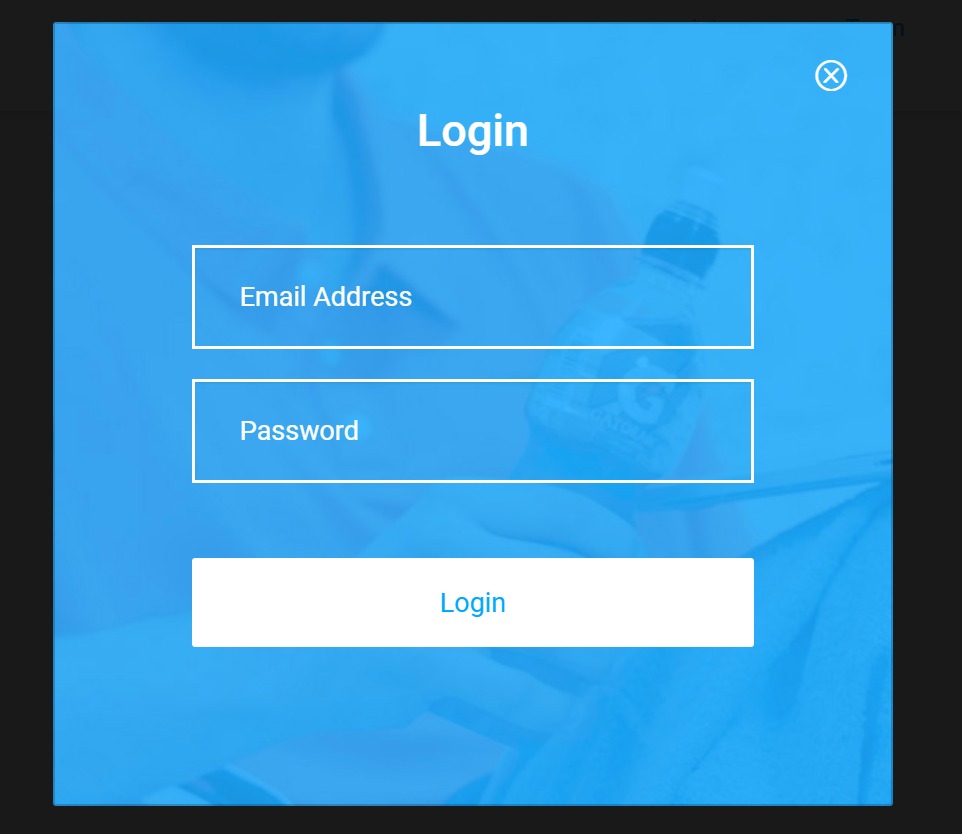
Login Page
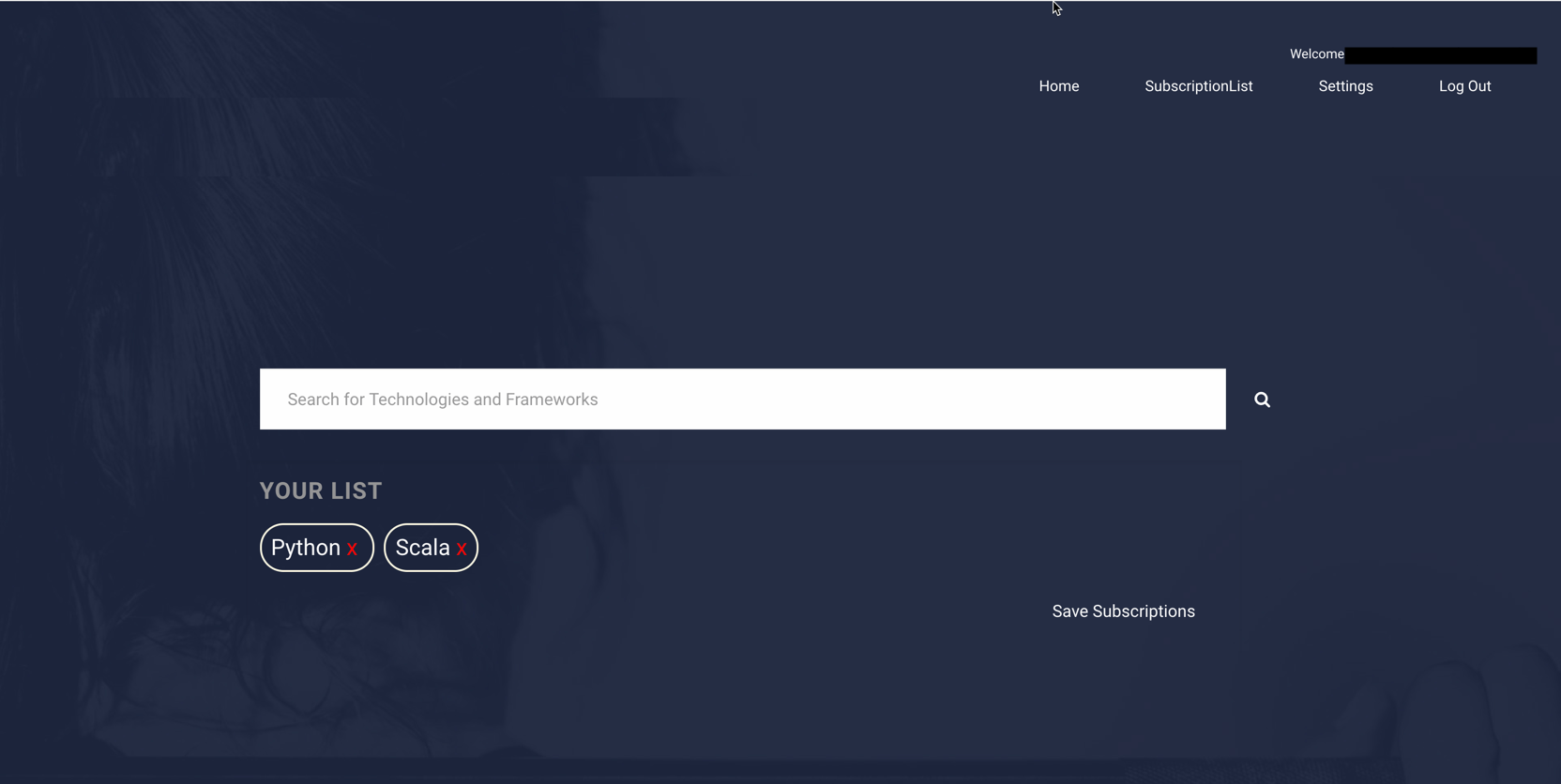
Dashboard Subscription Page
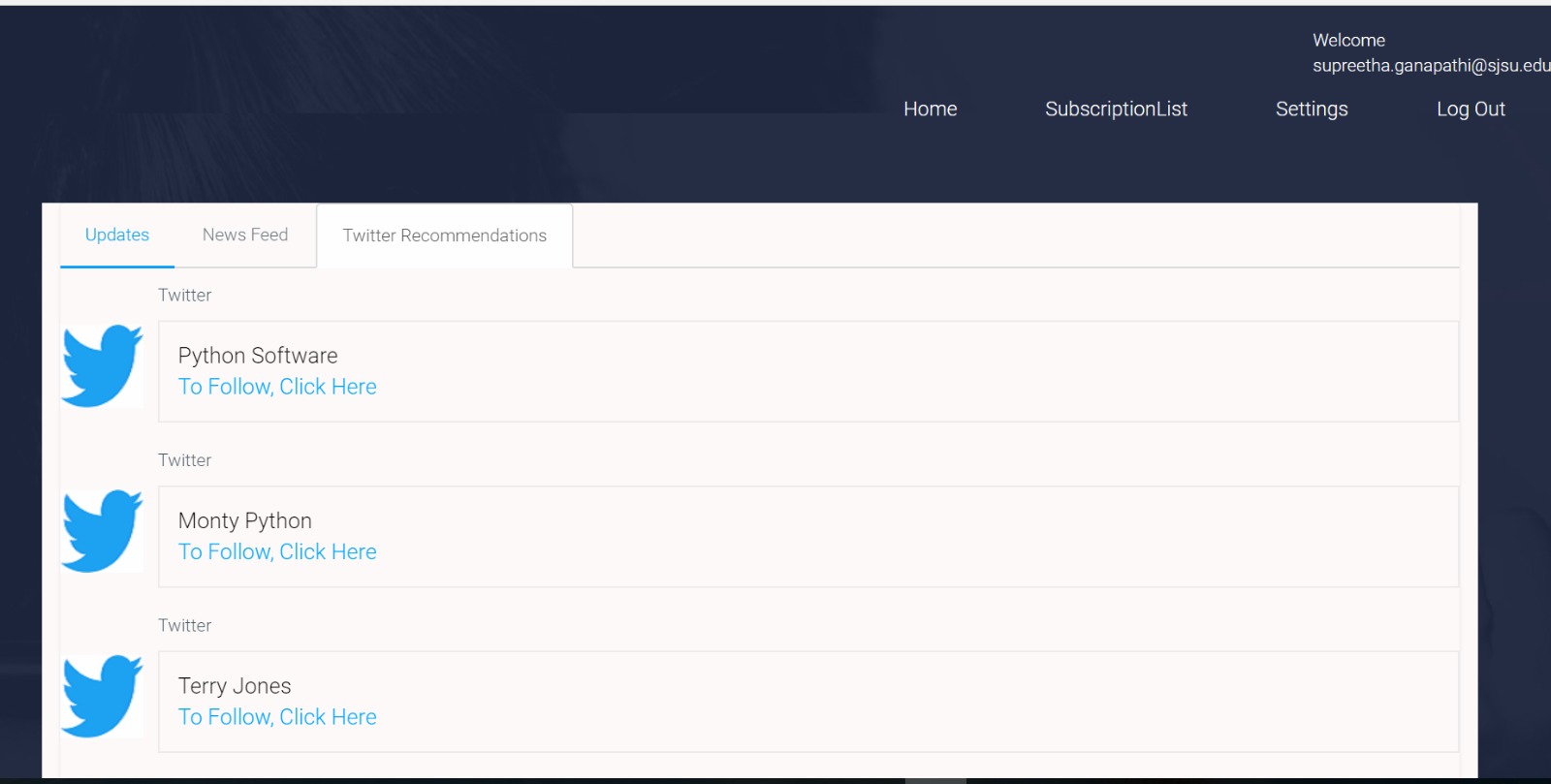
Twitter Integration Page
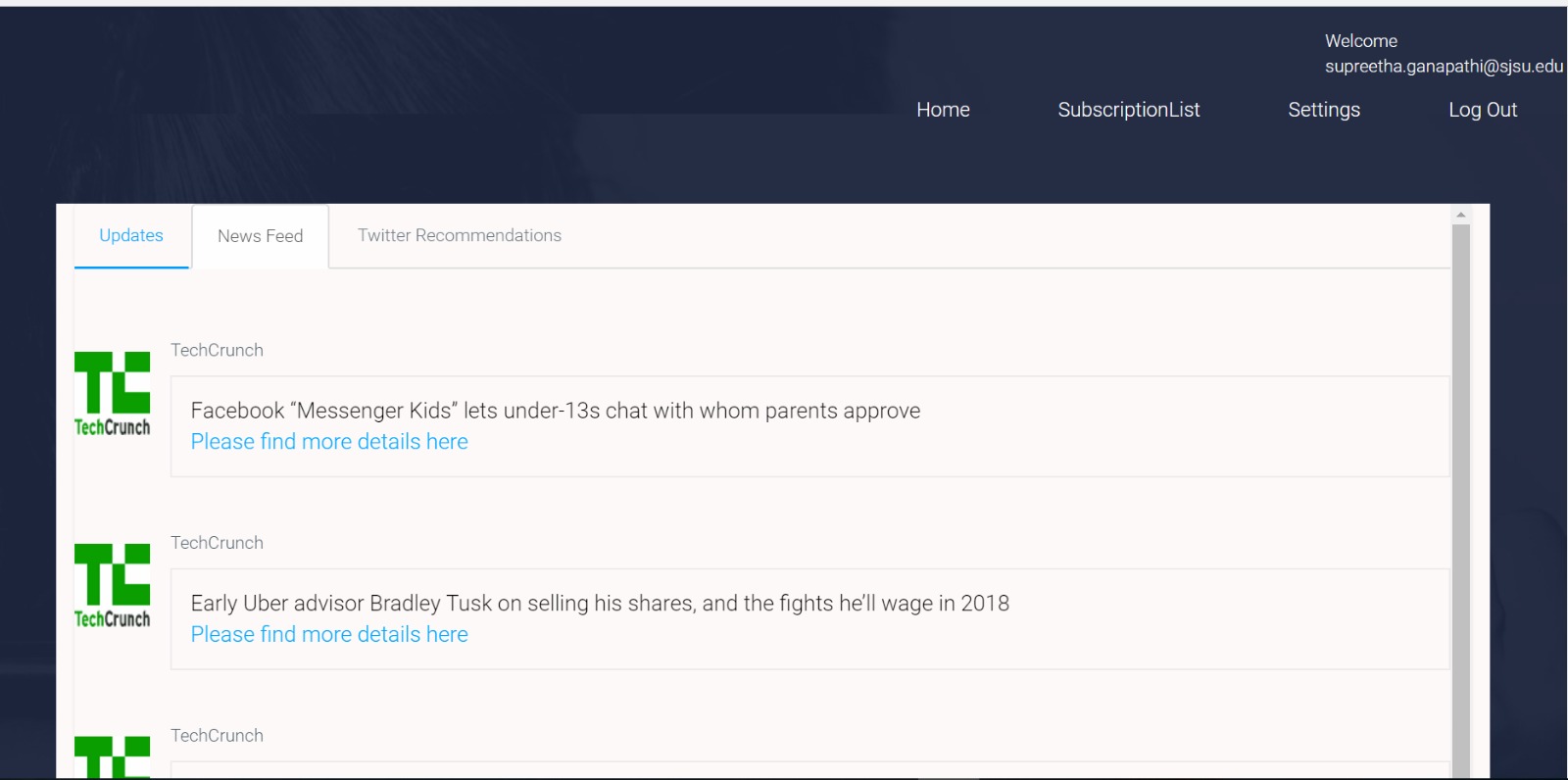
Techcrunch Integration Page
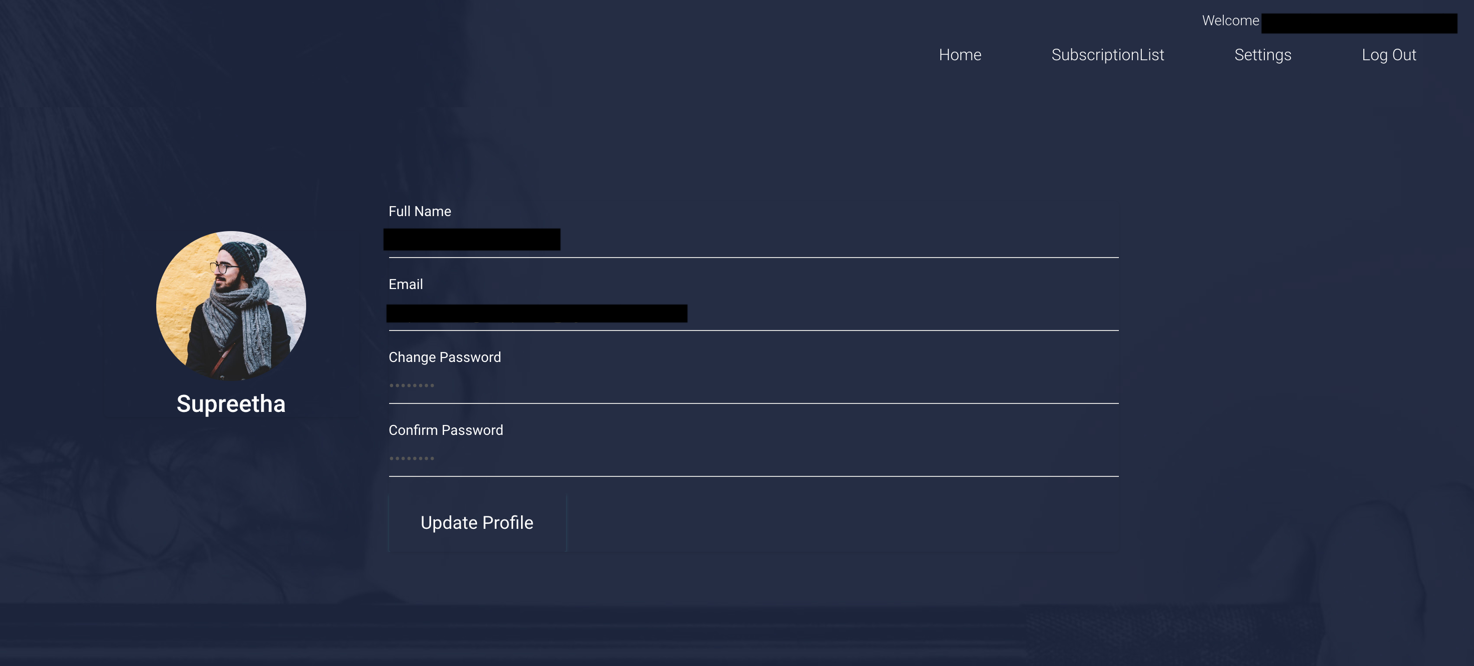
Settings Page
• IDE (Eclipse for Windows/IntelliJ for Mac) for managing the code.
• JAVA 1.7 or above
•credentials: file needs to have the required AWS details (secret key)
1. RDS: Setup a mysql database, create the pre-requisite tables based on the attached script: DBScript.sql (part of the attached code)
2. S3 buckets: S3 buckets are for storing the data related to our application.
3. CloudFront: To manage the content delivery of web pages, we make use of AWS cloudfront service.
4. AWS Polly: AWS service that turns text to speech. When user manages his subscription, you will have Polly confirm to the user on their updates with an audio.
5. AWS Dynamodb: AWS Dynamodb is a no-sql database used to handle the search queries from registered users. When users query new technology, to keep track of such new requirements, is handled via Dynamodb.
6. AWS Lambda: AWS Lambda helps in server less setup and in this project, we have used it to schedule the cron job or upon changes in AWS S3 bucket.
7. CloudWatch: CloudWatch is used to monitor the AWS services and trigger alarms when service has any interruption. We use it to monitor the Lambda trigger
8. SNS: We use this service to trigger email alert for example when there is an update in S3 etc.
9. Elastic Beanstalk: You can host your application using ELB stack. Alternatively, you can configure hosting in AWS EC2 instance too.
10. Route53: If you wish to have your custom url, then you can configure a domain name and redirect from this custom url to your app.
11. AWS Lex: AWS Lex helps us build conversational interface in our application using voice and text.
12. IAM: You need to have a user with required permissions to manage the above resources.
After setting up the resources as above, run the following commands to run the application:
mvn clean install
The application will be accessible on the local host at port 80 (when configured locally)