Repository navigation
Feature Showcase
This walkthrough illustrates the restored Young & Digital Learning interface using fictional demonstration users and sample courses. Desktop screenshots were taken at 1920 × 1080 and the mobile examples at 430 × 932.
Try the interactive demo · View screenshot files
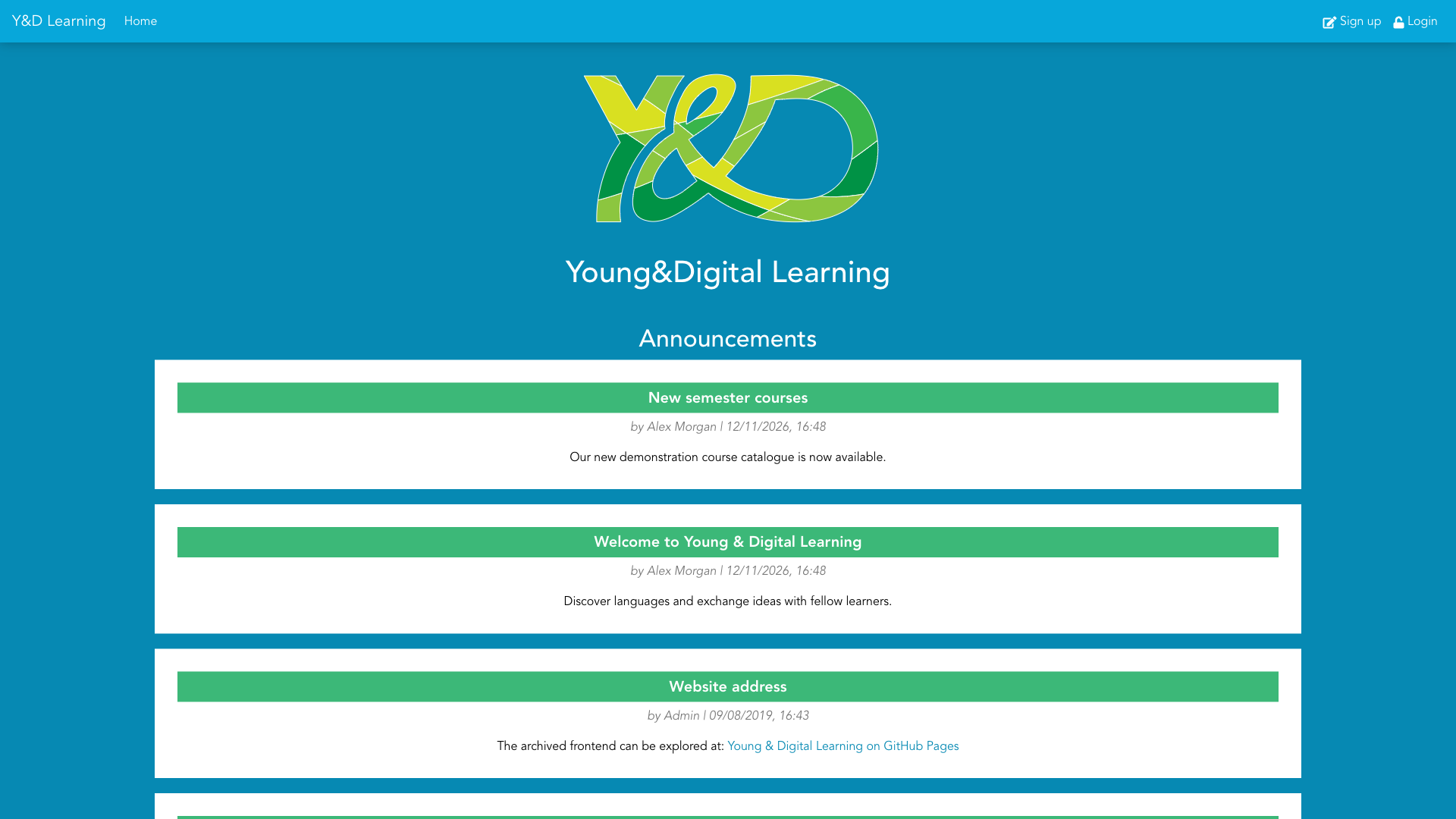
The public entry point introduces the project and displays announcement cards. The restored landing page retrieves data through the app's data layer rather than requiring hardcoded article cards.
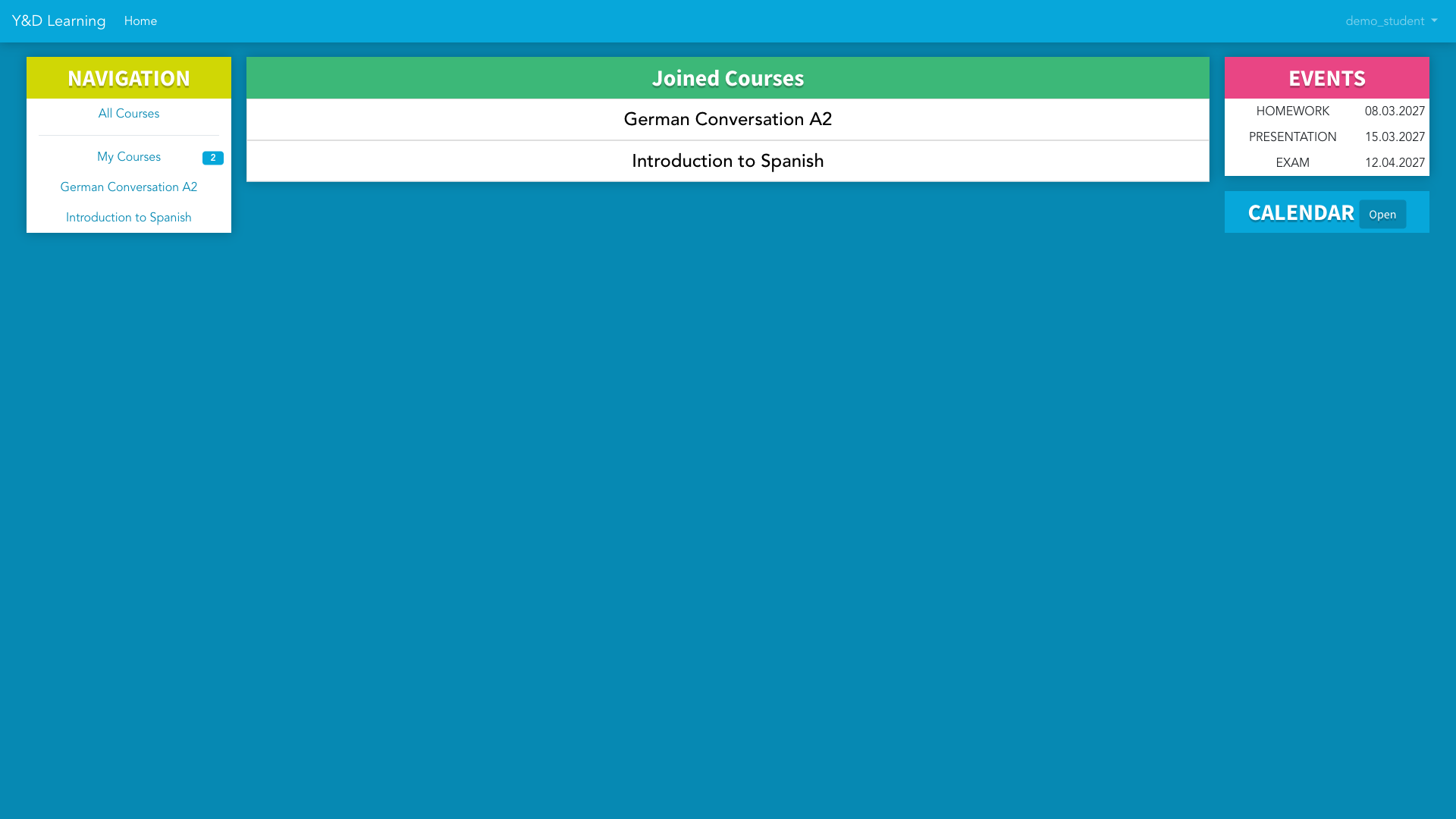
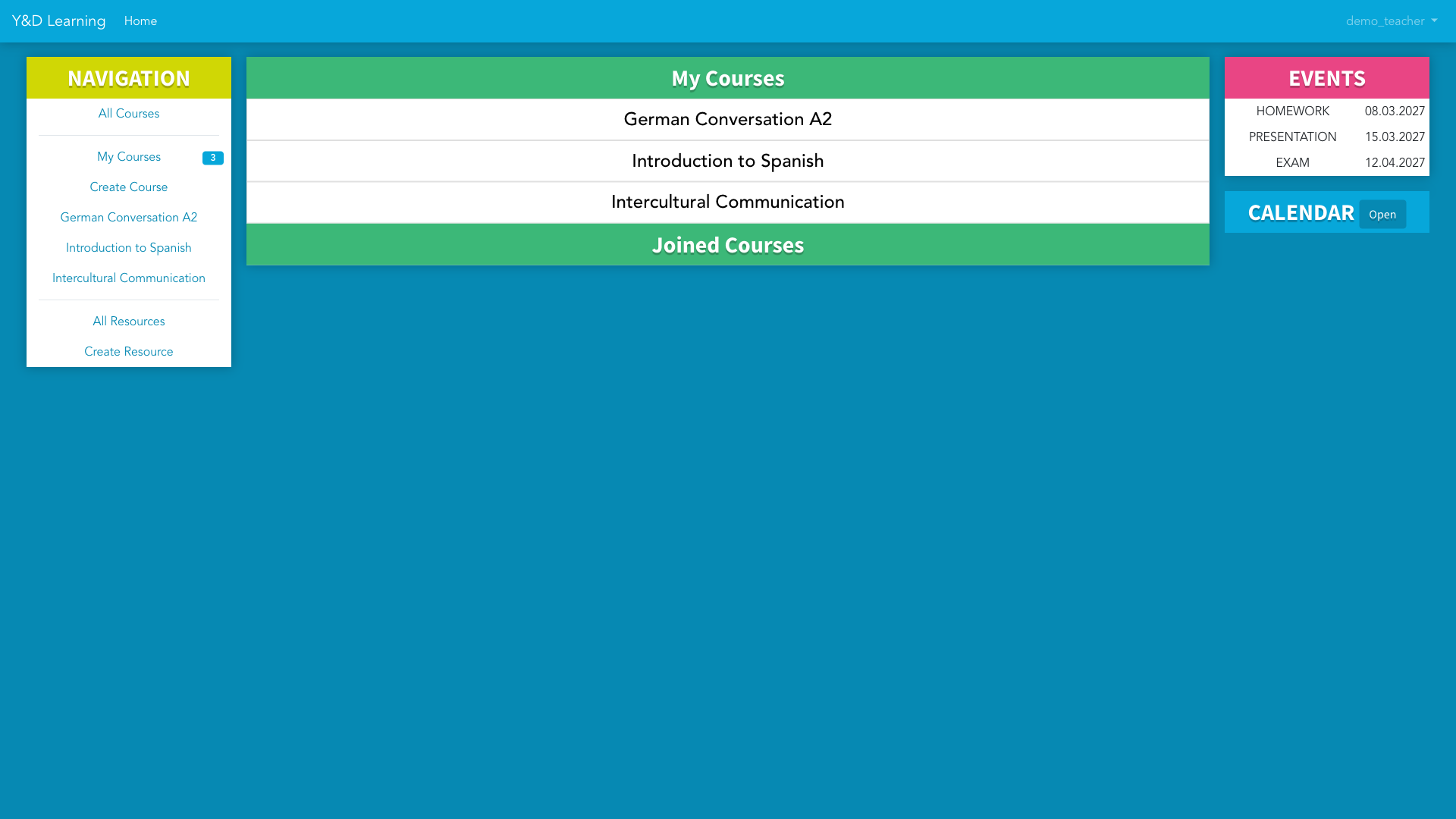
Students see enrolled courses and upcoming activities. The navigation distinguishes All Courses from My Courses.
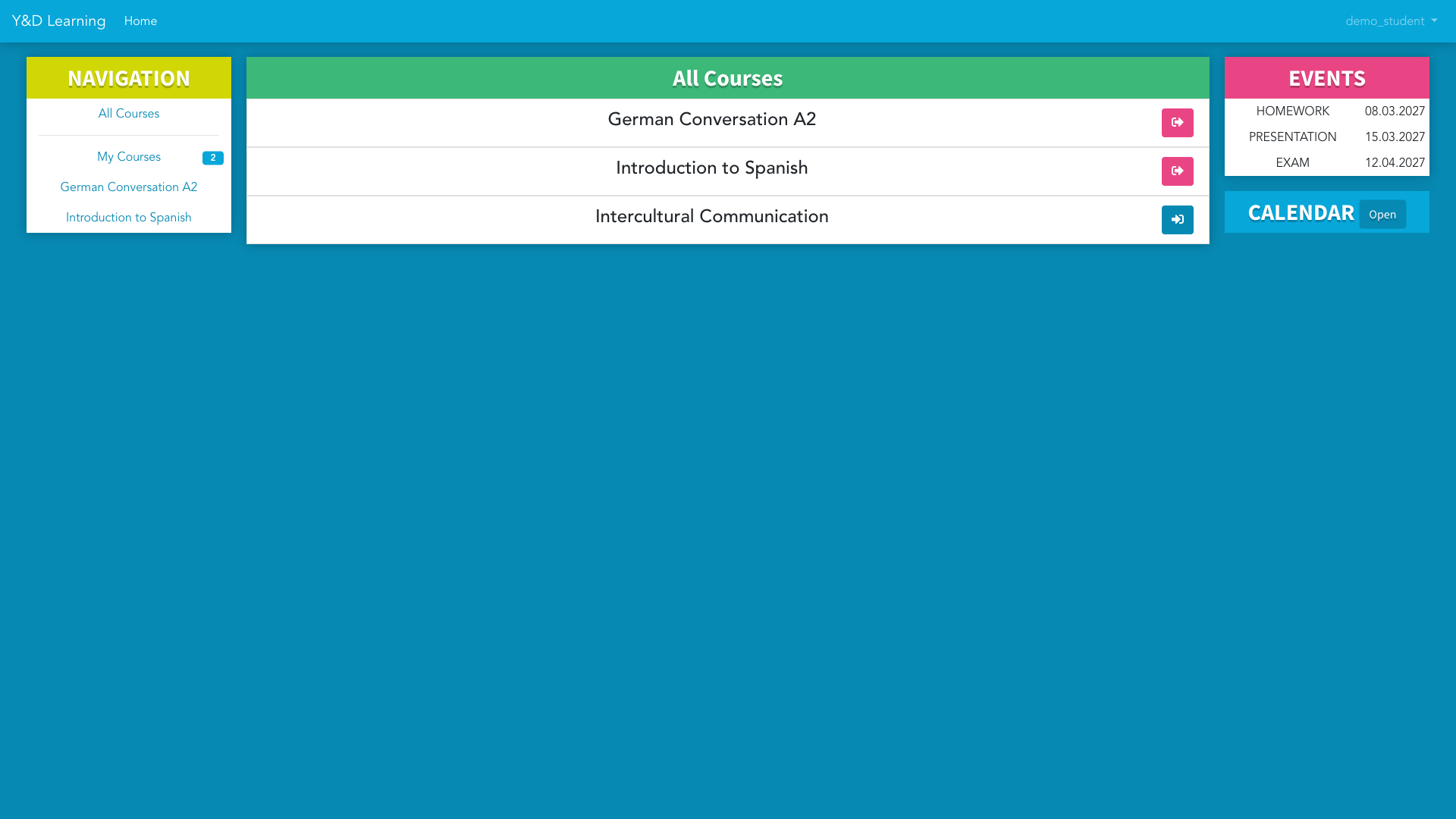
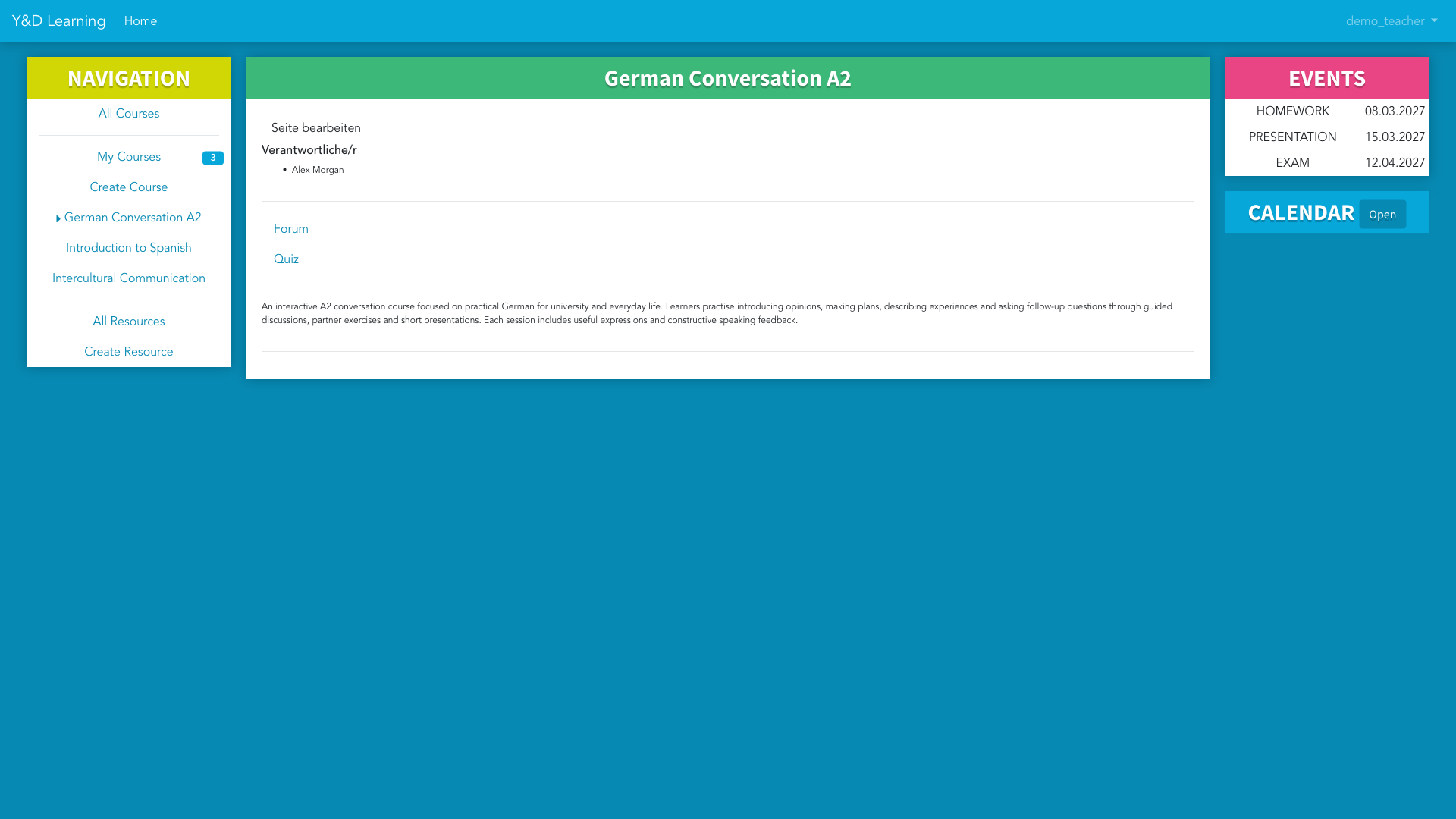
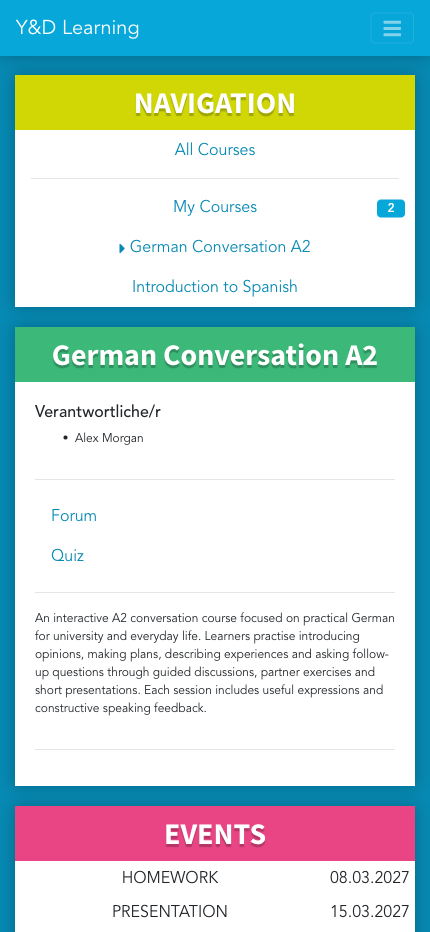
The sample catalog includes German Conversation A2, Introduction to Spanish and Intercultural Communication. Enrollment changes update the visible course list in the demo.
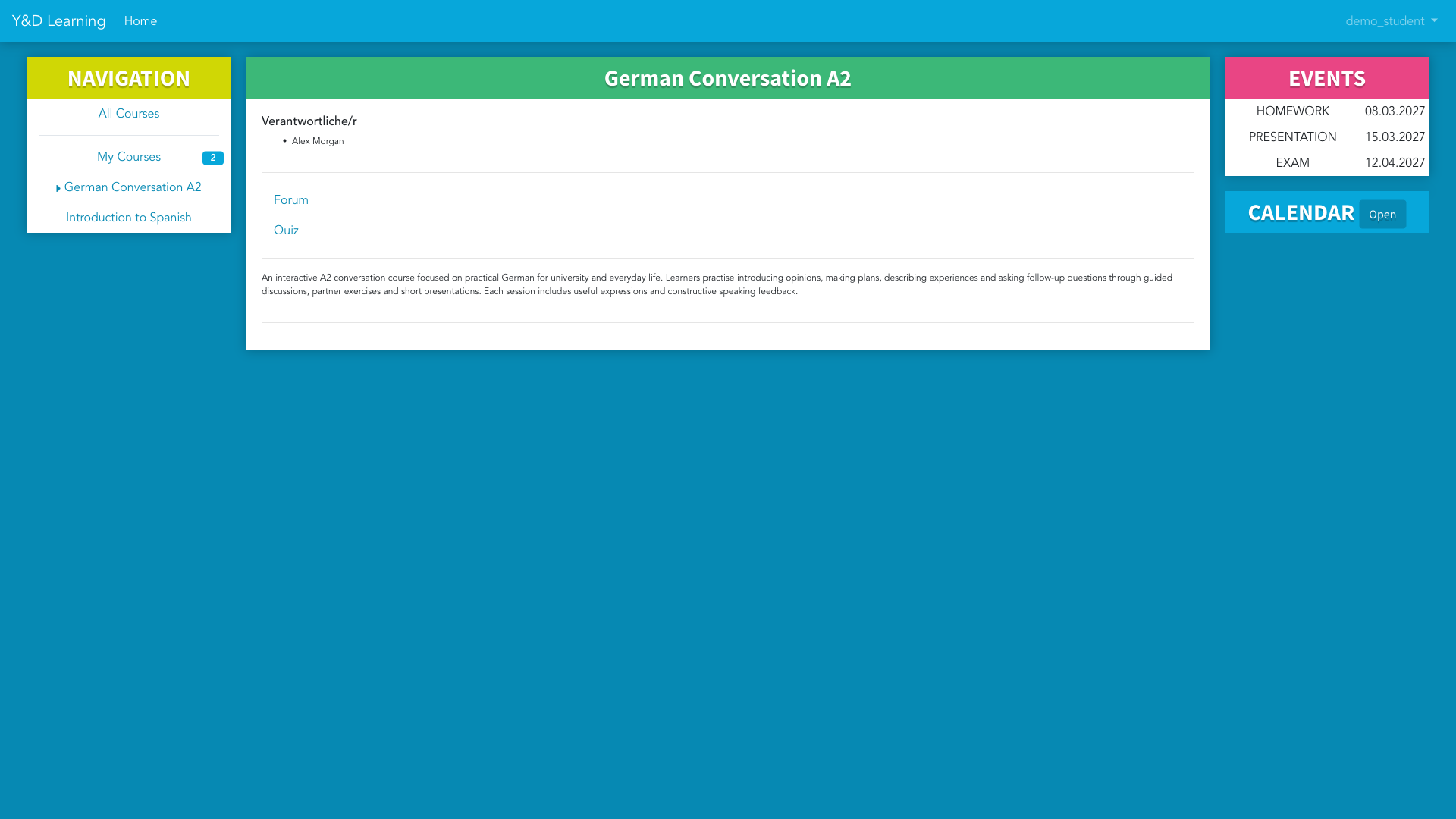
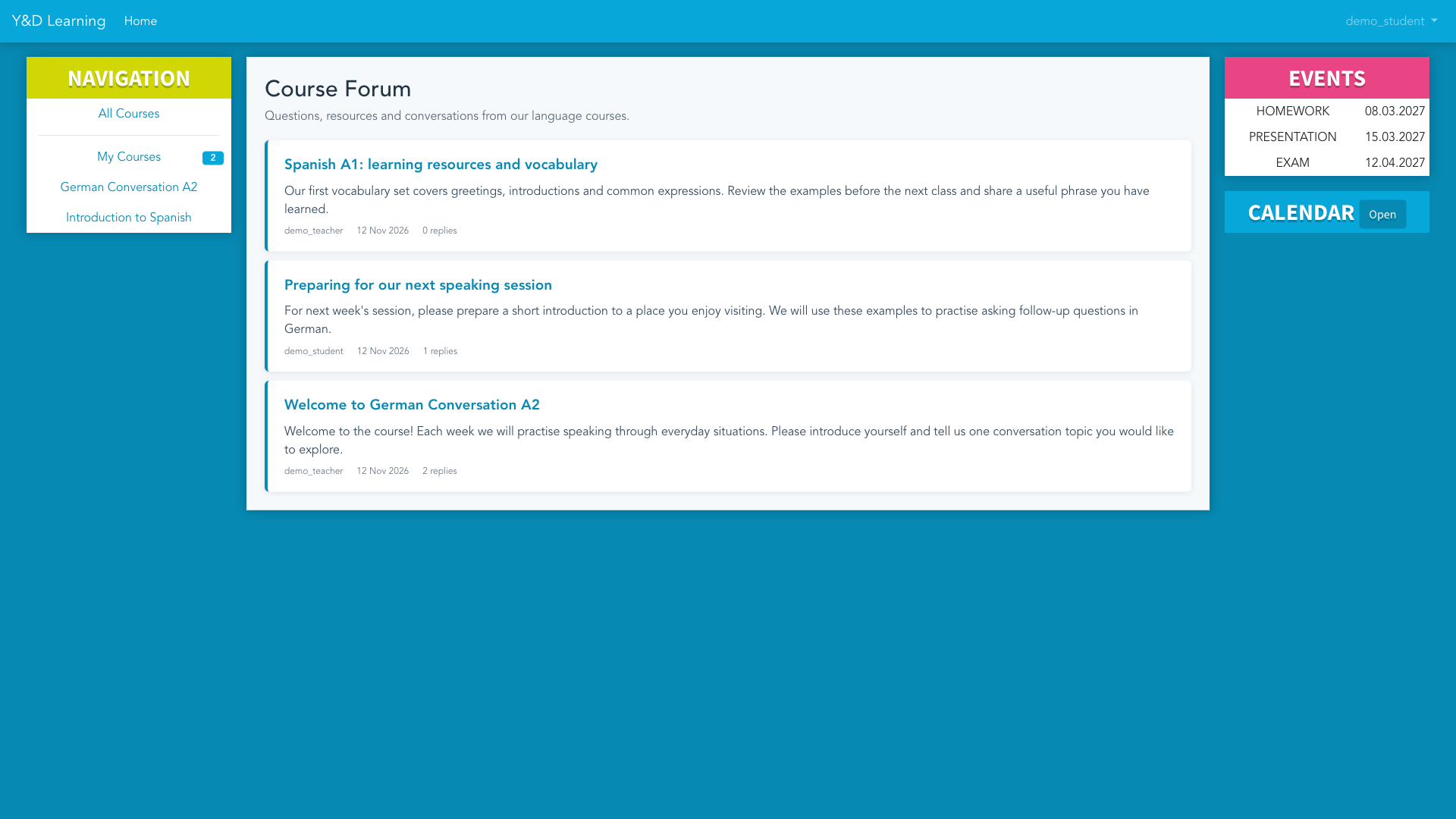
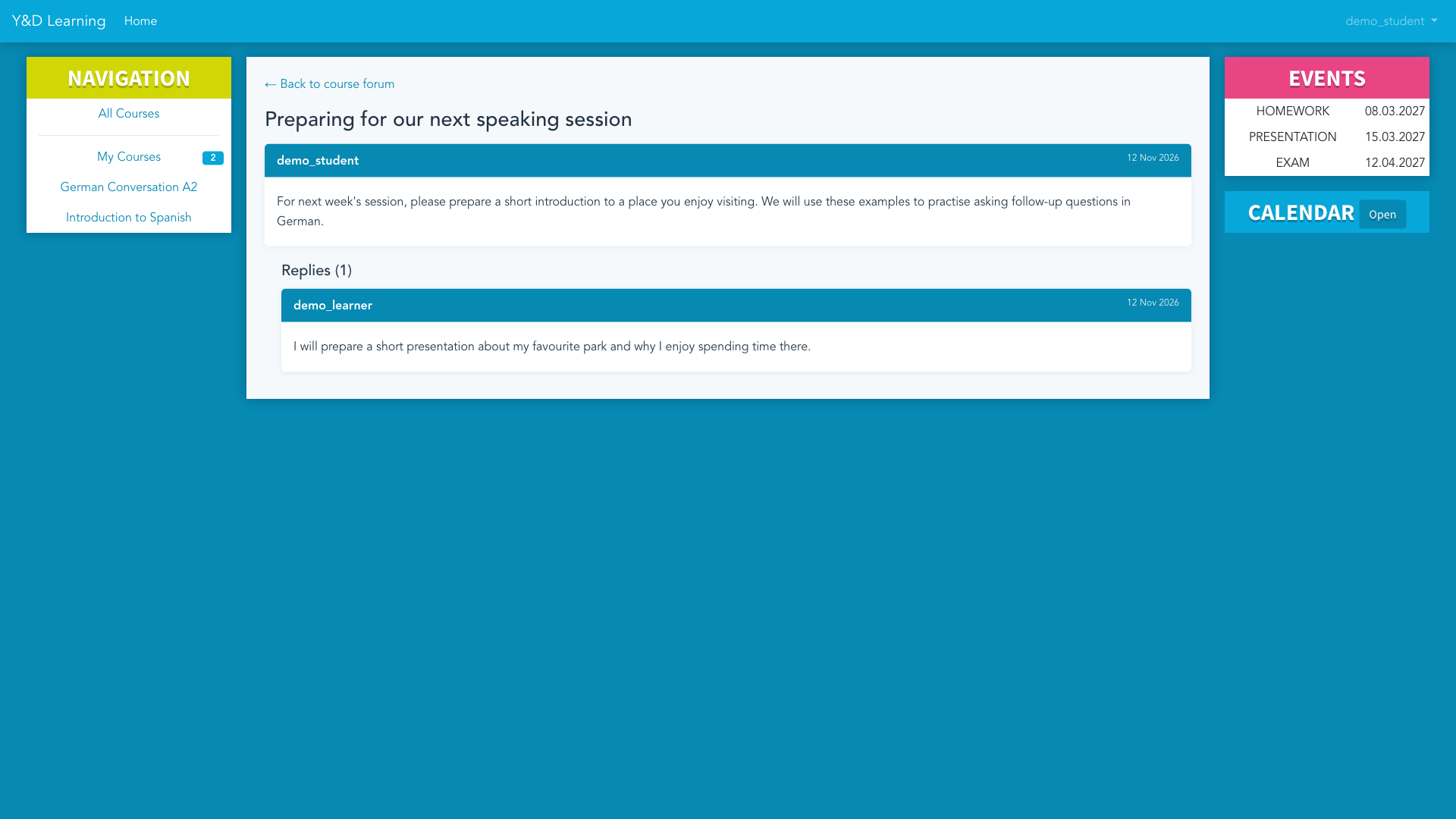
The forum supports reading course discussions and opening individual threads with replies.
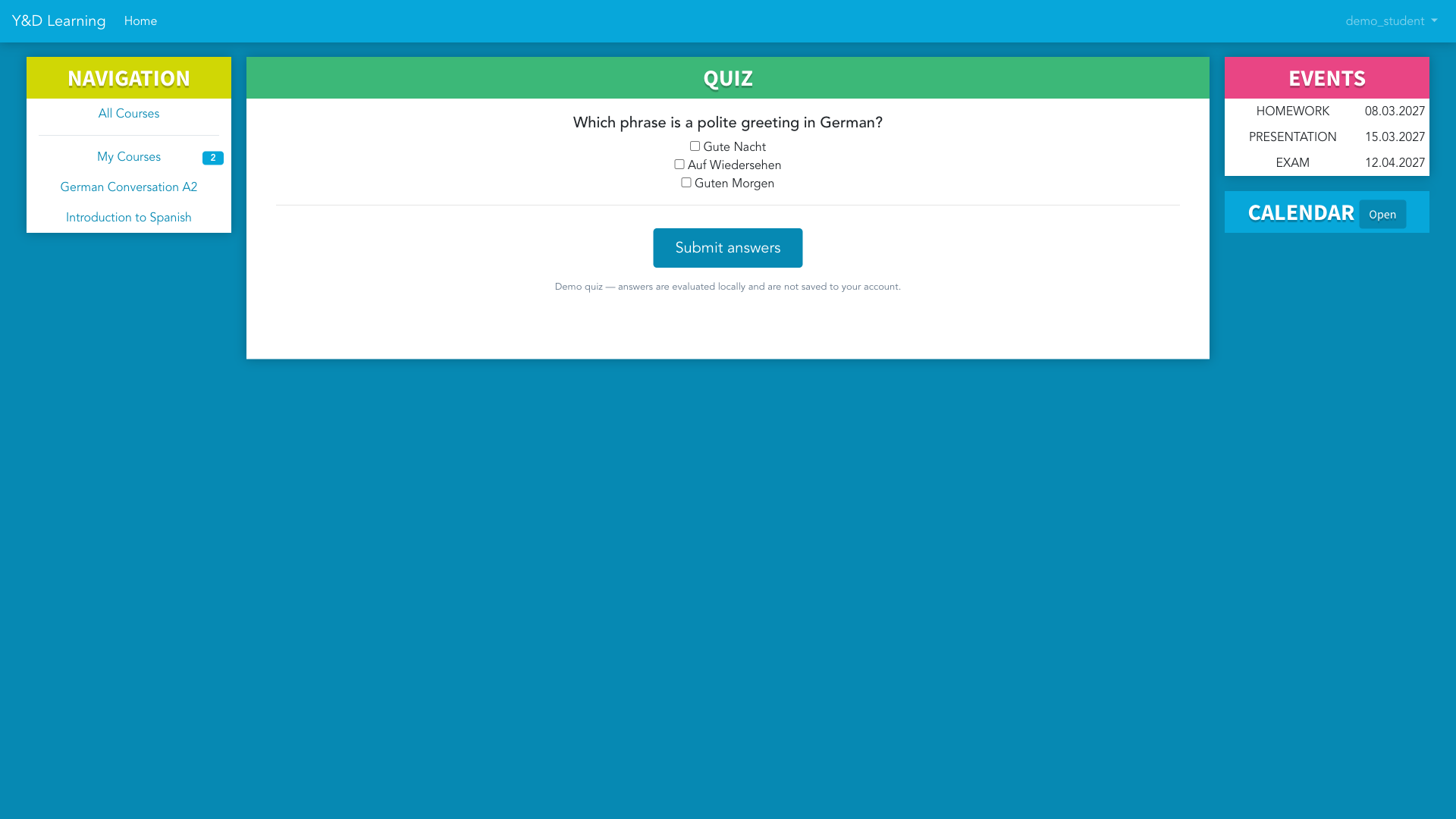
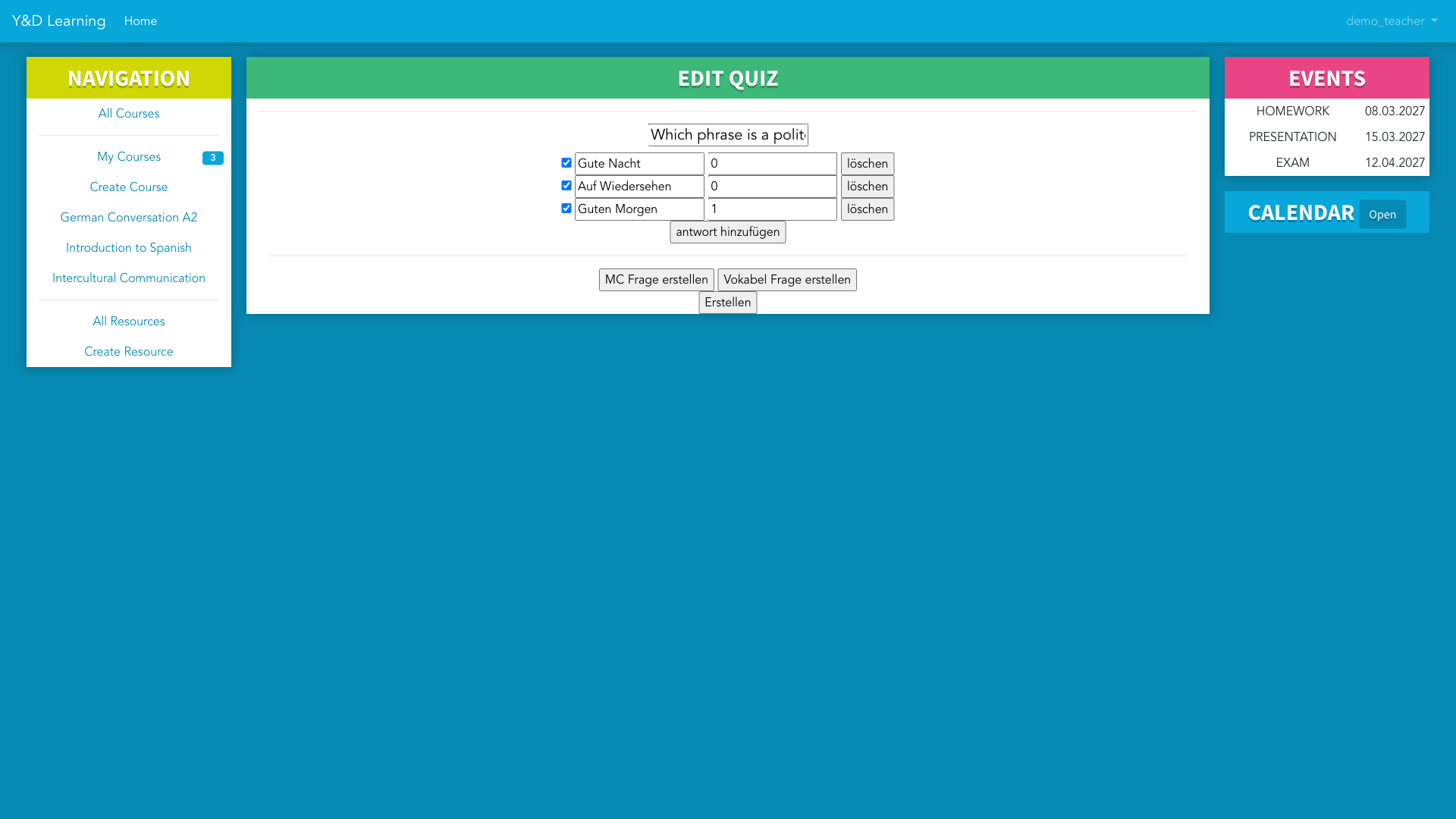
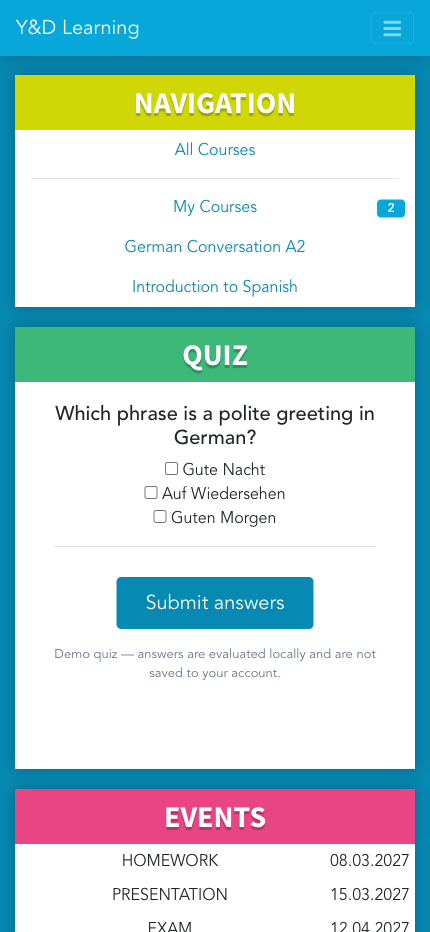
The public demonstration evaluates selected answers in the browser; results are not stored as genuine Django assessments.
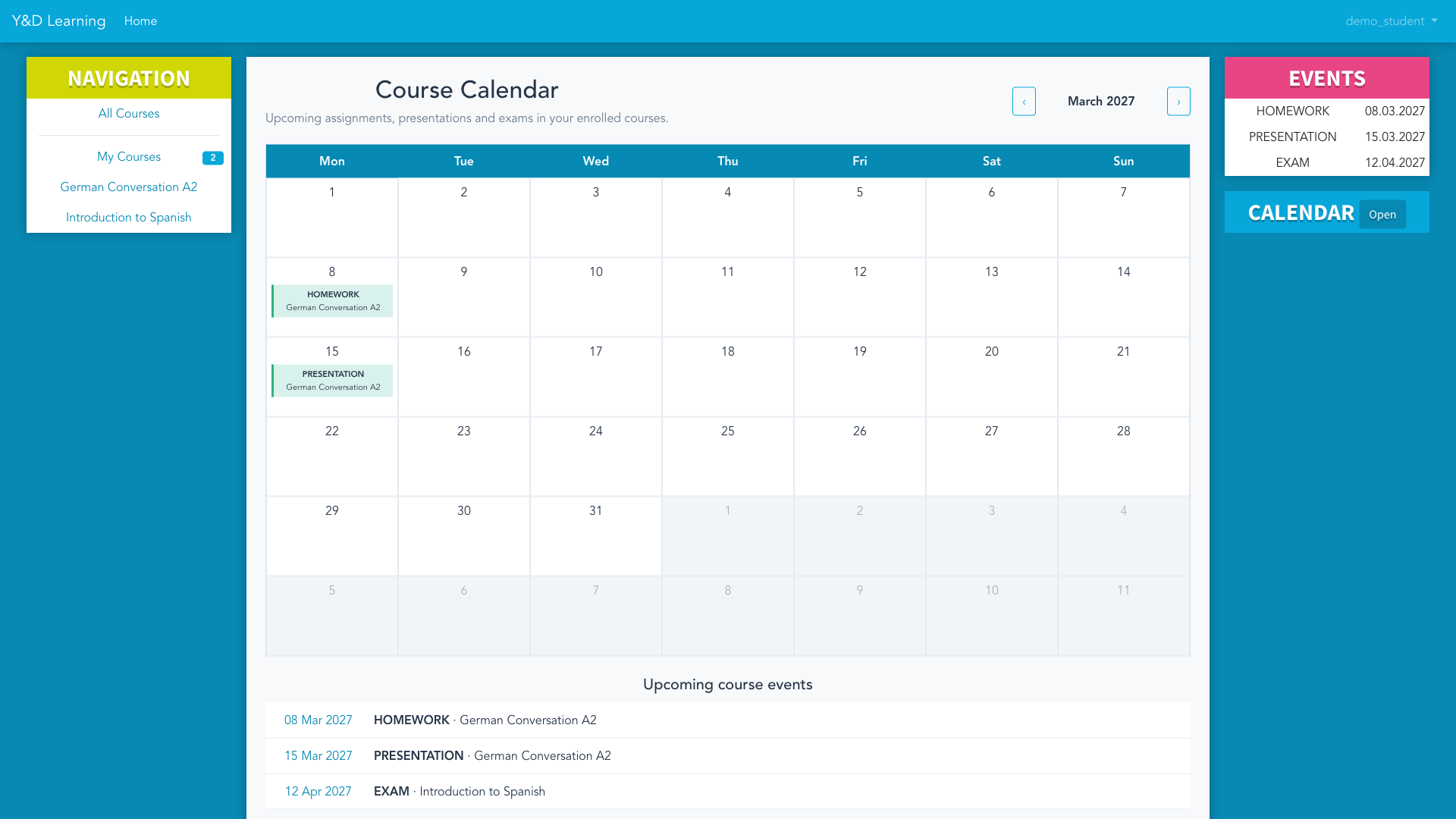
The calendar displays example activities, including homework, presentations and an exam dated in 2027.
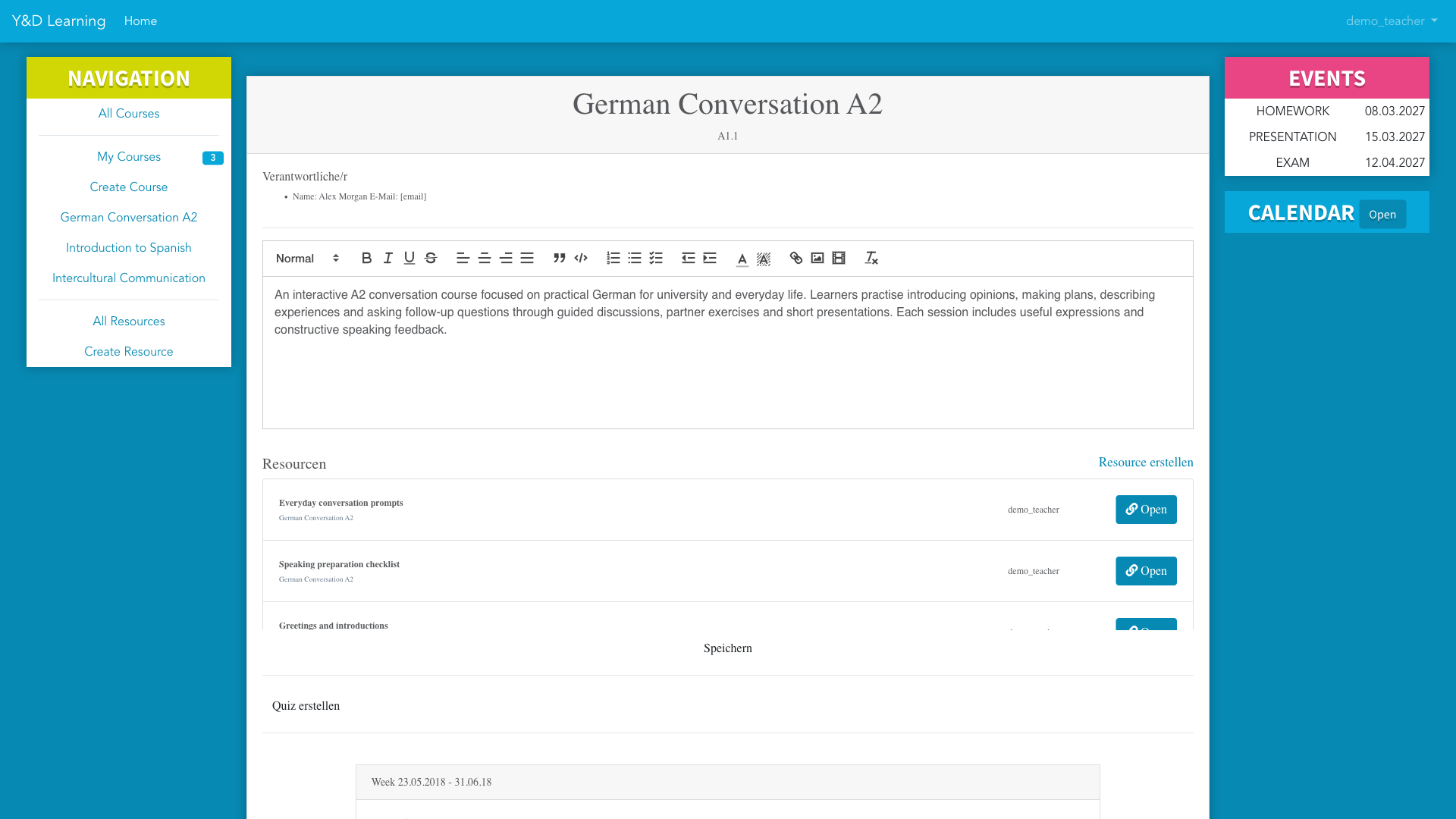
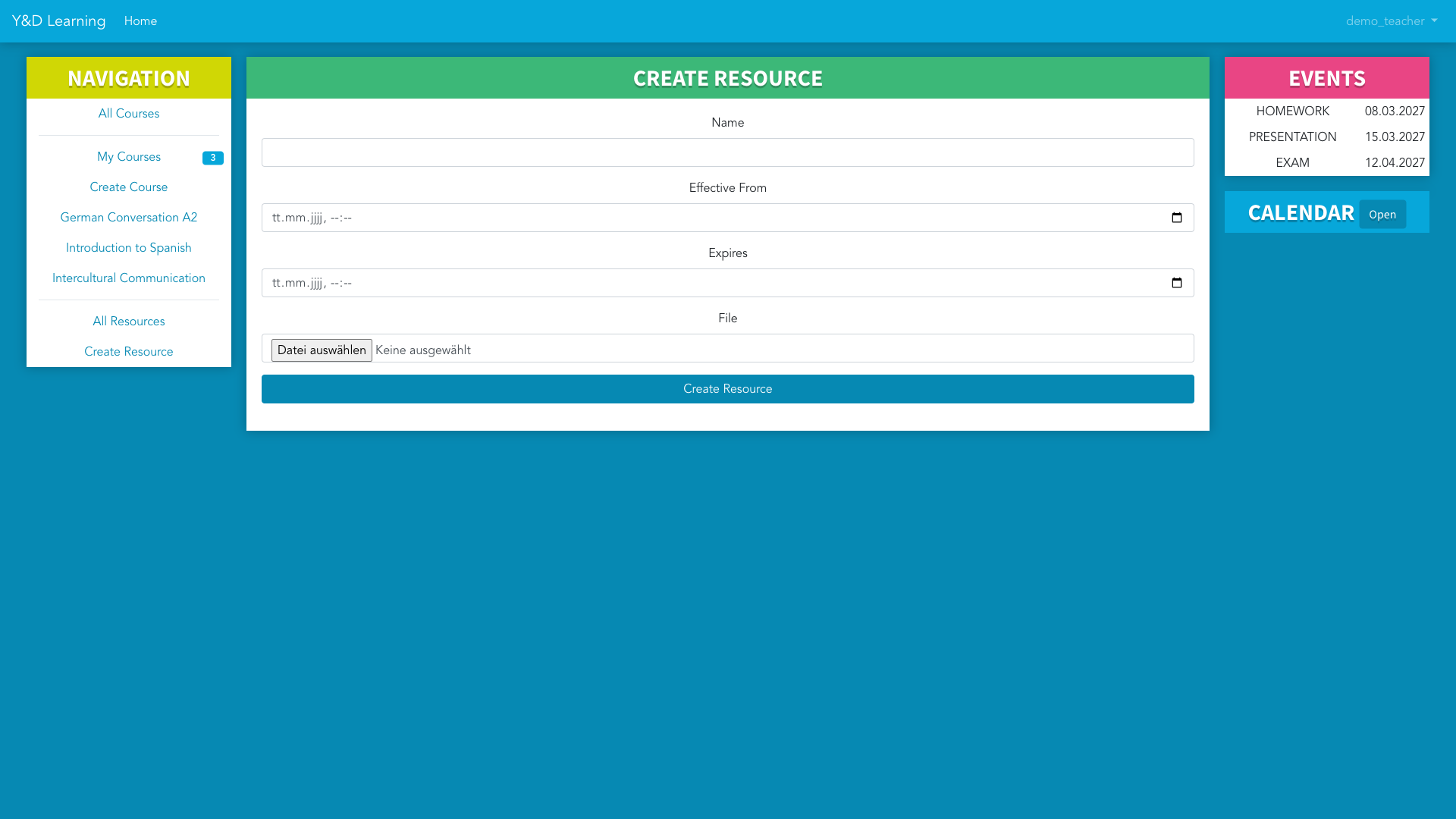
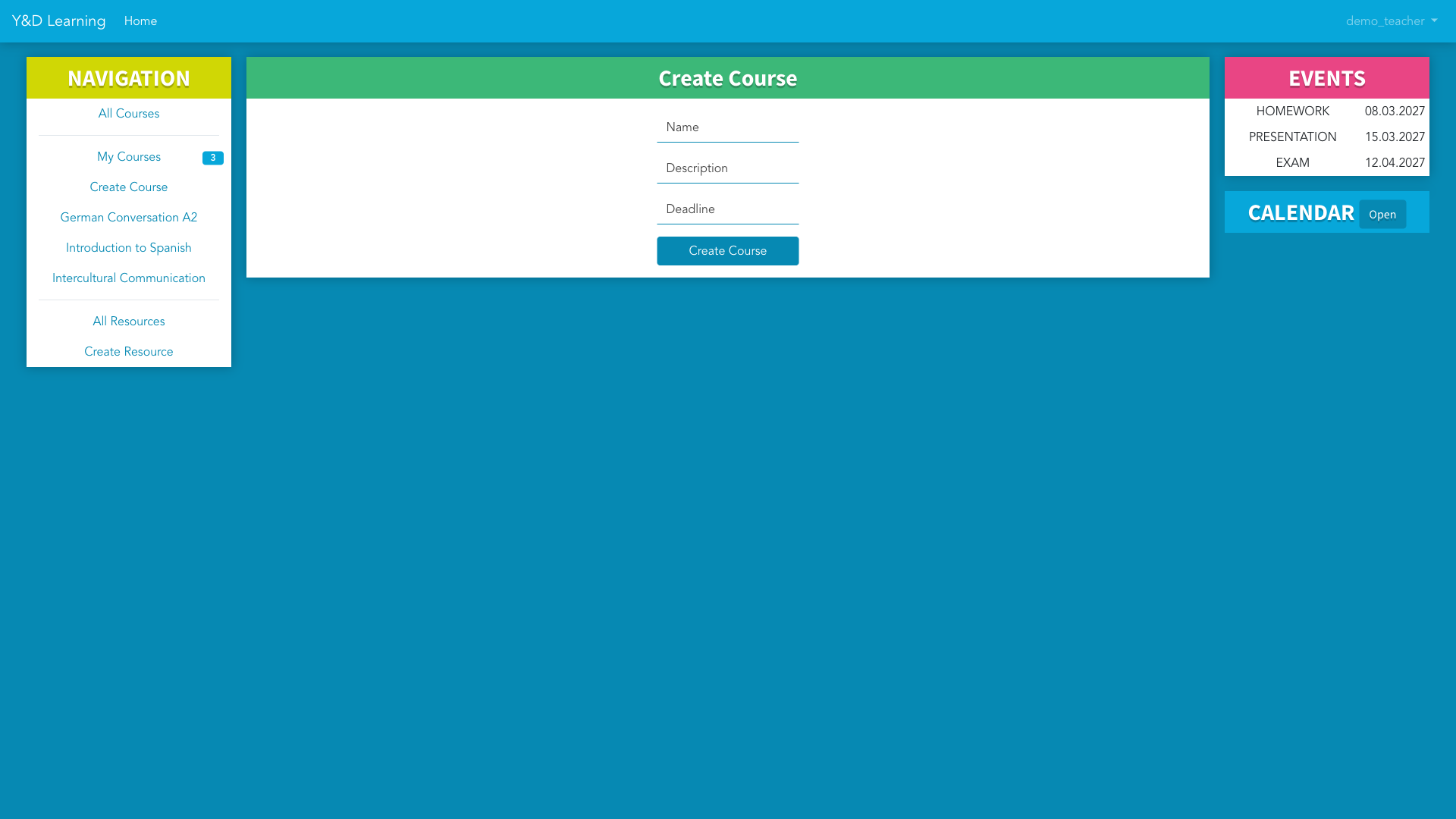
Teacher screens show both the course dashboard and available editing/creation interfaces. They represent the restored teacher tools; the static demo saves changes only in the browser.
 |
 |
| Course detail | Quiz |
The images document functioning views in a restored legacy codebase. They do not imply modern production security, real-time multi-user collaboration or server-side grade persistence in the public demo.