Repository navigation
Public Demo Mode
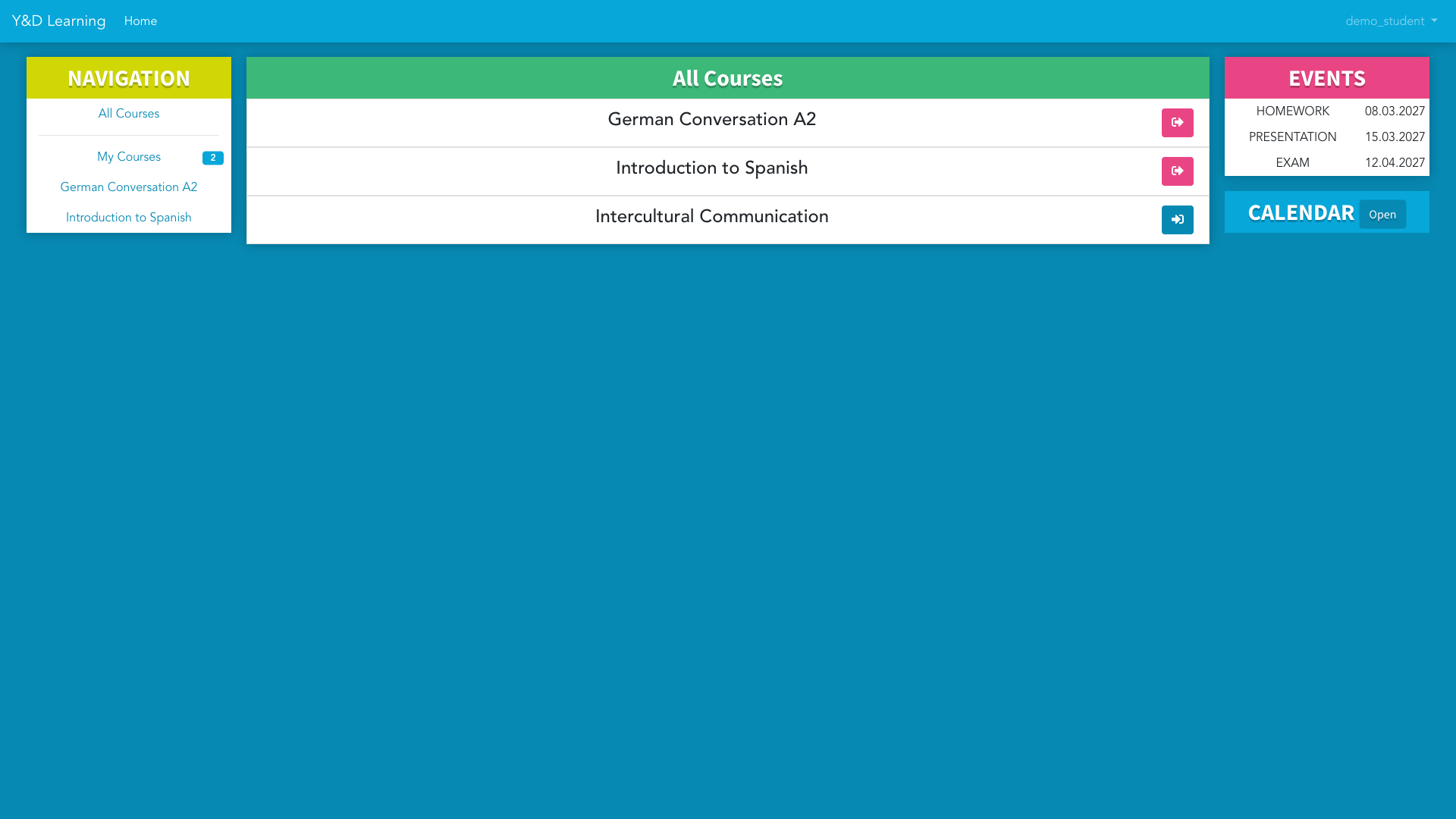
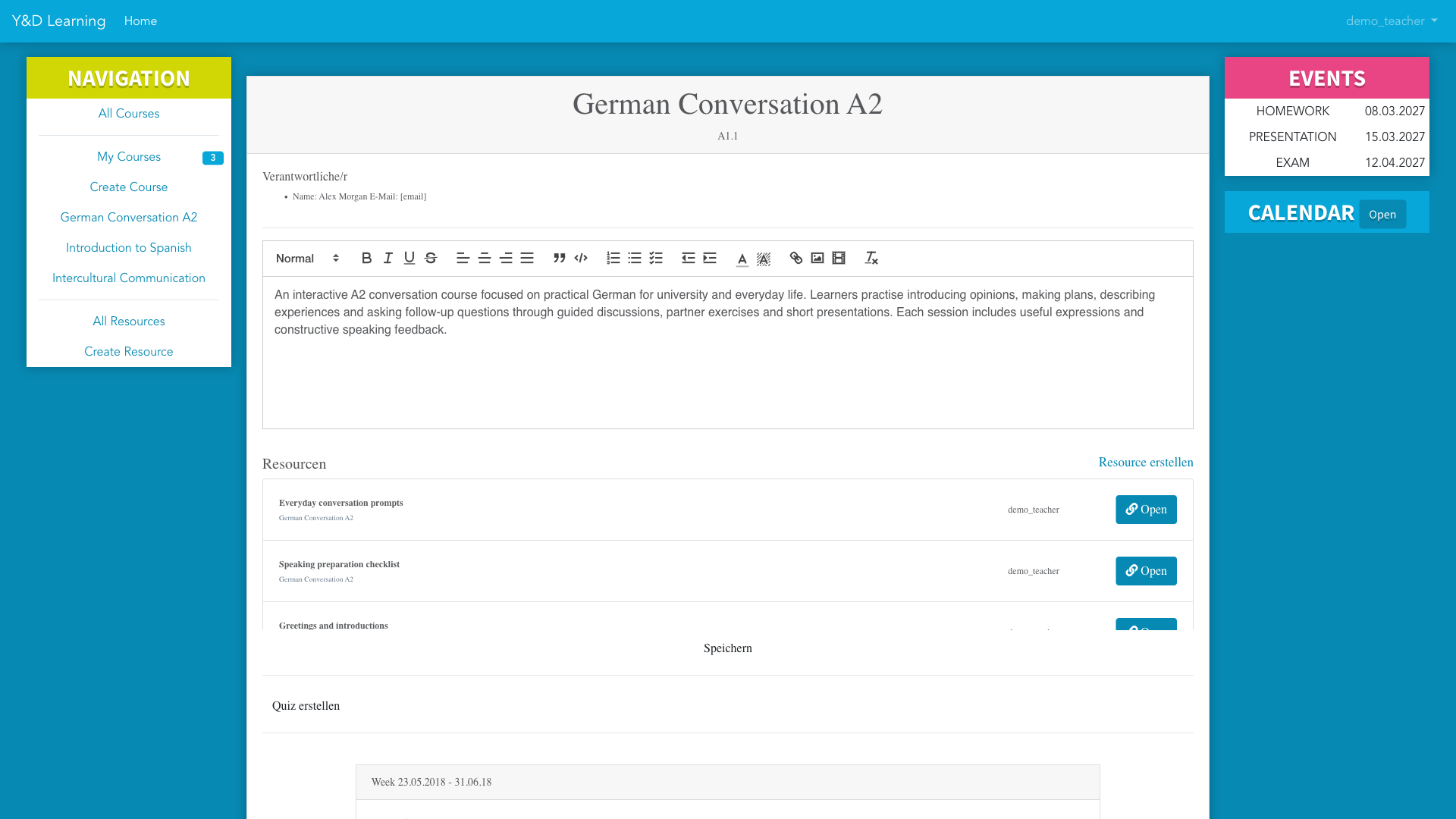
The public application at younganddigitallearning.github.io uses the restored Vue 2 screens with a simulated API. This makes it possible to explore the student and teacher interfaces without a public Django installation.
| Feature | Public behavior |
|---|---|
| Login | Select a fictional Student or Teacher demo identity |
| Courses | Explore three fictional courses and browse course details |
| Enrollment | Update joined courses and sidebar in the local browser |
| Forums | View sample discussion topics and replies |
| Quizzes | Select answers and receive immediate local scoring feedback |
| Calendar | Browse dated fictional course activities |
| Resources | Open bundled example learning files |
| Teacher tools | Modify course text, create sample courses/resources, edit demo quiz content |
| Reset | Return to the original fictional dataset |
No mock login is real account authentication, and the demo does not create persistent student records on a server.
sequenceDiagram
  actor Visitor
  participant Vue as Vue interface
  participant Axios as Axios client
  participant Mock as Mock adapter
  participant Local as Browser localStorage
  Visitor->>Vue: Choose demo role
  Vue->>Axios: Request courses or profile
  Axios->>Mock: Simulated REST request
  Mock->>Local: Read / update fictional state
  Local-->>Mock: Browser-local data
  Mock-->>Axios: Django-shaped JSON response
  Axios-->>Vue: Update course view and navigation
The frontend's core API client selects the appropriate transport at build time. The public Pages build does not require requests to the old backend domain or localhost:8000.
Sample edits may survive page reloads in the same browser profile because the mock stores data locally. They are not synchronized between browsers or users. Use the demo toolbar's Reset Demo control to return to the initial state.
Privacy: Treat the demo as publicly readable code and data. Do not place secrets, historical private dumps, access tokens or real user information in its JavaScript bundles.
For the full walkthrough, see Feature Showcase.
- Quiz feedback is local, not a server-verified grading record.
- Teacher edits are simulated rather than stored in MariaDB.
- The public API reference documents the historical Django contract; it is not the demo's active network endpoint.
- The live Pages availability badge indicates HTTP reachability, not full feature-level testing.