


This edition is based on the fantastic work of the original author, Andreas Weber. The original project is not maintained frequently, and this fork provides additional features and updates.
- Added
QUERYrequest method support. - Added Kafka support: produce, consume, commit and seek, including setting and reading Kafka message headers.
- Added file-matching assertions for comparing response content with text or JSON files.
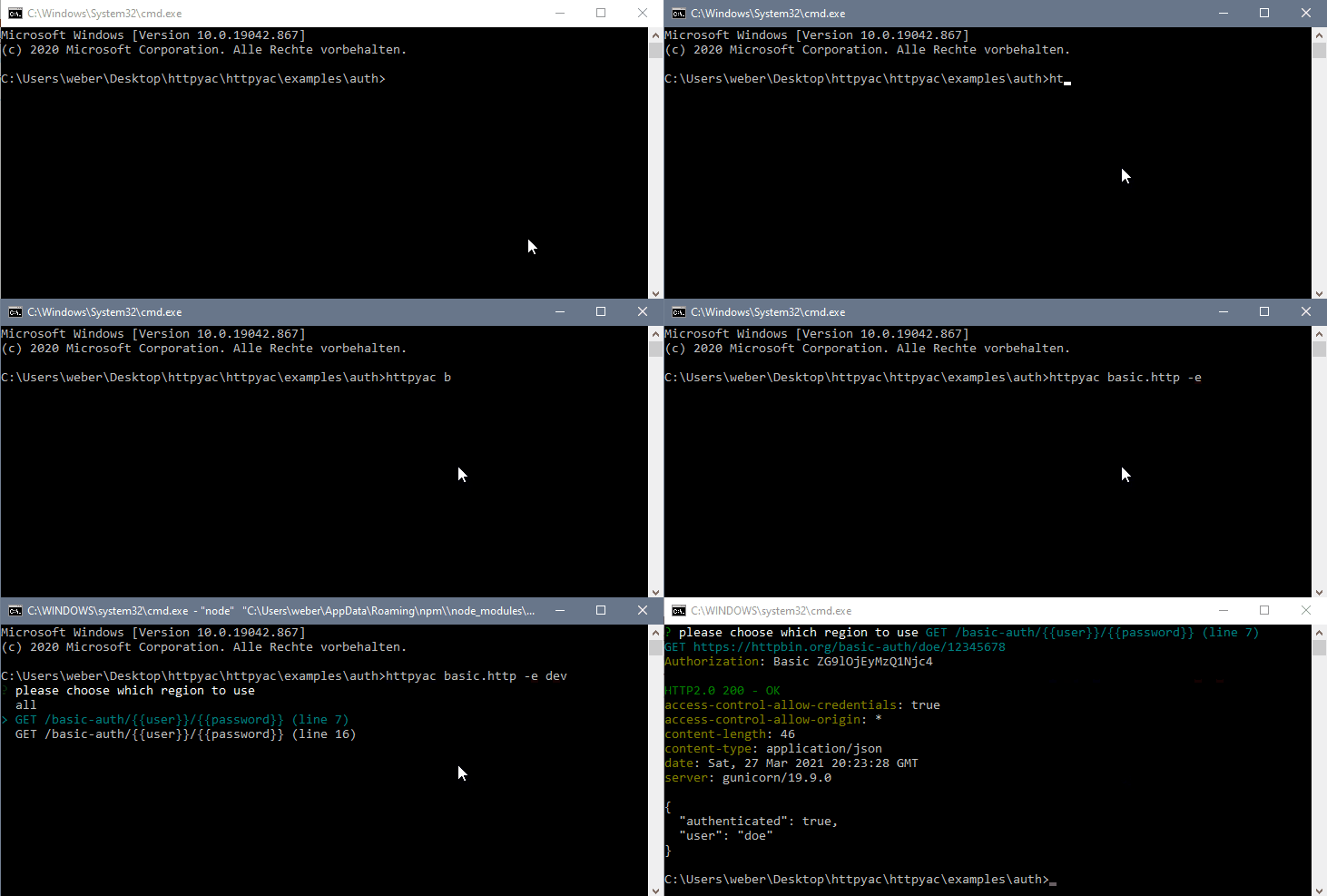
httpyac CLI provides a command line interface to execute _.http and _.rest files. This can be used to quickly execute a single *.http file, but also to execute all files in a folder. httpyac supports HTTP, Rest, GraphQL, WebSocket, gRPC, MQTT, AMQP and Kafka Requests

npm install -g @zerowiggliness/httpyac
httpyac --version
or using docker
docker run -it -v ${PWD}:/data ghcr.io/zerowiggliness/httpyac:latest --version> httpyac --help
Usage: httpyac [options] [command]
httpYac - Quickly and easily send REST, SOAP, GraphQL and gRPC requests
Options:
-V, --version output the version number
-h, --help display help for command
Commands:
oauth2 [options] generate oauth2 token
send [options] <fileName...> send/ execute http files
help [command] display help for command> httpyac help send
Usage: httpyac send [options] <fileName...>
send/ execute http files
Arguments:
fileName path to file or glob pattern
Options:
-a, --all execute all http requests in a http file
--bail stops when a test case fails
-e, --env <env...> list of environments
--filter <filter> filter requests output (only-failed)
--insecure allow insecure server connections when using ssl
-i --interactive do not exit the program after request, go back to selection
--json use json output
--junit use junit xml output
-l, --line <line> line of the http requests
-n, --name <name> name of the http requests
--no-color disable color support
-o, --output <output> output format of response (short, body, headers, response, exchange, none)
--output-failed <output> output format of failed response (short, body, headers, response, exchange, none)
--raw prevent formatting of response body
--quiet
--repeat <count> repeat count for requests
--repeat-mode <mode> repeat mode: sequential, parallel (default)
--parallel <count> send parallel requests
-s, --silent log only request
-t, --tag <tag...> list of tags to execute
--timeout <timeout> maximum time allowed for connections
--var <variables...> list of variables
-v, --verbose make the operation more talkative
-h, --help display help for commandCLI output uses terminal colors when supported. Use --no-color for plain-text output.
@user = doe
@password = 12345678

GET https://httpbin.org/basic-auth/{{user}}/{{password}}
Authorization: Basic {{user}} {{password}}
KAFKA localhost:9092
kafka_topic: orders
kafka_key: order-1
traceId: {{$uuid}}
content-type: application/json

{ "id": 1 }

###
KAFKA localhost:9092
kafka_topic: orders
kafka_group_id: order-check
kafka_from_beginning: true
kafka_max_messages: 1
kafka_timeout: 10000

?? header traceId exists
?? body id == 1
Headers without the kafka_ prefix are sent as Kafka message headers, and consumed message headers are available as response headers. See the Kafka guide for all methods and options.
Compare a response body or selected value with an expected file:
GET https://httpbin.org/json

?? body matchesJsonFile ./expected/response.json
Use matchesFile for exact text comparison. See the file-matching guide for options and examples.