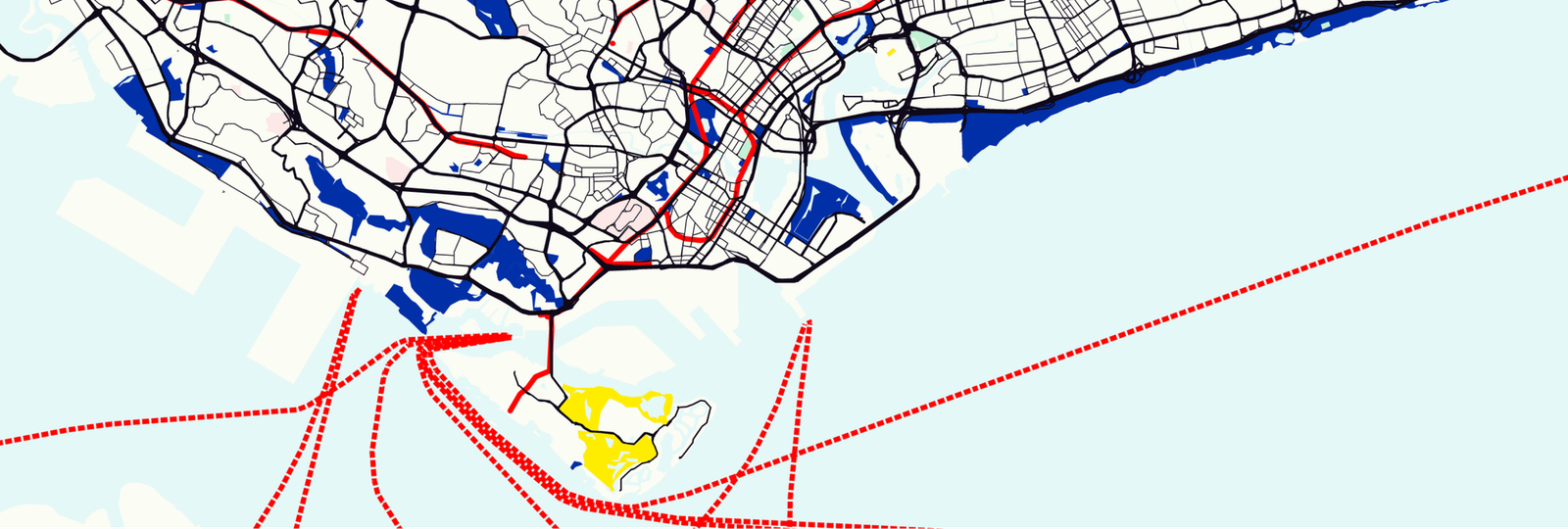
Taken from:
- Style a Google Map any way you want
- Apply styles for Google Maps using JSON style arrays
- Cloud based map styling for Google Maps
- Google Maps data driven styling for boundaries
- Style Google Maps with your own data using the Maps Datasets API
How to run the app:
- cd into your project folder
- Open terminal and run
npm install(this will install the required dependencies) - Update the
.envfile with your Google Maps API key and Map ID - Run
npm run dev
Please contact afian@afi.io if you have any questions or suggestions. Pull requests are welcome.